Photo contest entry form
Collect every entry with the rights, category, and file quality you need to actually use the winner. Gather photos, entrant details, and permissions in one form.



A photo contest only pays off if you can use the photo you picked. Announce a winner and then discover the file is too small to print, or that you never got permission to publish it, and you're forced to resort to a runner-up instead. Typeform's photo contest entry form collects the image, the entrant's details, and their consent together, so the photo you choose is one you can run.
Entrants upload their photo, pick a category, and agree to the contest terms. An entry in a portrait category asks whether the entrant has the subject's permission, while a landscape entry moves straight to details of where and when it was taken. Entries under 18 prompt a section for parent or guardian consent.
Every entry arrives with the image, the category, and the permissions attached, so judging works from complete submissions. You pick a winner knowing you can print it, post it, and put it on a poster without opening a conversation about rights first.
A photo contest entry form is an online form organizers use to collect submissions for a photo competition. It collects the entrant's details, their photo, the category they're entering, and their agreement to the contest terms and usage rights. Organizers use photo contest entry forms to judge complete entries and publish the winner without chasing permissions afterward.
Without a photo contest entry form, entries arrive by email and social media with the details scattered across captions and replies. You judge a strong image and then find it sits below your print resolution, or that the entrant never agreed to let you publish it. A photo contest entry form collects the file, the category, and the rights all together, so every entry you judge is one you can actually use.
Capture what judging and publishing need:
- Entrant name and contact
- The photo file
- Category and title
- Where and when it was taken
- Agreement to terms and usage rights
Entrants upload images up to 10MB each with File Upload, available on paid Typeform plans. That's ample for judging, though a print-resolution original often runs larger, so many organizers collect a web-quality file with the entry and request the full-size original from the winner. Every image arrives attached to the entrant's details and category.
Yes. Include your contest terms on the form with a required agreement question, so no photo comes through without the entrant accepting them. Their agreement records next to the image itself, which is what you'll want the day you publish the winning shot on a billboard. For a formal signature, connect the form to a dedicated signing tool.
Get inspired by relevant templates and categories
3200+ Templates, 300+ Integrations

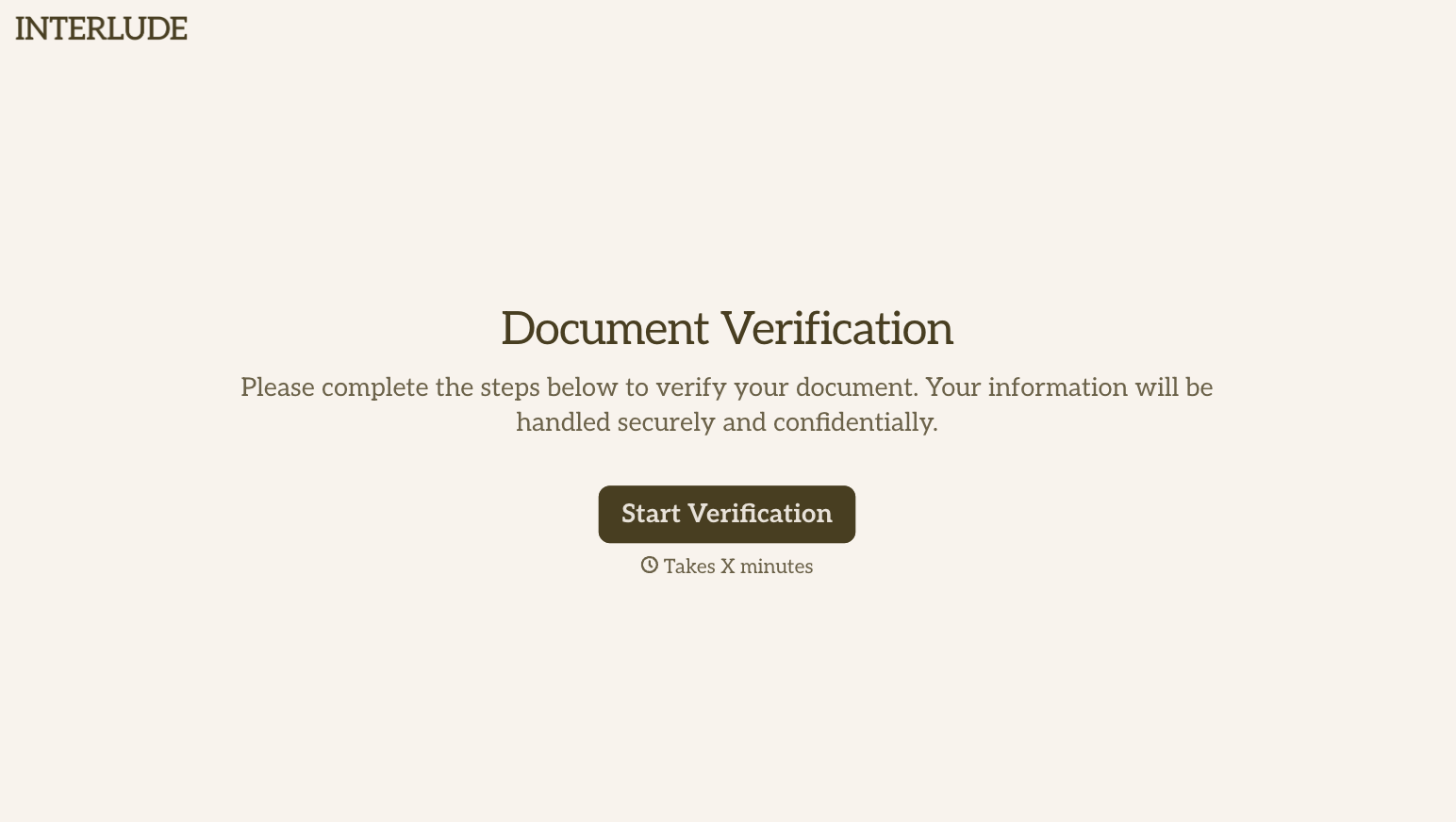
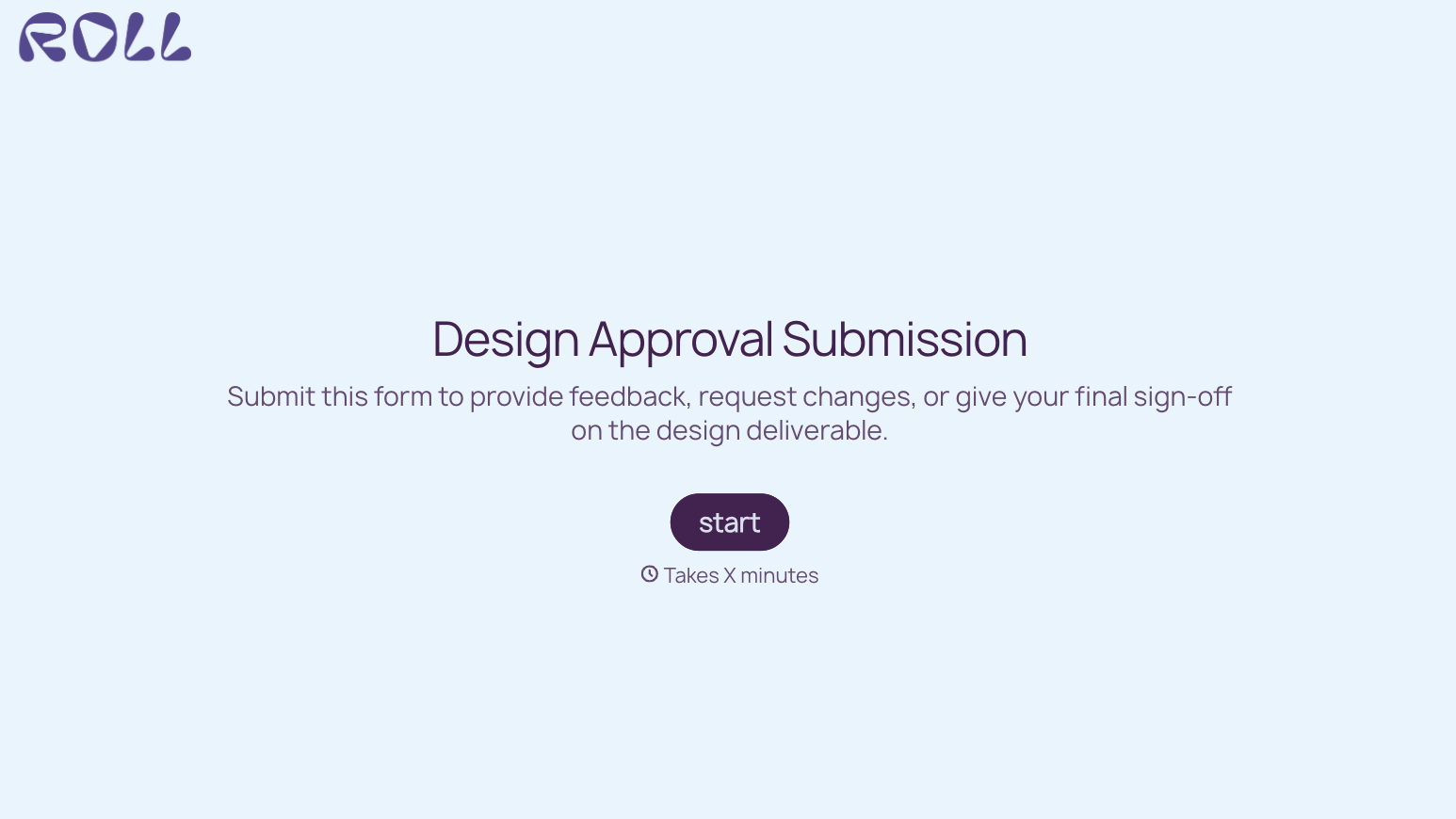
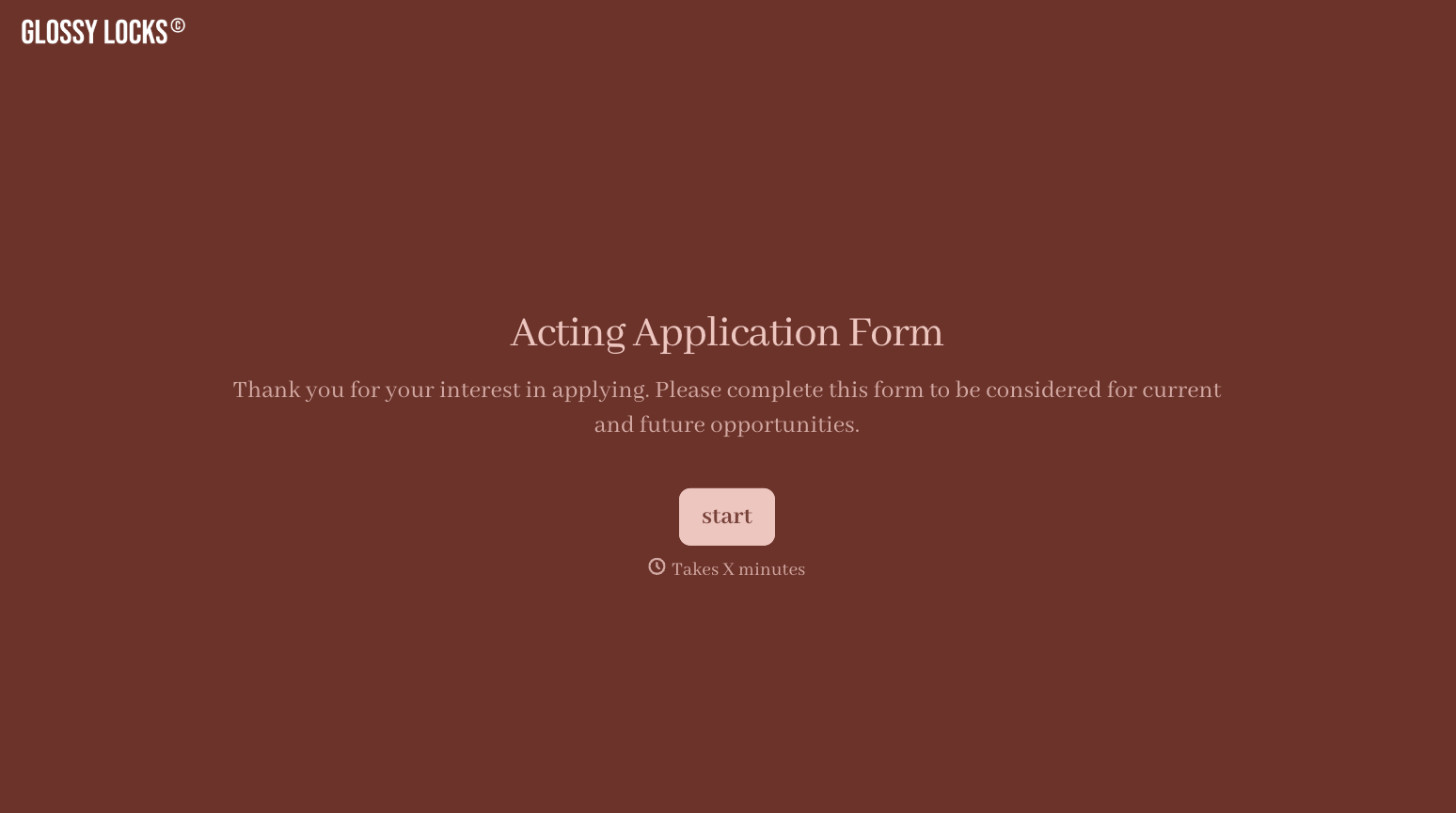
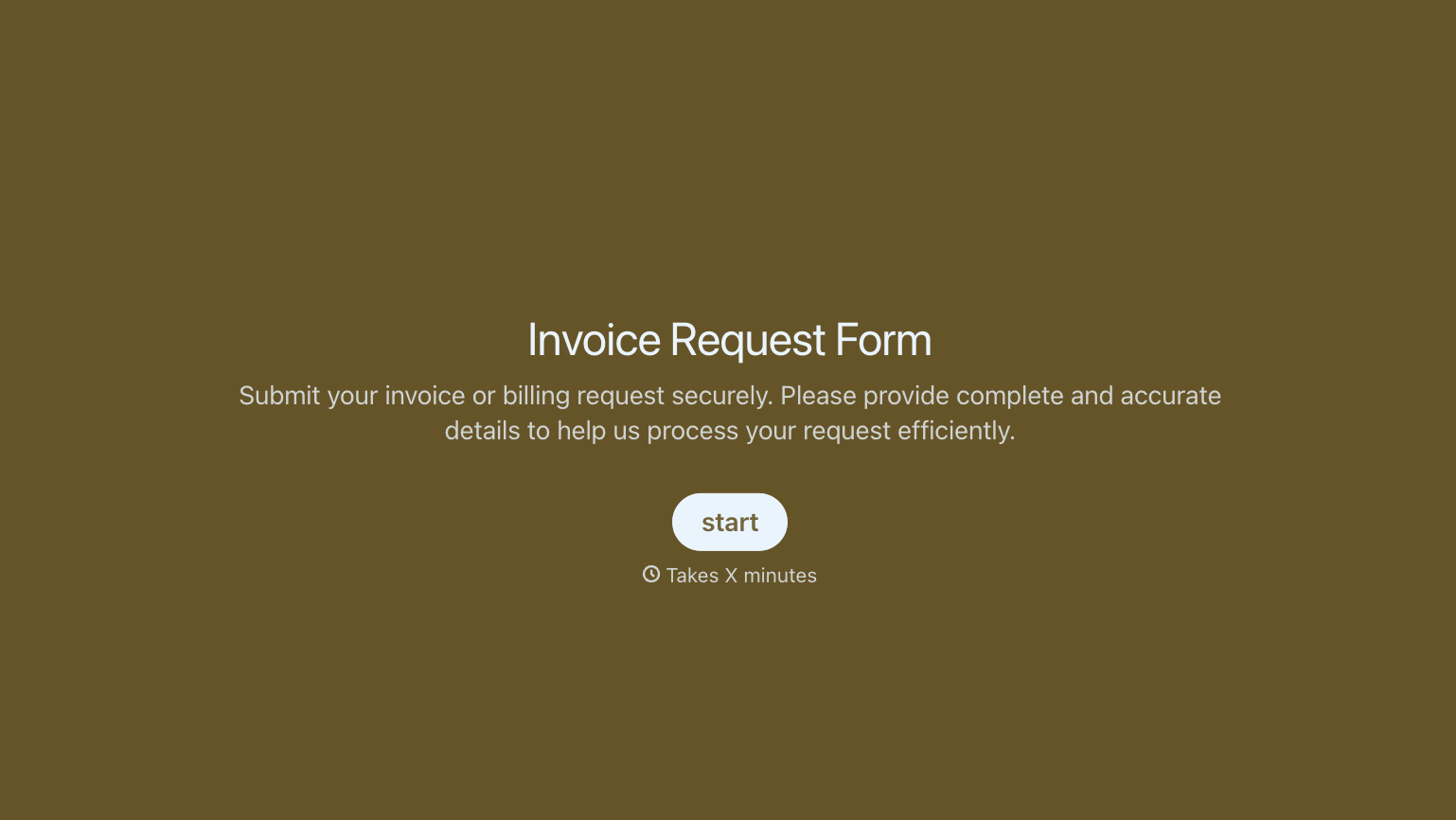

With Typeform, you can customize everything
Change text, colors, and even logos to match the look and feel of your brand. Then embed forms smoothly onto web and email.
Make forms feel effortless to fill out. Pace questions, call people by their name, and adapt the flow based on the data they share.
Stay efficient by connecting forms to your workflow. Typeform integrates with 300+ tools including Slack, Zapier, and HubSpot.


