Project change request form template
Capture every change request in writing before it derails your timeline or budget.


Scope creep doesn't usually arrive all at once. It comes in through Slack messages, verbal asks, and emails that say "can we also add..." — and before you know it, your original project plan looks nothing like what you're actually building.
A project change request form creates a paper trail. Typeform's template captures the nature of the change, the business justification, the expected impact on timeline and cost, and who's requesting it — all before any work begins. Conditional logic adjusts the form based on change type, so a request to add a feature looks different from a request to cut scope or extend a deadline. Responses can flow directly into your project management tool so nothing gets lost between conversations.
You can customize the form for your team's workflow, add approval routing, and keep a clean record of every change across every project.
A project change request form is a structured document that formally records any proposed change to a project's scope, timeline, budget, or deliverables. It ensures that every change goes through a defined review process rather than being agreed to informally.
It protects both sides. Clients and stakeholders have a clear record of what was requested and when. Your team has documented justification for any delays or additional costs that result. Without a formal process, change requests tend to expand unchecked and disputes become difficult to resolve.
A well-designed change request form typically captures:
- Project name and current phase
- Description of the requested change
- Business reason or justification for the change
- Expected impact on timeline
- Expected impact on budget or resources
- Priority level (urgent, standard, low)
- Name and contact details of the person requesting the change
That depends on your organization's structure. Most teams route change requests to the project manager first, who assesses impact before escalating to a sponsor or budget owner if the change affects cost or timeline significantly. Defining this process in advance prevents confusion when a request comes in under pressure.
The project manager reviews the request, assesses the impact on scope, timeline, and budget, and either approves, rejects, or defers it. The decision and any adjusted project documentation should be communicated back to the requester with a clear rationale.
Get inspired by relevant templates and categories
3200+ Templates, 300+ Integrations
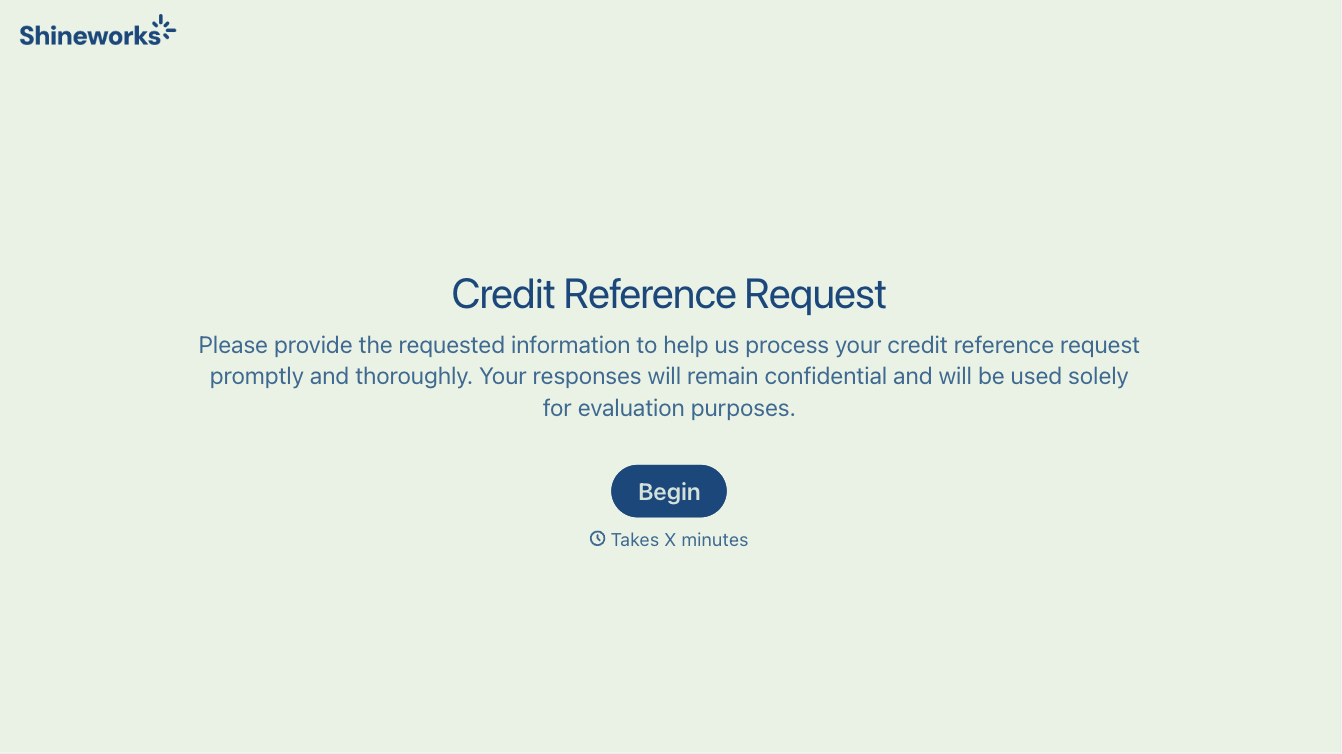
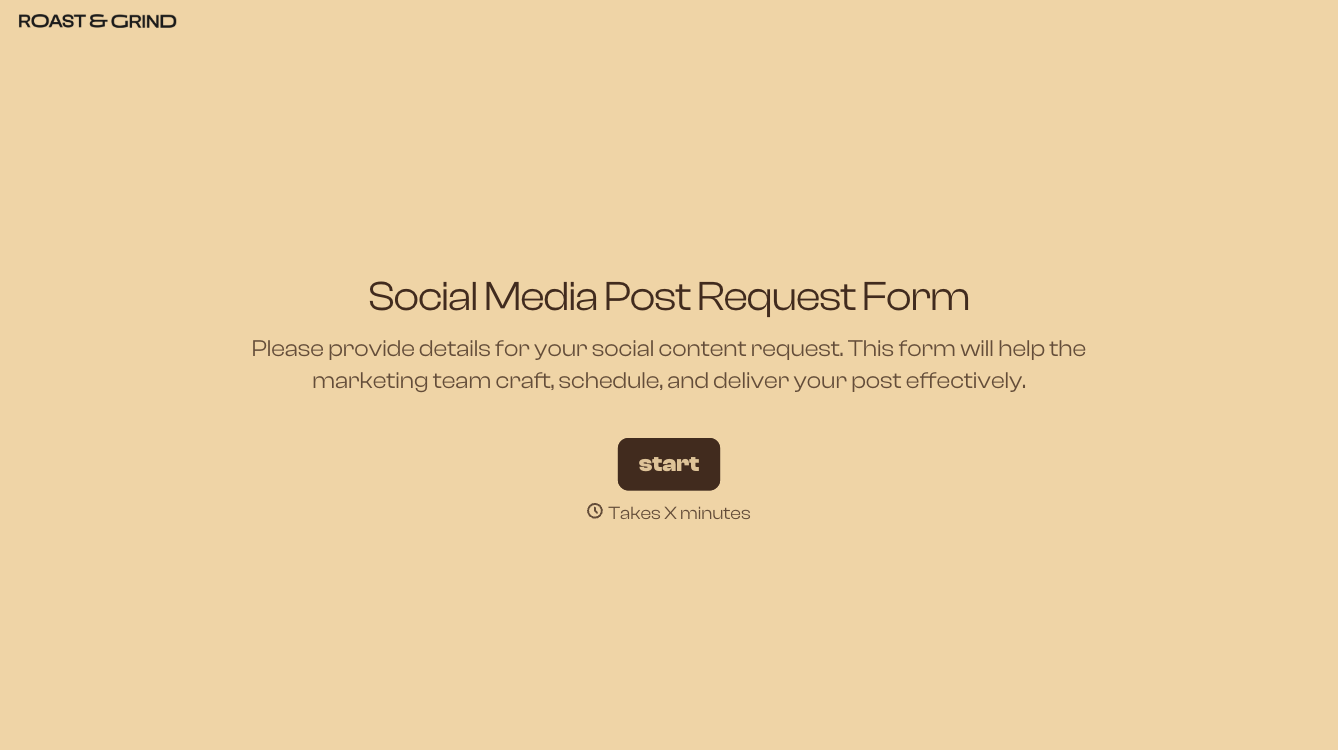
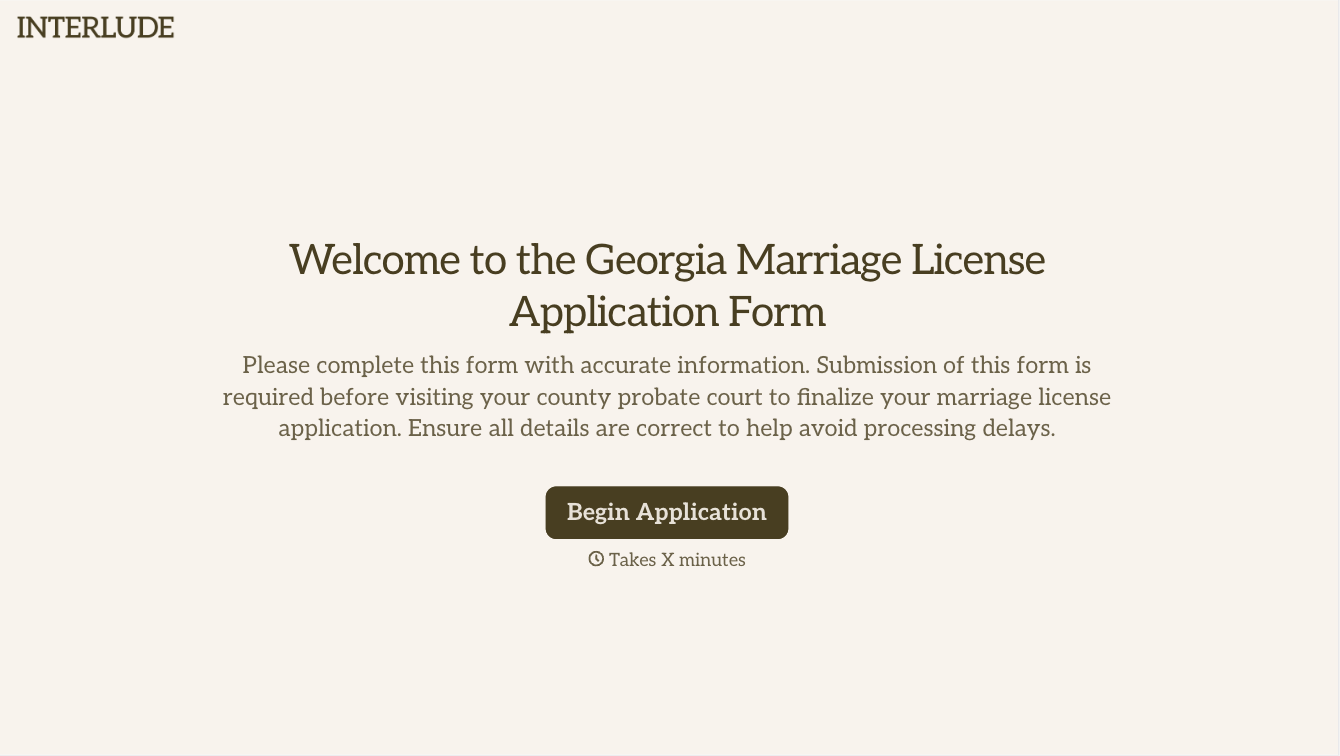
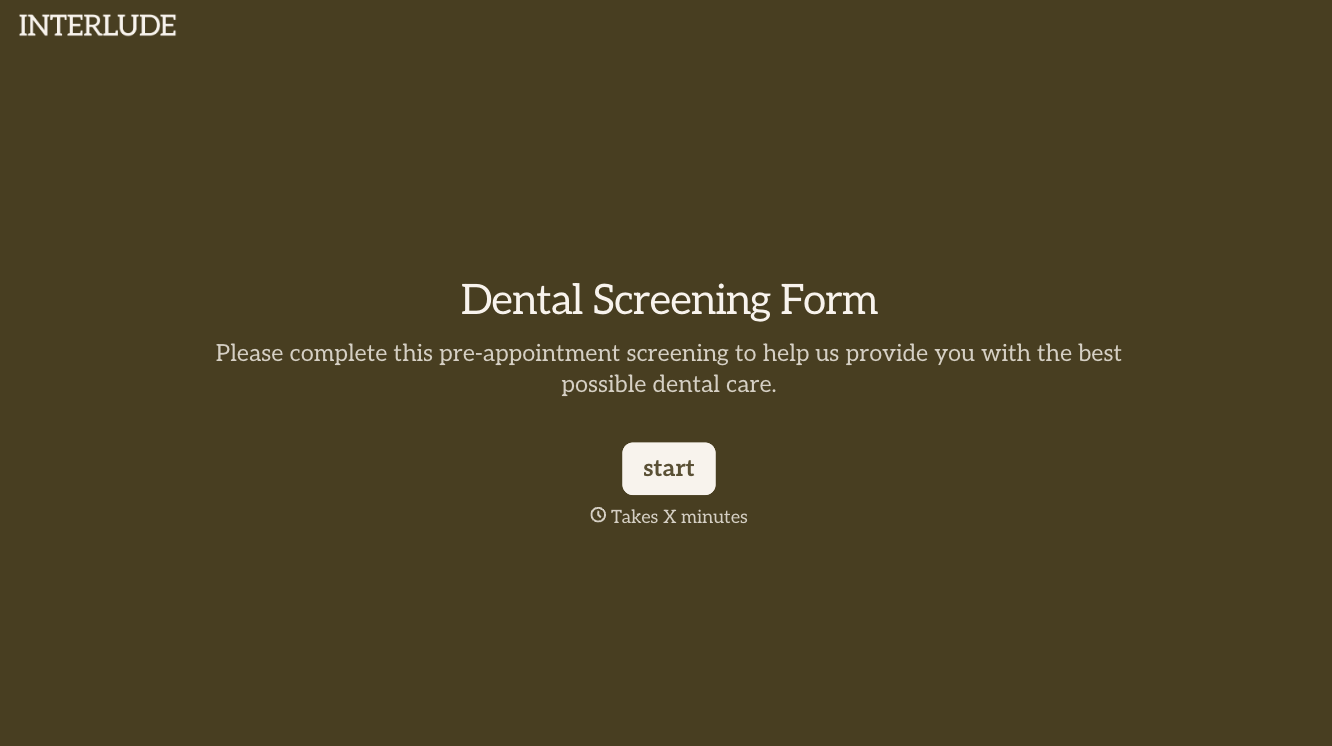
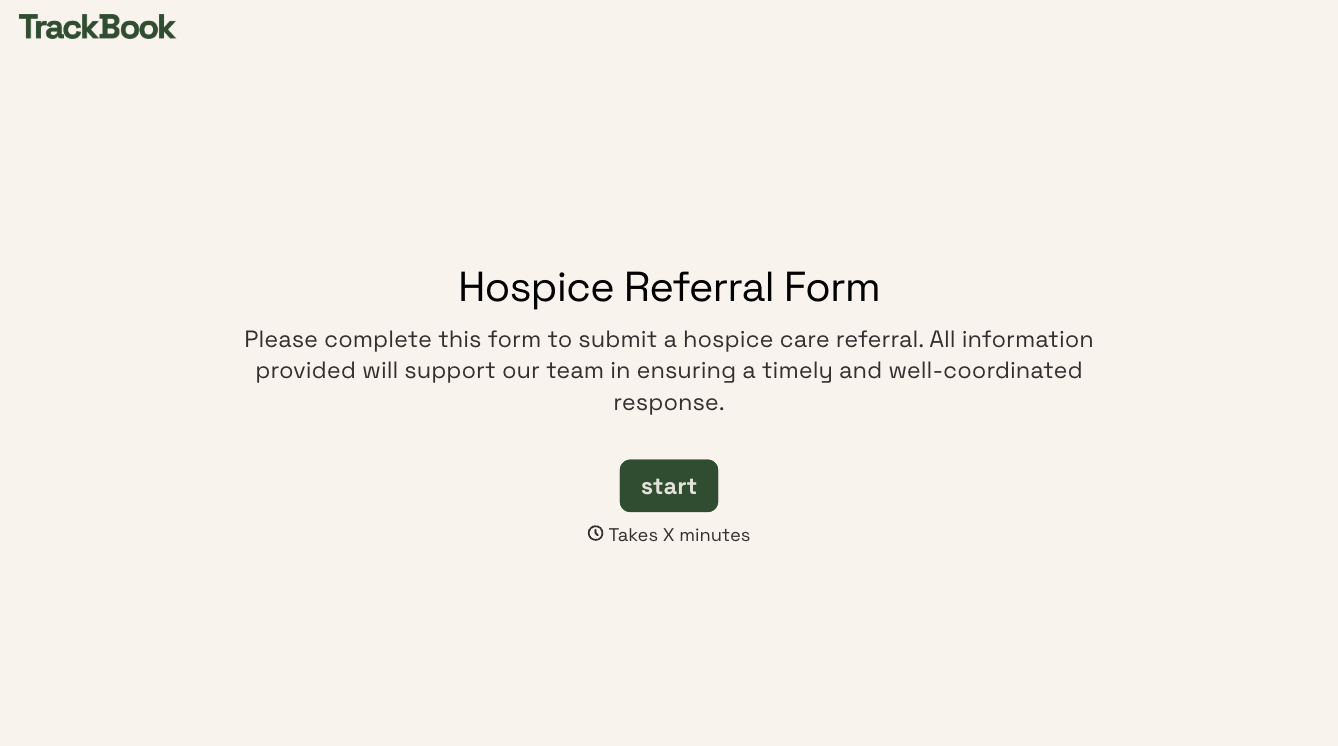
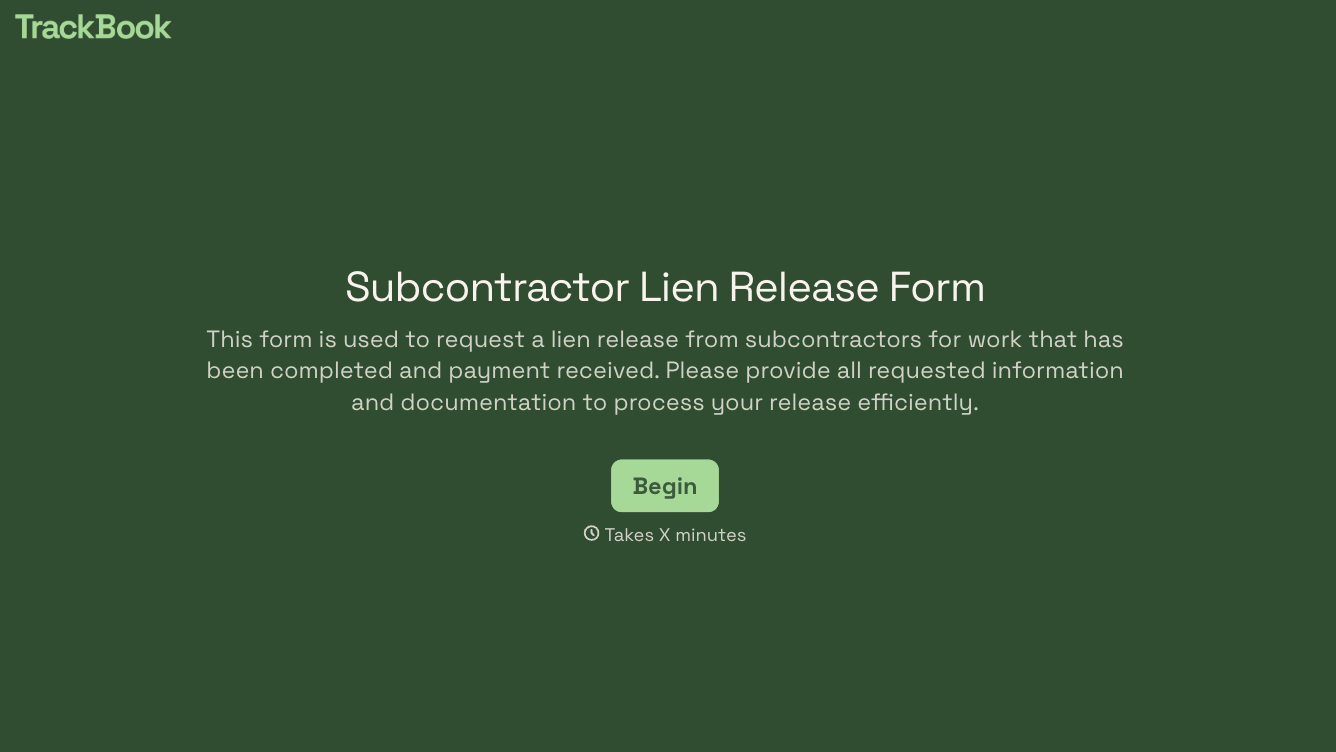
With Typeform, you can customize everything
Change text, colors, and even logos to match the look and feel of your brand. Then embed forms smoothly onto web and email.
Make forms feel effortless to fill out. Pace questions, call people by their name, and adapt the flow based on the data they share.
Stay efficient by connecting forms to your workflow. Typeform integrates with 300+ tools including Slack, Zapier, and HubSpot.


