Request Form Template
Turn scattered requests into organized workflows, so nothing falls through the cracks.


Every team has a version of the same problem: requests come in from various different channels — email, Slack, hallway conversations, sticky notes — and half of them arrive incomplete. Someone needs IT support but didn't mention their operating system. Someone needs a design asset but forgot to include the dimensions. You end up chasing details instead of doing the work.
This request form template standardizes how people submit requests to your team. The one-question-at-a-time format guides requesters through every required detail so submissions arrive complete. Conditional logic adapts based on request type — an equipment request shows different fields than a software access request or a meeting room booking. Route submissions to the right team via Slack, Trello, Asana, or email through Zapier integrations.
Customize the request categories, required fields, and approval workflows to match your team's process. Add your internal branding and share the link on your intranet or team wiki. You'll spend less time clarifying and more time executing.
A request form is a standardized submission tool that people use to formally ask for something, whether it's a resource, service, approval, or action. It replaces informal asks (emails, verbal requests, etc.) with structured submissions that include all the information the fulfilling team needs to act. Common types include IT support requests, design requests, purchase requests, and time-off requests.
Standardization solves two problems at once: it ensures requesters provide complete information upfront, and it gives your team a single queue to manage instead of scattered inboxes. This means faster response times, fewer misunderstandings, better prioritization, and a clear audit trail of what was requested and when.
Start with these fundamentals and branch from there:
- Requester's name, department, and contact info
- Request type or category
- Detailed description of what's needed
- Priority level and deadline
- Any relevant files, links, or context
- Approval or budget information (if applicable)
Use conditional logic combined with integrations. When the requester selects a category (IT, Design, Facilities, etc.), a Zapier workflow can send that submission to the corresponding Slack channel, email alias, or project management board. The requester fills out one form, the backend handles the routing.
While Typeform captures and organizes submissions, status tracking typically lives in the tool you route submissions to, like Trello, Asana, Jira, or a shared spreadsheet. Set up your integration so every submission creates a trackable card or ticket, and requesters always know where to check for updates.
Get inspired by relevant templates and categories
3200+ Templates, 300+ Integrations
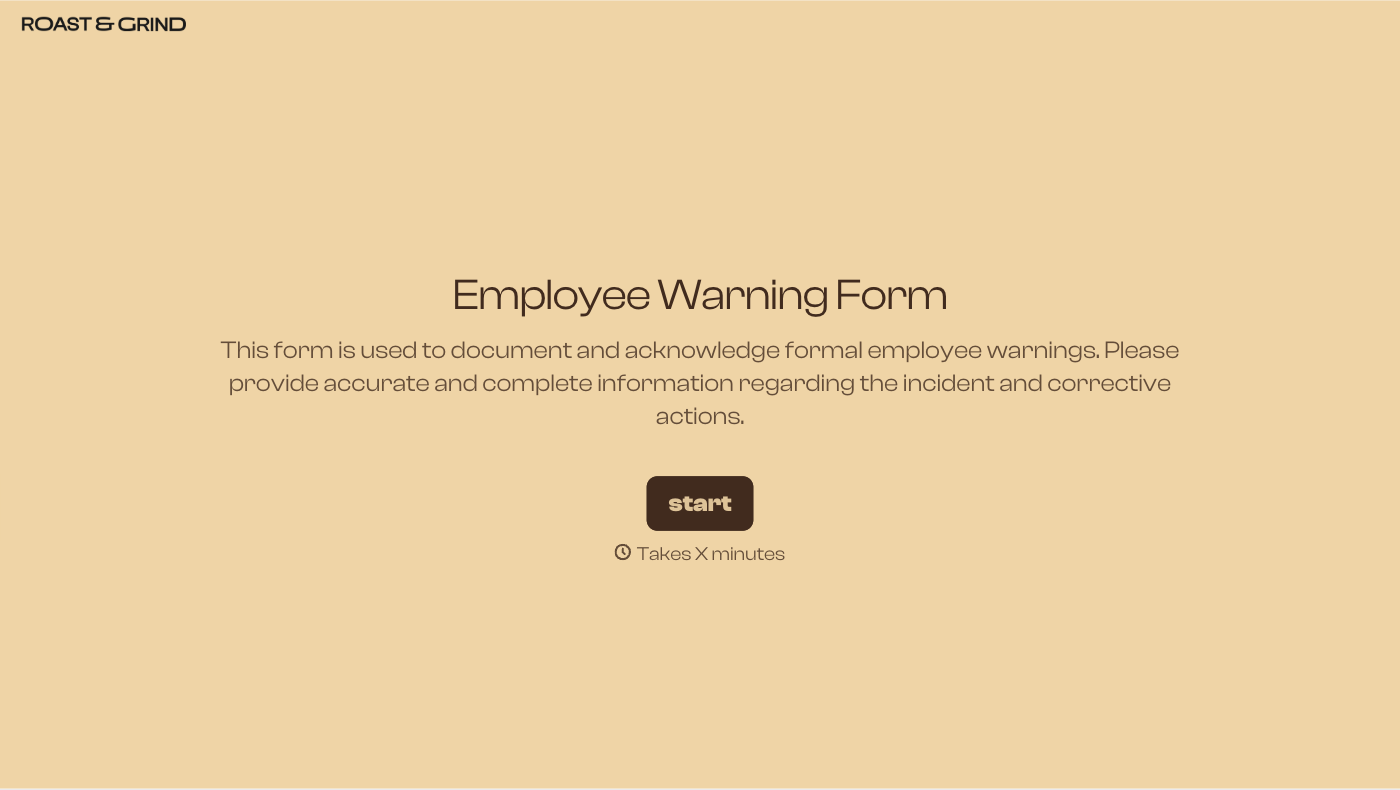
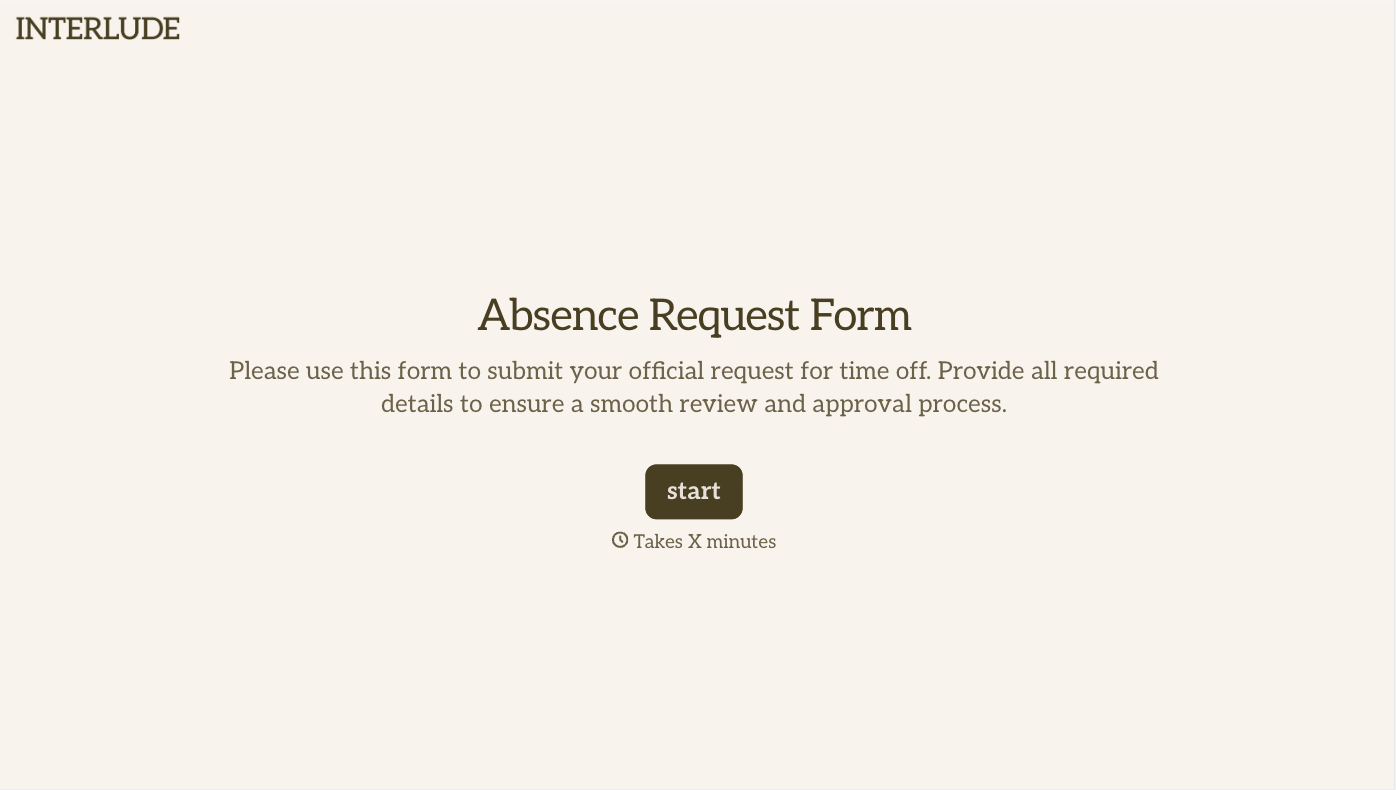
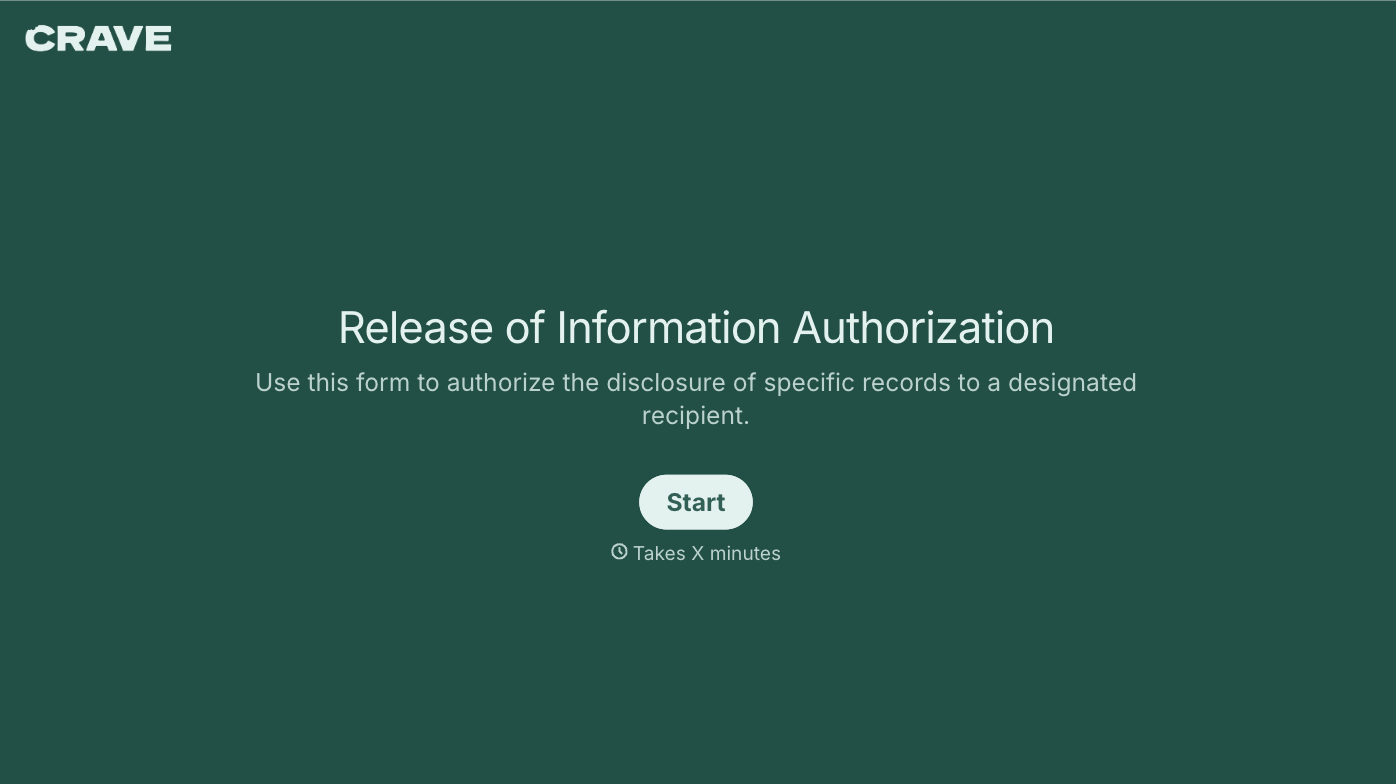
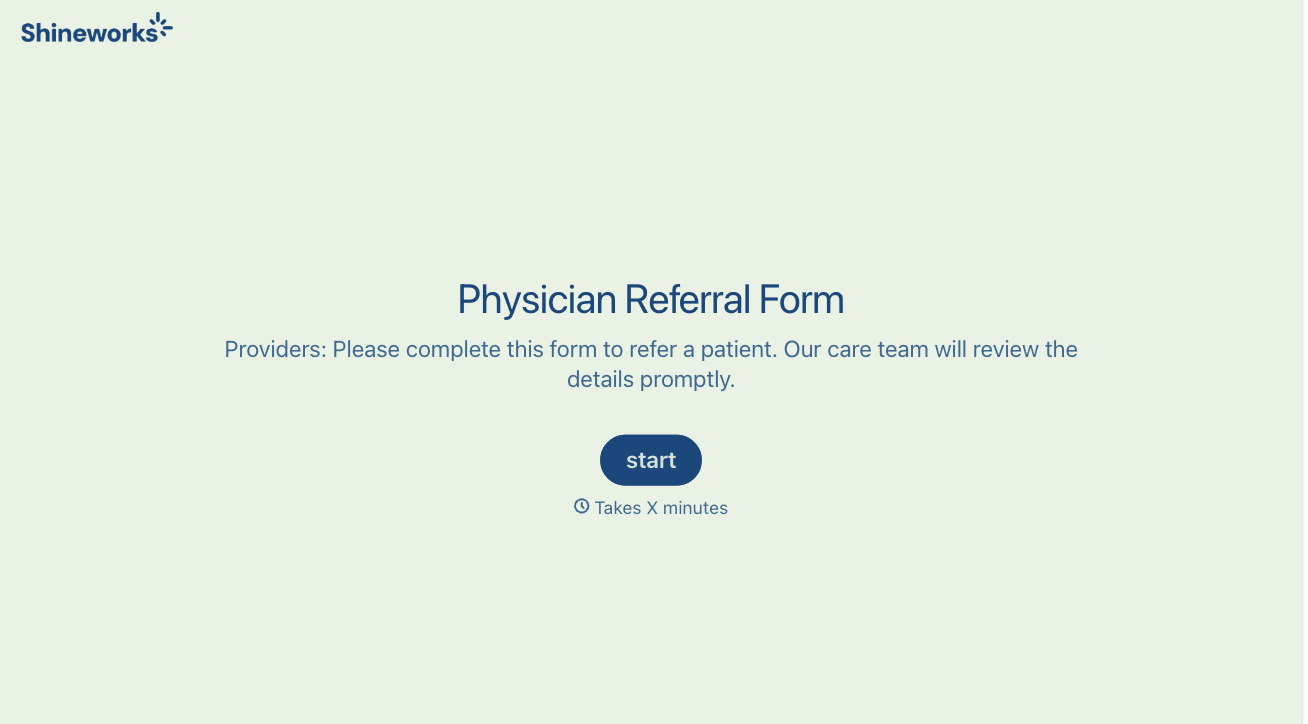
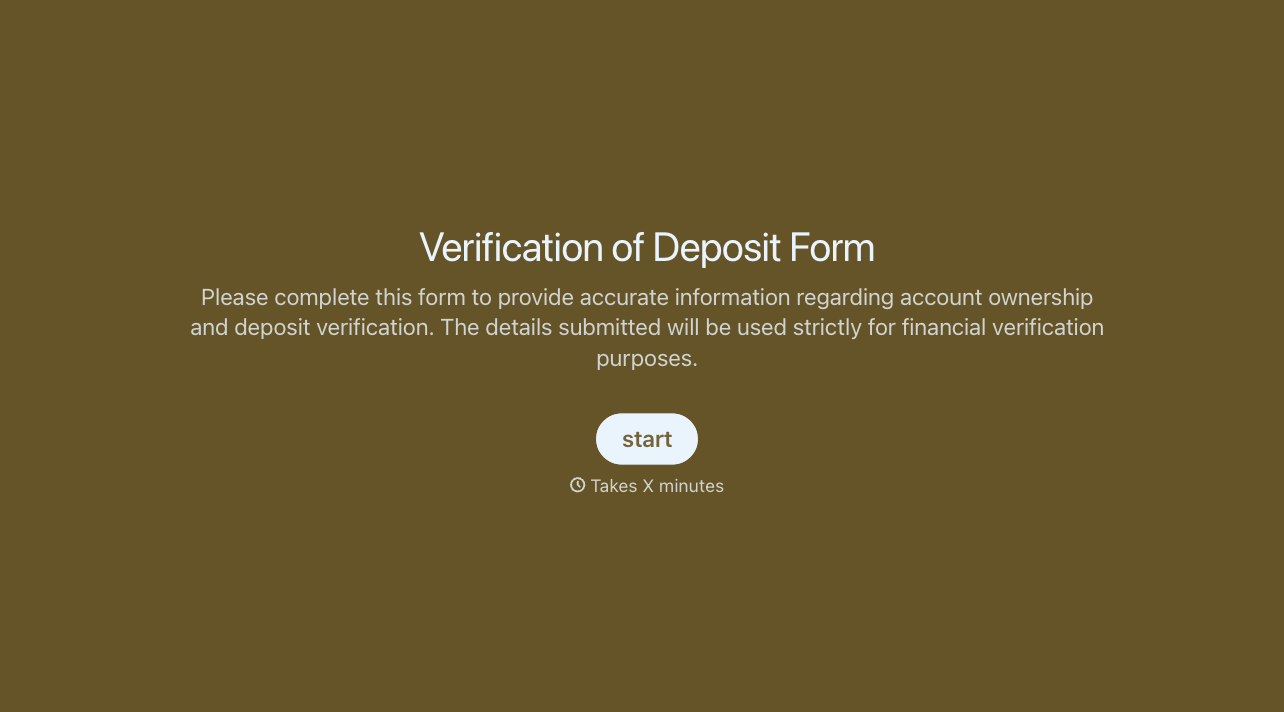
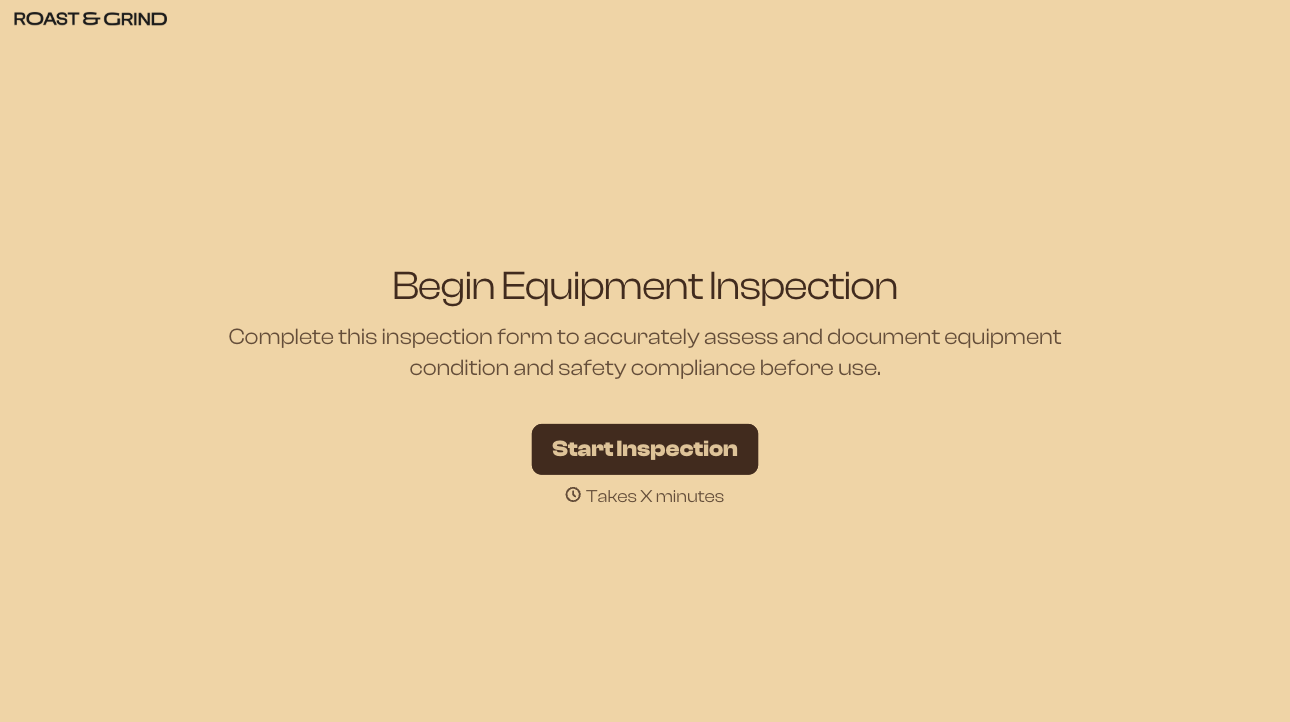
With Typeform, you can customize everything
Change text, colors, and even logos to match the look and feel of your brand. Then embed forms smoothly onto web and email.
Make forms feel effortless to fill out. Pace questions, call people by their name, and adapt the flow based on the data they share.
Stay efficient by connecting forms to your workflow. Typeform integrates with 300+ tools including Slack, Zapier, and HubSpot.


