Verification of Deposit Form
Verify deposit accounts accurately the first time, so applications keep moving and follow-ups are kept to a minimal.


Verification of deposit requests handled by fax or email take days to turn around. Information comes back incomplete—missing balance figures, signed by the wrong person, or returned on a different form than the one that was sent. Meanwhile, the mortgage application, rental approval, or loan file stalls, waiting on information they already asked for.
Typeform’s verification of deposit form gives lenders, property managers, and financial institutions a structured way to collect and confirm deposit account information in one pass. The form captures applicant details, financial institution information, account type, current balance, average balance over a specified period, account standing, and authorizing signatures—everything needed to complete the verification without a second round of follow-up. Questions appear one at a time, so the form is easy to complete without feeling overwhelming.
Customize balance periods and account categories to match your institution's standards. Send the form directly to the depositing institution as part of your standard application package. Connect submissions to your loan origination system or Google Sheets via Zapier, so every verification is logged and accessible to the right team. Complete verifications from the start keep applications on schedule.
A verification of deposit form is a document used by lenders, landlords, and financial institutions to confirm that an applicant holds a deposit account and to verify current and average balances. It's completed by the applicant's bank or financial institution and returned to the requesting party as part of an application review. It's the documented confirmation that gives underwriters and property managers the account information they need to make an informed decision.
Mortgage lenders use it to confirm an applicant's assets before approving a loan. Landlords and property managers use it to verify that a prospective tenant has sufficient funds to cover a deposit and first month's rent. Financial institutions use it as part of broader credit or loan application reviews. The requesting party sends the form to the applicant's bank, and the bank completes and returns it directly.
Cover every detail needed to confirm account standing:
- Applicant's full name and account number
- Financial institution name, branch, and authorized contact
- Account type (checking, savings, money market, etc.)
- Date account was opened
- Current account balance
- Average balance over the past two to three months
- Any outstanding loans against the account
- Authorized signature and date from a bank representative
Once the applicant completes their section, route the submission to the relevant financial institution for completion. Share the form link directly, or export the pre-filled applicant section and send it as part of your standard verification request. Connect submissions to Google Sheets via Zapier so every request is tracked from sent to received, and nothing falls through while you're waiting on the bank.
Typeform transmits data over encrypted connections and stores it securely. For sensitive financial information, use Typeform's data handling settings to control who has access to submissions, and confirm your organization's data retention policies apply to form responses. If your institution has specific compliance requirements around financial data, review Typeform's security documentation before collecting account information through the form.
Get inspired by relevant templates and categories
3200+ Templates, 300+ Integrations

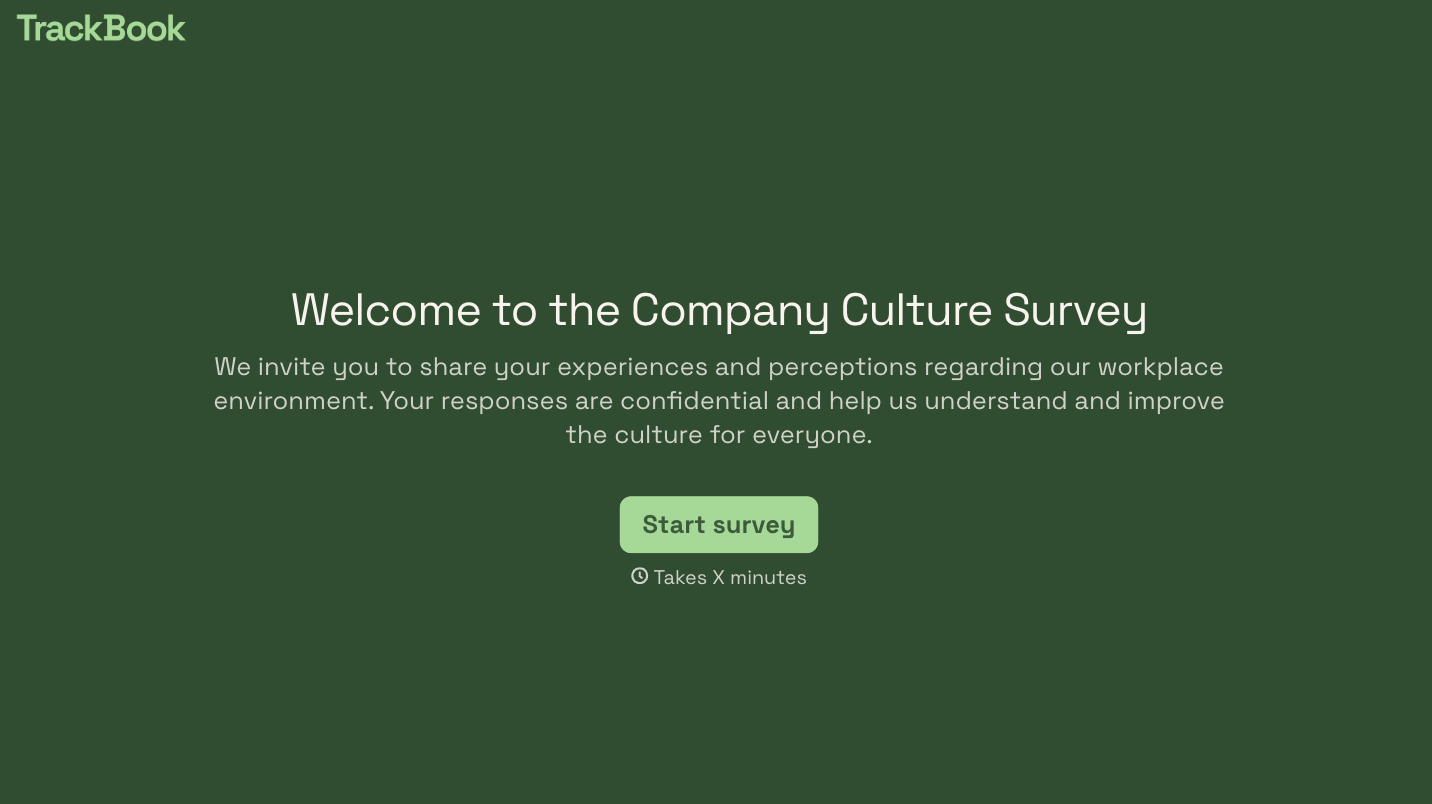
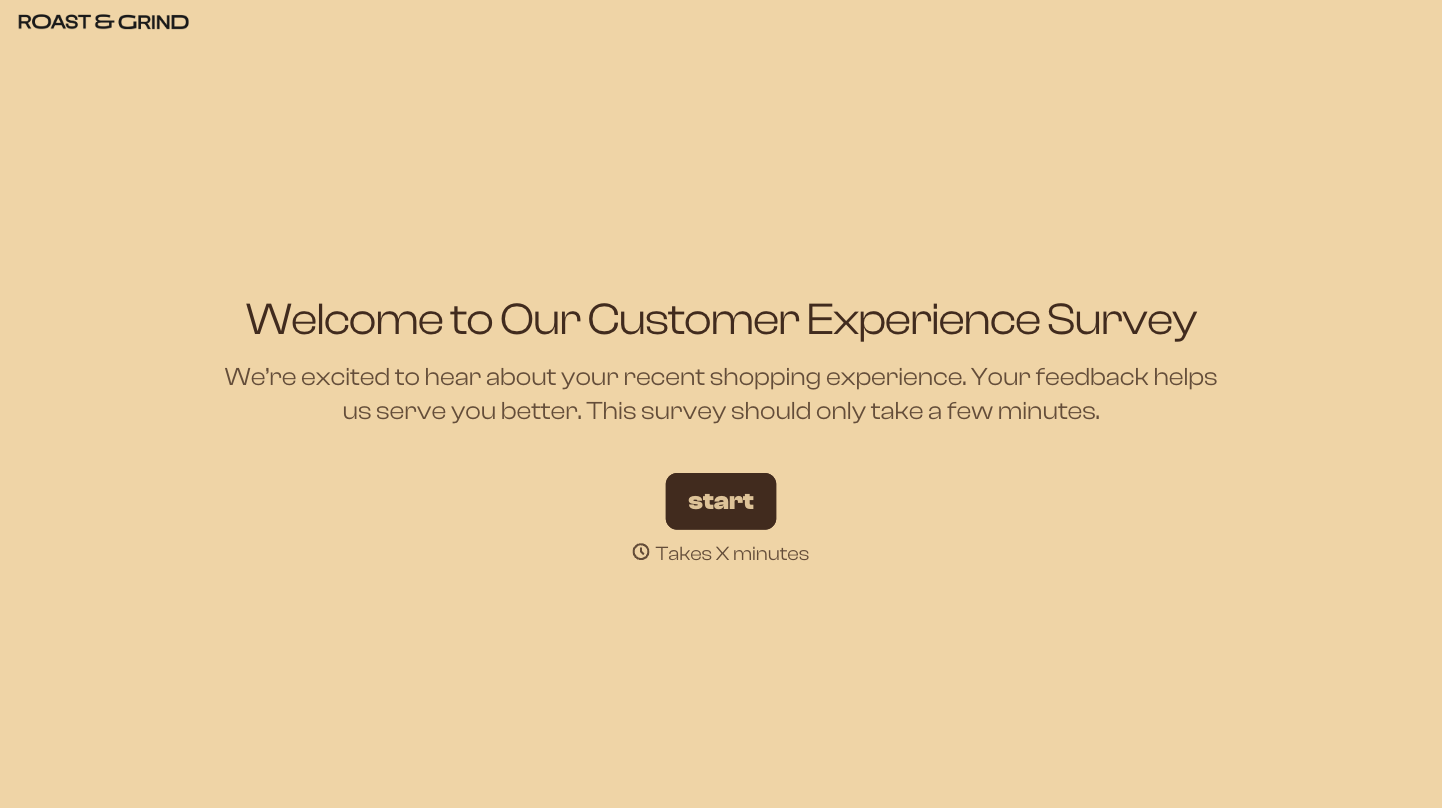

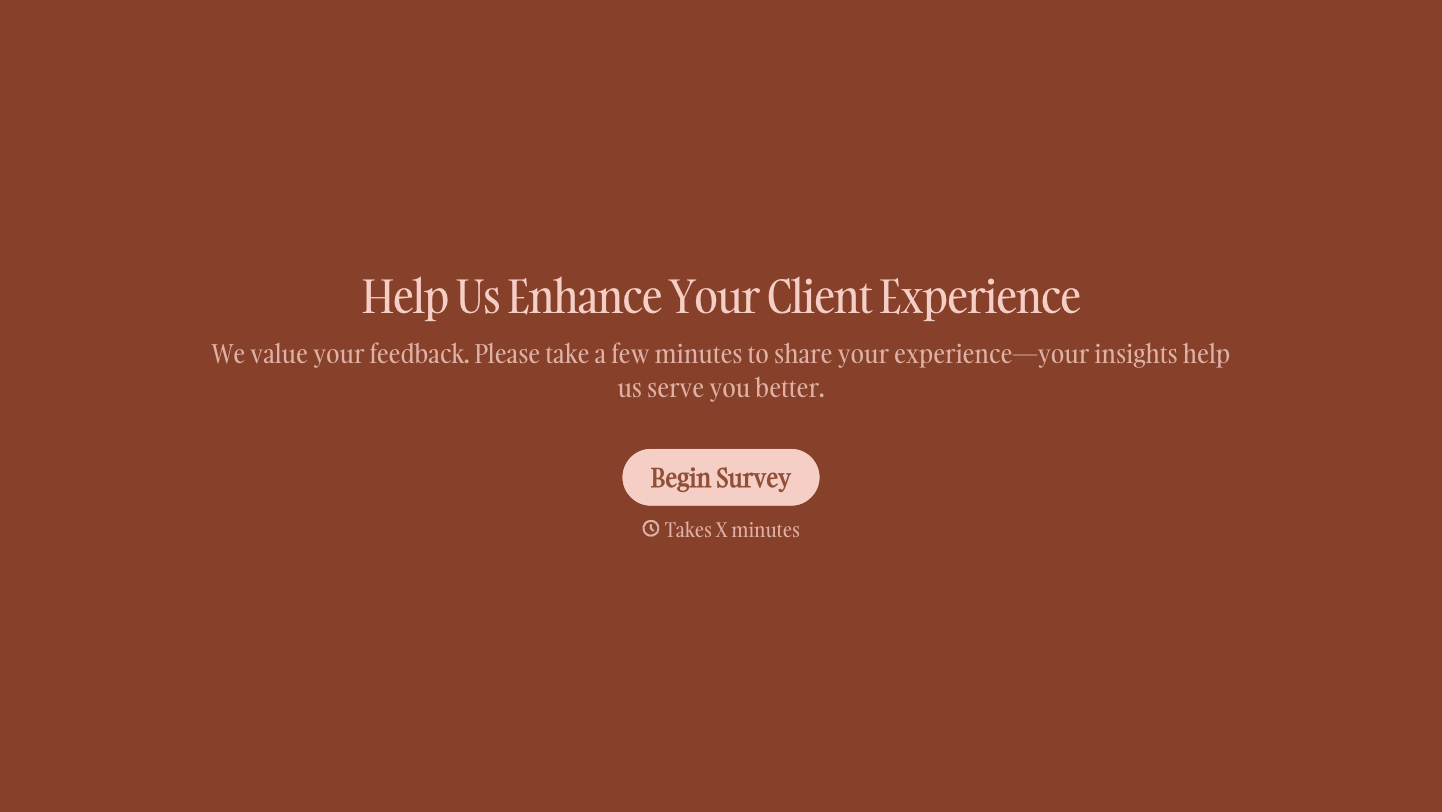

With Typeform, you can customize everything
Change text, colors, and even logos to match the look and feel of your brand. Then embed forms smoothly onto web and email.
Make forms feel effortless to fill out. Pace questions, call people by their name, and adapt the flow based on the data they share.
Stay efficient by connecting forms to your workflow. Typeform integrates with 300+ tools including Slack, Zapier, and HubSpot.


