School Incident Report Form Template
Document school incidents consistently — for safety, accountability, and follow-up.


When an incident occurs at school — a fight, an injury, a threat, or a near-miss — the quality of the documentation matters as much as the immediate response. This form gives school staff a structured way to record what happened while details are still accurate.
The template covers the incident date, time, and location, the students involved and their grades, the witnesses, a description of what occurred, any injuries and first aid provided, the staff member's response, parent notification status, disciplinary or follow-up actions, and the reporting staff member's name and signature.
Consistent incident records help administrators identify patterns, make informed policy decisions, and respond appropriately when parents or legal authorities ask questions.
Physical altercations, bullying, threats of harm, self-harm incidents, injuries requiring first aid, property damage, substance use, unauthorized departures, and any situation where a parent or administrator needs to be notified.
The same day as the incident, ideally within the shift. Waiting even 24 hours allows details to fade and creates risk if the situation escalates or requires administrative review.
The building principal, the school counselor for pastoral follow-up, HR for staff-involved incidents, and parents of the students involved. Keep reports in the student's confidential file, not the cumulative school file.
Review and acknowledgment by the principal, parent notification per your school's protocol, any required reporting to district administration or authorities, and follow-up with the students involved.
Yes. Incident reports that identify students are part of the educational record and subject to FERPA protections. Restrict access to authorized school personnel only.
Get inspired by relevant templates and categories
3200+ Templates, 300+ Integrations
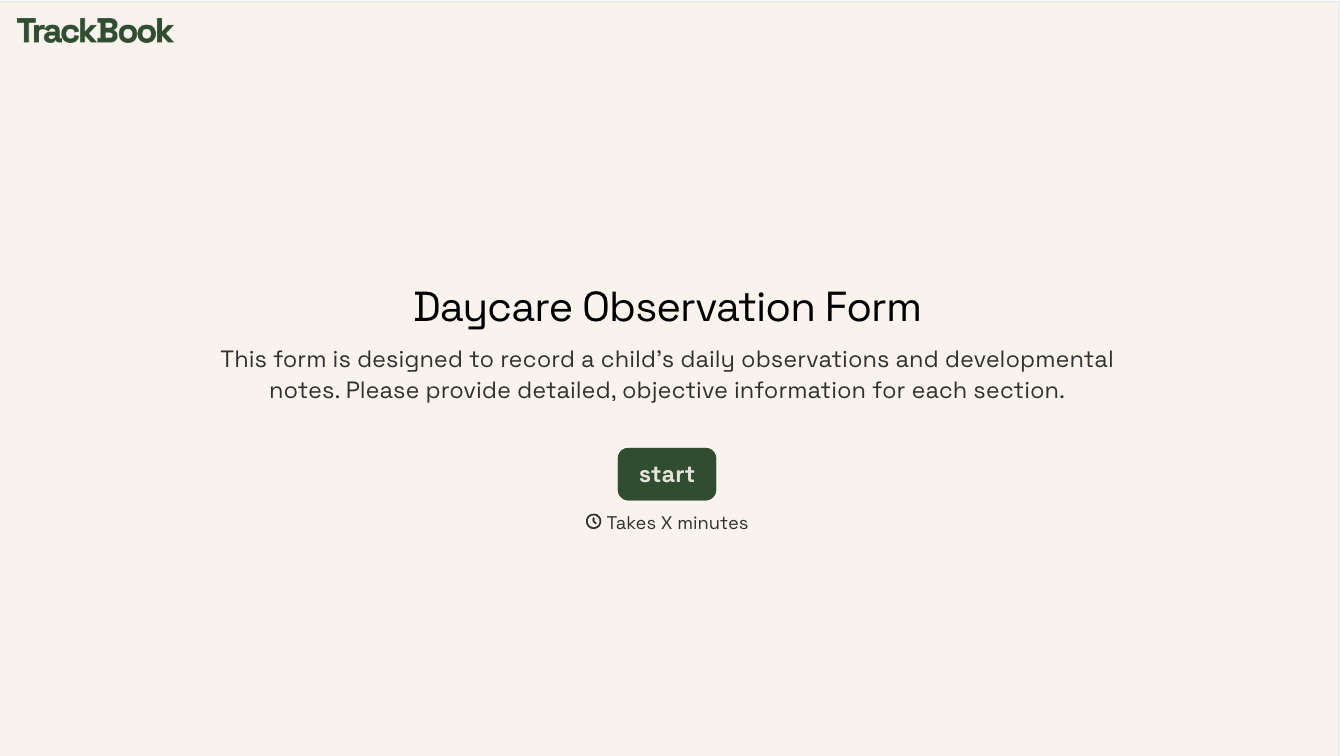
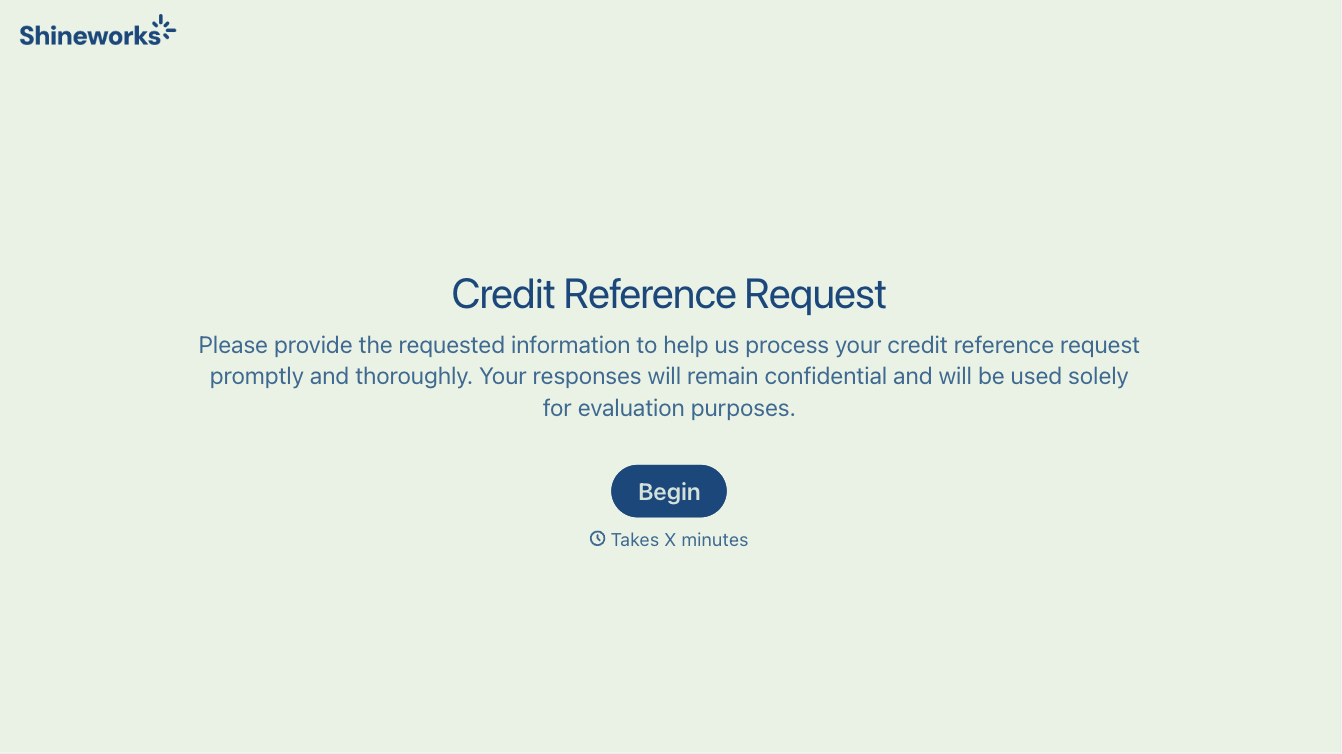
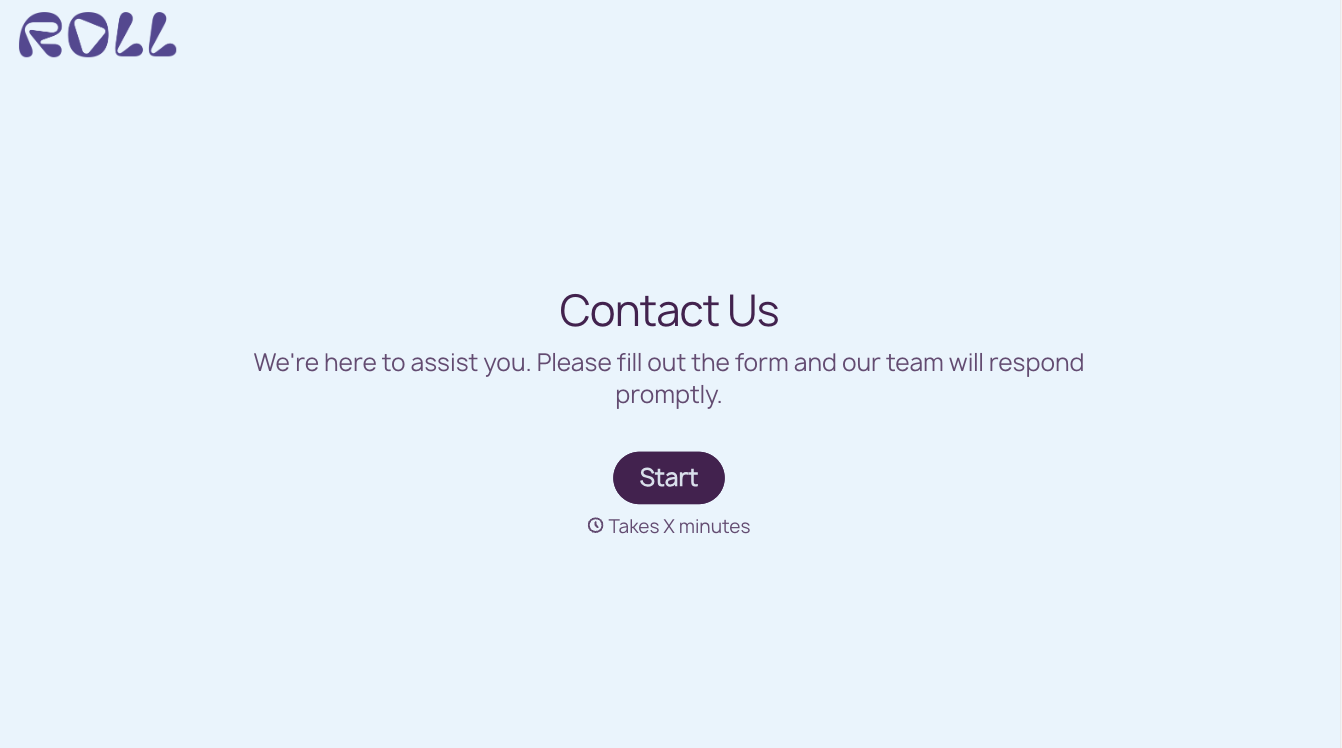
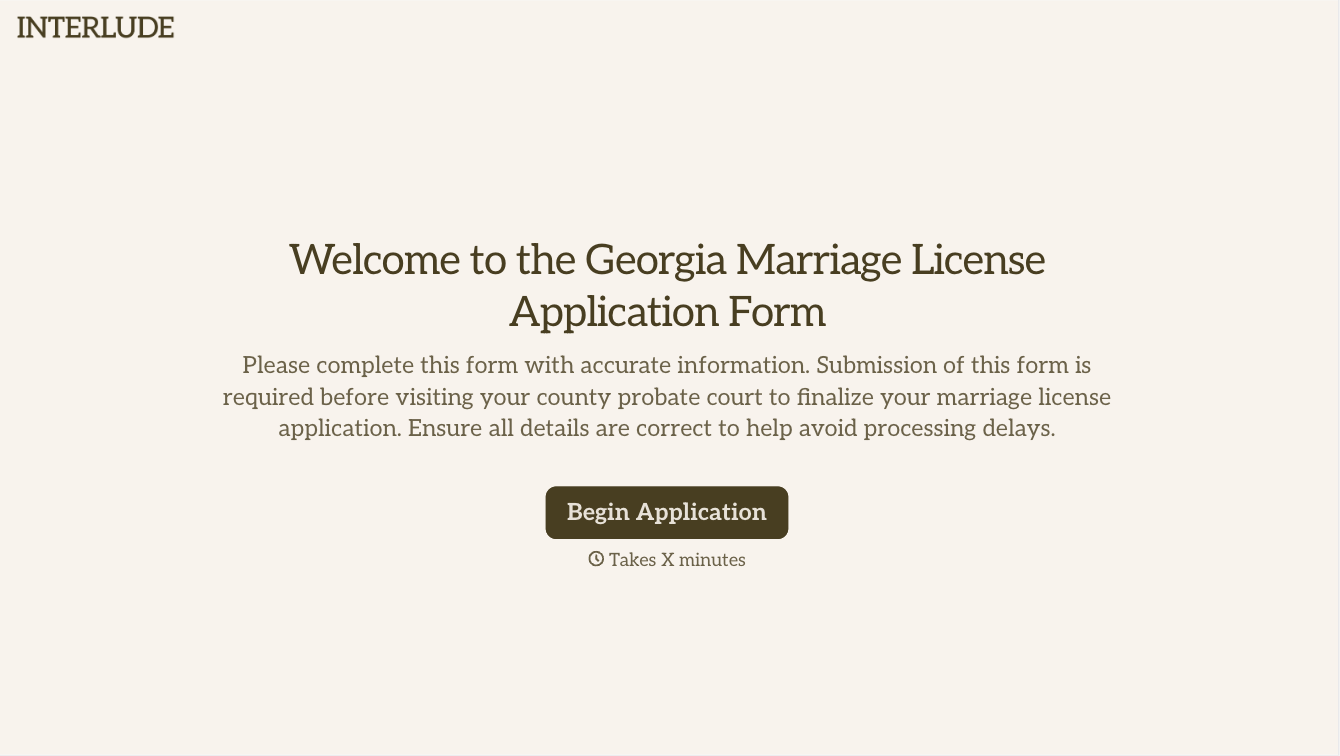
With Typeform, you can customize everything
Change text, colors, and even logos to match the look and feel of your brand. Then embed forms smoothly onto web and email.
Make forms feel effortless to fill out. Pace questions, call people by their name, and adapt the flow based on the data they share.
Stay efficient by connecting forms to your workflow. Typeform integrates with 300+ tools including Slack, Zapier, and HubSpot.


