Web Contact Form Template
Give website visitors a clear, simple way to reach your team, so every inquiry lands in the right place.



Websites without a contact form receive vague, misdirected messages that are hard to route and slow to respond to. A visitor who emails a generic address typically waits longer and gets routed through the wrong inbox. Typeform's web contact form template gives businesses, agencies, and independent professionals a clean, structured way to collect visitor inquiries.
The form captures visitor name, email, inquiry subject, and message, giving your team the context needed to respond promptly. Visitors complete one question at a time, so each inquiry comes through clearly rather than as a rushed paragraph. Conditional logic routes each inquiry based on the topic selected and the type of visitor submitting the form. A sales question routes to a different inbox than a support issue or a press inquiry.
Customize it with your brand colors, inquiry types, and any privacy acknowledgment visitors must confirm before submitting. Embed it on your contact page, your website footer, or a dedicated page for partner or press inquiries. Every submission routes to your team via Zapier, so inquiries are responded to promptly without monitoring a generic inbox. A clean, structured contact form means every inquiry reaches the right person quickly—no misdirected emails or missed messages.
A web contact form gives visitors a structured way to reach your business directly from your website. It collects the visitor's name, email, inquiry type, and message, so your team receives complete information before responding. Use it to replace a generic email address and route every visitor inquiry to the right person automatically.
A published email address provides no structure, so your team receives vague messages that are hard to prioritize. A contact form collects the same details from every visitor, making inquiries easier to route, assign, and respond to. It also reduces spam, since form submissions are easier to filter than messages sent to a monitored email address. Use it for business websites, portfolio sites, agency contact pages, booking inquiries, and press request pages.
Collect what you need and nothing more:
- Visitor full name and email address
- Inquiry type or subject (sales, support, press, partnerships, general)
- Message or inquiry details
- Preferred response method (email, phone, video call)
- Privacy policy or consent acknowledgment
Use Zapier to route each submission to the right team member based on the inquiry type selected. A sales inquiry routes to a different inbox than a press request or a support question. Routing by inquiry type replaces the manual sorting that happens when all contact messages land in the same inbox.
Include a privacy policy acknowledgment in your contact form so visitors understand how their data is collected and stored. If you receive inquiries from EU visitors, your form and data handling must comply with GDPR. Add a consent checkbox and a link to your privacy policy so visitors understand how their contact details will be used.
Get inspired by relevant templates and categories
3200+ Templates, 300+ Integrations



Nationality Verification Form
A self-certification buried in a stack of new account paperwork isn't the kind of record a compliance team can rely on for a regulatory filing. Collect nationality, tax residency, and a signed declaration before an account opens, so compliance isn't chasing down a customer's citizenship status after the fact.
View template
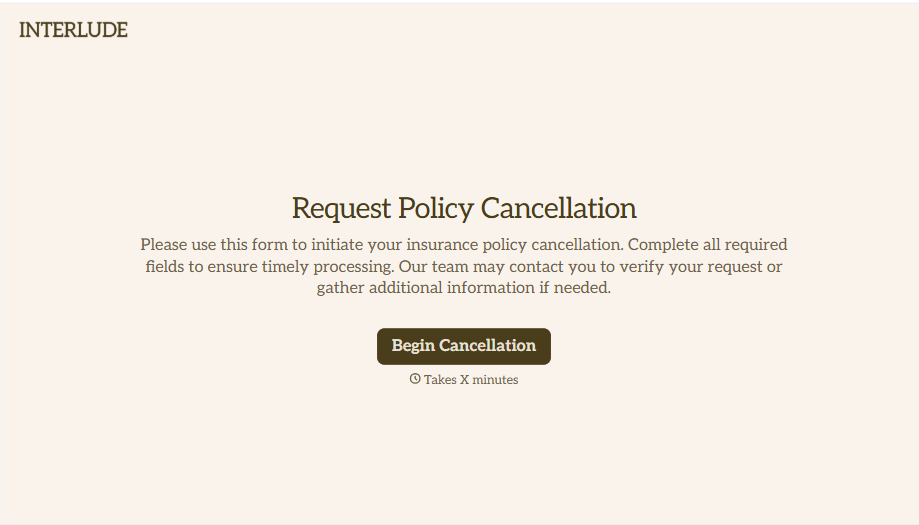
Policy Cancellation Form
A cancellation requested over the phone doesn't leave a clear record of exactly what date the policyholder actually asked for, and that date matters more than it sounds like it should. Collect what your agency actually needs, policy details, identity verification, and the requested effective date, before coverage actually ends.
View template
With Typeform, you can customize everything
Change text, colors, and even logos to match the look and feel of your brand. Then embed forms smoothly onto web and email.
Make forms feel effortless to fill out. Pace questions, call people by their name, and adapt the flow based on the data they share.
Stay efficient by connecting forms to your workflow. Typeform integrates with 300+ tools including Slack, Zapier, and HubSpot.


