Wedding reservation form template
Wedding RSVPs collected through mailed cards miss meal selections and dietary restrictions. Capture every guest detail before the caterer deadline.



A wedding runs on an exact headcount, and guests rarely make it easy to get one. RSVPs trickle in by text, mailed card, and "I'll let you know," and the count never quite settles. A wrong count means paying for empty seats or scrambling to add one at the last minute. Typeform's wedding reservation form gives couples one place to lock in every guest's answer.
The form collects each guest's attendance, party size, meal choice, and any dietary needs. Questions appear one at a time, so guests RSVP from their phones in under a minute. Conditional logic adapts the form based on whether each guest is coming. A guest who accepts picks a meal and lists allergies, while someone who declines simply sends their regrets.
Customize the questions to match your celebration, from a plated dinner to a backyard buffet. Share it as a link on your wedding website, in a save-the-date, or by text. Responses flow into Google Sheets via Zapier, so your headcount and meal counts update in real time. You hand your caterer a final number you actually trust, and no guest goes unaccounted for.
A wedding reservation form collects each guest's response so a couple knows exactly who's attending. It captures attendance, party size, meal selection, dietary restrictions, and any notes for the couple. Couples who send guests one wedding reservation form trade scattered texts and mailed cards for a single, clear guest list.
Caterers, venues, and rental companies all need final numbers by a hard deadline. Chasing stragglers by text in the final week adds stress to an already full plate. A wedding reservation form collects responses in one place, and shows you at a glance who still hasn't replied.
Cover everything you need for a final count:
- Guest name and attendance
- Number in their party
- Meal or entrée choice
- Allergies and dietary restrictions
- Song requests or a note to the couple
Yes. Ask which events the guest is attending, then use conditional logic to route them to the intake for each. A guest invited only to the reception sees reception questions, while a guest attending multiple events completes intake for each. This keeps one form organized for a multi-event wedding without building a separate RSVP for every occasion.
Every response lands in one place, so your count updates the moment a guest replies. Connect the form to Google Sheets via Zapier to watch attendance and meal totals add up in real time. When your caterer asks for numbers, you read them straight off the sheet instead of counting cards.
Get inspired by relevant templates and categories
3200+ Templates, 300+ Integrations
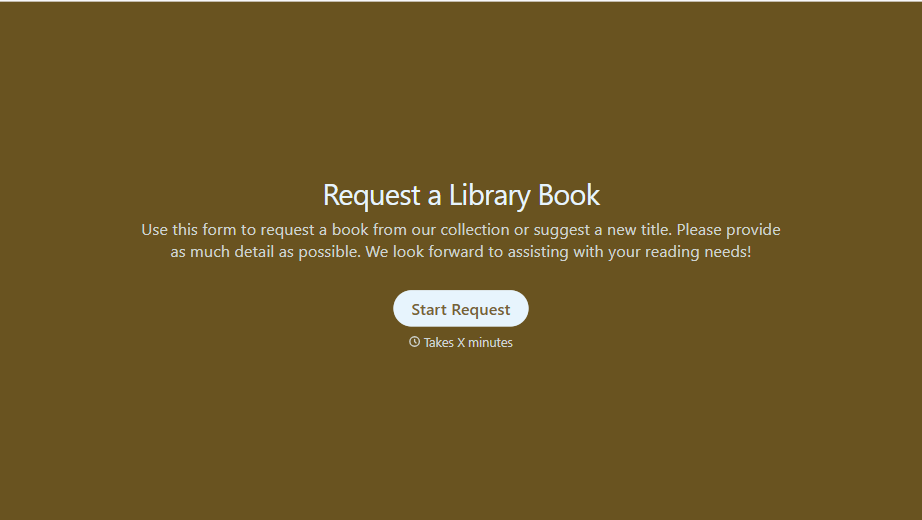
Library Book Request Form
A book request scrawled on a sticky note at the front desk doesn't make it into any queue, and it definitely doesn't get anyone a call when the book actually arrives. Collect what your library actually needs, the title, patron information, and how they'd like to be notified, before the note gets buried under the next stack of returns.
View template
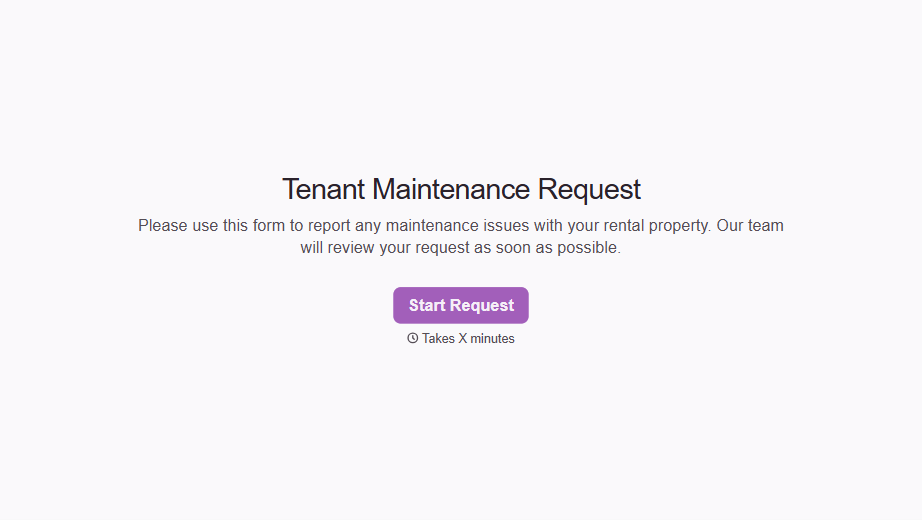
Tenant Repair Request Form
A text message about a leaky faucet sent at 11pm isn't a work order your maintenance team can act on efficiently, especially without a photo or a unit number attached. Collect the property, the issue, and how urgent it is before the request lands in someone's texts, so a repair doesn't wait on a landlord scrolling back through old messages.
View template
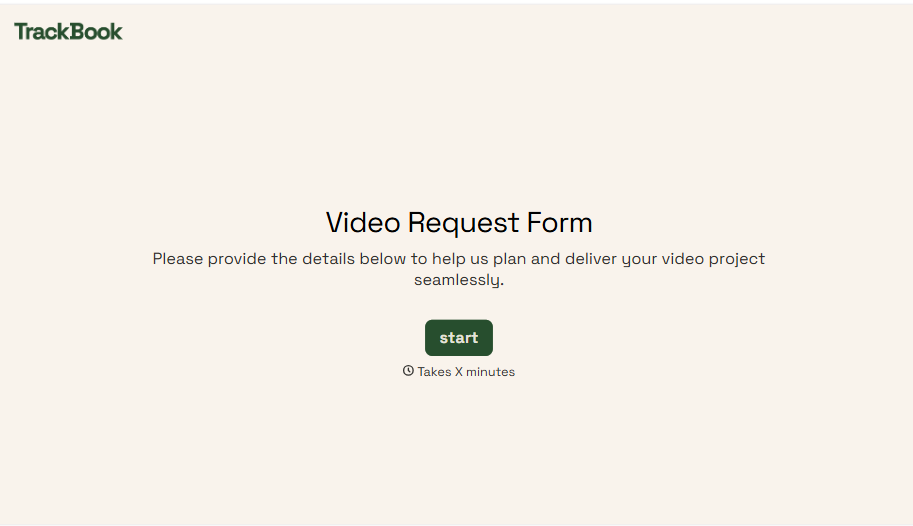
Video Request Form
A Slack message asking for "a quick video for the launch" isn't a creative brief your video team can actually start from. Collect the project purpose, deadline, and deliverable specs before the request lands in a queue, so your team isn't reworking a video built on assumptions the requester never actually stated.
View template
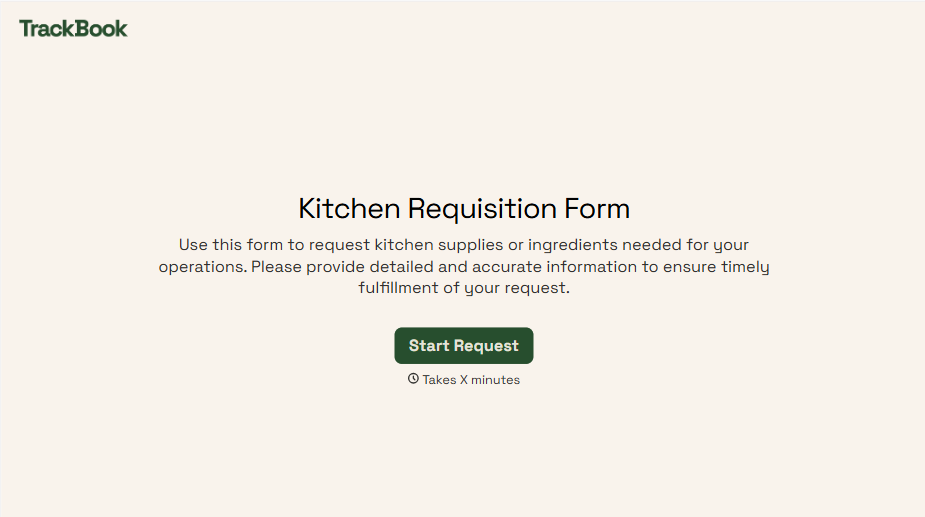
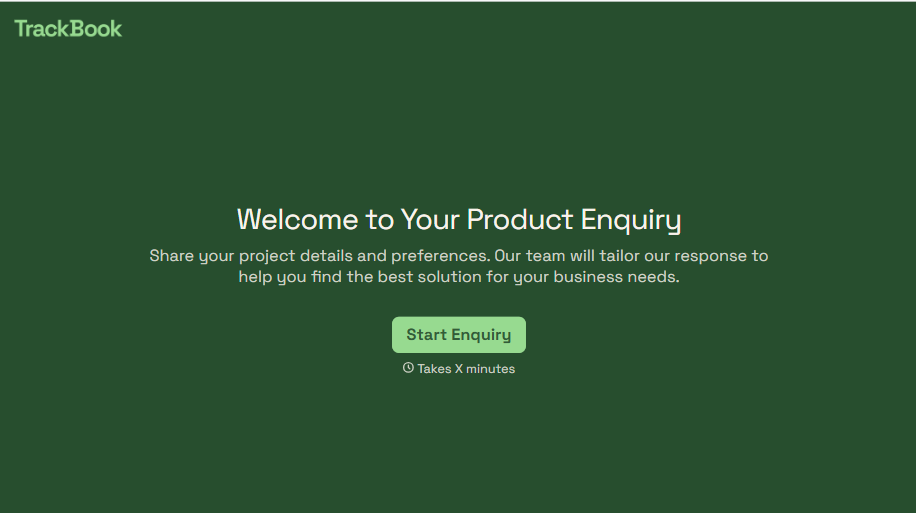
Product Enquiry Form
A generic "I'm interested in your product, can you tell me more?" email doesn't tell your sales team which product, what quantity, or what the customer's actually trying to do with it. Collect what your team actually needs, product interest, quantity, and use case, before you reply.
View template
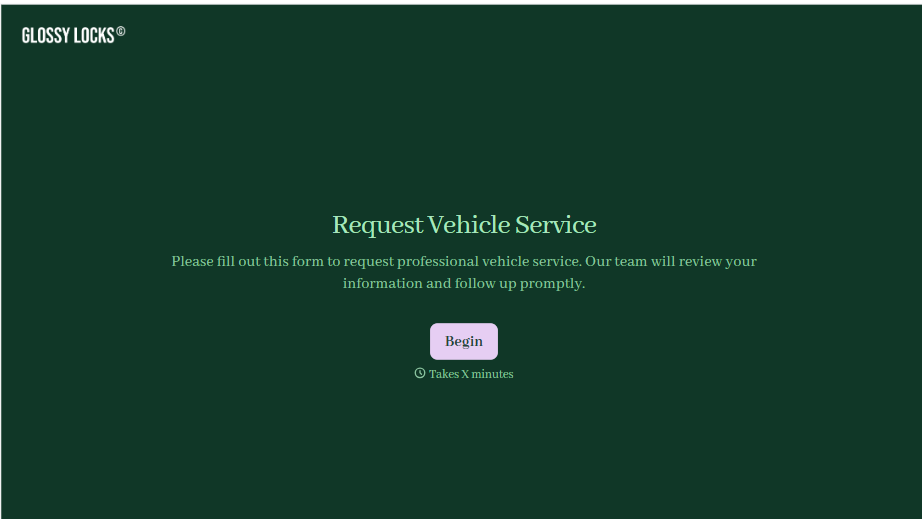
With Typeform, you can customize everything
Change text, colors, and even logos to match the look and feel of your brand. Then embed forms smoothly onto web and email.
Make forms feel effortless to fill out. Pace questions, call people by their name, and adapt the flow based on the data they share.
Stay efficient by connecting forms to your workflow. Typeform integrates with 300+ tools including Slack, Zapier, and HubSpot.


