Tool Request Form Template
Give employees a clear process for requesting tools and equipment so requests are tracked and approvals happen faster.



When tool and equipment requests come in through informal channels, they get lost. Someone messages a manager, the manager forgets, the employee doesn't have what they need, and work stalls. Or tools get ordered twice because there's no visibility into what's already been requested.
A structured tool request form fixes this. Typeform collects the requester's details, the tool needed, the reason for the request, and any urgency or budget context in one organized flow. Conditional logic can flag high-value requests for additional approval steps. Responses can notify the relevant approver via Slack or email instantly, and a shared spreadsheet or procurement tool captures every request for tracking.
Customize the form to reflect your organization's tool catalog, approval thresholds, and budget codes. Share it in your internal wiki or project management tool so it's easy for anyone to find and use.
A tool request form is an internal form used by employees to request access to tools, equipment, software, or other work resources. It captures what's needed, why it's needed, who's requesting it, and any relevant budget or urgency details so the request can be reviewed and fulfilled efficiently.
It creates a trackable record of every request and ensures nothing falls through the cracks. Managers can review requests with full context, prioritize based on urgency and budget, and approve or decline with a clear paper trail. It also reduces duplicate orders and makes it easier to manage inventory.
Cover the basics your approver needs:
- Requester name and department
- Tool or equipment name and description
- Reason for the request
- Urgency level (standard, urgent, critical)
- Estimated cost
- Project or cost center to charge
- Date needed by
Connect your Typeform to a notification tool like Slack or email and route submissions to the relevant approver based on department or cost. For requests above a certain value, use conditional logic to flag them for a secondary approval step. Approved requests can then trigger a purchase order in your procurement system.
Add a question early in the form asking whether this is a request for a new purchase or access to an existing shared resource. Route the 2 types of requests into different workflows — access requests might go to an IT manager or facilities team, while purchase requests go to procurement. This keeps the same form useful for both scenarios.
Get inspired by relevant templates and categories
3200+ Templates, 300+ Integrations
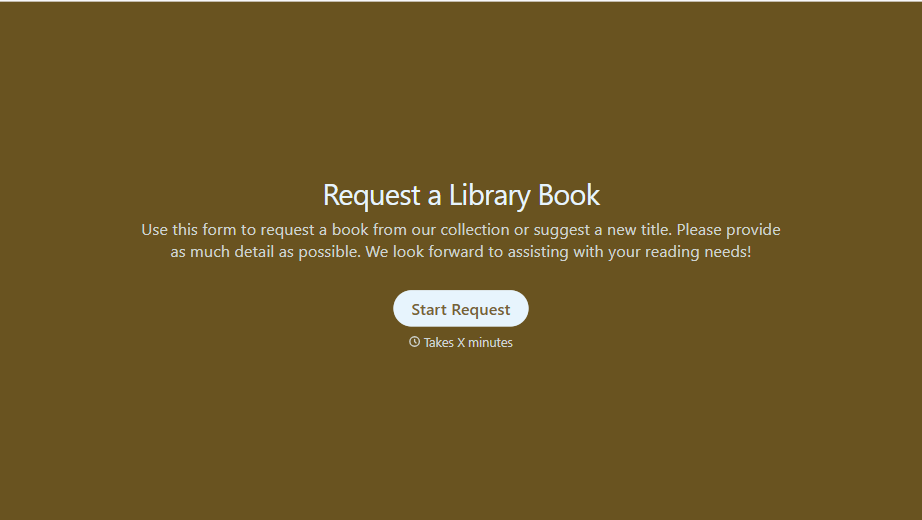
Library Book Request Form
A book request scrawled on a sticky note at the front desk doesn't make it into any queue, and it definitely doesn't get anyone a call when the book actually arrives. Collect what your library actually needs, the title, patron information, and how they'd like to be notified, before the note gets buried under the next stack of returns.
View template
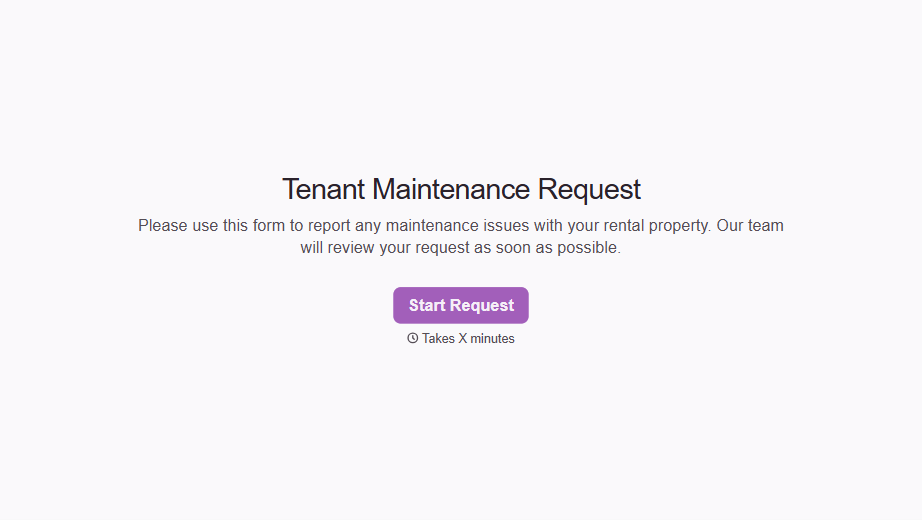
Tenant Repair Request Form
A text message about a leaky faucet sent at 11pm isn't a work order your maintenance team can act on efficiently, especially without a photo or a unit number attached. Collect the property, the issue, and how urgent it is before the request lands in someone's texts, so a repair doesn't wait on a landlord scrolling back through old messages.
View template
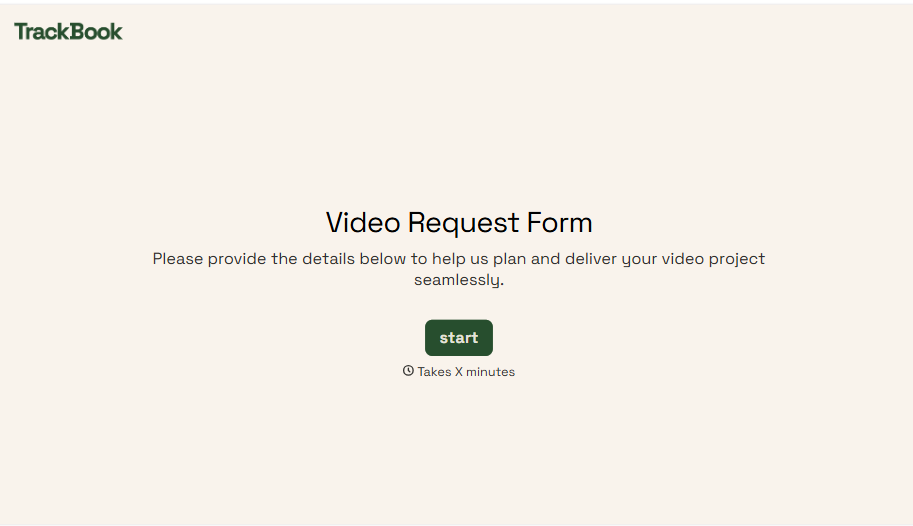
Video Request Form
A Slack message asking for "a quick video for the launch" isn't a creative brief your video team can actually start from. Collect the project purpose, deadline, and deliverable specs before the request lands in a queue, so your team isn't reworking a video built on assumptions the requester never actually stated.
View template
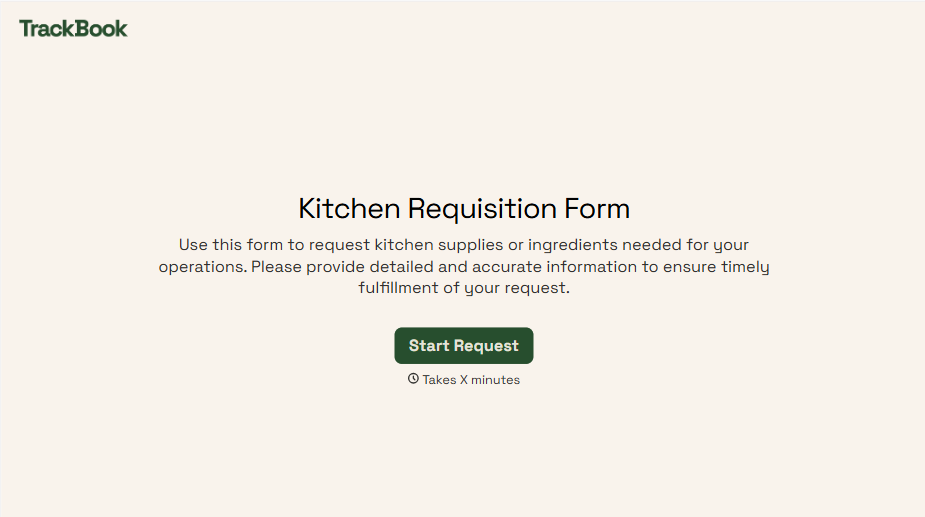
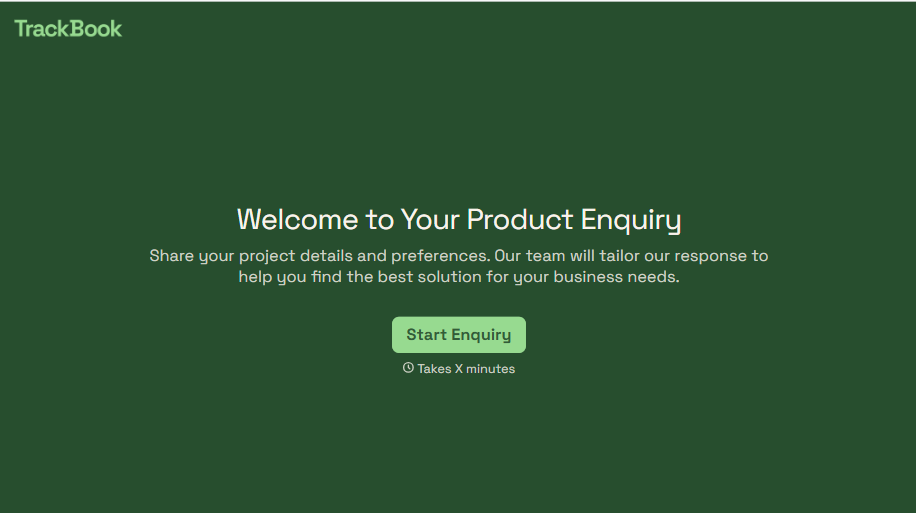
Product Enquiry Form
A generic "I'm interested in your product, can you tell me more?" email doesn't tell your sales team which product, what quantity, or what the customer's actually trying to do with it. Collect what your team actually needs, product interest, quantity, and use case, before you reply.
View template
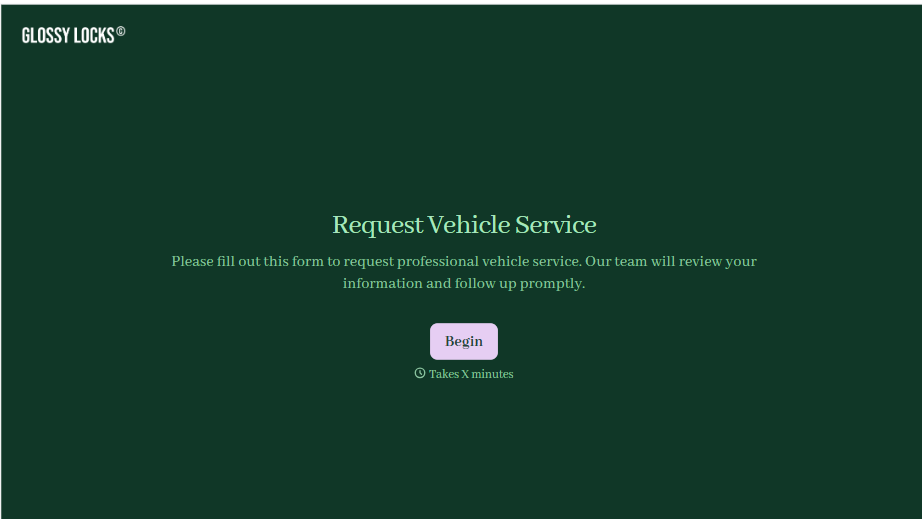
With Typeform, you can customize everything
Change text, colors, and even logos to match the look and feel of your brand. Then embed forms smoothly onto web and email.
Make forms feel effortless to fill out. Pace questions, call people by their name, and adapt the flow based on the data they share.
Stay efficient by connecting forms to your workflow. Typeform integrates with 300+ tools including Slack, Zapier, and HubSpot.


