User Experience Survey Form
Stop guessing why users leave. A user experience survey tells you what's working, what's confusing, and where to focus next.



Analytics tell you what users did on your website; they don't tell you where users struggled or why they dropped off or left without converting. Without direct feedback, design decisions come down to gut instinct, and the most frustrating parts of your website continue to create friction for users. Typeform's user experience survey template gives designers and developers a dependable way to collect structured feedback from real users.
The survey covers the three areas that make or break a website: accessibility, content, and presentation. Each question appears one at a time, so users can take time and focus, answer honestly, and give you more thoughtful feedback. Conditional logic adapts the form based on each user's answers, so someone who struggled with navigation is asked which device they were on, while someone who found the website content unclear is asked which page confused them. Every follow-up is relevant to what that person actually experienced.
Share it via a link, embed it on your website, or send it by email to recent visitors. Connect survey responses to Google Sheets, Airtable, or your product tool via Zapier, so feedback arrives organized and ready to act on. The faster you collect feedback after a user’s visit, the more accurate the picture you get.
A user experience survey collects direct feedback from users about how they navigate, understand, and interact with your website. It covers the key aspects of the user experience, including accessibility, content clarity, and visual presentation, using rating scales and open-ended questions. Think of it as the conversation your analytics can't have with your users.
Analytics show you where users drop off—but not why. A user experience survey fills that gap with direct feedback on navigation, content clarity, and the friction points pushing visitors away before they convert. Use the data from both to help you understand the where and why, so you can make smarter design decisions.
To get a full picture of your website's experience, ask about:
- Overall satisfaction with the website experience
- Ease of navigation and finding information
- Content clarity (is the language easy to understand?)
- Visual presentation and design (layout, readability, imagery)
- Accessibility (did anything prevent them from completing their goal?)
- An open-ended question for additional comments or suggestions
Not every user experiences your website the same way—a one-size-fits-all survey can’t capture that. Typeform’s conditional logic adapts the form’s questions based on each user's responses. Someone who struggled with navigation is asked where they got lost and what they were trying to do, while someone who had no issues moves through a shorter flow. That means better feedback for you, and a smoother experience for the person filling out the survey.
Send the survey as close to the visit as possible—right after a task is completed or a session ends. Embed it as a post-interaction prompt on your site, or send it by email within 24 hours of a visit. Details fade fast; fresh experiences make for better user experience feedback.
Get inspired by relevant templates and categories
3200+ Templates, 300+ Integrations
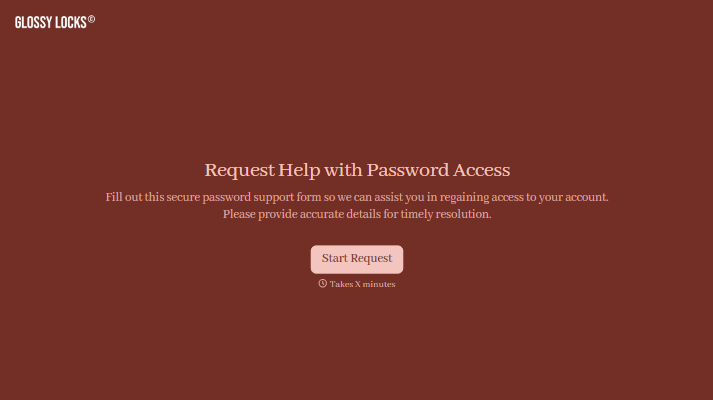
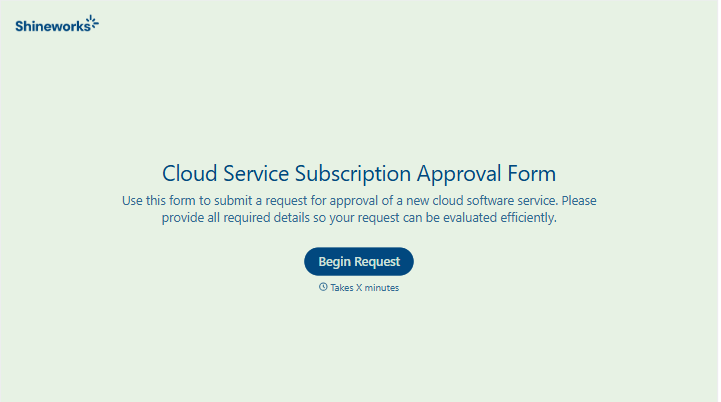
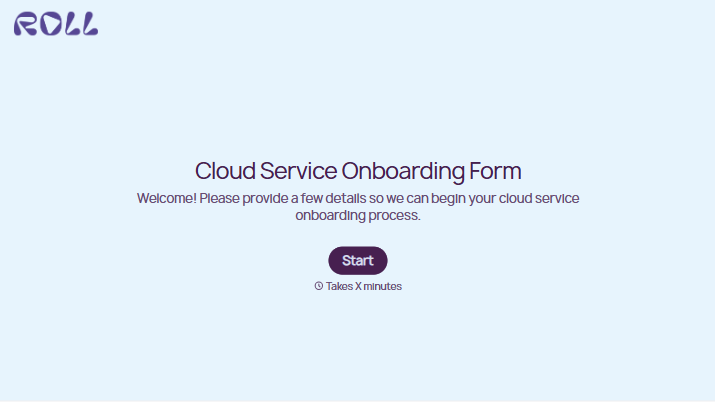
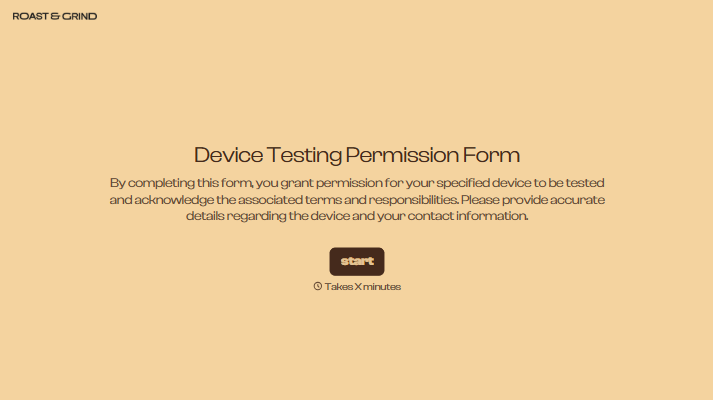
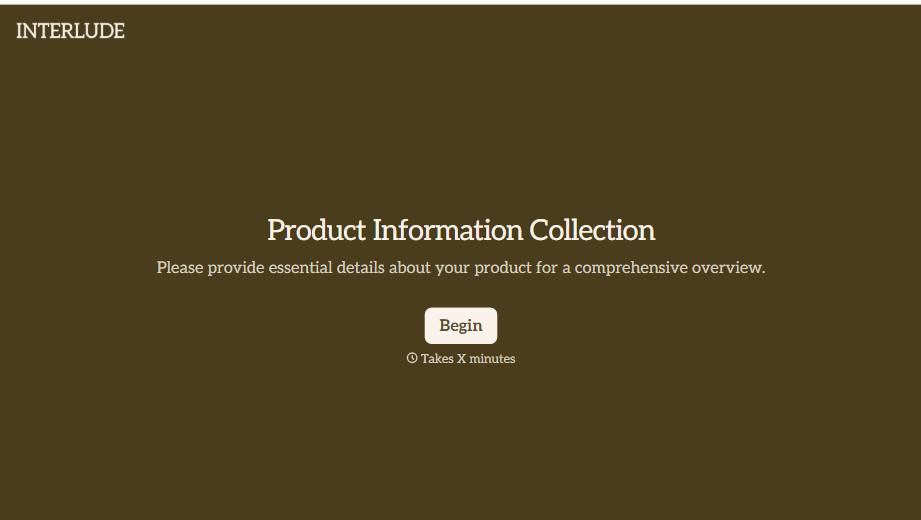
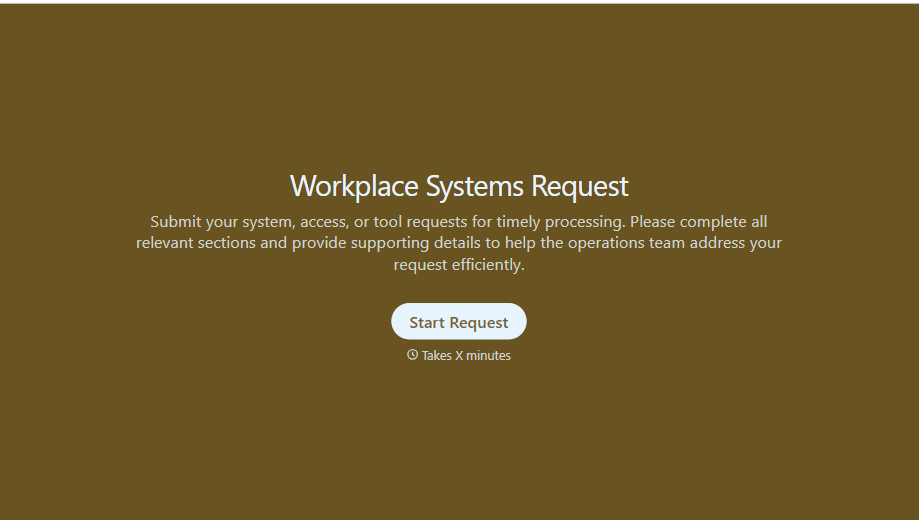
With Typeform, you can customize everything
Change text, colors, and even logos to match the look and feel of your brand. Then embed forms smoothly onto web and email.
Make forms feel effortless to fill out. Pace questions, call people by their name, and adapt the flow based on the data they share.
Stay efficient by connecting forms to your workflow. Typeform integrates with 300+ tools including Slack, Zapier, and HubSpot.


