Work Request Form Template
Give your team or clients a consistent way to submit work requests so nothing falls through the cracks.



When work requests come in through Slack messages, emails, and verbal conversations, it's almost impossible to keep track of everything in progress. Requests get lost, priorities aren't clear, and the person doing the work has to hunt down context before they can even start.
A single work request form creates one channel for all incoming requests. It captures the description, priority, deadline, and any relevant attachments in a structured format every time. Typeform's logic can route different request types to different team members automatically, so the right person sees it without any manual sorting.
Connect to a project management tool like Asana, Trello, or Jira to turn form submissions into tasks automatically. Your team sees the request; you see the work.
A work request form is a structured intake form used to capture task or project requests from internal teams or external clients. It gives requesters a consistent way to submit work and gives the receiving team the context they need to act.
It reduces the noise of informal requests and gives you a clear, searchable record of every piece of incoming work. It also sets clearer expectations with requesters about how and when to submit.
Effective work request forms cover the essentials without being too long. Common fields include:
- Requester name and department
- Type of work being requested
- Detailed description of the request
- Priority level (low, medium, high, urgent)
- Requested completion date
- Any relevant files or assets
You can include a priority field and use form notifications to alert the right person based on urgency level. Connecting to a project management tool where tasks are auto-created with the priority field populated saves significant manual effort.
Yes. The form can be shared via a public link and doesn't require a login to complete. You can customize the language to suit a client-facing context and include a field to capture their company name or account number.
Get inspired by relevant templates and categories
3200+ Templates, 300+ Integrations

Library Book Request Form
A book request scrawled on a sticky note at the front desk doesn't make it into any queue, and it definitely doesn't get anyone a call when the book actually arrives. Collect what your library actually needs, the title, patron information, and how they'd like to be notified, before the note gets buried under the next stack of returns.
View template

Tenant Repair Request Form
A text message about a leaky faucet sent at 11pm isn't a work order your maintenance team can act on efficiently, especially without a photo or a unit number attached. Collect the property, the issue, and how urgent it is before the request lands in someone's texts, so a repair doesn't wait on a landlord scrolling back through old messages.
View template

Video Request Form
A Slack message asking for "a quick video for the launch" isn't a creative brief your video team can actually start from. Collect the project purpose, deadline, and deliverable specs before the request lands in a queue, so your team isn't reworking a video built on assumptions the requester never actually stated.
View template
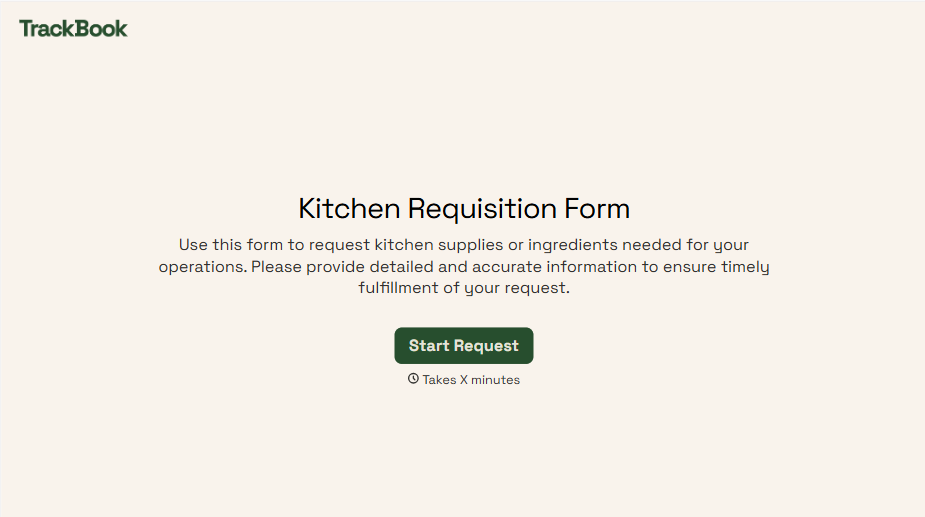
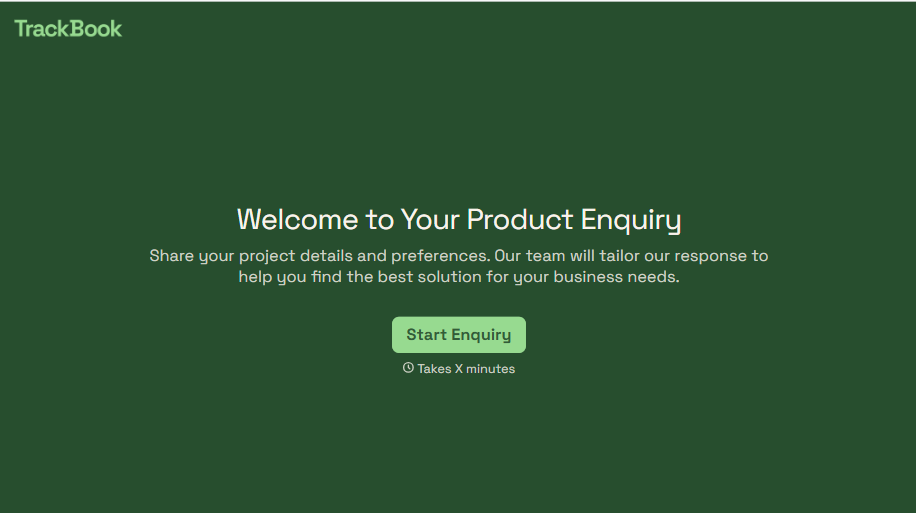
Product Enquiry Form
A generic "I'm interested in your product, can you tell me more?" email doesn't tell your sales team which product, what quantity, or what the customer's actually trying to do with it. Collect what your team actually needs, product interest, quantity, and use case, before you reply.
View template
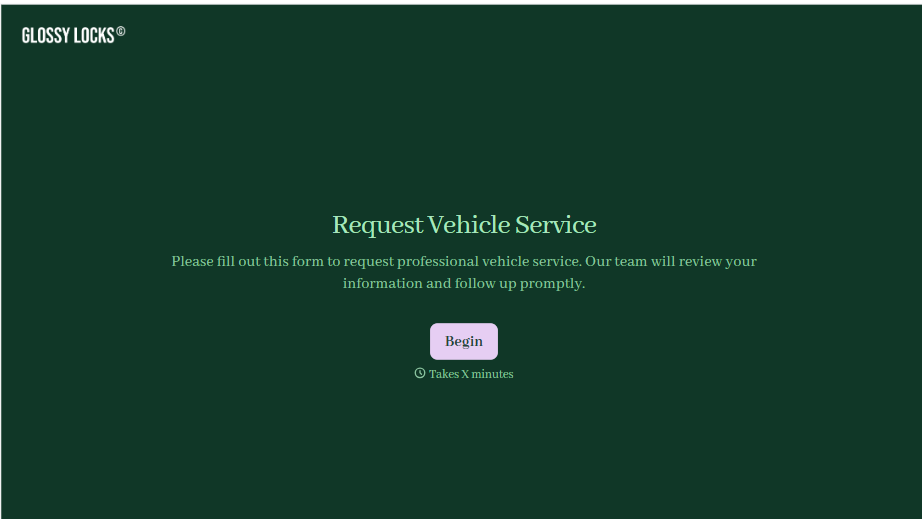
With Typeform, you can customize everything
Change text, colors, and even logos to match the look and feel of your brand. Then embed forms smoothly onto web and email.
Make forms feel effortless to fill out. Pace questions, call people by their name, and adapt the flow based on the data they share.
Stay efficient by connecting forms to your workflow. Typeform integrates with 300+ tools including Slack, Zapier, and HubSpot.


