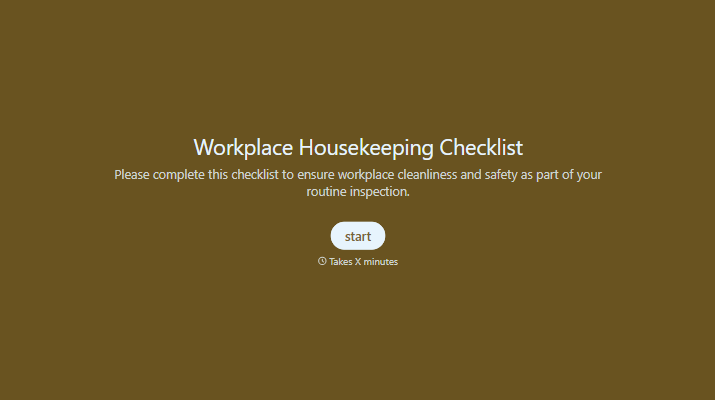
Workplace Housekeeping Checklist Form
Give teams a consistent way to check workplace conditions. Record untidy areas, blocked access, and items needing attention so each issue has a clear follow-up.



An overflowing bin gets emptied, but the boxes beside a walkway stay there for another shift. Someone notices a spill and assumes it’s already been reported. Typeform’s workplace housekeeping checklist form gives those observations a place to go and makes unfinished work easier to track.
The person completing the check identifies the area, reviews the relevant conditions, and records anything that needs attention. Include questions about floors, walkways, storage, waste, and shared workspaces, with room for notes or photos. Separate satisfactory conditions from issues found and items that don’t apply.
Supervisors get a record of what was checked and what still needs work. Teams get specific follow-up actions instead of a general reminder to keep things tidy. Assign responsibility and a target completion date so a reported issue doesn’t become a permanent item on the next checklist.
A workplace housekeeping checklist form records the cleanliness, order, and general condition of a work area. It helps teams check items such as clear walkways, organized storage, waste disposal, and clean work surfaces. Completed checklists document observations and the actions needed to address them.
Routine issues are easy to overlook when everyone assumes someone else will handle them. A checklist prompts teams to review the same areas consistently and record specific problems. It also gives supervisors a way to follow up on unfinished actions and spot recurring issues.
Tailor the checklist to the work area:
- Inspection date, location, and person completing the check
- Condition of floors, walkways, and access routes
- Storage of tools, equipment, and materials
- Waste and recycling areas
- Cleanliness of work surfaces and shared spaces
- Issues found, with notes or photos
- Required actions, responsible person, and target date
- Follow-up status and completion details
Include a “not applicable” option so people can distinguish irrelevant items from ones they haven’t checked.
Group items by location and use questions about conditions people can observe. “Are walkways clear of stored materials?” is easier to answer consistently than “Is the area tidy?” Keep routine checks brief, and show additional fields when someone reports an issue so they can explain what needs attention.
Give each action an owner and a target completion date. Record whether the issue was corrected during the check or needs further work, then have the responsible person update its status. Explain how urgent concerns should be reported through your workplace’s established process rather than waiting for someone to review the form.
Get inspired by relevant templates and categories
3200+ Templates, 300+ Integrations


With Typeform, you can customize everything
Change text, colors, and even logos to match the look and feel of your brand. Then embed forms smoothly onto web and email.
Make forms feel effortless to fill out. Pace questions, call people by their name, and adapt the flow based on the data they share.
Stay efficient by connecting forms to your workflow. Typeform integrates with 300+ tools including Slack, Zapier, and HubSpot.


