faq with ai
Use AI to answer your audience’s questions in your forms, in real time
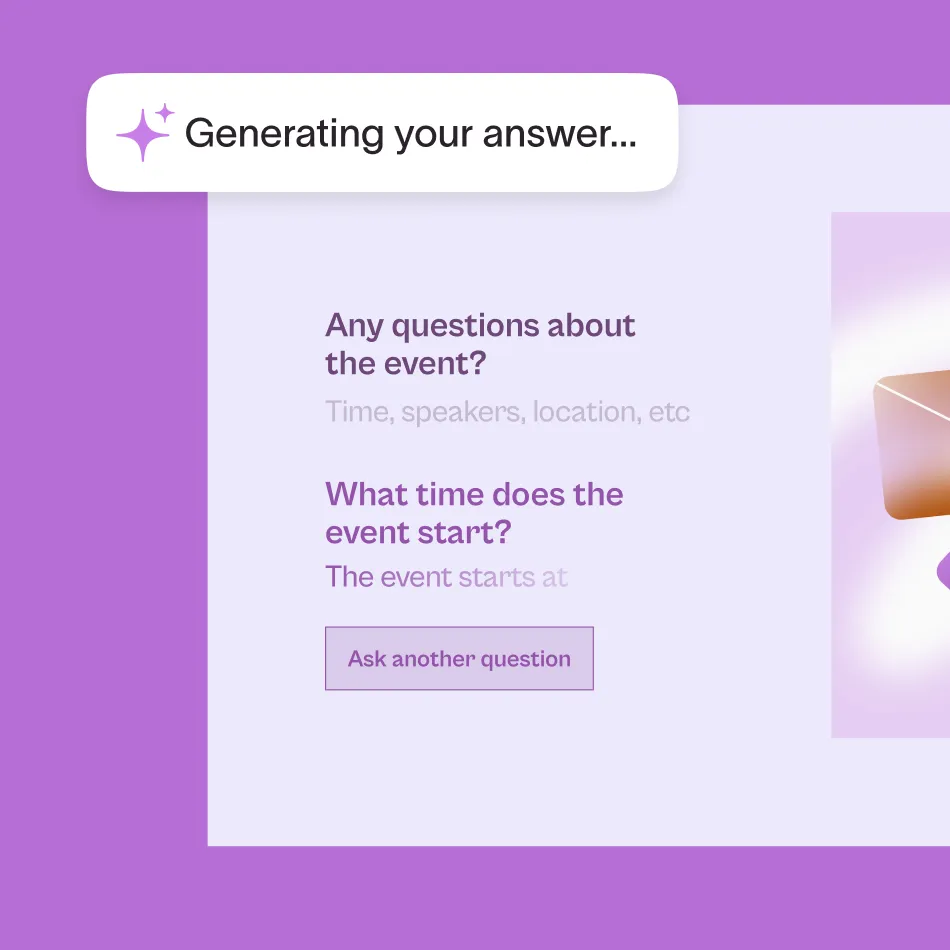
Give your audience the answers they need right away. Set up a knowledge base with your FAQs, then let your respondents chat with AI to get instant support.
Make the most of our latest product releases. Join us on August 26 to learn how.

faq with ai
Give your audience the answers they need right away. Set up a knowledge base with your FAQs, then let your respondents chat with AI to get instant support.
match quizzes
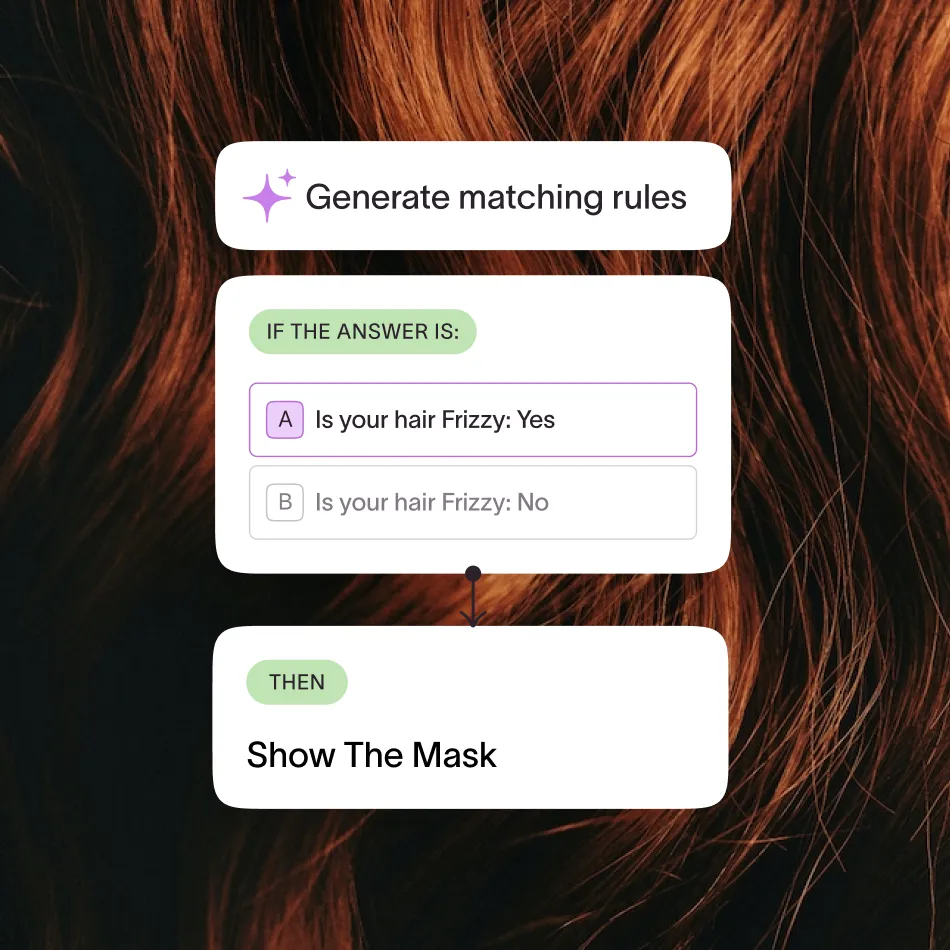
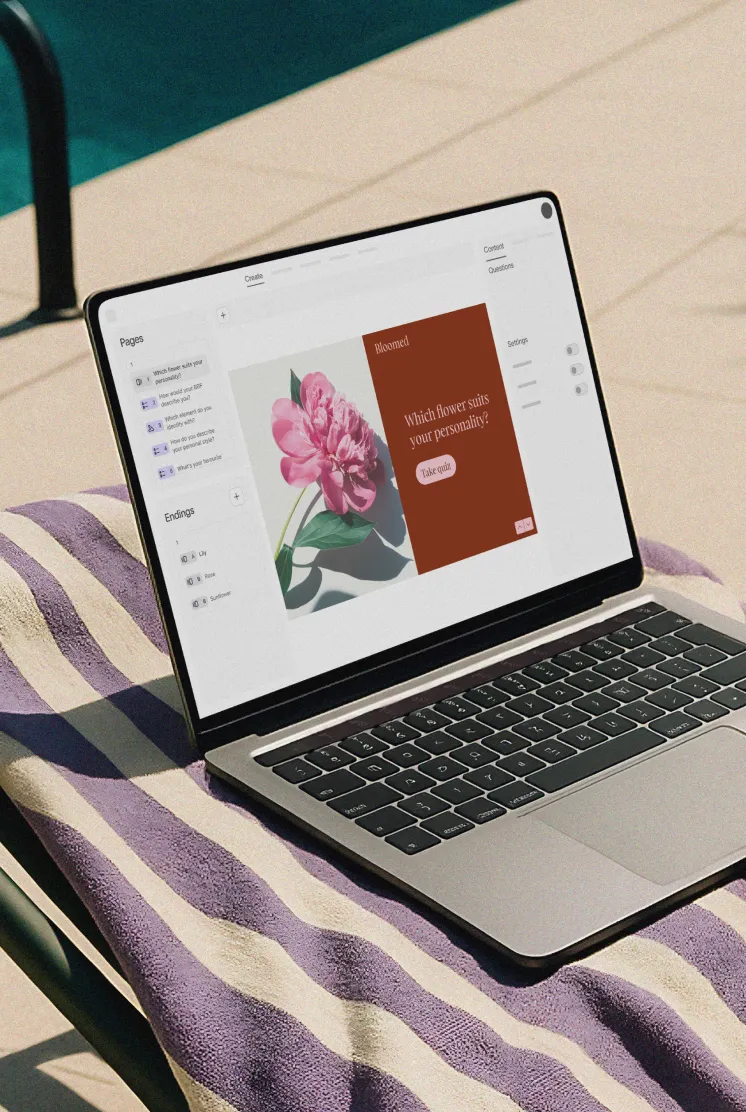
Quickly create a match quiz to engage your audience. Whether creating product recommendation quizzes, personality quizzes, or education paths, you can use AI to create a match quiz in a few clicks.
email builder
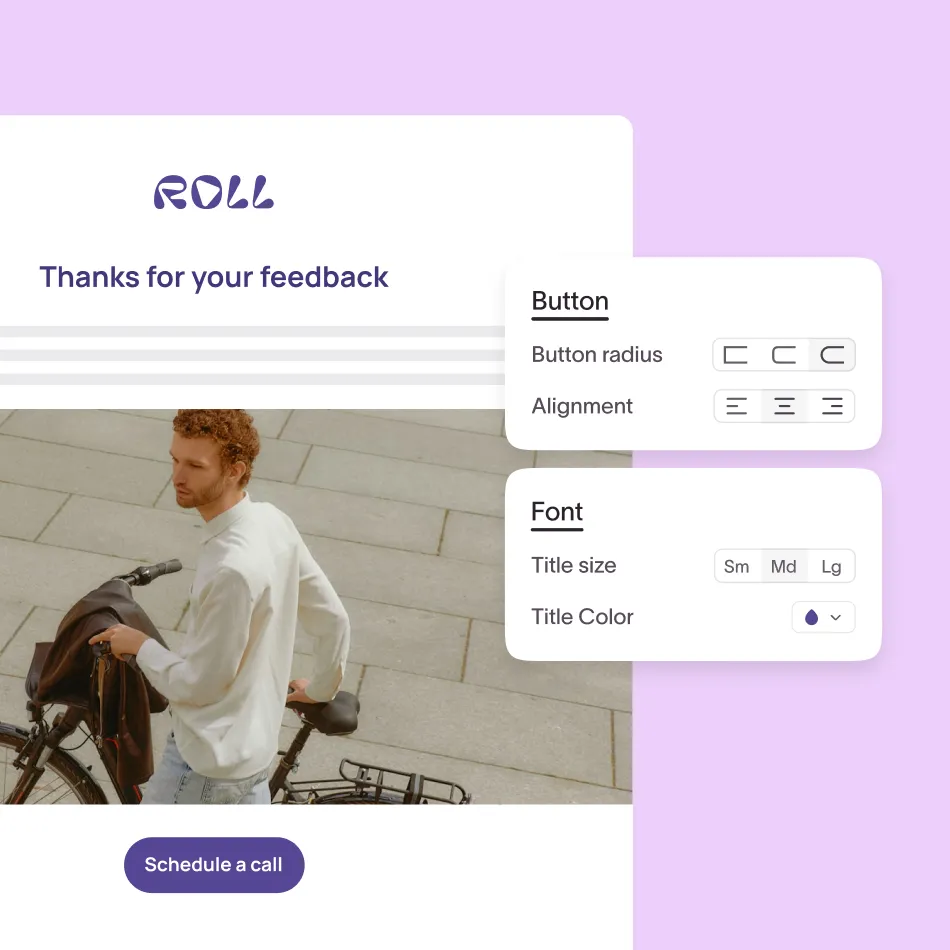
Boost open rates with branded emails that look and feel like your forms. Whether sending follow-ups, order confirmations, or educational emails, Typeform keeps your emails looking professional.
Ditch the hours of manual data entry. Map Typeform questions to standard or custom fields in Salesforce, then automatically sync your responses in real-time for cleaner CRM data and smarter lead qualification.
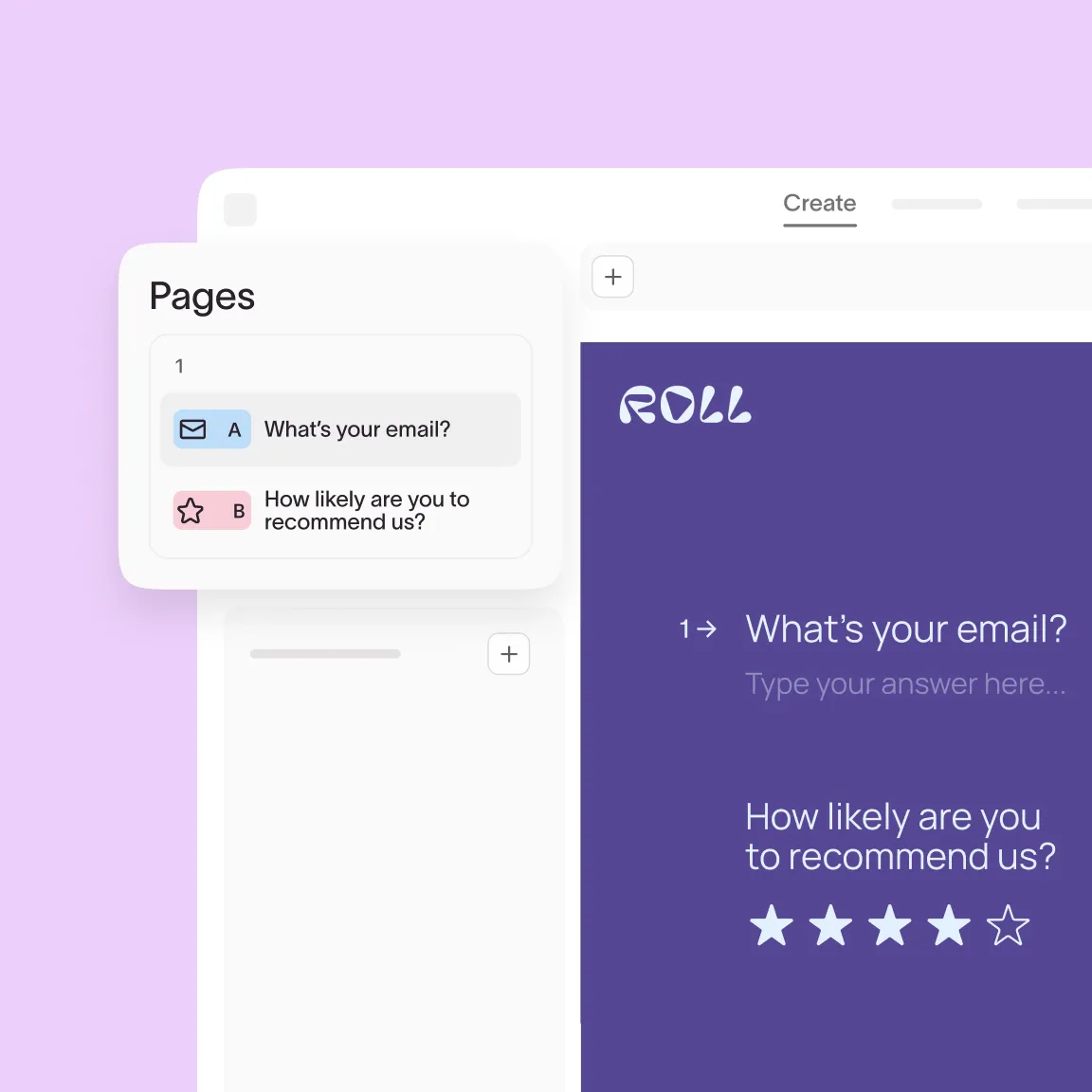
Boost completion rates with shorter, more organized forms. Easily drag and drop multiple questions onto a form page to keep respondents moving.
Let your audience respond with voice–no camera needed. Get more personalized and richer responses from your audience without privacy concerns.

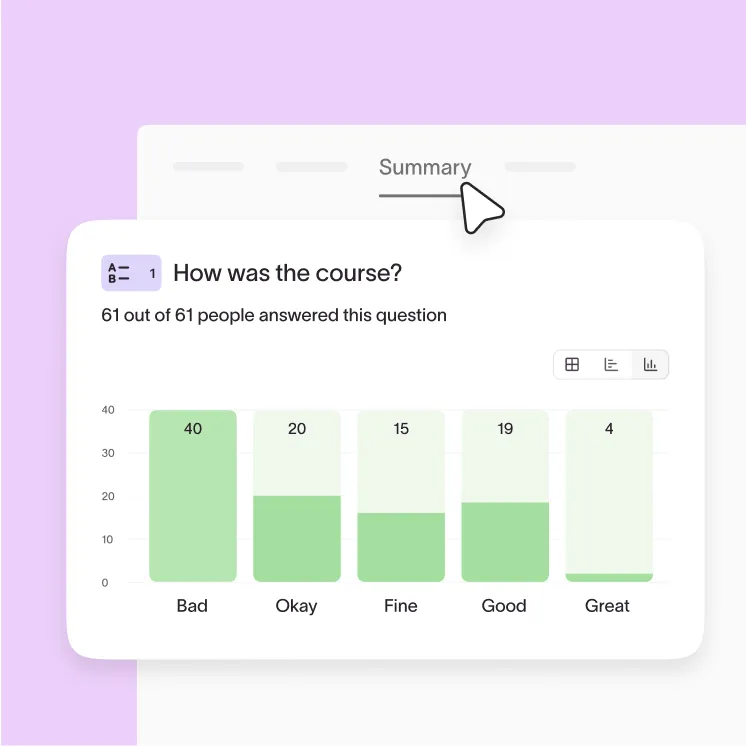
Choose from multiple dynamic chart types on the Results Summary page to bring your data to life. Quickly visualize key statistics to zoom in on what matters.
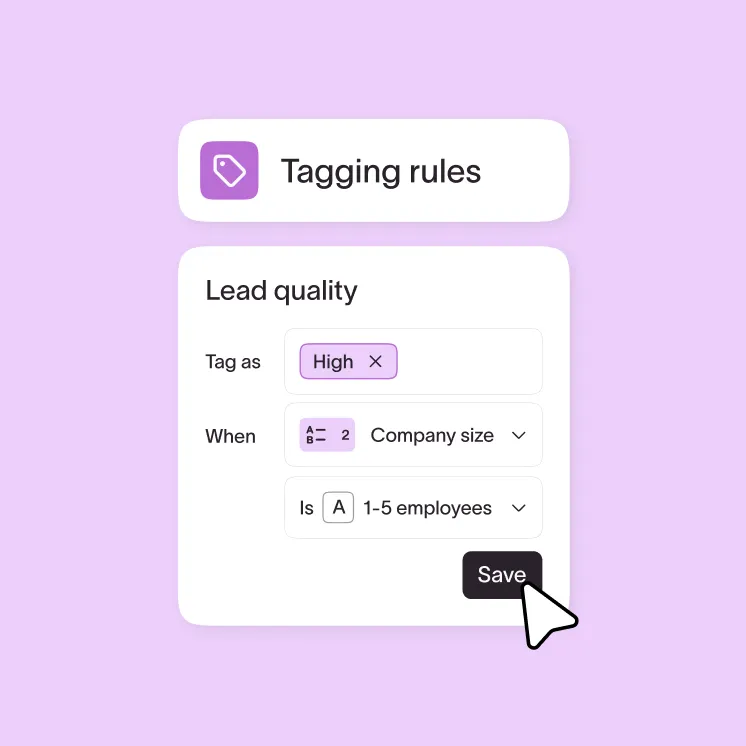
Automatically tag your audience based on their responses. Pinpoint leads or opportunities to prioritize, then easily personalize your follow-ups.
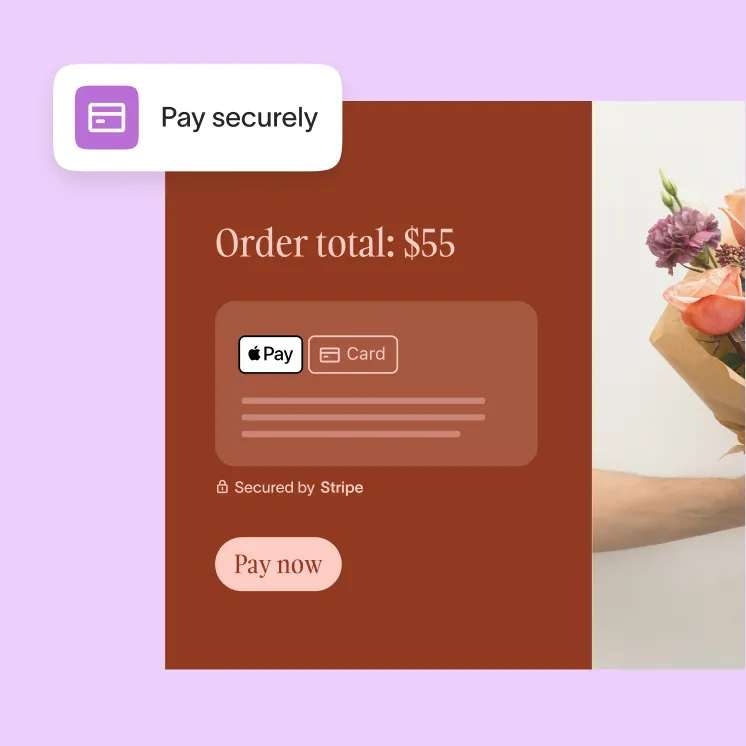
Skip the manual card entry and give your sales a lift. Your audience can now check out in your forms with Google Pay and Apple Pay.
See all the new features we’ve rolled out in action and a sneak peek at the exciting updates coming soon! This webinar is the perfect opportunity to see how these updates can make your workflow easier and improve your form-building experience.