Customer Satisfaction Survey Template
A satisfaction score pieced together from app store reviews, a few support tickets, and a Monday morning hunch isn’t a real number, it’s a guess with a decimal point. The customer who churns without a word and an angry user venting to peers are the ones you hear about last. Measure satisfaction before that happens, not after. Gather feedback at every touchpoint, in one place, from day one.



Customer satisfaction isn't a binary state, it exists on a spectrum that’s constantly shifting. The product update you shipped last month? Some customers love it. Others hate it. The support interaction yesterday? That might have been a loyalty-building moment or the beginning of the end. Without regular, structured feedback, you're navigating customer relationships with your eyes closed.
This customer satisfaction survey template captures how customers actually feel about your product, service, and support at key touchpoints. It adapts as it goes, so a five-star response and a one-star response never trigger the same follow-up question.
Send out the customer satisfaction survey after purchases, support interactions, or at regular intervals through email or in-app triggers. The responses will do the work: routed to the right team, tracked over time, building a feedback engine that keeps you ahead of dissatisfaction instead of reacting to it.
How the customer satisfaction survey template is built
Each screen in the survey has one job.
Intro screen — sets expectations before a single question loads: what you’re asking, how long it takes, and why it matters.
Rating question — one clear scale, nothing else is competing for its attention.
Conditional follow-up — branches based on the score. Low scores get an open-ended “what went wrong” question. High scores get “what’s working.”
Thank-you screen — a quick acknowledgement that the response was received, not a dead end.
This is the difference between a form and a flow. A static survey asks everyone the same 10 questions no matter how they answer. This one adapts in real time, one screen, one question, and one answer at a time for a shorter completion time and fewer abandoned surveys. It renders the same way on a phone as it does on a desktop, which matters given the number of responses that get answered on mobile between meetings.
Common CSAT survey mistakes to avoid
A few habits can quietly hurt survey data. None of them look like a mistake in the moment; they will show up weeks later, as a response rate that’s quietly declined or a score you don’t trust anymore. Watch out for these common CSAT survey mistakes:
Surveying every touchpoint. Ask after every purchase, every ticket, every login, and customers will stop responding. Or worse, stop meaning it.
Changing your scale mid-stream. Switching from a five-point to a 10-point scale, or from stars to numbers, will break your ability to compare scores over time.
Collecting your scores and never closing the loop. If customers never see their feedback changing anything, response rates drop with every send.
Treating one score as the entire story. A CSAT number will tell you that something is wrong. Only the open-ended follow-up actually tells you what.
Making the survey longer than the interaction it’s measuring. If resolving a support ticket took two minutes, a five-minute survey about it is its own bad experience.
Sending it from a no-reply address. A survey that can’t receive a reply signals that you don’t actually want to hear back, and customers will notice the disconnect.
How to calculate and benchmark your CSAT score
The formula is quite simple: take the number of “satisfied” or “very satisfied” responses, divide by total responses, then multiply by 100. If 80 out of 100 respondents rate you a four or five, your CSAT score is 80%. Run the math after every survey wave and get a number that you can actually track, not just a gut feeling about how things are going.
Context matters more than the number itself. Most frameworks treat CSAT scores in the 75-85% range as “good,” with anything above 85% considered strong. Below 65%, and it’s time to start asking what’s structurally broken and not just which customers are unhappy this month. For a wider read on the direction of travel, the national ACSI cross-industry index sat at 76.9 out of 100 in Q4 2025 and has not materially risen since 2017, which tells you most companies are treading water rather than improving.
Track the trend line, not just the snapshot, a score that’s slipping quarter over quarter is more important than where it sits today.
Turning responses into action
A score without a next step is only a number on a dashboard. Route low scores to a Slack channel or support queue as soon as they come in. A same-day follow-up on a bad experience can save the relationship; a week later, it can’t. Tag recurring themes in the open-text responses so “the checkout is confusing” shows up as a pattern and not 12 isolated complaints. That’s the real value of pairing a rating question with an open-ended one: the score tells you where to look, and the follow-up tells you what to fix.
High scores deserve action too. Feed them to your team as proof of what’s working. Consider looping standout responses into case studies or reviews, with the customer’s permission. Segment results by customer type or product line and you’ll often find the aggregate score is hiding a real problem in one segment. The goal is not only measuring sentiment, but it’s also building a habit of closing the loop before dissatisfaction turns into churn.
A customer satisfaction survey (often called a CSAT survey) measures how happy customers are with your product, service, or specific interactions. It typically uses a satisfaction scale that ranges from very satisfied to very dissatisfied, and is paired with open-ended questions that explain the rating. The resulting data helps organizations identify what's working, what's not, and where they should invest to improve the customer experience.
The timing varies based on what’s being measured. Post-purchase surveys typically land best within a few days of delivery, while the experience is still fresh. Post-support surveys should go out immediately after ticket resolution. Periodic relationship surveys work best quarterly. It’s best to send the survey when the experience is fresh and when the customer has had enough time to form an opinion, but not so much time that they've forgotten the details.
- Overall satisfaction with your product or service (rating scale)
- Satisfaction with the most recent interaction or purchase
- How well the product or service met their expectations
- What they value most about their experience with you
- One thing that would improve their experience
- Likelihood of purchasing from you again
Keep it under five minutes—ideally two to three minutes. Tell respondents upfront exactly how long it will take. The one-question-at-a-time format already boosts engagement, but timing is just as important: avoid sending surveys during your customers’ busiest, most distracted moments. Personalize the invitation by referencing their specific purchase or interaction, and always explain how their feedback will be used. People are more willing to respond when they believe it'll make a difference.
They measure different things.
- CSAT (Customer Satisfaction Score) measures happiness with a specific experience or overall relationship.
- NPS (Net Promoter Score) measures loyalty and willingness to recommend.
- CES (Customer Effort Score) measures how easy it was to accomplish a task.
Most organizations benefit from using all three at different touchpoints. CSAT after interactions, NPS quarterly, and CES after support or onboarding experiences.
Get inspired by relevant templates and categories
3200+ Templates, 300+ Integrations
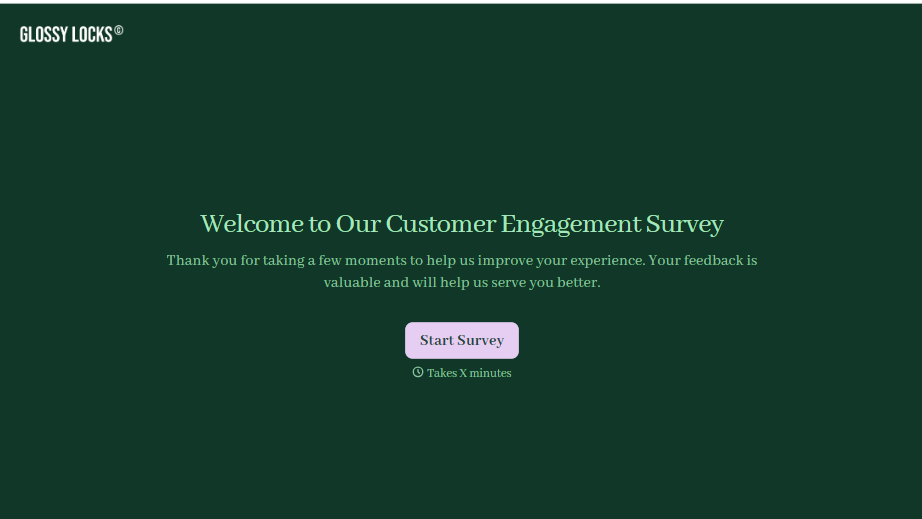
Customer Engagement Survey Form
A quarterly engagement survey blasted to the entire customer list, whether someone logged in yesterday or six months ago, gets back an average score nobody can act on. Ask the right question to the right customer, at the moment their actual behavior gives you something to ask about.
View template

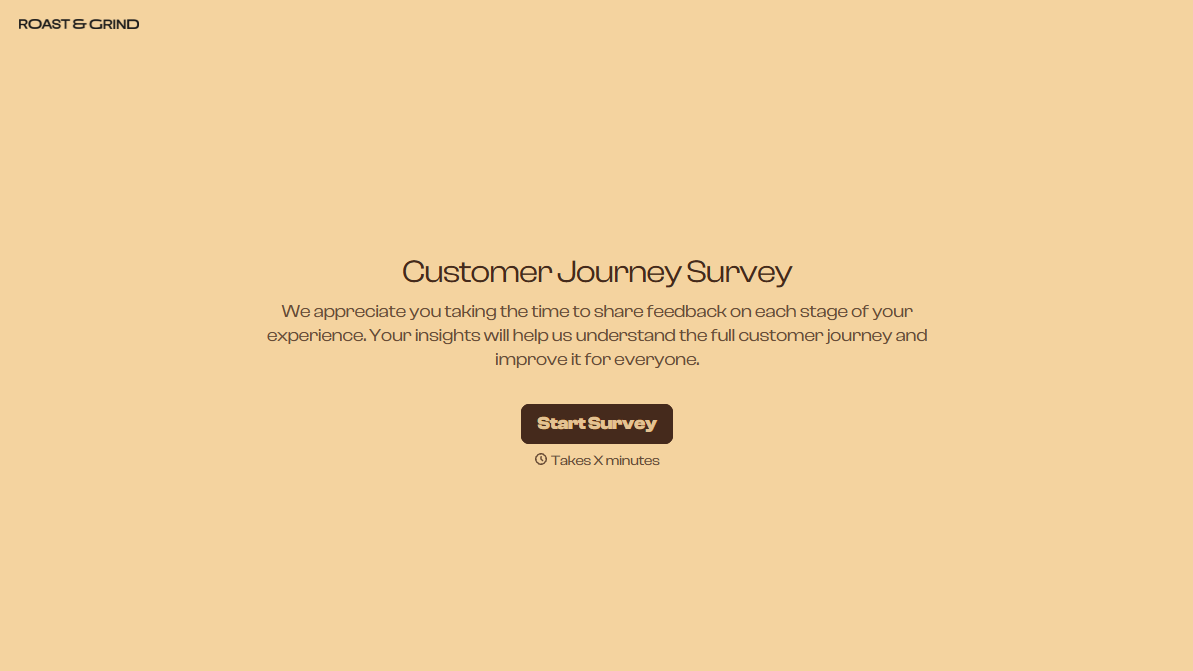
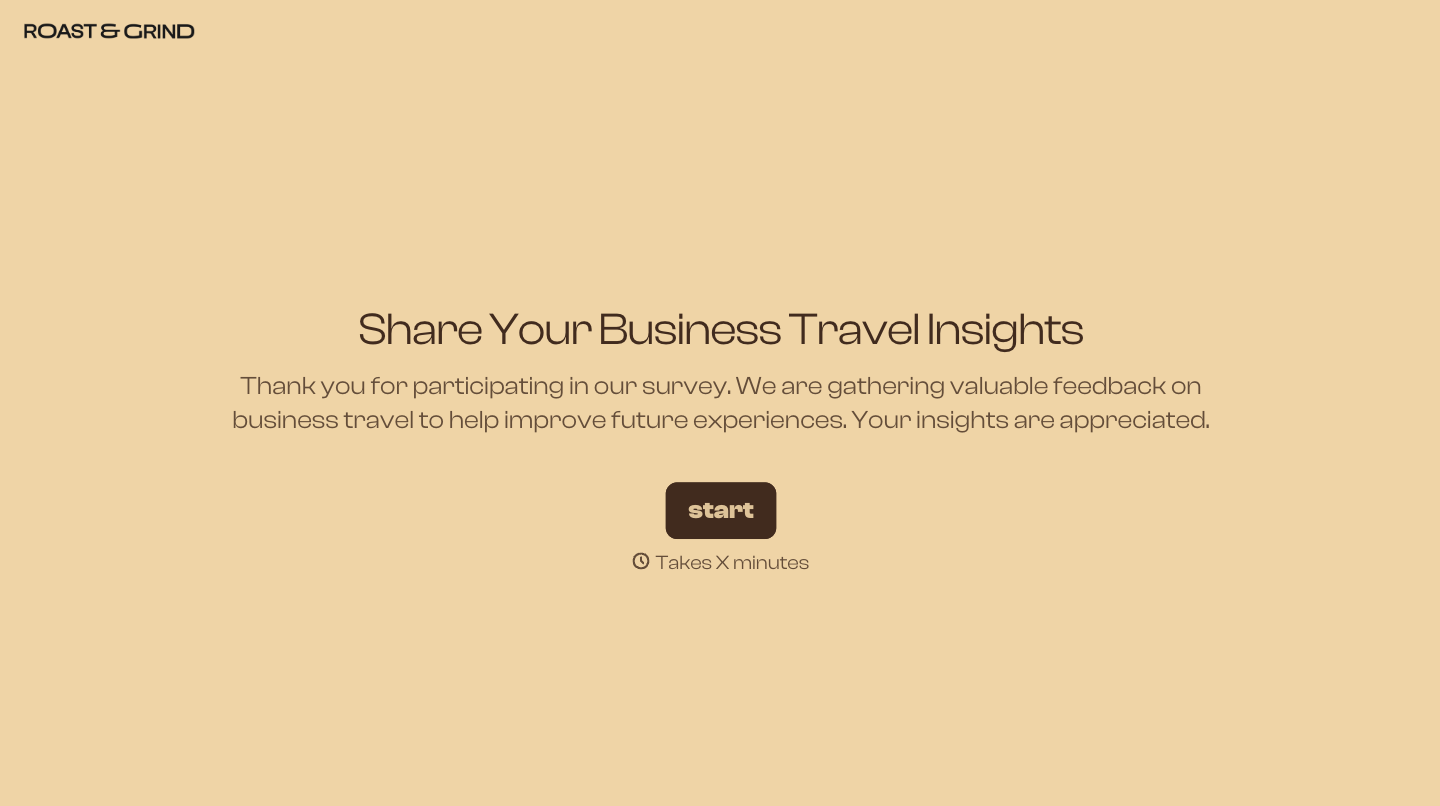
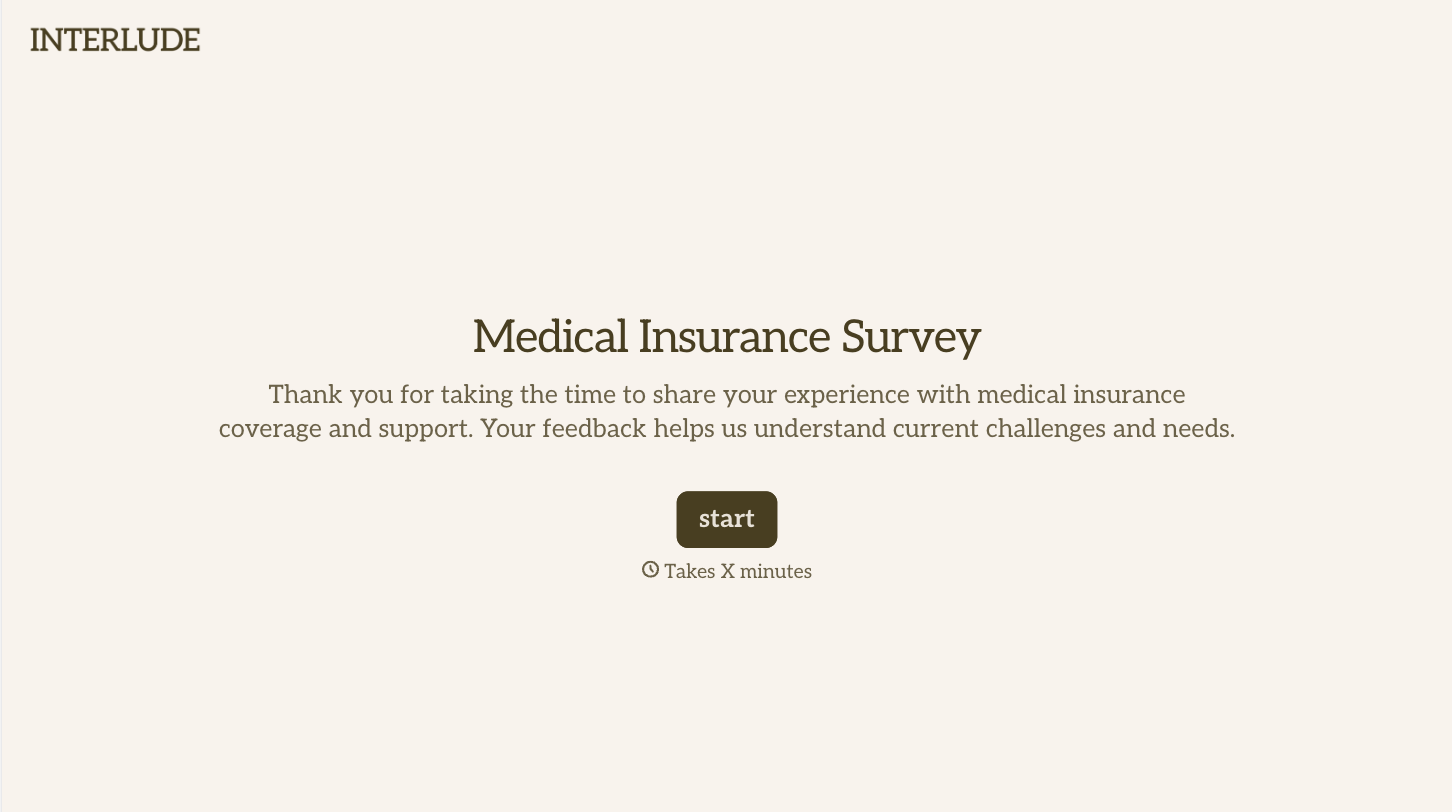
With Typeform, you can customize everything
Change text, colors, and even logos to match the look and feel of your brand. Then embed forms smoothly onto web and email.
Make forms feel effortless to fill out. Pace questions, call people by their name, and adapt the flow based on the data they share.
Stay efficient by connecting forms to your workflow. Typeform integrates with 300+ tools including Slack, Zapier, and HubSpot.


