360 Degree Feedback Survey Form Template
Give employees a complete picture of their performance from every direction. This template collects structured feedback from peers, managers, and direct reports in one organized process.



Annual performance reviews based on one person's perspective miss too much. Blind spots go unaddressed, strengths go unrecognized, and employees don't get the rounded feedback they need to grow. A 360 review changes that — but only if the process is consistent and the data is usable.
This 360 degree feedback survey form template collects structured ratings and observations across key competencies from multiple reviewers. Conditional logic adapts the question framing based on the relationship between the reviewer and the subject — a peer response uses different language than a direct report response — while maintaining consistency in what's being measured. All responses feed into a central view, making it straightforward to synthesize the feedback into a coherent picture.
Set up the competency areas relevant to your organization, configure the reviewer relationships, and run a review cycle that produces feedback worth acting on.
A 360 degree feedback survey is a performance evaluation tool that collects input on an individual from multiple sources: their manager, peers, direct reports, and sometimes clients or external stakeholders. The goal is to provide a well-rounded picture of performance that no single reviewer could offer on their own.
Single-source performance reviews are inherently limited by the reviewer's vantage point. 360 feedback surfaces patterns that might not be visible to any one person — a manager may not see how a team member handles peer conflicts, but their colleagues will. This broader view leads to more accurate, more actionable development feedback.
Focus on observable behaviors across the key competencies you want to develop:
- How effectively does this person communicate with the team?
- How well do they manage their workload and deliver on commitments?
- How do they handle feedback and adapt their approach?
- How do they contribute to a positive team environment?
- What is their strongest area of performance?
- What's 1 area where they could have the most impact by improving?
Anonymity helps. When reviewers know their responses are confidential, they're more likely to provide candid feedback. Make clear in your communication that responses are anonymous and that the goal is constructive development, not performance scoring. Including open-text questions where reviewers can elaborate tends to surface more specific, useful observations.
Synthesize the data before sharing it. Rather than handing someone a raw data export, group themes, highlight patterns, and frame the conversation around 2-3 key areas for development alongside clear strengths. A structured debrief conversation with a manager or coach helps the recipient process and act on the feedback constructively.
Get inspired by relevant templates and categories
3200+ Templates, 300+ Integrations

Work From Home Request Form
A Slack message asking to work from home on Thursday isn't a request anyone can track, especially once the same employee has asked five different ways over a month. Collect the request type, dates or schedule, and manager approval in one place, so HR isn't reconstructing who's working where from a scattered inbox.
View template

Return of Property Form
A property checklist stapled to an exit interview packet isn't a record anyone can rely on when a laptop turns up missing three weeks later. Collect itemized equipment details, condition at return, and a signed acknowledgment before an employee's last day, so IT isn't chasing down a laptop that already walked out the door.
View template

Early Retirement Form
A retirement mentioned to a manager in conversation doesn't give HR anything to actually process, and if there's an incentive deadline attached, the date that conversation happened can matter more than anyone realized at the time. Collect what your HR team actually needs, employee information, requested date, and benefit elections, before a window closes.
View template
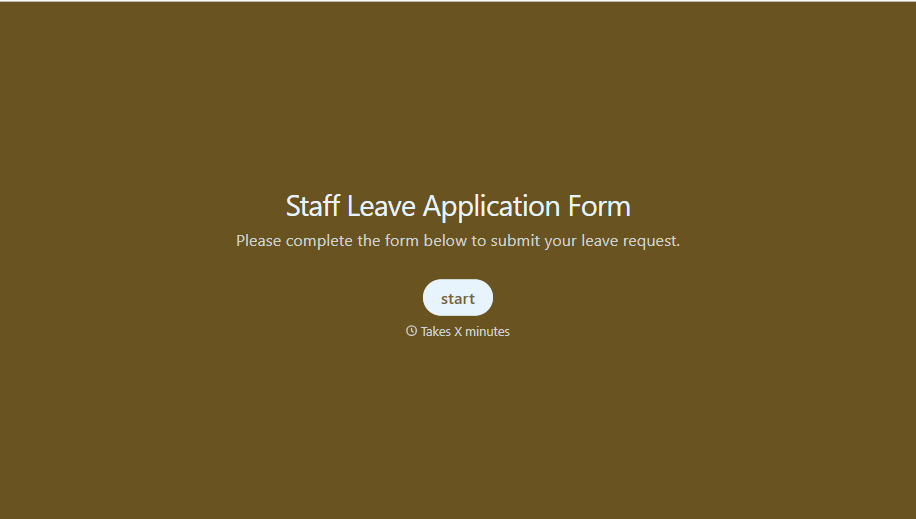
Staff Leave Application Form
A vacation request approved with a thumbs-up emoji in Slack isn't the kind of record payroll can work from when it's time to reconcile someone's leave balance. Collect the leave type, dates, and manager approval in one place, so a team doesn't accidentally double-book someone's time off.
View template
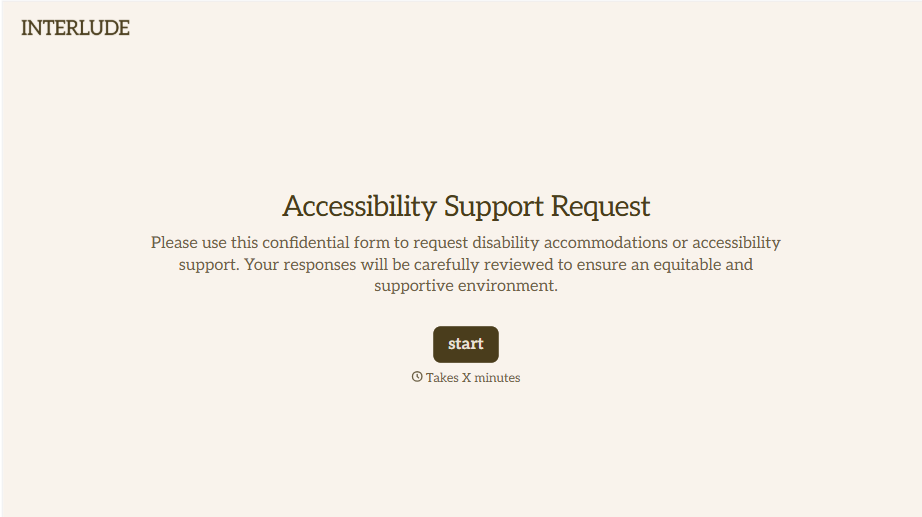
Disability Accommodation Request Form
A quiet word to a manager about needing a different desk setup isn't the kind of request that starts a documented process. Collect the specific accommodation needed and any supporting information before a decision gets made informally, so a request doesn't get lost between a hallway conversation and HR's desk.
View template
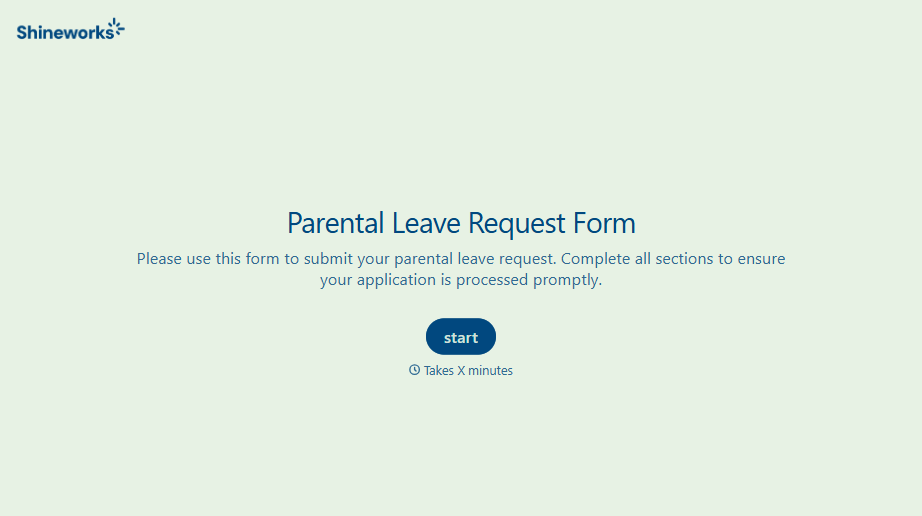
With Typeform, you can customize everything
Change text, colors, and even logos to match the look and feel of your brand. Then embed forms smoothly onto web and email.
Make forms feel effortless to fill out. Pace questions, call people by their name, and adapt the flow based on the data they share.
Stay efficient by connecting forms to your workflow. Typeform integrates with 300+ tools including Slack, Zapier, and HubSpot.


