Accident Report Form Template
Document what happened clearly, completely, and before memories fade.



Accidents don't wait for convenient timing. When one happens (in the workplace, on a property, on the road) the priority is safety. But right after that comes documentation. Details get foggy fast. Witnesses leave. Evidence changes. The longer you wait to capture what happened, the harder it becomes to piece together an accurate account. And a vague accident report is almost as useless as no report at all.
This accident report form template guides reporters through a structured account of the incident while the details are still fresh. Typeform's one-question-at-a-time format keeps the process focused. No staring at a blank page wondering what to write. Conditional logic adapts the form based on accident type, so a vehicle collision prompts different follow-up questions than a slip-and-fall on company property.
Add photo upload fields for evidence, connect submissions to your safety management system through integrations, and trigger instant notifications to the right team members. Thorough documentation starts here.
An accident report form is a standardized document used to record the details of an incident, including what happened, when and where it occurred, who was involved, what injuries or damages resulted, and what circumstances contributed to the event. It's a critical tool for workplace safety, insurance claims, legal protection, and identifying patterns that help prevent future incidents.
Memory is unreliable, and it degrades quickly. Studies show that recall accuracy drops significantly within just 24 hours of an event. Filing a report immediately captures details while they're still clear: exact times, weather conditions, what someone said, where people were standing. This accuracy matters enormously for insurance claims, workers' compensation, OSHA compliance, and any potential legal proceedings.
- Date, time, and exact location of the incident
- Names and contact information for all parties involved and witnesses
- A detailed narrative description of what happened
- Type and severity of injuries or property damage
- Photos or supporting evidence uploads
- Immediate actions taken (first aid, emergency services called, area secured)
Ideally, the person most directly involved, or the first supervisor or safety officer on the scene. If the injured party can't complete the form, a witness or manager should. Some organizations require multiple perspectives, in which case separate forms can be submitted by different parties and cross-referenced later. The key is that at least one detailed report is filed as soon as practically possible.
Retention requirements depend on your jurisdiction and industry. OSHA requires most workplace injury records to be kept for at least 5 years. Workers' compensation claims may need documentation for longer. For incidents involving minors, retain records until the minor reaches legal age plus the statute of limitations. When in doubt, keep records longer rather than shorter. Storage is cheap, but missing documentation during litigation is expensive.
Get inspired by relevant templates and categories
3200+ Templates, 300+ Integrations
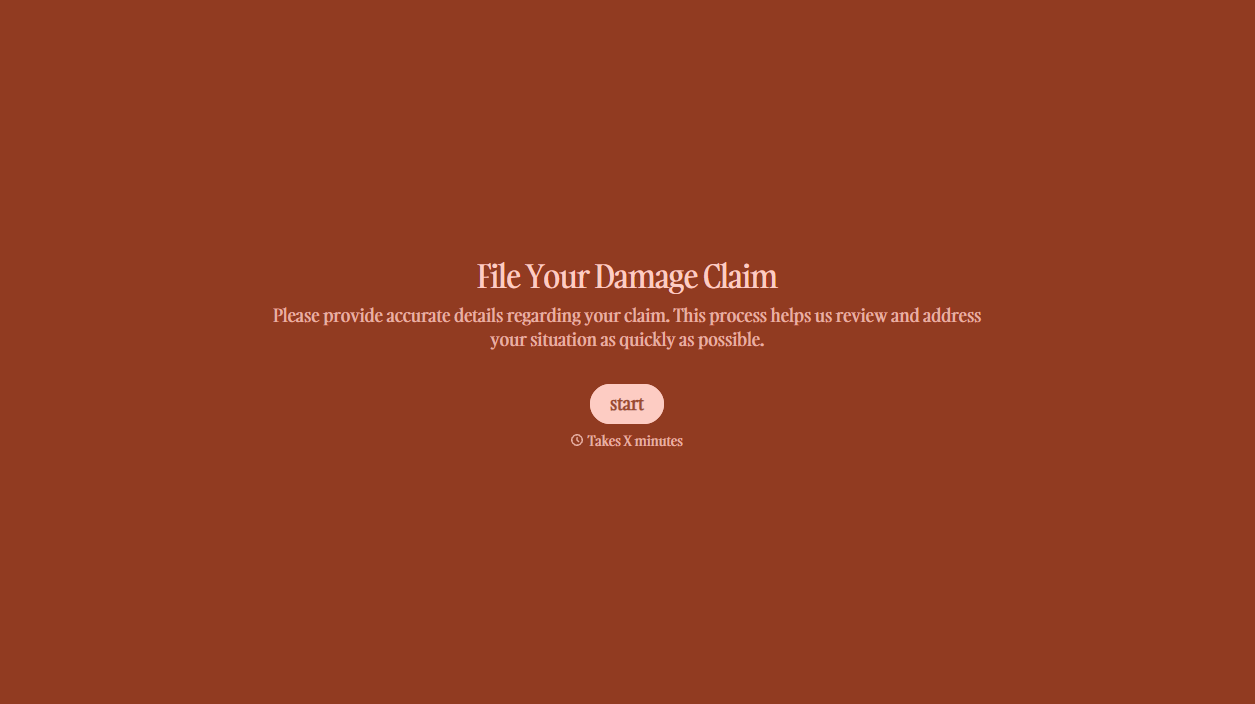
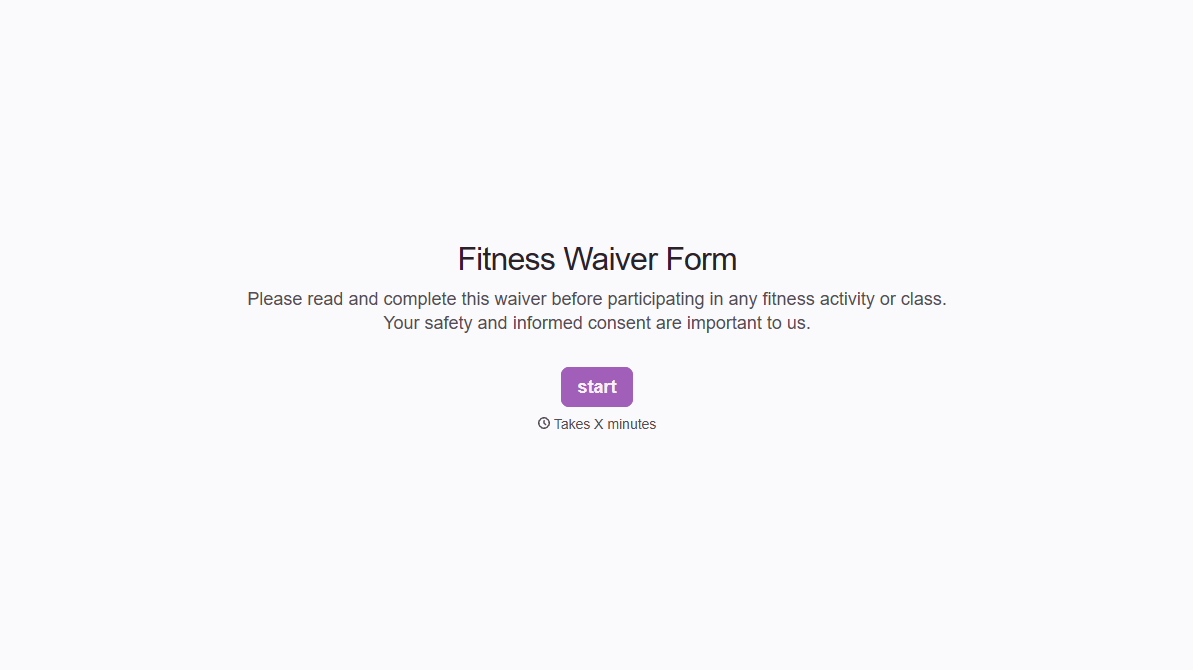
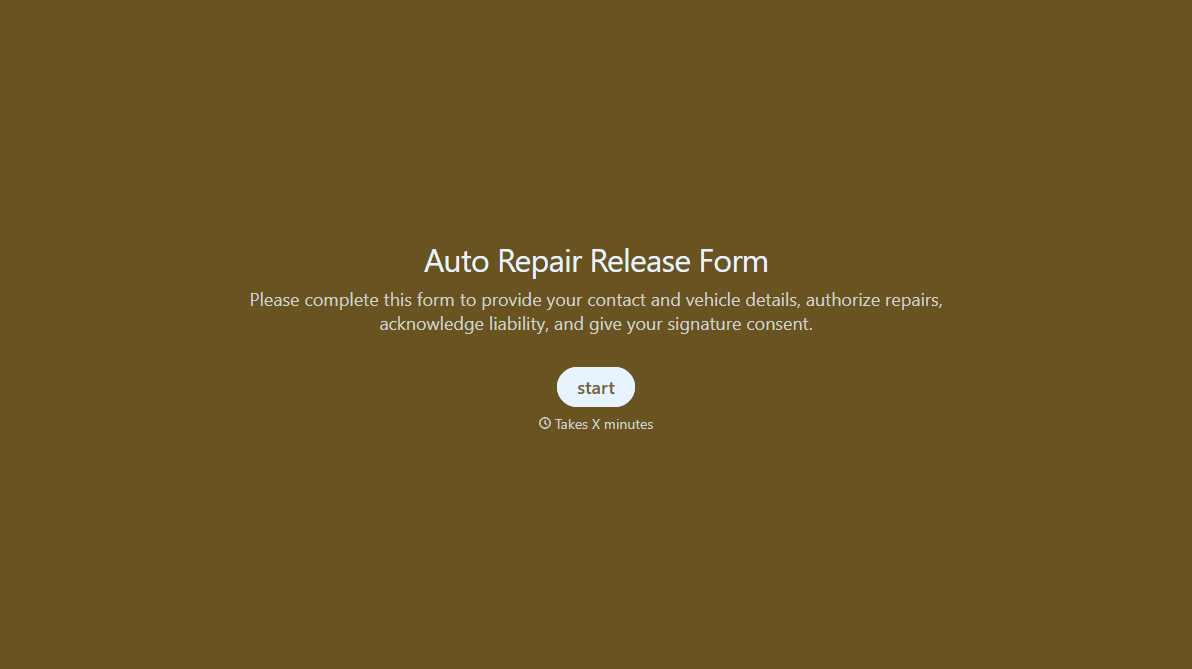



With Typeform, you can customize everything
Change text, colors, and even logos to match the look and feel of your brand. Then embed forms smoothly onto web and email.
Make forms feel effortless to fill out. Pace questions, call people by their name, and adapt the flow based on the data they share.
Stay efficient by connecting forms to your workflow. Typeform integrates with 300+ tools including Slack, Zapier, and HubSpot.


