Laboratory Result Form Template
Document and communicate laboratory test results in a structured, secure format. Capture test details, reference ranges, result values, and clinical interpretation in one complete record.



Laboratory results are only useful when they're communicated clearly and completely. A structured result form captures the test name, specimen type, collection date, result value, reference range, units, and the ordering clinician's interpretation — creating a complete record that patients and providers can reference without ambiguity.
This template covers patient name and date of birth, ordering provider name, specimen collection date and time, test name and methodology, result value with units, reference range and flag status (normal, high, low, critical), the clinician's interpretation, recommended follow-up action, and how the result was communicated to the patient. Critical value notification fields are required for time-sensitive results.
Clinical laboratories, physician offices, and health systems use structured result documentation to support patient care, regulatory compliance, and quality review. Connect to your LIS or EHR to update patient records automatically. Date-stamped result records establish when results were available and when they were communicated — important for clinical and legal accountability.
Add a critical value flag field. Configure urgent notifications when this field is marked, triggering immediate outreach to the ordering provider.
This form documents the result internally. Use your patient portal or a separate patient-facing communication to share results with patients directly.
Use HL7 interfaces, FHIR integrations, or webhooks to push result data from the form into the patient's electronic health record.
Add collection date/time and result date/time fields. Calculate turnaround in your connected spreadsheet or analytics tool.
Add a communication log field capturing when, how, and by whom the result was shared with the patient. This creates the audit record.
Get inspired by relevant templates and categories
3200+ Templates, 300+ Integrations
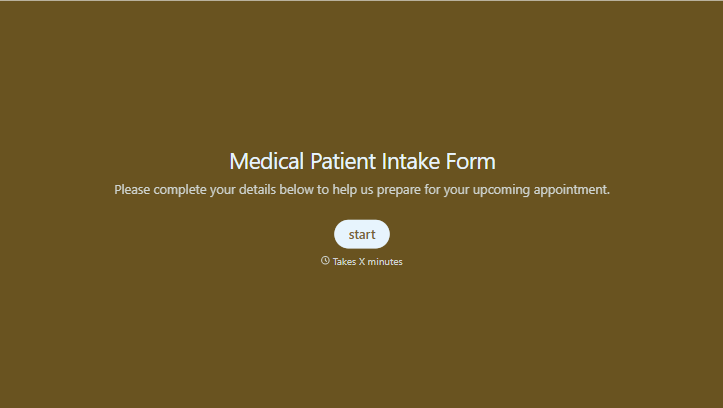
Medical Patient Intake Form
Move past a clipboard that captures a name and an insurance card. Screen for the medical history that actually changes how a patient is treated, document informed consent and privacy acknowledgment, and keep a timestamped signature on file for exactly what your patient agreed to.
View template


With Typeform, you can customize everything
Change text, colors, and even logos to match the look and feel of your brand. Then embed forms smoothly onto web and email.
Make forms feel effortless to fill out. Pace questions, call people by their name, and adapt the flow based on the data they share.
Stay efficient by connecting forms to your workflow. Typeform integrates with 300+ tools including Slack, Zapier, and HubSpot.


