Activity Evaluation Form Template
Collect feedback after an activity or program so you can understand what worked and what to change.



Whether you're running a youth program, a corporate team-building event, a fitness class, or a community activity, the feedback you collect afterward is only as useful as the questions you ask. Generic satisfaction ratings tell you that people were happy or unhappy, but they don't tell you why or what to do differently.
An activity evaluation form asks the specific questions that generate actionable answers. Participants rate elements of the activity individually — content, facilitation, environment, pacing — and have space to add context. Conditional logic can show follow-up questions when a low rating is given, capturing the detail behind the number.
Send the form immediately after the activity while the experience is still fresh. Connect responses to a spreadsheet to track trends across multiple sessions or events.
An activity evaluation form is a survey completed by participants after taking part in an activity, event, or program. It captures their experience across specific dimensions and collects suggestions for improvement.
Consistent post-activity feedback helps you identify what's working, and what isn't, across sessions. Over time, the data tells a clearer story than any single session's observations can.
A focused activity evaluation covers the key dimensions of the experience:
- Overall rating of the activity
- Rating of the facilitator or leader
- Whether the activity met stated objectives
- Pacing and length of the session
- Quality of materials or equipment used
- What they'd change if they could
Keep the form short — under five minutes to complete — and send it immediately after the activity. Explaining how you use the feedback to improve future activities gives participants a reason to invest the time. A conversational format that presents one question at a time also reduces the sense of burden.
Yes. If you use consistent rating questions across all your activity evaluations, you can analyze scores side-by-side in a spreadsheet or connected analytics tool. This helps you identify standout facilitators, flag underperforming sessions, and make fair, data-informed staffing and program decisions.
Get inspired by relevant templates and categories
3200+ Templates, 300+ Integrations
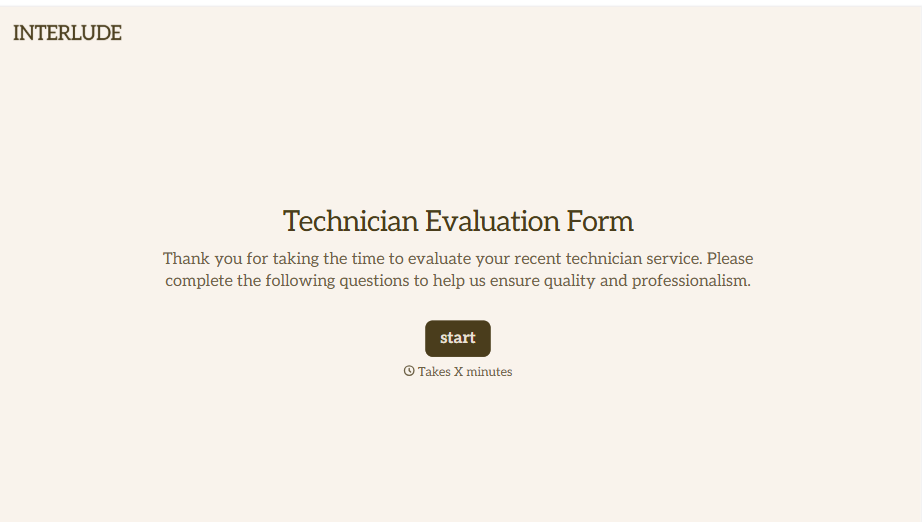
Technician Evaluation Form
A ride-along evaluation scribbled on a clipboard in the truck isn't the kind of record that holds up months later when it's time to talk about a raise or a certification renewal. Collect specific skill, safety, and customer service observations while the job's still fresh, so a technician's review is built on more than a supervisor's memory of the day.
View template
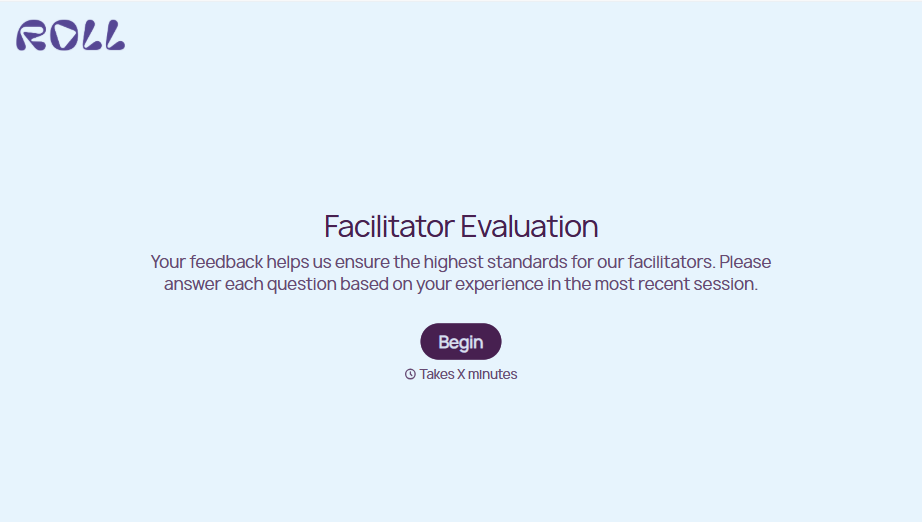
Facilitator Evaluation Form
A round of applause and a few nodding heads doesn't tell your program which facilitator's session actually clicked and which one needs coaching before the next cohort. Collect what your team actually needs, session details, ratings, and specific feedback, before everyone moves on to the next session.
View template
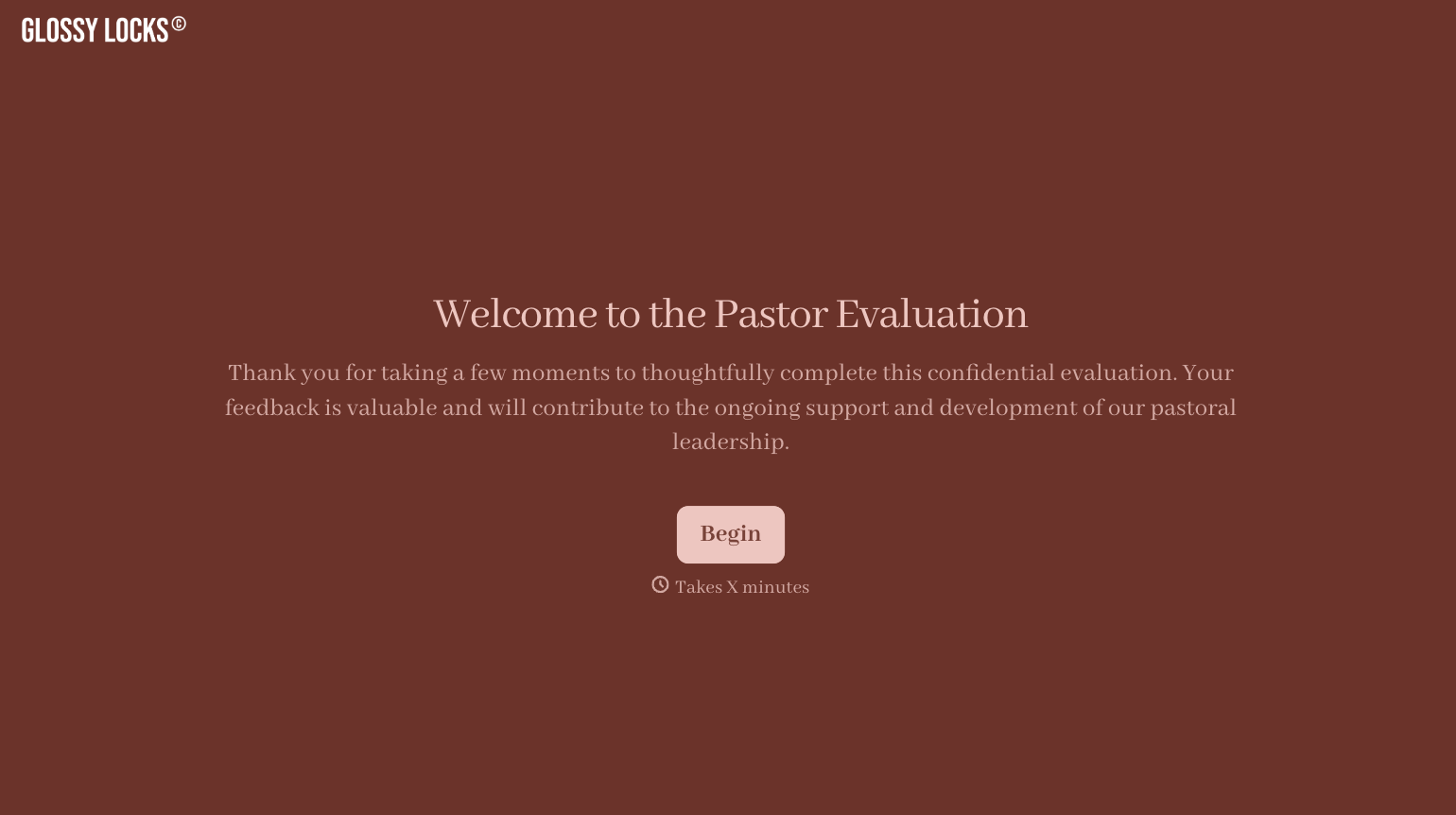
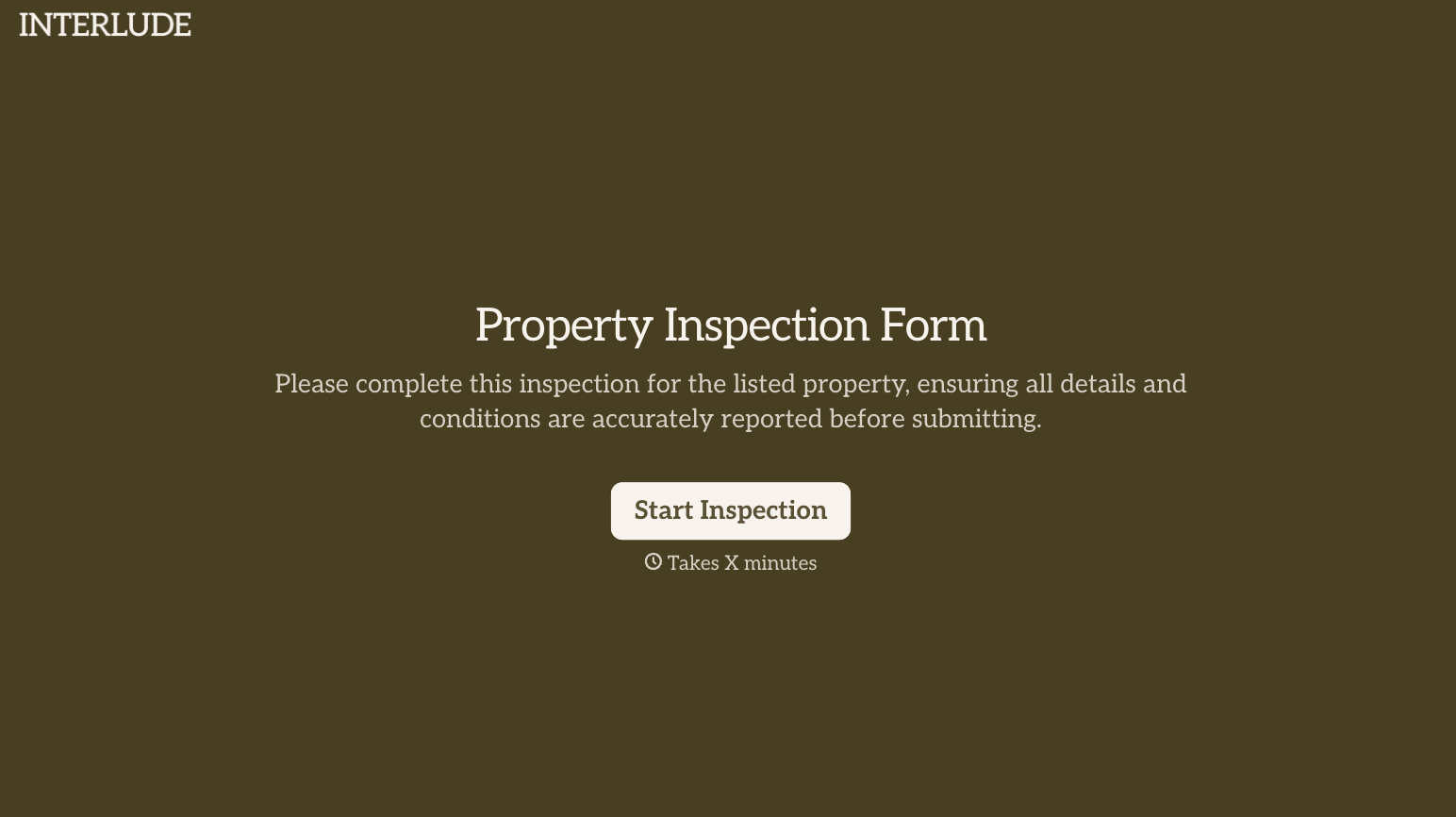
With Typeform, you can customize everything
Change text, colors, and even logos to match the look and feel of your brand. Then embed forms smoothly onto web and email.
Make forms feel effortless to fill out. Pace questions, call people by their name, and adapt the flow based on the data they share.
Stay efficient by connecting forms to your workflow. Typeform integrates with 300+ tools including Slack, Zapier, and HubSpot.


