Classroom Walkthrough Form
Walkthrough feedback shouldn't end up scribbled on a sticky note and left on a desk after the bell rings. Collect what your instructional team actually needs, observations, look-fors, follow-up, before you're on to the next classroom.



Walkthroughs happen on a clipboard between classes, notes jotted in the hallway on the way to the next room, half-remembered by the time there's a free minute to write anything up. Feedback that should get back to a teacher the same day sits in a notebook for a week instead, if it makes it back at all.
Typeform's classroom walkthrough form asks for what your instructional team needs to give useful feedback fast, teacher and class information, look-for criteria observed, and notes on strengths and areas for growth, and uses conditional logic to branch from there. A walkthrough that flags a concern can route to a follow-up scheduling question; a routine walkthrough with nothing to flag can skip straight to submission, instead of every walkthrough working through the same follow-up steps regardless of what was observed.
Every walkthrough lands in one record instead of a stack of clipboard notes. Connect the form to your instructional coaching or evaluation platform through Zapier, and a submission flagged for follow-up can notify a coach automatically. Ask for look-for criteria up front, and feedback gets back to the teacher the same day instead of a week later, once it's actually useful.
A classroom walkthrough form is an online form instructional leaders use to record brief, informal classroom observations, what was seen against a set of look-for criteria, and any follow-up needed. Instead of a clipboard note, the observer submits a complete record, and feedback can get back to the teacher right away.
A clipboard note gets written in a hallway between classrooms and can blur together with the last three observed that day. A form structures the same quick observation around consistent criteria, so notes are usable, and shareable, the moment the walkthrough ends.
Ask for what will actually make the feedback useful:
- Teacher, class, and date
- Look-for criteria or indicators observed
- Strengths noted
- Areas for growth
- Follow-up needed, and by when
Not usually. A classroom walkthrough is typically a brief, informal, low-stakes observation meant to give quick feedback, not a substitute for your district's formal evaluation process. Connect the form to your coaching platform through Zapier so patterns across walkthroughs are easy to see, but keep it separate from anything tied to a formal rating.
Yes. Add a file upload question and observers can attach a photo of student work, an anchor chart, or the board in the same submission, no separate email required. Pair it with conditional logic so the upload only appears when there's something worth capturing.
Get inspired by relevant templates and categories
3200+ Templates, 300+ Integrations



With Typeform, you can customize everything
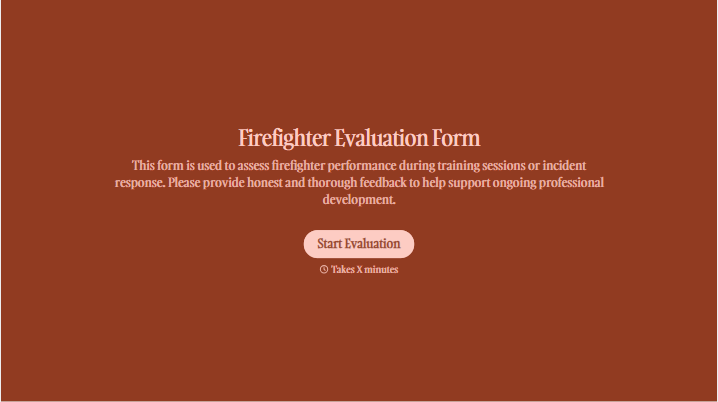
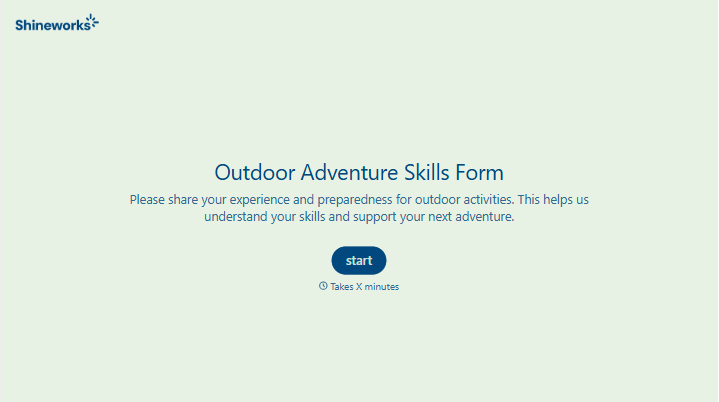
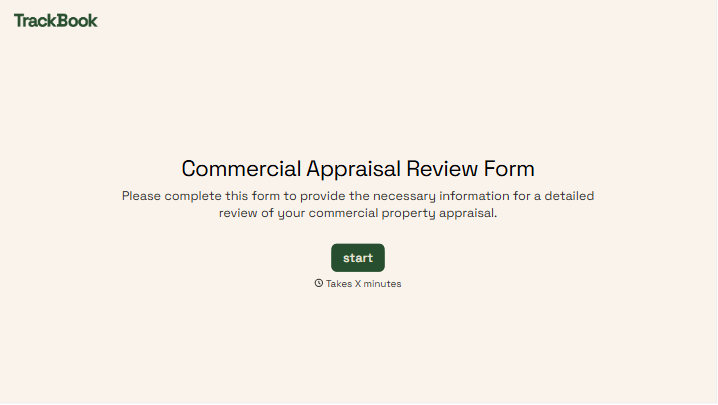
Change text, colors, and even logos to match the look and feel of your brand. Then embed forms smoothly onto web and email.
Make forms feel effortless to fill out. Pace questions, call people by their name, and adapt the flow based on the data they share.
Stay efficient by connecting forms to your workflow. Typeform integrates with 300+ tools including Slack, Zapier, and HubSpot.


