Acupuncture Intake Form Template
Collect everything you need from a new patient before they walk through the door.



Most patients fill out paper intake forms in the waiting room—rushed, incomplete, and handed over right before the session starts. That leaves acupuncture practitioners scrambling to decode illegible handwriting and to ask any follow-up questions that should have been answered already. Typeform's acupuncture intake form template gives practitioners a dependable way to collect everything they need before the appointment begins.
This form captures current health concerns, medical history, medications, lifestyle factors, pain levels, and treatment goals. The one-question-at-a-time format keeps patients moving forward without losing their place. Conditional logic branches questions based on a patient's responses, so a patient reporting chronic back pain sees different follow-up questions than one coming in for stress or sleep issues. This keeps the form relevant and specific to each person's situation.
Customize the question set to match your intake style or any health disclaimers your practice requires. Send the form via email after a patient books, or embed it directly on your scheduling page. Connect it to Google Sheets, Airtable, or your practice management system via Zapier—responses flow in automatically. Walk into every session with the full picture, not a rushed conversation in the treatment room.
An acupuncture intake form collects the health information a practitioner needs before a patient's first session. It captures current health concerns, medical history, medications, lifestyle factors (sleep, diet, stress levels), pain location and severity, and treatment goals. This form lays the groundwork for every acupuncture treatment that follows.
Walking into a first session blind wastes time for you and the patient. A digital form gives you a complete health picture of your patient before they arrive—their medical history, medications, and lifestyle factors—so the acupuncture session starts with context. The form also creates a record you can reference as the patient's health changes over time.
A thorough acupuncture intake form covers:
- Full name, date of birth, and contact details
- Primary health concerns and symptoms
- Medical history (past diagnoses, surgeries, injuries)
- Current medications and supplements
- Lifestyle factors (sleep quality, diet, stress, exercise)
- Pain description (location, intensity, frequency)
- Menstrual and reproductive health (where relevant)
- Previous acupuncture or alternative medicine experience
- Treatment goals
- Consent and liability acknowledgment
Send the form as soon as a patient books their first appointment—ideally at least 24 to 48 hours before the session. While sending an intake form the same-day works for patients who book last-minute, earlier delivery gives patients time to answer thoughtfully—especially detailed questions about medical history or lifestyle. Practitioners who receive completed forms in advance arrive prepared and ready for the session.
Typeform uses SSL encryption and is GDPR compliant, with data handling controls that let you manage how responses are stored and accessed. Use role-based access so patient records are only visible to the staff who need them. For healthcare contexts, work with your compliance team to confirm the setup meets your regional data requirements—including HIPAA in the US—before collecting sensitive patient data.
Get inspired by relevant templates and categories
3200+ Templates, 300+ Integrations

Bank Reference Form
A reference request faxed to a bank branch and left sitting in a queue for weeks isn't the kind of turnaround a landlord or business can wait on. Collect the applicant's signed authorization and the specific details you need confirmed before the request even reaches the bank, so a decision isn't stuck behind a letter that hasn't come back yet.
View template
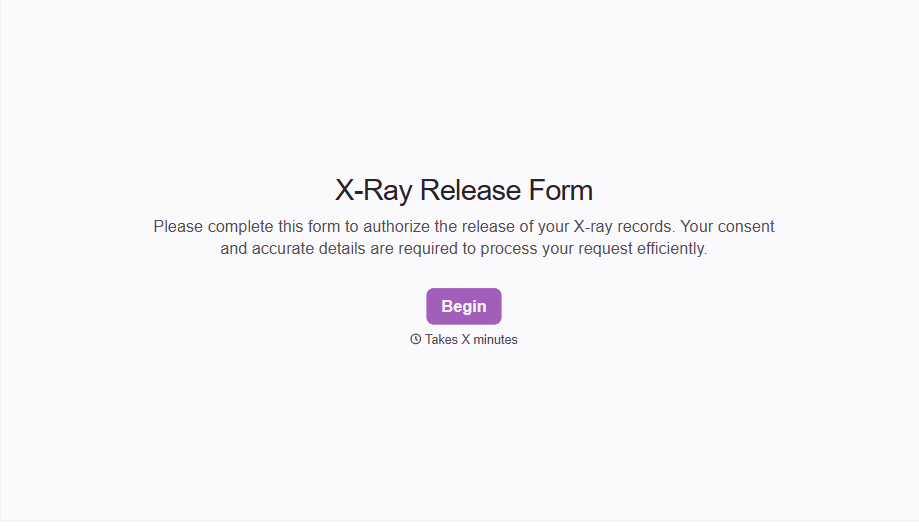
X-Ray Release Form
A phone call asking to send X-rays to a new provider isn't an authorization your compliance file can rely on. Collect patient information, the receiving provider's details, and a signed authorization before the images go out, so your front desk isn't scrambling to prove who approved a release.
View template

Bar Inventory Form
A bottle count eyeballed at the end of a shift and scrawled on a paper sheet doesn't hold up against a pour cost report that says something doesn't add up. Collect what your bar actually needs, item, count, and variance, on a schedule you can actually compare week to week.
View template

Equipment Inventory Form
Equipment that leaves a storage room in someone's arms, with no note about where it went, doesn't show up again until someone needs it and can't find it. Collect what your team actually needs, item details, condition, and who's got it, every time something moves.
View template
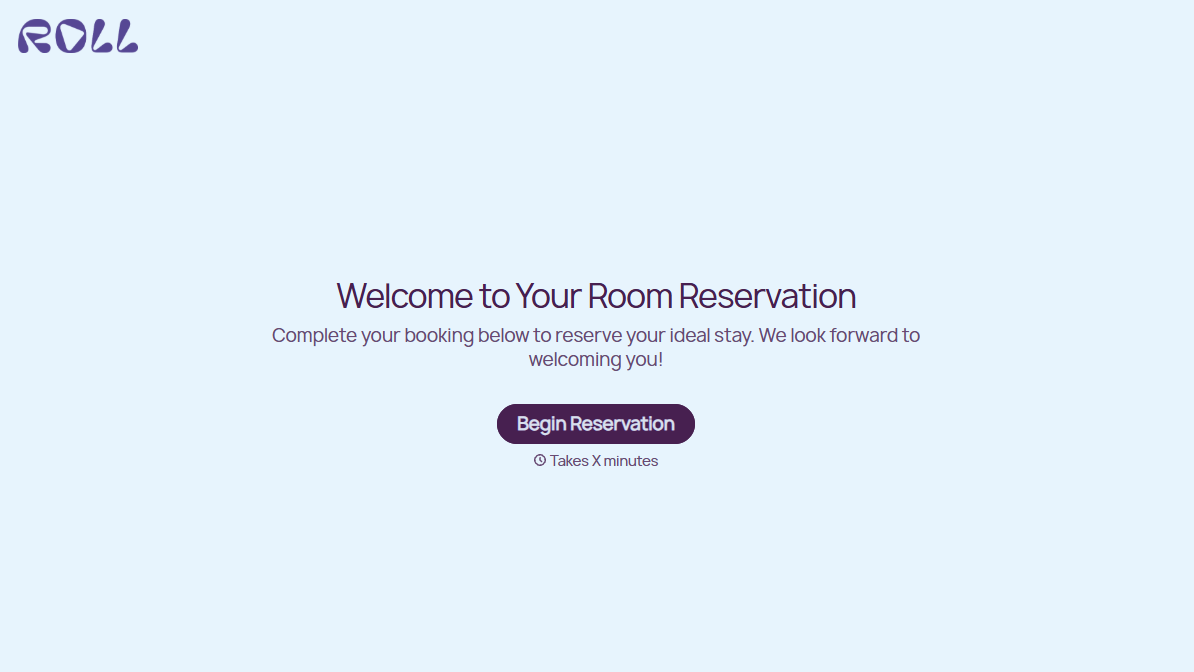
Hotel Room Booking Form
A room booked over the phone with "we'll figure out the room type when you get here" doesn't leave the front desk anything to actually plan around. Collect what your hotel actually needs, guest information, dates, and room preferences, before the reservation gets confirmed.
View template
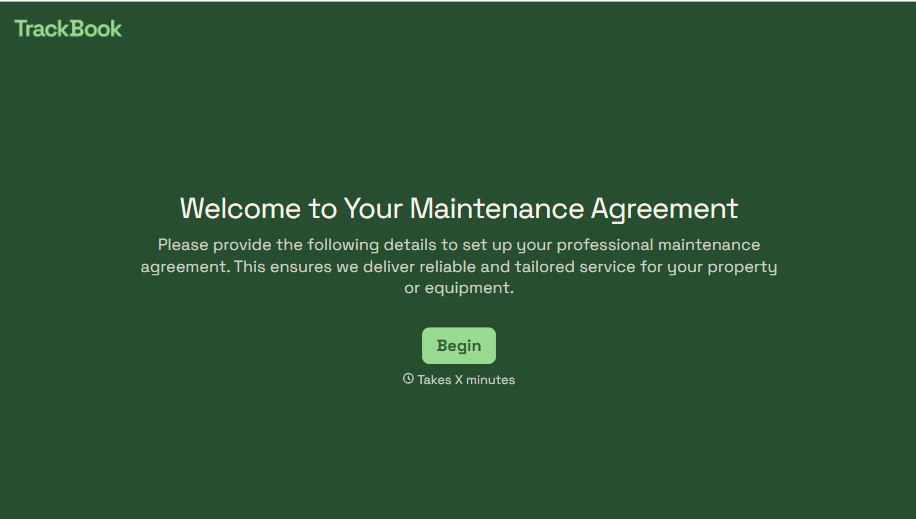
Maintenance Agreement Form
A maintenance plan agreed to over the phone isn't a contract your service team can actually work from, especially when nobody's sure whether the twice-a-year tune-up was part of the deal. Collect the equipment covered, service frequency, and a signed agreement before the first visit, so your team isn't guessing at scope once they're on-site.
View template
With Typeform, you can customize everything
Change text, colors, and even logos to match the look and feel of your brand. Then embed forms smoothly onto web and email.
Make forms feel effortless to fill out. Pace questions, call people by their name, and adapt the flow based on the data they share.
Stay efficient by connecting forms to your workflow. Typeform integrates with 300+ tools including Slack, Zapier, and HubSpot.


