Hotel Room Booking Form
A room booked over the phone with "we'll figure out the room type when you get here" doesn't leave the front desk anything to actually plan around. Collect what your hotel actually needs, guest information, dates, and room preferences, before the reservation gets confirmed.



Phone and walk-in bookings often get jotted down with whatever details came up in the conversation, dates, a name, maybe a room type if it happened to come up. Special requests, a crib, an accessible room, a specific floor, get mentioned once and then forgotten by the time housekeeping or the front desk actually needs to act on them. Without a deposit collected upfront, a certain number of those reservations simply don't show up.
Typeform's hotel room booking form asks for what your hotel actually needs, guest information, check-in and check-out dates, room type, and any special requests, then uses conditional logic to branch from there. A guest requesting an accessible room can get a follow up question about specific needs, and a group booking multiple rooms can add each guest instead of one reservation standing in for several. Every booking lands in one record instead of a note taken during a call.
Connect the form to your property management system through Zapier, and a submitted booking can check itself against availability and block the room automatically instead of someone cross referencing a calendar by hand. Collect a deposit or card on file at the time of booking, and your front desk starts each stay with a confirmed reservation and known preferences, instead of guessing at what was promised over the phone.
A hotel room booking form is an online form hotels use to collect a guest's dates, room preferences, and payment information directly, rather than through a phone call or third-party booking site. Instead of details getting relayed secondhand, the guest's own reservation request lands in one record.
A reservation taken over the phone depends on whoever answers writing everything down correctly, and details mentioned once, a request, a preference, a room type, can get lost by the time the guest actually checks in. A form captures the same request directly from the guest, with nothing relying on someone's notes from the call.
Ask for what your front desk will actually need to prepare for the stay:
- Guest name and contact information
- Check-in and check-out dates
- Room type and number of guests
- Special requests, like accessibility needs or a crib
- Payment or deposit information
Not necessarily. A submission confirms the reservation and room type, but a specific room, view, or floor can still depend on availability at check-in. Set expectations upfront for what's guaranteed as part of the booking versus what's a preference you'll try to accommodate.
Yes. Add a file upload question and guests can attach a document or itinerary in the same submission, no separate email required. Pair it with conditional logic so the upload only appears for bookings that actually call for it, like a large group reservation.
Get inspired by relevant templates and categories
3200+ Templates, 300+ Integrations
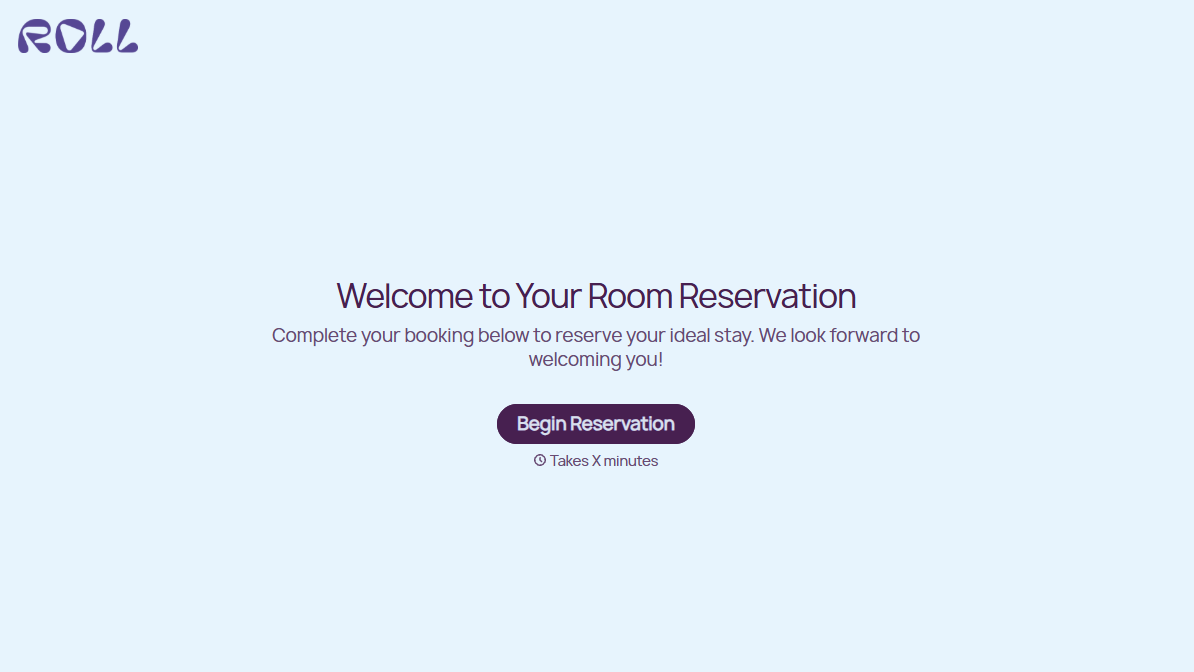
Hotel Room Booking Form
A room booked over the phone with "we'll figure out the room type when you get here" doesn't leave the front desk anything to actually plan around. Collect what your hotel actually needs, guest information, dates, and room preferences, before the reservation gets confirmed.
View template
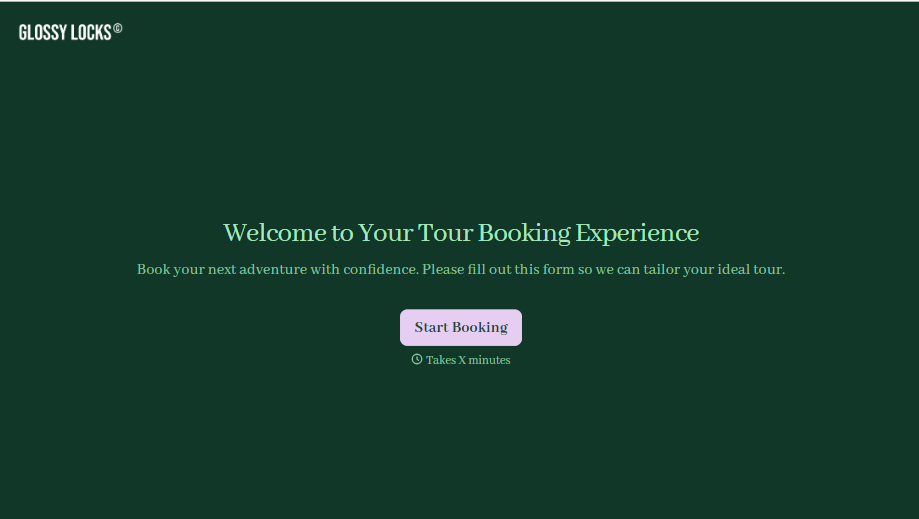
Tour Booking Form
A booking inquiry that starts with "what dates work for you?" and ends up as six emails back and forth, dates, group size, dietary needs, whether anyone in the party can handle three miles of uneven trail, is six emails too many before you've even confirmed there's a spot available. Collect it once, upfront, and start the actual planning from a complete picture.
View template
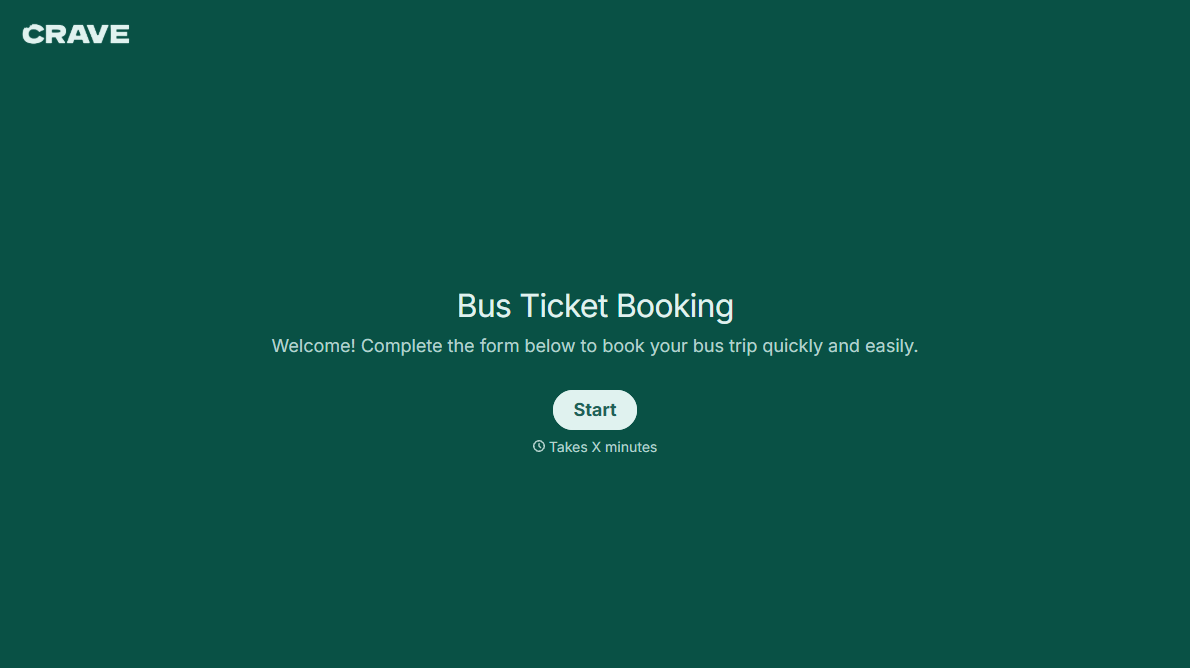
Bus Ticket Booking Form
Move past a booking form that only asks for a name, a date, and a seat count. Screen for the accessibility needs that come with a legal notice window attached, capture who's actually on the bus, and keep a timestamped record of exactly what was booked and confirmed.
View template
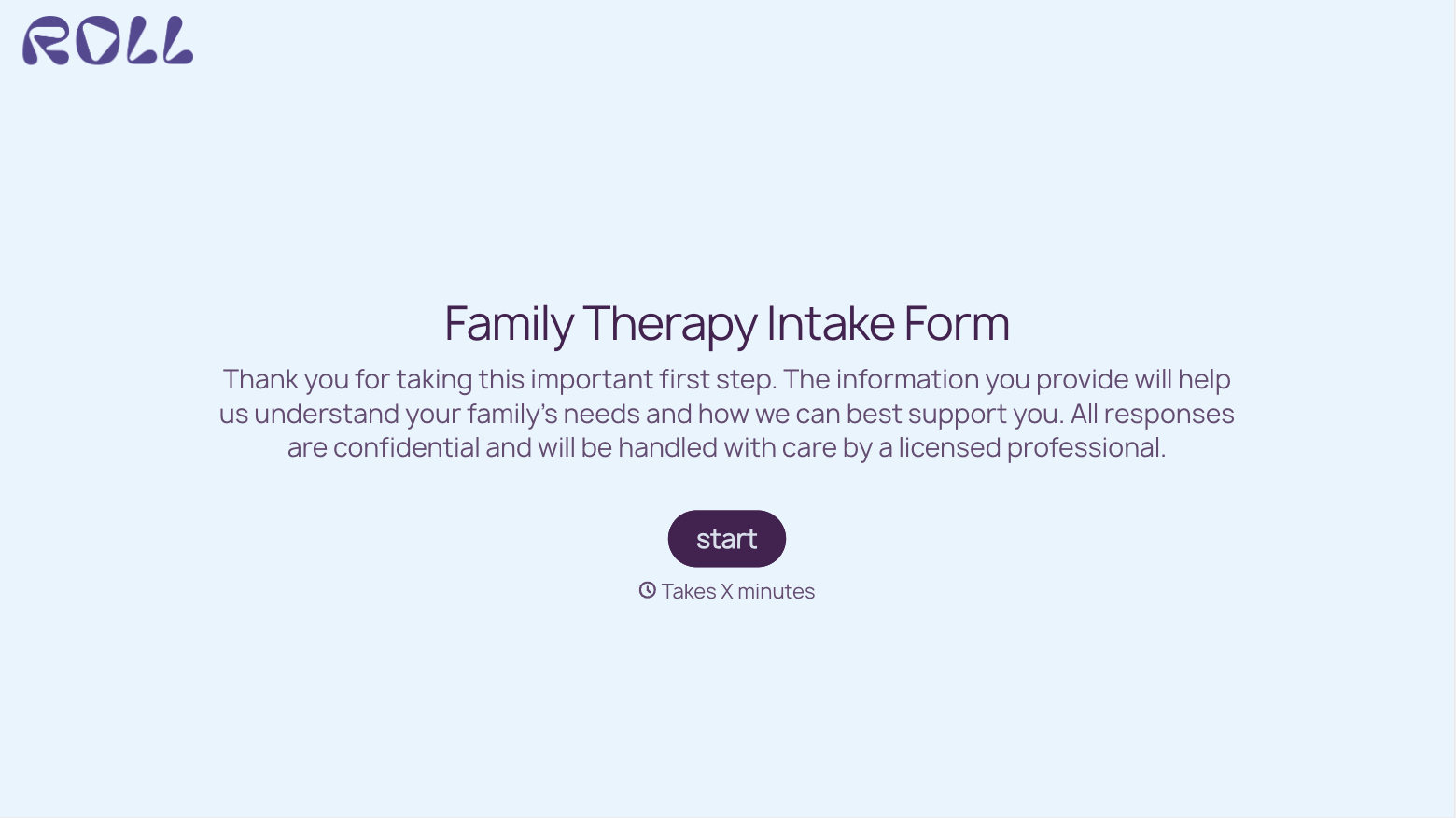
With Typeform, you can customize everything
Change text, colors, and even logos to match the look and feel of your brand. Then embed forms smoothly onto web and email.
Make forms feel effortless to fill out. Pace questions, call people by their name, and adapt the flow based on the data they share.
Stay efficient by connecting forms to your workflow. Typeform integrates with 300+ tools including Slack, Zapier, and HubSpot.


