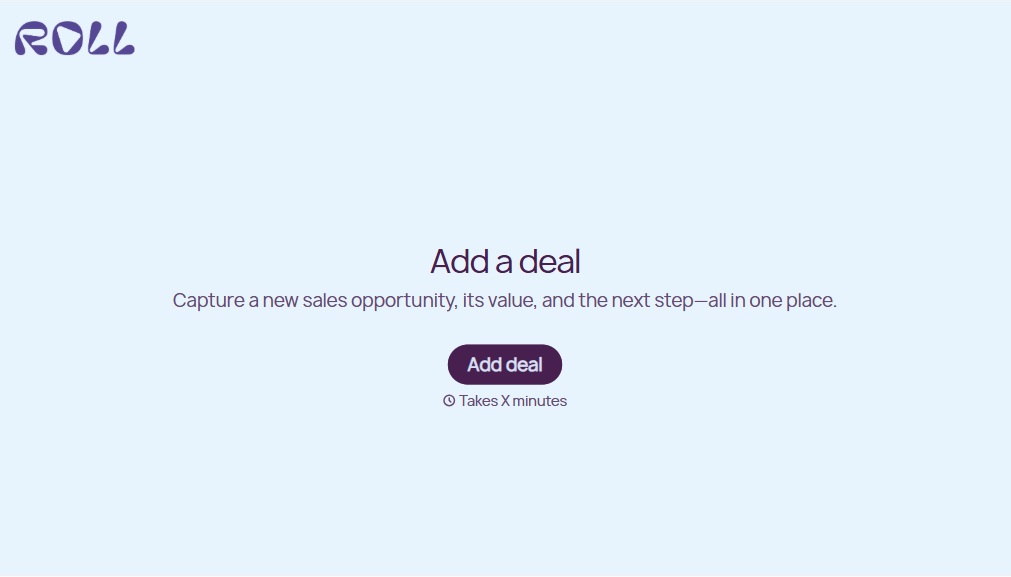
Add Deal Form
Give sales teams an efficient way to record new deals with a form that collects customer information, deal values, and sales opportunities. Keep deal details organized so your team can manage prospects, track progress, and move opportunities through the sales pipeline.



A sales representative wants to add a new prospect to the pipeline, while another team member needs to record a deal that's ready for negotiation. Both are managing sales opportunities, but their deals involve different customers and stages. An add deal form helps sales teams collect the information needed to organize and track each opportunity.
Sales representatives enter customer details, estimated deal values, and expected closing dates. You can include options for sales pipeline stages, lead sources, and assigned account managers. Fields for customer requirements and additional notes give team members space to explain opportunities that aren't covered by standard selections.
Your team receives organized deal information without relying on scattered spreadsheets or emails. Sales managers review submissions, monitor pipeline activity, and identify opportunities that require attention. Representatives get a straightforward way to document new deals, coordinate follow-ups, and keep sales records accurate throughout the sales process.
An add deal form collects information about new sales opportunities and adds them to a company's sales pipeline. It typically includes customer contact details, estimated deal values, sales stages, and expected closing dates. Sales teams use it to organize prospects, document opportunities, and track potential revenue throughout the sales cycle.
Managing sales opportunities through emails, spreadsheets, or informal notes can lead to missing information and overlooked follow-ups. A structured form collects consistent deal details from every sales representative. It helps businesses maintain accurate pipeline records, monitor sales activity, and improve coordination while giving teams a convenient way to document new opportunities.
Collect the information that's needed to record sales opportunities and manage deals, like:
- Sales representative name
- Customer or company name
- Primary contact information
- Deal name or opportunity title
- Product or service being offered
- Estimated deal value
- Sales pipeline stage
- Lead source or referral information
- Expected closing date
- Deal priority level
- Assigned sales representative
- Customer needs and requirements
- Next steps and follow-up dates
- Additional notes or comments
You can adjust the fields to match your sales process, pipeline structure, and deal management requirements.
Use dropdown menus or multiple-choice questions for pipeline stages, lead sources, and deal priorities. Include numerical fields for estimated deal values and date fields for expected closing dates. Conditional logic can display additional questions based on the selected sales stage. Keep required fields focused on essential information so representatives can submit new opportunities quickly.
Yes. An add deal form helps sales teams document new opportunities and organize information for ongoing pipeline management. Representatives can record deal values, assign ownership, and identify upcoming follow-up activities. When connected to a compatible CRM or sales tracking system, submissions can create deal records and support progress updates. Managers can review opportunities, monitor pipeline performance, and evaluate potential revenue.
Get inspired by relevant templates and categories
3200+ Templates, 300+ Integrations

Used Car Sales Form
A price agreed to with a handshake in the parking lot doesn't leave anything documenting the mileage on the odometer the day the buyer actually drove off. Collect what your dealership actually needs, buyer and vehicle information, sale terms, and a signed disclosure, before the keys change hands.
View template
With Typeform, you can customize everything
Change text, colors, and even logos to match the look and feel of your brand. Then embed forms smoothly onto web and email.
Make forms feel effortless to fill out. Pace questions, call people by their name, and adapt the flow based on the data they share.
Stay efficient by connecting forms to your workflow. Typeform integrates with 300+ tools including Slack, Zapier, and HubSpot.


