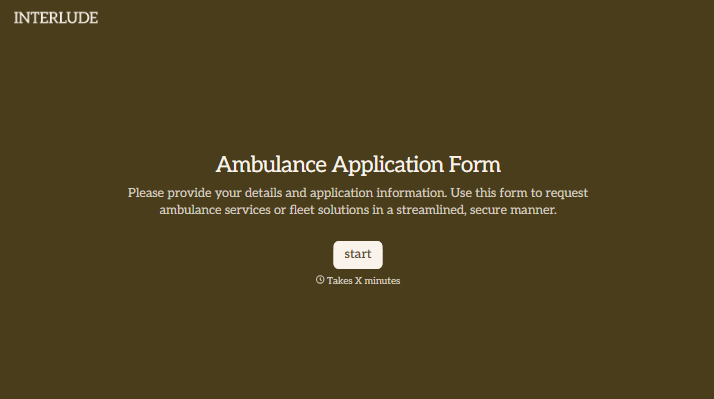
Ambulance Application Form
Give applicants a clear way to apply for a role with your ambulance service. Collect their qualifications, relevant experience, and availability so your team can prepare for the next stage of recruitment.



An application arrives with a résumé but no mention of the role the person wants or the shifts they can work. Your team has to follow up before it can begin reviewing their suitability. Typeform’s ambulance application form helps gather those details at the start.
Applicants select the position they’re interested in, describe their experience, and list the qualifications relevant to the role. They can share their availability, upload requested documents, and explain why they want to join your service. Someone applying for their first position has room to describe their training, while an experienced applicant can outline previous responsibilities.
Your recruitment team gets a consistent starting point for review. Applicants get a clear account of what to provide and what happens next. Use the form to support initial applications, followed by the credential checks, interviews, and assessments required for each role.
An ambulance application form collects information from people applying for employment or volunteer roles with an ambulance service. It typically asks about the position sought, relevant qualifications, experience, and availability to help the recruitment team review applications.
Résumés don’t always answer the questions specific to your service. A structured form lets you ask each applicant for the same core information, including their role preference and relevant credentials. That gives your team fewer missing details to chase before deciding on the next step.
Focus on information relevant to the position:
- Applicant name and contact details
- Role or position of interest
- Relevant education, training, and certifications
- Licenses required for the role, including expiration dates
- Employment or volunteer experience
- Shift availability and possible start date
- Résumé and other requested supporting documents
- Questions for the recruitment team
Tailor required fields to each role and explain any additional screening steps before applicants submit.
Place the role description, essential qualifications, and work expectations alongside the application link. Tell applicants which documents they’ll need before they start, and avoid asking them to repeat their entire résumé. Use specific prompts for the details your team needs to assess the application.
Yes. Ask applicants to select a role, then show relevant follow-up questions. A clinical position may require details about professional credentials, while a dispatch or support role may call for different experience. Keep each route aligned with the advertised position so applicants answer questions that apply to them.
Get inspired by relevant templates and categories
3200+ Templates, 300+ Integrations

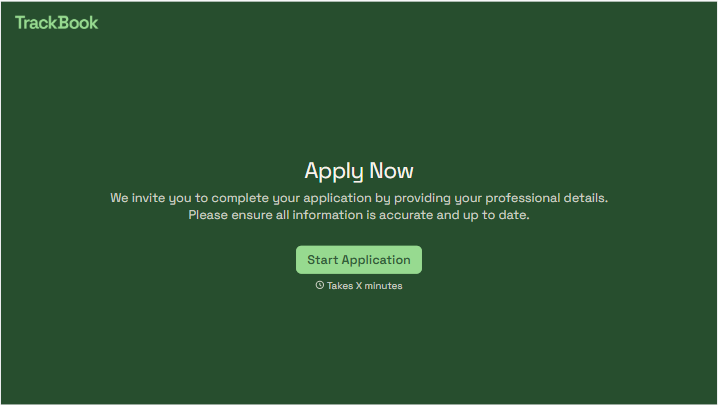
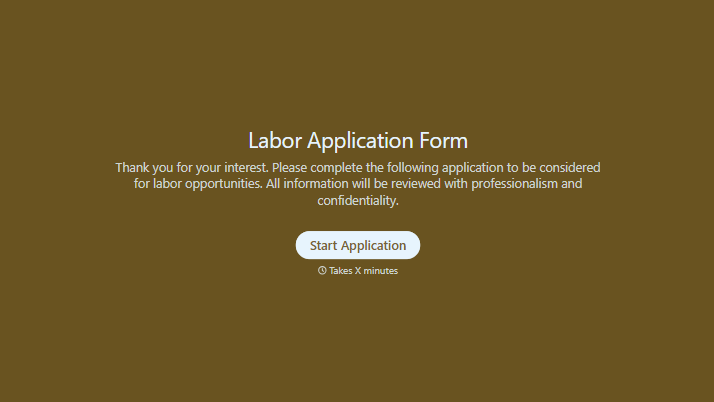
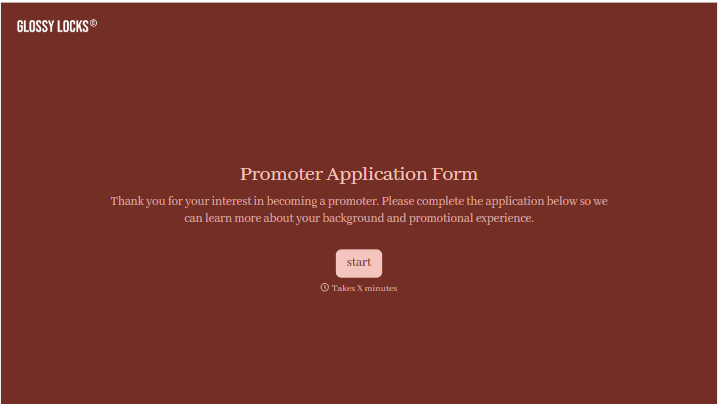
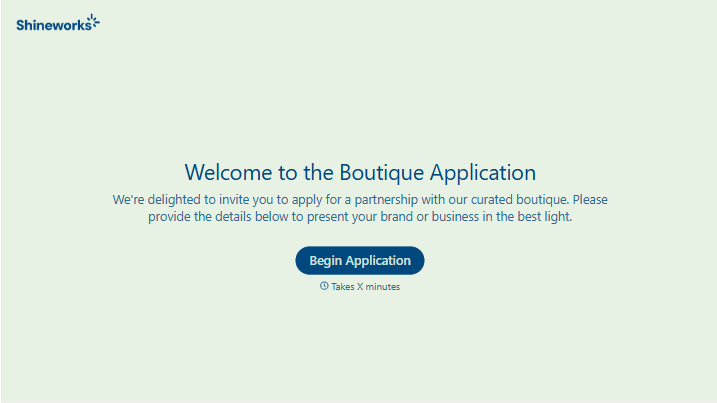
With Typeform, you can customize everything
Change text, colors, and even logos to match the look and feel of your brand. Then embed forms smoothly onto web and email.
Make forms feel effortless to fill out. Pace questions, call people by their name, and adapt the flow based on the data they share.
Stay efficient by connecting forms to your workflow. Typeform integrates with 300+ tools including Slack, Zapier, and HubSpot.


