Apply Now Form
Give interested applicants a clear next step. Collect their details, relevant experience, and supporting information so your team can review applications and follow up.



Someone reads about an opportunity and is ready to apply, but the page ends with a general email address. They’re left to guess what to send and how much detail to include. Typeform’s apply now form turns that interest into a structured application.
Applicants provide their contact details, identify the opportunity they’re applying for, and answer the questions your team needs to begin its review. They can explain their interest, describe relevant experience, and attach supporting materials where required. Keep the initial questions focused so applying doesn’t become a project of its own.
Your team gets a consistent submission to review. Applicants get a clear path from “I’m interested” to “I’ve applied,” with an explanation of what happens next. Whether you’re accepting applications for a role, program, or membership, the form gives both sides the information needed to start.
An apply now form collects information from people interested in a specific opportunity. It can be used for jobs, programs, memberships, or other applications. The questions capture applicant details and the information needed for an initial review.
A general invitation to email can leave applicants unsure what to include. A dedicated form asks for the essentials directly and keeps submissions consistent. It also helps your team identify missing information and route applications to the right reviewer.
Build the questions around the opportunity:
- Applicant name and contact details
- Role, program, or opportunity selected
- Relevant experience or qualifications
- A short explanation of their interest
- Required eligibility questions
- Supporting documents, where needed
- Important dates or availability, if relevant
State requirements, deadlines, and any fees before applicants begin. Save information needed only after acceptance for a later step.
Make the opportunity and requirements clear before the form starts. Keep required fields focused on the first review, avoid asking for information already covered in an uploaded document, and explain any file requirements. Use specific prompts so applicants know what a useful answer looks like.
Show a confirmation that acknowledges receipt and explains the review process. Tell applicants how they’ll be contacted, when they can expect an update, and where to send corrections or questions. Make it clear that submitting an application starts the review rather than confirming acceptance.
Get inspired by relevant templates and categories
3200+ Templates, 300+ Integrations

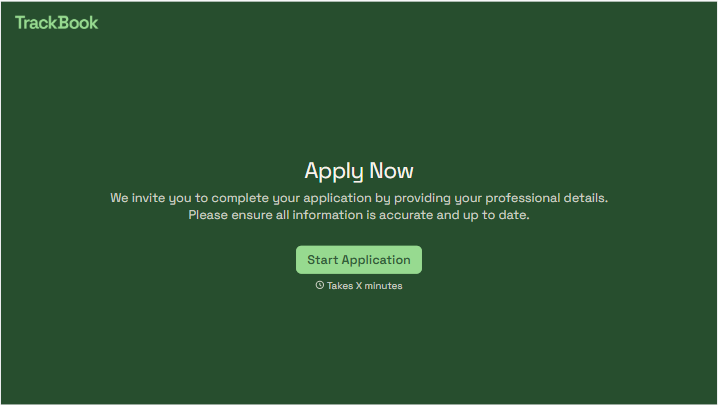
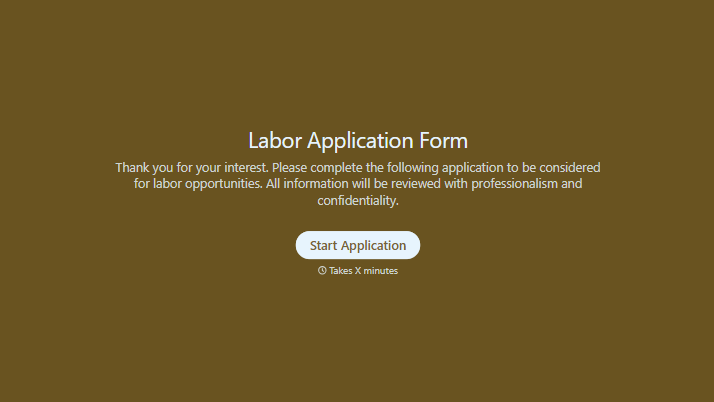
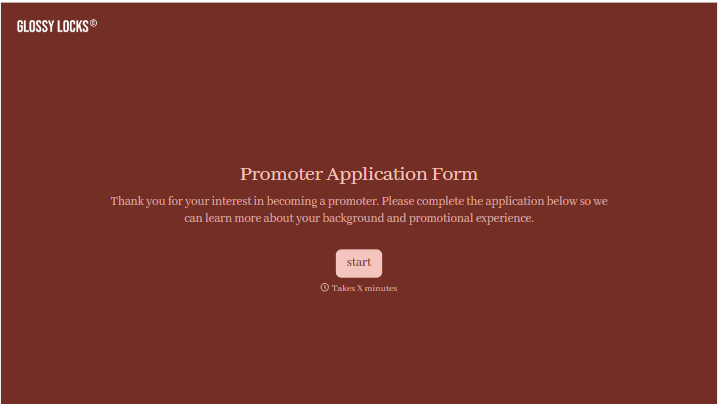
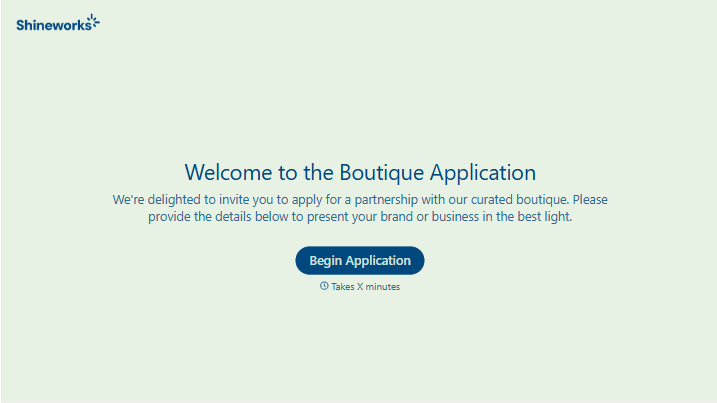
With Typeform, you can customize everything
Change text, colors, and even logos to match the look and feel of your brand. Then embed forms smoothly onto web and email.
Make forms feel effortless to fill out. Pace questions, call people by their name, and adapt the flow based on the data they share.
Stay efficient by connecting forms to your workflow. Typeform integrates with 300+ tools including Slack, Zapier, and HubSpot.


