Anonymous Poll Form Template
Get the truth, not the version people think you want to hear.



When names are attached to opinions, people filter. They soften criticism, exaggerate enthusiasm, and avoid anything that might make them look bad. If you need honest feedback on a sensitive topic like compensation satisfaction, management effectiveness, political opinions, or workplace culture, anonymity isn't a luxury. It's a requirement for data you can actually trust.
This anonymous poll form template removes the identity barrier so respondents say what they actually think. Typeform's design doesn't require login credentials, and you can disable response metadata tracking to ensure true anonymity. The one-question-at-a-time interface feels private and focused, more like a voting booth than a fishbowl.
Set up the questions, share the link, and watch the honest responses roll in. Connect results to your analytics tools through integrations for real-time dashboards without ever compromising respondent identity.
An anonymous poll form is a survey instrument designed so that responses cannot be traced back to individual respondents. Unlike standard forms that collect names, emails, or IP addresses, anonymous polls strip away identifying information, giving people the psychological safety to provide candid, unfiltered answers on sensitive or controversial topics.
Reach for anonymity when the topic could trigger social desirability bias, meaning people might change their answer based on who's watching. Employee satisfaction surveys, opinions on leadership, DEI assessments, salary fairness, and any workplace culture question benefit from anonymity. If you need to follow up individually with respondents, anonymity isn't the right tool. But if you need honest aggregate data, it's essential.
- A clear, single-topic poll question with defined answer options
- A rating scale for intensity of opinion (strongly agree to strongly disagree)
- An open-ended comment box for elaboration
- A demographic question (optional, broad enough to preserve anonymity)
- A question about willingness to discuss the topic further (without identifying themselves)
- A closing question asking if the poll covered the right issues
Start by disabling any tracking features that capture IP addresses, browser data, or location. Don't include fields that ask for identifying details. If you include demographic questions, keep categories broad enough that no single combination narrows down who someone is. Communicate your anonymity measures clearly in the form's introduction. People are more honest when they trust the process.
This is the classic tension: anonymity vs. integrity. You can use a unique link distributed once per person, limit responses by device cookie (understanding it's not foolproof), or distribute access codes that expire after use. Typeform also supports response limits. No method is 100% bulletproof without compromising anonymity, so choose the approach that balances trust and accuracy for your context.
Get inspired by relevant templates and categories
3200+ Templates, 300+ Integrations
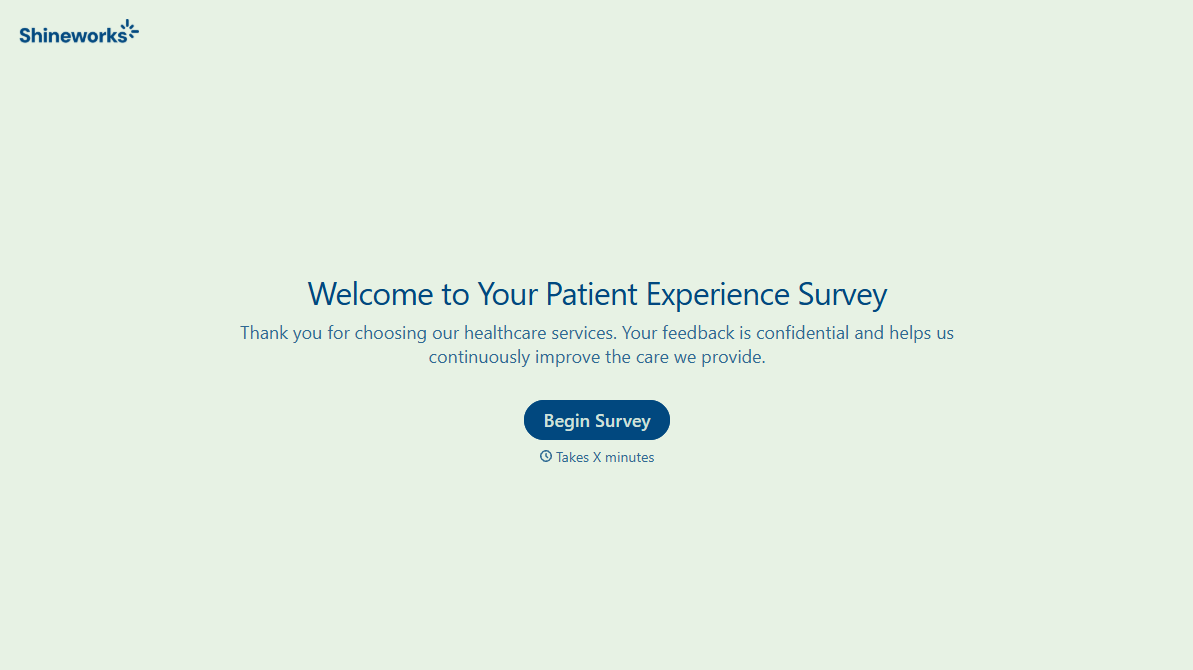
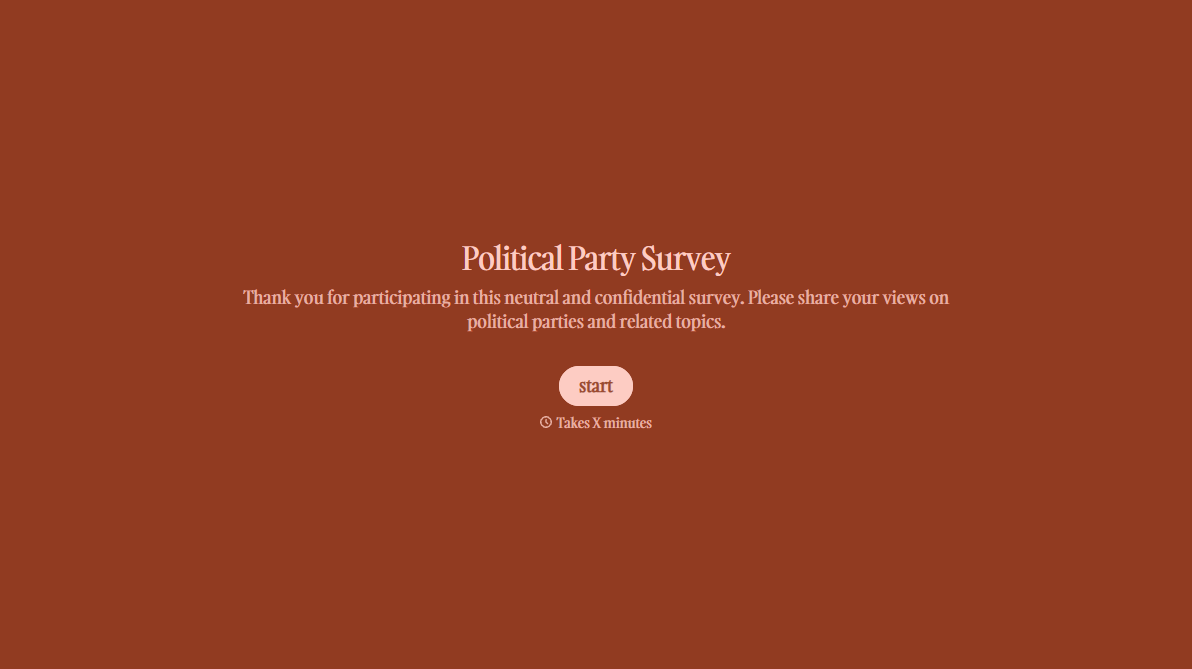
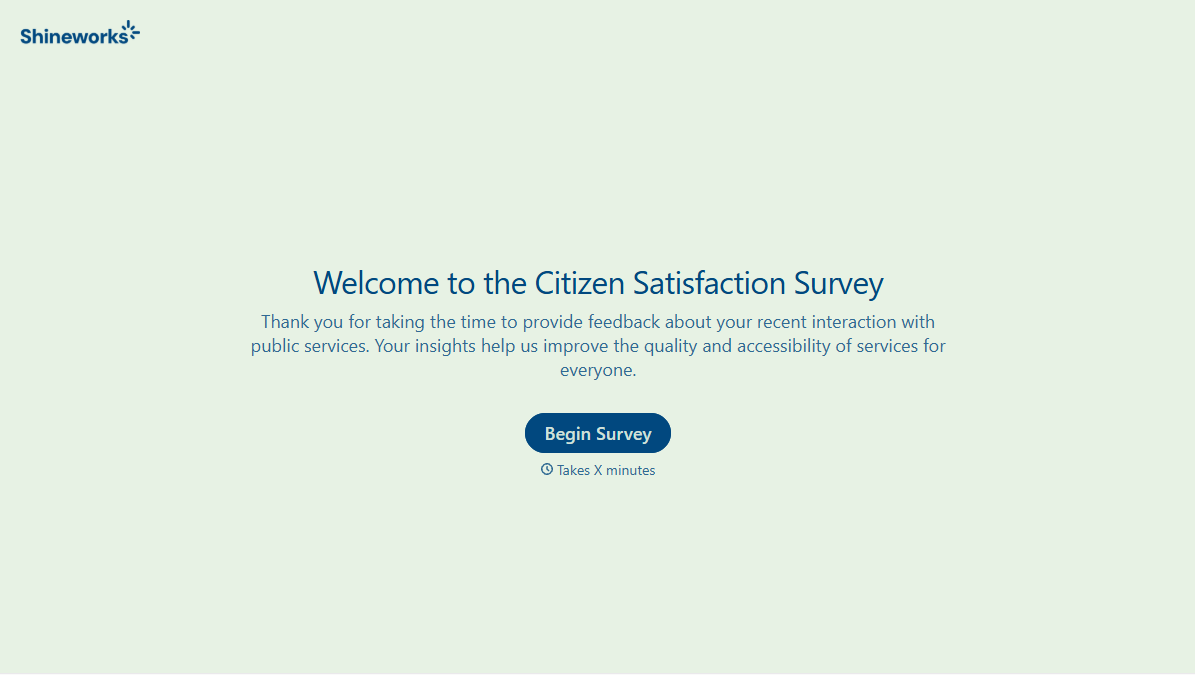
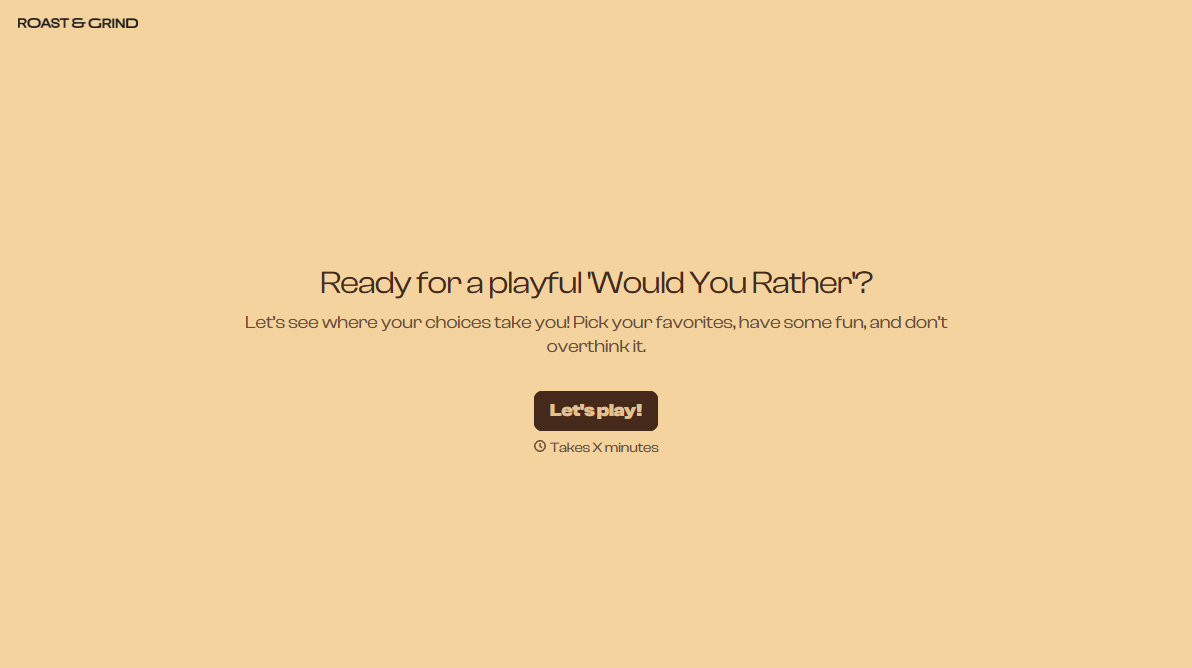

With Typeform, you can customize everything
Change text, colors, and even logos to match the look and feel of your brand. Then embed forms smoothly onto web and email.
Make forms feel effortless to fill out. Pace questions, call people by their name, and adapt the flow based on the data they share.
Stay efficient by connecting forms to your workflow. Typeform integrates with 300+ tools including Slack, Zapier, and HubSpot.


