Baby Dedication Form
A sign-up sheet passed around during announcements isn't the kind of detail you want to compile into a Sunday program from memory. Collect the baby's information, requested ceremony date, and any required class attendance before the service, so your team isn't confirming a name's spelling the morning of.



A dedication sign-up usually happens at the connection center, a card filled out quickly between services, handwriting that's hard to read by the time someone's building the program. Staff end up piecing together names, birth dates, and which Sunday a family actually requested, and it's not always clear whether the parents completed the orientation class your church requires before the ceremony.
Typeform's baby dedication form asks for what your team needs before the service: the baby's full name and birth date, parent or guardian contact information, and the requested ceremony date. Conditional logic branches from there. A family that hasn't yet attended a required dedication class can route to a class registration question instead of confirming a ceremony date they're not ready for, and a family dedicating more than one child, twins, or several siblings at once, can route to add each child individually instead of one submission trying to cover them all. Every request lands in one record instead of a card your team has to transcribe by hand.
Connect the form to your church management software through Zapier, and a family who hasn't completed a required class before their requested date can get flagged automatically, ahead of the service instead of at the rehearsal. Ask for it ahead of the ceremony, and your staff builds the program from accurate names and dates instead of guessing at a card's handwriting.
A baby dedication form is an online form churches use to collect a baby's information, a family's requested ceremony date, and any required class attendance, ahead of a dedication service. Instead of a sign-up card passed around at the connection center, families submit it directly, and staff build the program from a complete record.
A sign-up card filled out quickly between services tends to arrive with a name spelled one way and read another, and it rarely captures whether a family completed a required class. A form collects that information clearly, submitted ahead of time, instead of relying on a card getting transcribed correctly.
Ask for what your staff will actually need to plan the ceremony:
- Baby's full name and birth date
- Parent or guardian names and contact information
- Requested ceremony date
- Confirmation of any required orientation or class attendance
- Special notes, like family members participating or seating needs
Not necessarily. Many churches treat dedication as a parents' public commitment and a congregation's blessing rather than a sacrament, but the theology and terminology differ by denomination and even by individual church. It's worth checking with your own pastoral staff on how your church defines and distinguishes the two, rather than assuming a generic template reflects your doctrine.
Yes. Add a file upload question and parents can attach a birth certificate copy or a photo for the program in the same submission, no separate email required. Pair it with conditional logic so the upload only appears when it's actually needed.
Get inspired by relevant templates and categories
3200+ Templates, 300+ Integrations
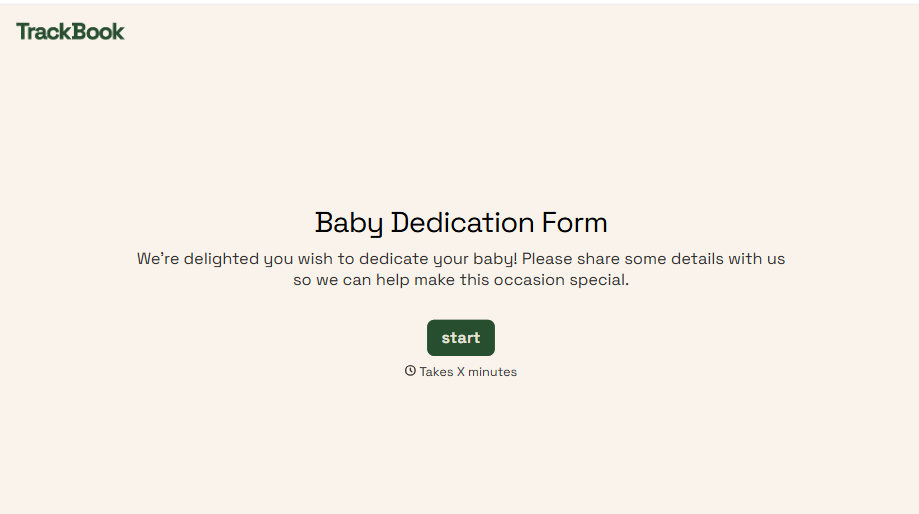
Baby Dedication Form
A sign-up sheet passed around during announcements isn't the kind of detail you want to compile into a Sunday program from memory. Collect the baby's information, requested ceremony date, and any required class attendance before the service, so your team isn't confirming a name's spelling the morning of.
View template
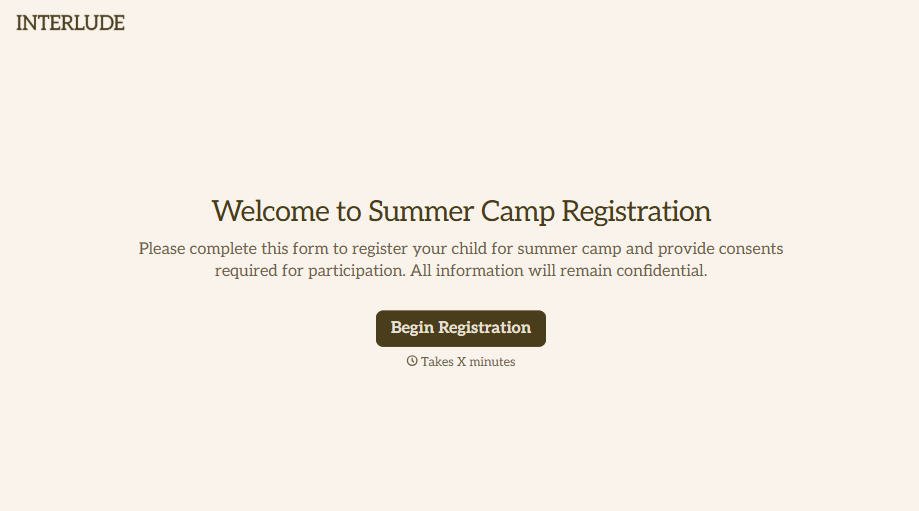
Summer Camp Consent Form
A camper with a bee sting and a counselor on the phone trying to reach a parent isn't a consent process, it's a delay. Collect guardian consent for emergency medical treatment, medication administration, and photo or media use before drop-off, so your staff can act instead of waiting for a callback.
View template
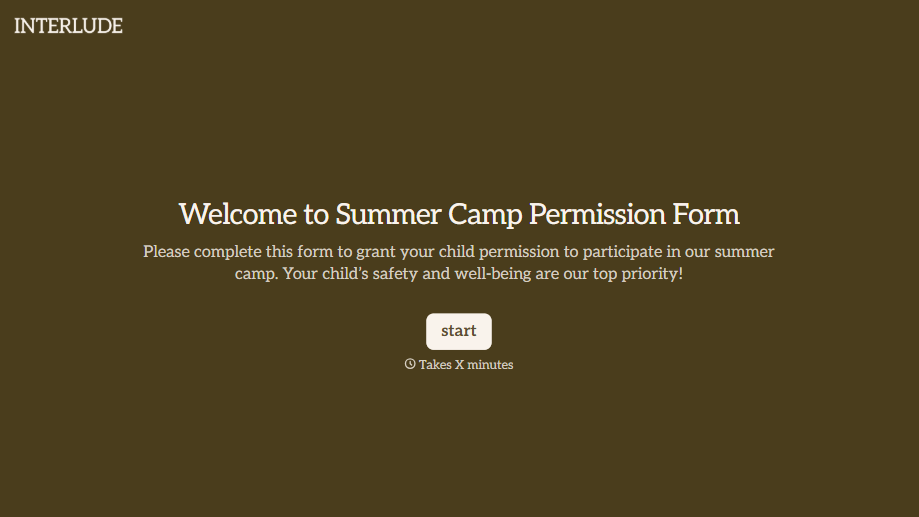
Summer Camp Permission Form
A permission packet crumpled at the bottom of a backpack for two weeks isn't a permission slip anyone can rely on. Collect camper information, medical disclosures, and a signed permission for camp activities before drop-off, so your staff aren't scrambling for an emergency contact on day one.
View template
Music Competition Application Form
An application that asks for a video link and a repertoire list but never says whether the recording needs to be a single unedited take isn't a fair competition, it's whoever guessed the actual rules correctly. Set the age category, the time limit, and the recording requirements up front, so every entry gets judged against the same standard.
View template
With Typeform, you can customize everything
Change text, colors, and even logos to match the look and feel of your brand. Then embed forms smoothly onto web and email.
Make forms feel effortless to fill out. Pace questions, call people by their name, and adapt the flow based on the data they share.
Stay efficient by connecting forms to your workflow. Typeform integrates with 300+ tools including Slack, Zapier, and HubSpot.


