Bluesnap Meal Kit Delivery Subscription Form
Give customers a clear way to choose their meal kit subscription. Collect meal preferences, serving sizes, and delivery details before directing them to your BlueSnap payment checkout.



One household wants two dinners a week for two people. Another needs four meals with enough servings for the whole family. Before you can pack either box, you need more than a delivery address. A BlueSnap meal kit delivery subscription form brings those choices together at signup.
Customers select a plan, choose the number of servings, and provide their delivery details. You can ask about food preferences, offer an available start date, and collect instructions for finding the doorstep. Explain the subscription price and billing schedule before customers move to payment.
Your team gets the information it needs to prepare the first delivery. Customers get a chance to check that the plan fits their household and understand what they’re signing up for. Connect the form to your configured BlueSnap checkout as part of your subscription workflow.
A BlueSnap meal kit delivery subscription form collects customer choices and delivery information for a recurring meal kit service, with payment handled through a connected BlueSnap checkout. The form gathers the subscription details, while your payment and subscription setup determines how billing is processed.
A meal kit subscription involves several choices that affect every box, including meal frequency, portion size, and food preferences. Collecting those details together helps your team prepare the right order and gives customers a clear record of their selections. It also reduces the need to follow up about missing delivery instructions or an unclear plan choice.
Ask for the details needed to set up the subscription and deliver the first box:
- Customer name, email, and phone number
- Meal plan and number of meals per delivery
- Number of servings per meal
- Available food preferences
- Delivery address and instructions
- Delivery frequency and available start date
- Subscription price and billing schedule
- Terms for changes, skipped deliveries, and cancellation
- A clear next step for payment through BlueSnap
Explain which dietary preferences your menu supports so customers can make an informed choice.
Show the plan options, serving sizes, and prices together. Explain what comes in each delivery and make any delivery fees clear before payment. Ask customers to review their selections and address before continuing to checkout, then explain how they’ll know their subscription is active.
That depends on the subscription management process you provide. Explain where customers can request changes, the deadline for the next delivery, and whether a change affects their price. A signup form alone does not manage future deliveries, so connect customers to the account page or support channel they should use after subscribing.
Get inspired by relevant templates and categories
3200+ Templates, 300+ Integrations
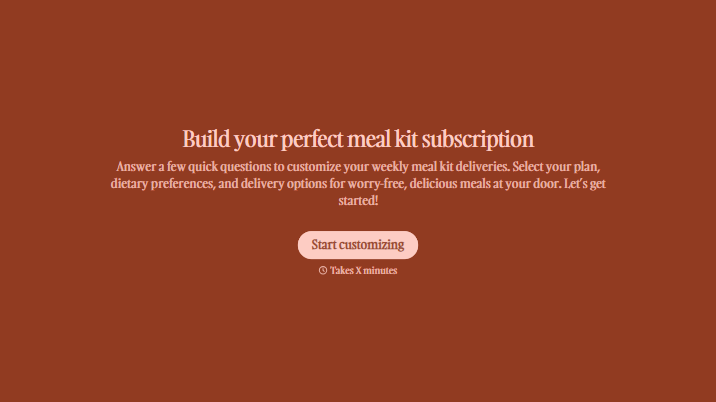
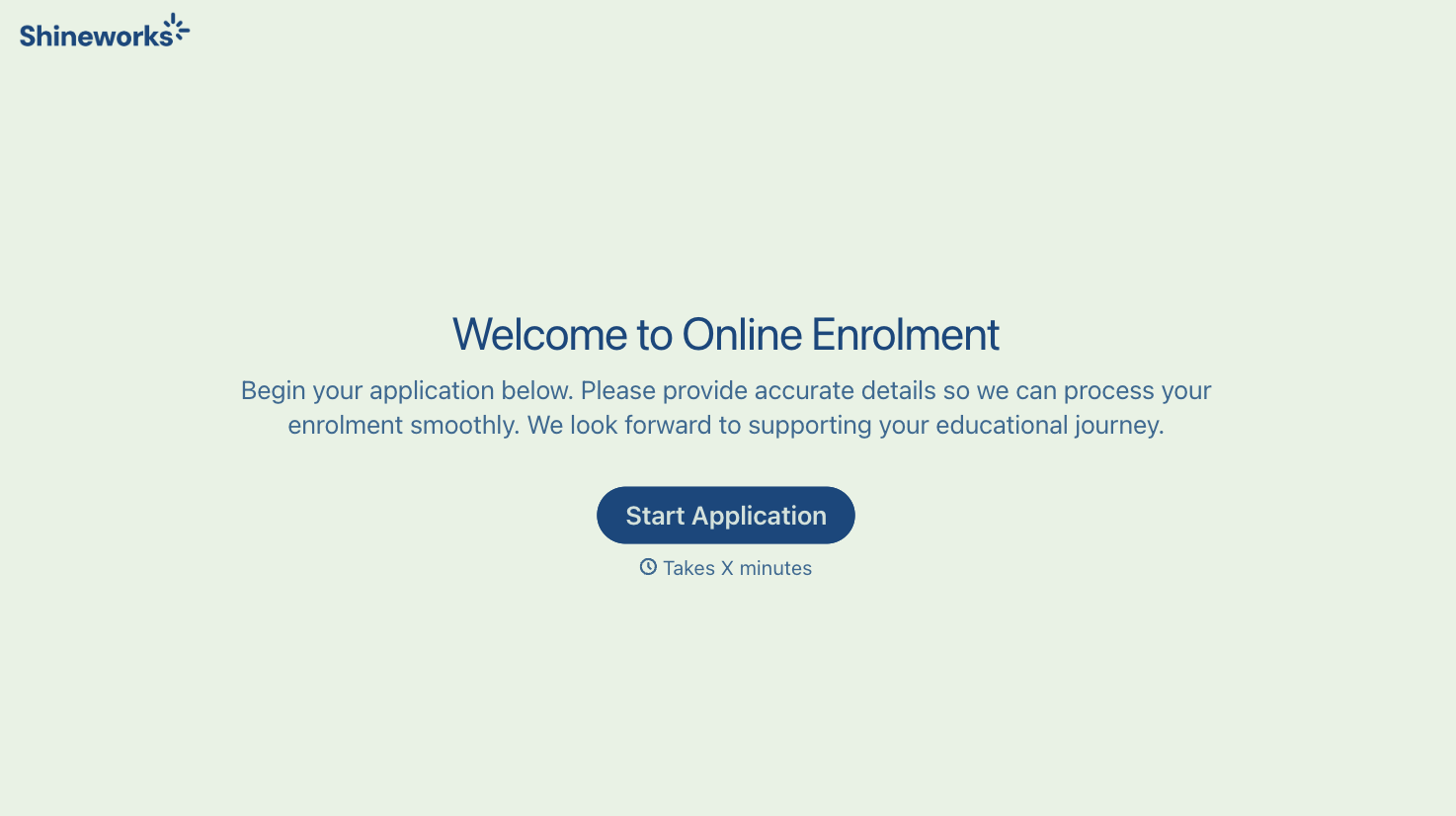
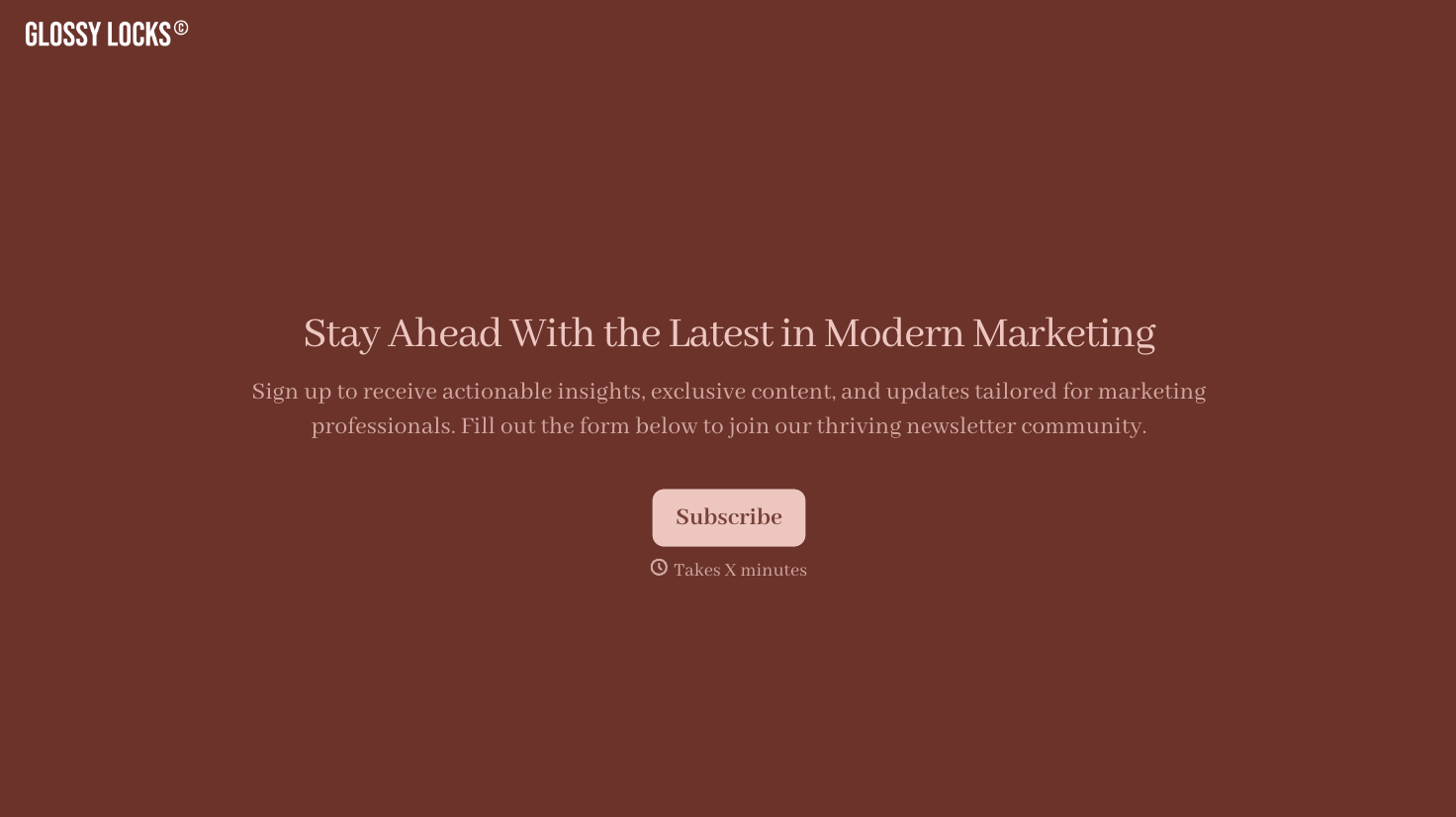


With Typeform, you can customize everything
Change text, colors, and even logos to match the look and feel of your brand. Then embed forms smoothly onto web and email.
Make forms feel effortless to fill out. Pace questions, call people by their name, and adapt the flow based on the data they share.
Stay efficient by connecting forms to your workflow. Typeform integrates with 300+ tools including Slack, Zapier, and HubSpot.


