Boxing Registration Form Template
Getting boxers registered for a fight card, club, or competition means collecting the right details from the start. Make that process easy for everyone.



Boxing registrations involve more than just a name and an email. You need weight class, fight record, gym affiliation, medical clearance, and emergency contact information — and if you're running an event with multiple bouts, you're managing all of that for dozens of fighters at once. Chasing paperwork manually is a distraction from running the event.
A registration form handles the intake. Typeform's boxing registration template collects all the necessary fighter details one step at a time, in a format that works on any device. Conditional logic adjusts based on the division or competition level — amateur fighters may need different documentation than professionals; youth participants require guardian information. Responses are organized and exportable so you can build your fight card, check eligibility, and communicate logistics efficiently.
Customize the form for your event or organization's requirements and share the link through your network or event page.
A boxing registration form collects essential information from fighters or participants registering for a boxing event, club, or competitive program. It captures personal details, fight history, weight class, medical status, and consent information needed to organize and sanction bouts.
Managing fighter registrations through email or paper creates incomplete records and delays. A digital form collects everything consistently, gives you a searchable record of all registrants, and ensures no critical information is missing before event day.
Prioritize safety, eligibility, and logistics. Key questions include:
- Fighter's full name, date of birth, and contact information
- Gym or club affiliation
- Weight class and current weight
- Amateur or professional status and record
- Medical clearance or physician sign-off confirmation
- Emergency contact details
- Parent or guardian information (for minors)
- Acceptance of rules and liability waiver
Include a question confirming that the fighter has received medical clearance, with a checkbox or signature acknowledgment. For events requiring official documentation, you can add a file upload field where fighters attach their medical certificate directly to the submission.
Yes. You can create a version of the form for club registration that includes membership tier and payment information, separate from the event-specific version. Conditional logic can also handle both within a single form if someone is registering for both at the same time.
Get inspired by relevant templates and categories
3200+ Templates, 300+ Integrations
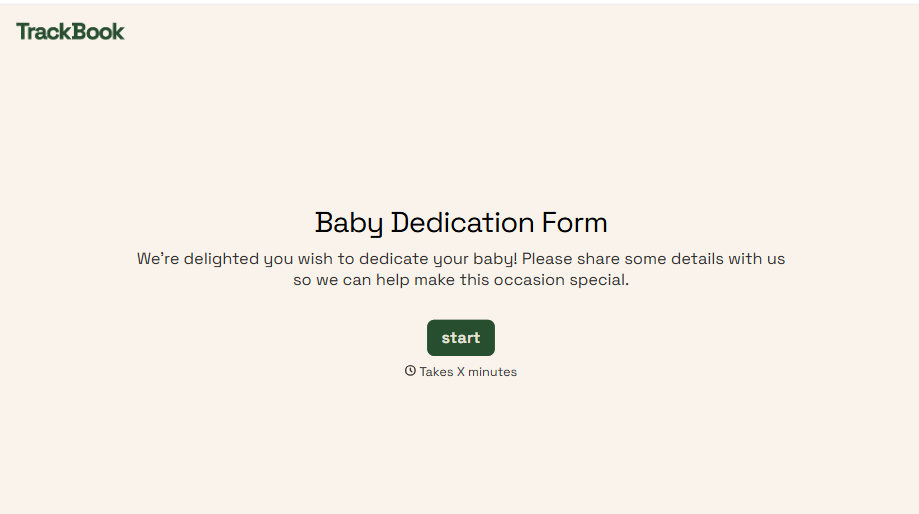
Baby Dedication Form
A sign-up sheet passed around during announcements isn't the kind of detail you want to compile into a Sunday program from memory. Collect the baby's information, requested ceremony date, and any required class attendance before the service, so your team isn't confirming a name's spelling the morning of.
View template
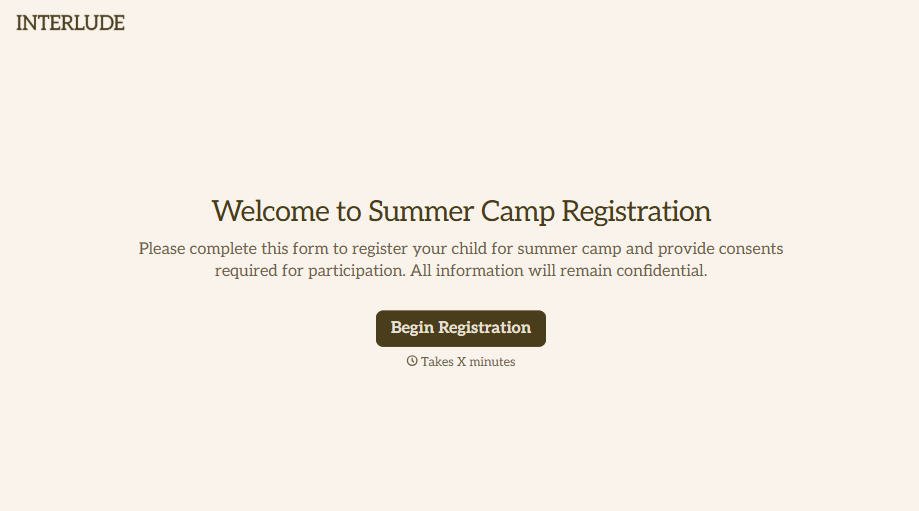
Summer Camp Consent Form
A camper with a bee sting and a counselor on the phone trying to reach a parent isn't a consent process, it's a delay. Collect guardian consent for emergency medical treatment, medication administration, and photo or media use before drop-off, so your staff can act instead of waiting for a callback.
View template
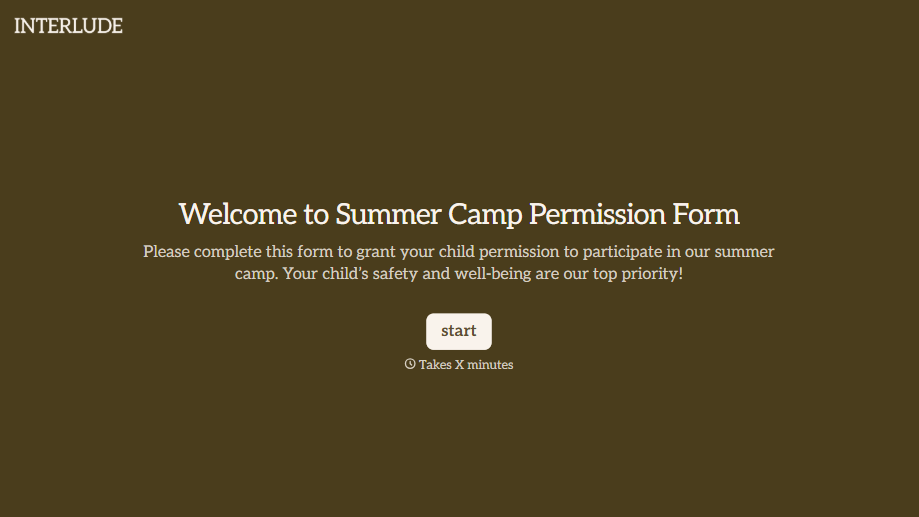
Summer Camp Permission Form
A permission packet crumpled at the bottom of a backpack for two weeks isn't a permission slip anyone can rely on. Collect camper information, medical disclosures, and a signed permission for camp activities before drop-off, so your staff aren't scrambling for an emergency contact on day one.
View template


Music Competition Application Form
An application that asks for a video link and a repertoire list but never says whether the recording needs to be a single unedited take isn't a fair competition, it's whoever guessed the actual rules correctly. Set the age category, the time limit, and the recording requirements up front, so every entry gets judged against the same standard.
View template
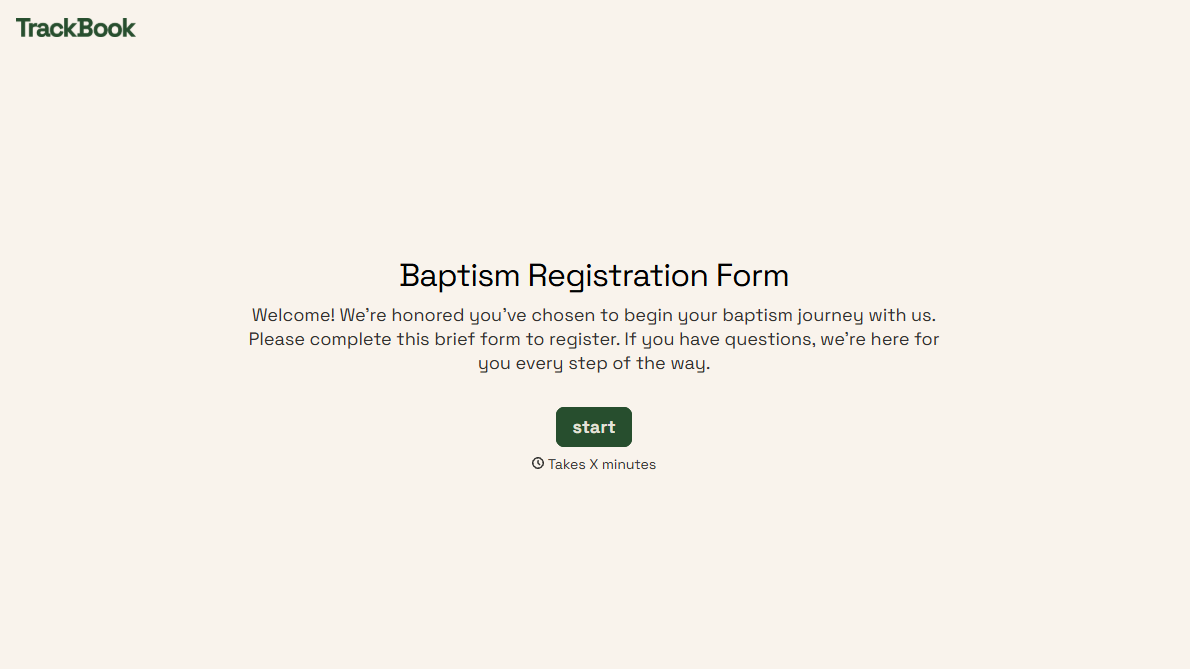
With Typeform, you can customize everything
Change text, colors, and even logos to match the look and feel of your brand. Then embed forms smoothly onto web and email.
Make forms feel effortless to fill out. Pace questions, call people by their name, and adapt the flow based on the data they share.
Stay efficient by connecting forms to your workflow. Typeform integrates with 300+ tools including Slack, Zapier, and HubSpot.


