Client Satisfaction Form Template
Find out how your clients really feel — while there's still time to act on it.



Client satisfaction data is only useful if you collect it at the right time and ask the right questions. This form gives service businesses a professional way to check in with clients — after a project, at key milestones, or periodically — and get honest answers.
The template covers overall satisfaction ratings, ratings on specific dimensions (communication, quality of work, timelines, value), open-ended questions about what went well and what could improve, likelihood to recommend, and whether the client is interested in future work.
Patterns in satisfaction data reveal what you're consistently getting right and where specific improvements would have the biggest impact. One dissatisfied client tells ten people; a consistent feedback loop tells you what to fix before it spreads.
After project completion, at project milestones, and annually for ongoing retainer clients. Timing matters — a form sent too long after delivery gets less accurate responses.
NPS asks 'How likely are you to recommend us?' on a 0-10 scale. It's widely used and benchmarkable. Include it if you want a single metric you can track over time. It works best alongside qualitative questions that explain the score.
Explain why their feedback matters, keep the form short (under 5 minutes), and follow up once if you don't receive a response within a week. Sending from a known email rather than a generic noreply address improves response rates.
Respond personally and promptly. Acknowledge what they experienced, thank them for telling you, and describe what you're doing differently. A well-handled complaint often becomes a stronger client relationship than one that was never tested.
For most client relationships, identified feedback is more useful — it gives you context and the ability to follow up. Offer an anonymous option only if you're concerned it will suppress candor.
Get inspired by relevant templates and categories
3200+ Templates, 300+ Integrations

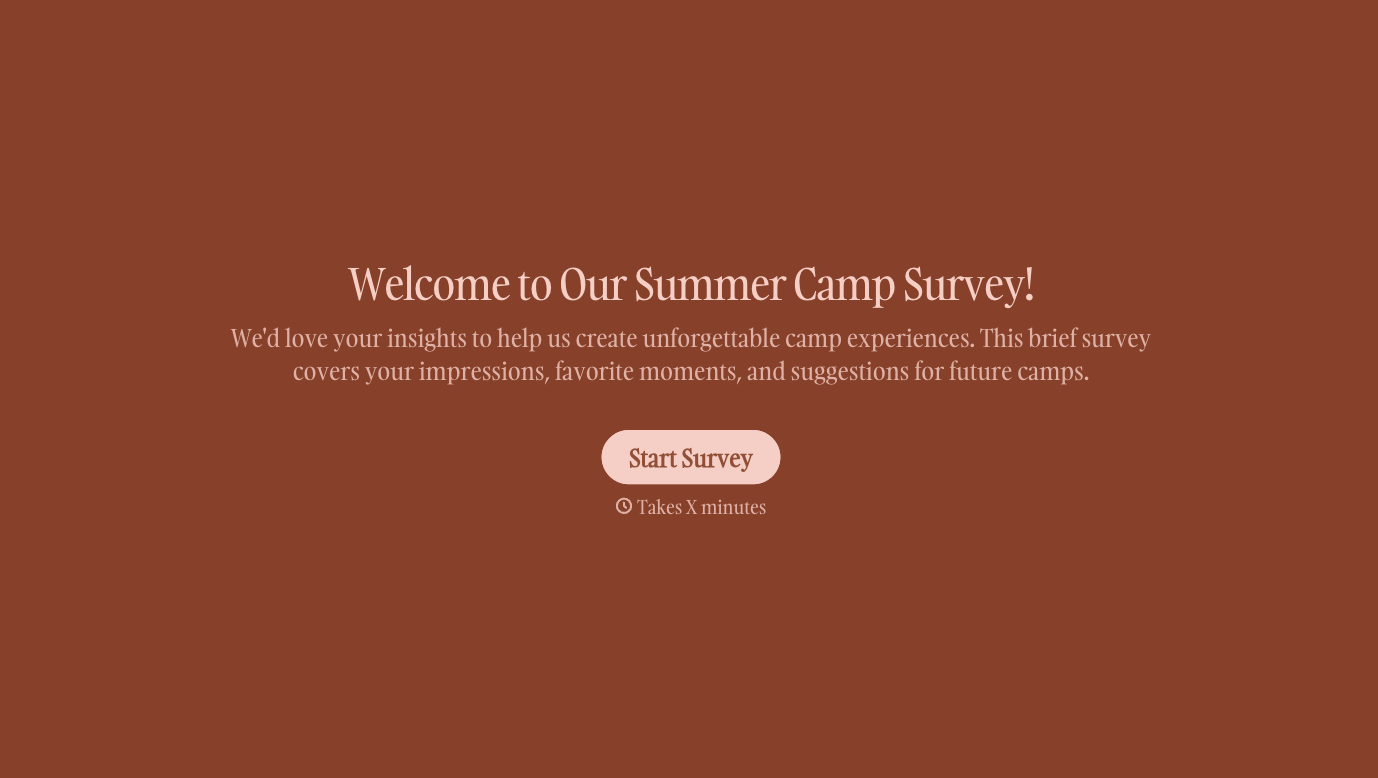
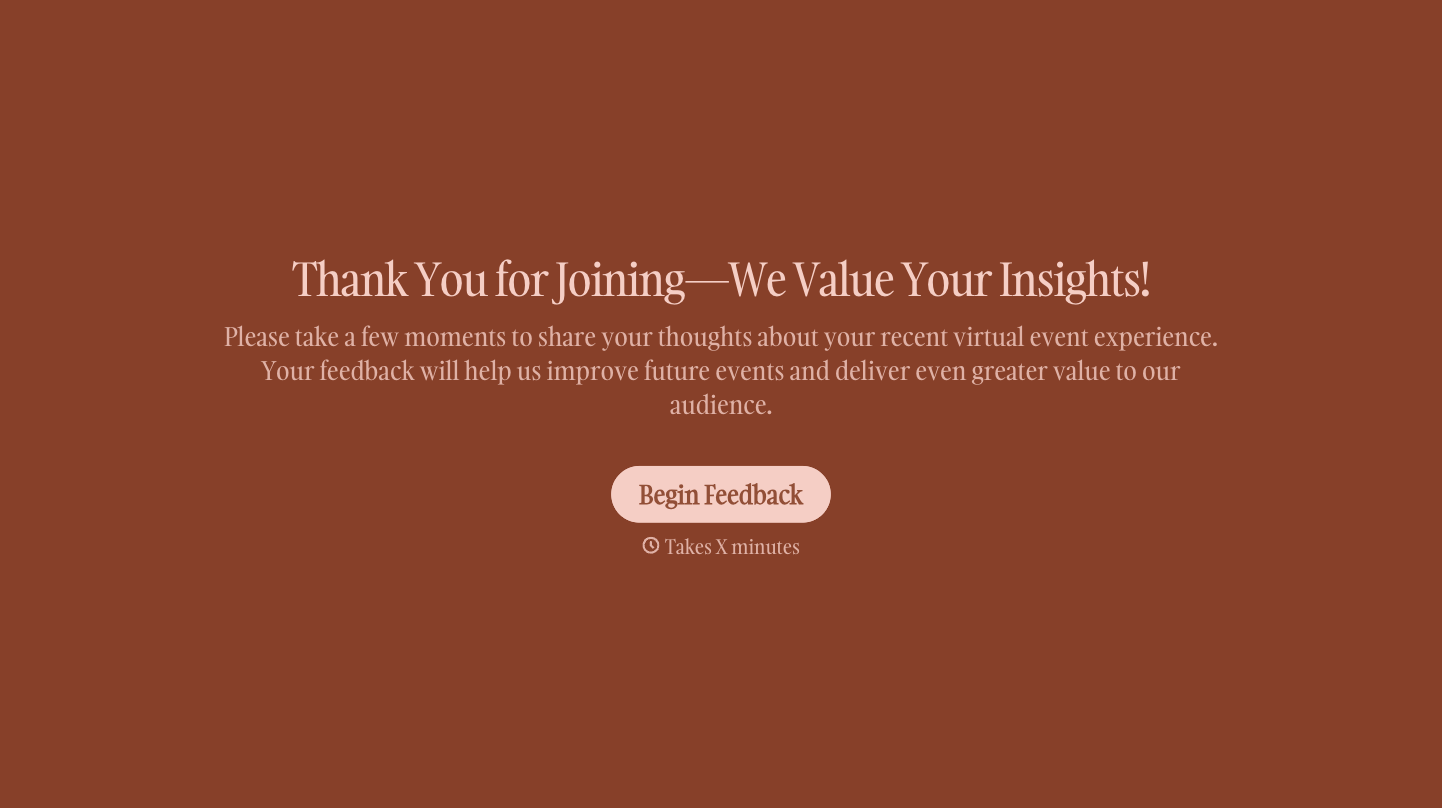
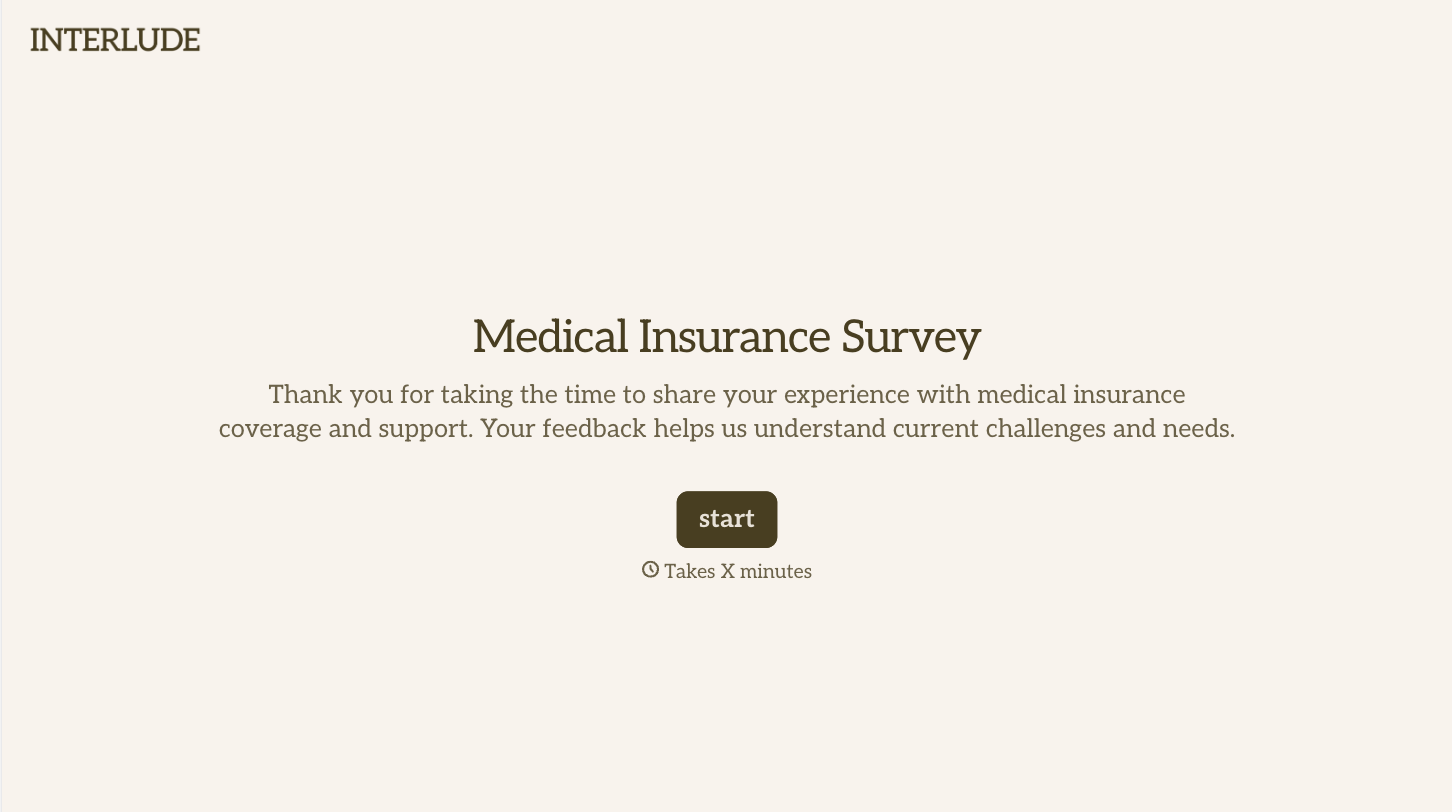
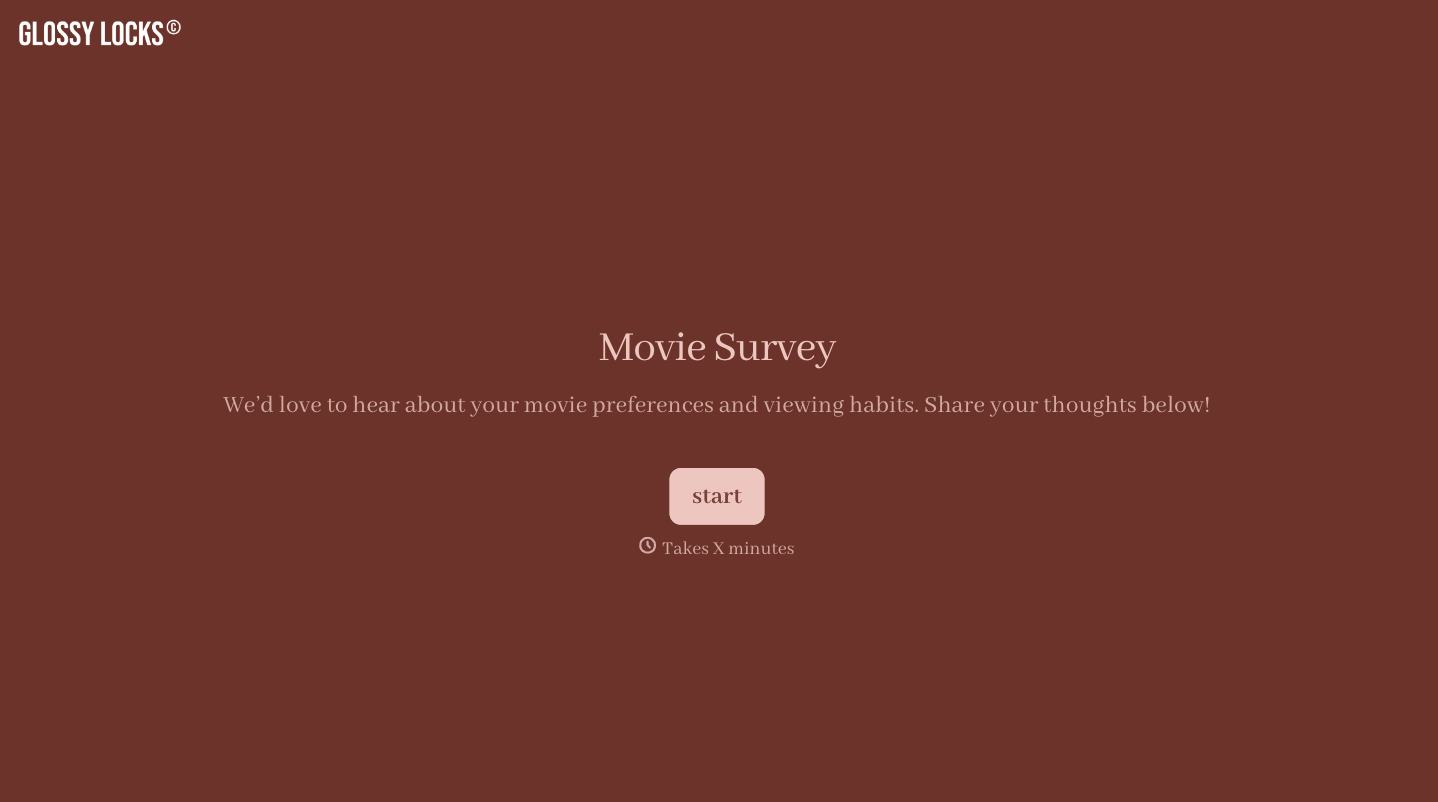
With Typeform, you can customize everything
Change text, colors, and even logos to match the look and feel of your brand. Then embed forms smoothly onto web and email.
Make forms feel effortless to fill out. Pace questions, call people by their name, and adapt the flow based on the data they share.
Stay efficient by connecting forms to your workflow. Typeform integrates with 300+ tools including Slack, Zapier, and HubSpot.


