Customer Review Form
Turn every purchase into a feedback loop. Collect honest ratings and comments while the experience is still fresh.



Customer satisfaction is easy to assume and hard to measure without a direct line to the people you serve. Most businesses only hear from customers when something goes wrong, and by then, the damage is already done. Typeform's customer review template gives your team a consistent way to collect structured feedback from every customer.
The form captures overall satisfaction, product ratings, specific aspect scores, and open-ended comments. Questions appear one at a time, so customers stay focused without feeling like they're filling out a survey. Conditional logic adapts the form based on a customer's rating. A low score surfaces follow-up questions about what went wrong, while a high score prompts customers to share what they loved. This keeps form questions relevant to each customer's experience.
Customize the questions, rating scales, and branding to match your business. Share via email, embed on a post-purchase page, or include a QR code on packaging. Send responses to Google Sheets, Airtable, or your CRM via Zapier so your team tracks customer trends in one place. Get ahead of recurring issues before they reach your public reviews.
A customer review form collects structured feedback from buyers after a purchase or service interaction. It captures satisfaction ratings, product quality scores, and open-ended comments (e.g., what went well, what could improve). It functions as both a feedback channel and an early warning system for your business.
Without a structured process, customer feedback arrives scattered—buried in email replies, social comments, or missing entirely. A standardized form ensures every customer answers the same questions, so your team can compare responses and spot patterns. Collecting reviews consistently helps you fix issues faster and build the kind of experience that drives repeat purchases.
Cover the full customer experience from start to finish:
- Overall satisfaction rating
- Product or service quality
- Delivery or response time
- Customer support experience
- Open-ended comments (what went well, what could improve)
Customers can upload photos or files directly through Typeform's File Upload field. This is useful for reviewing physical products, documenting damage, or supporting a return request. Accepted file types include JPG, PNG, and PDF, up to 10MB per upload. File Upload is available on paid Typeform plans.
Typeform lets you make name and email fields optional, so customers can review without identifying themselves. Anonymous submissions often generate more honest responses, especially on sensitive topics like service quality or complaint handling. Keep in mind that anonymous submissions can also make it harder to follow up directly with unhappy customers.
Get inspired by relevant templates and categories
3200+ Templates, 300+ Integrations


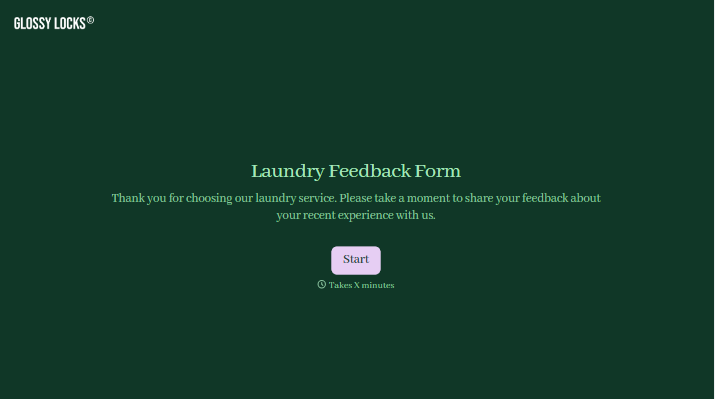
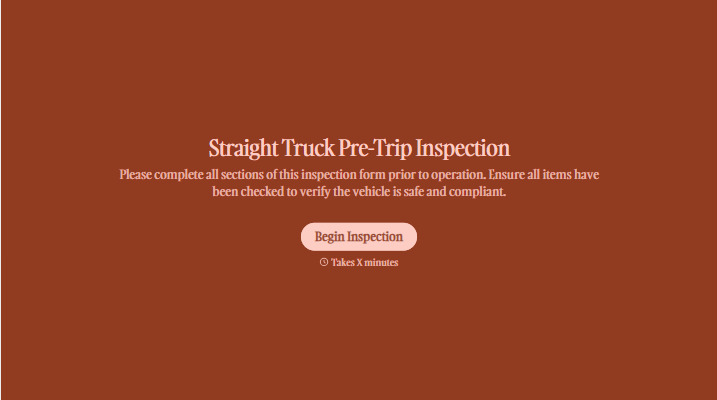
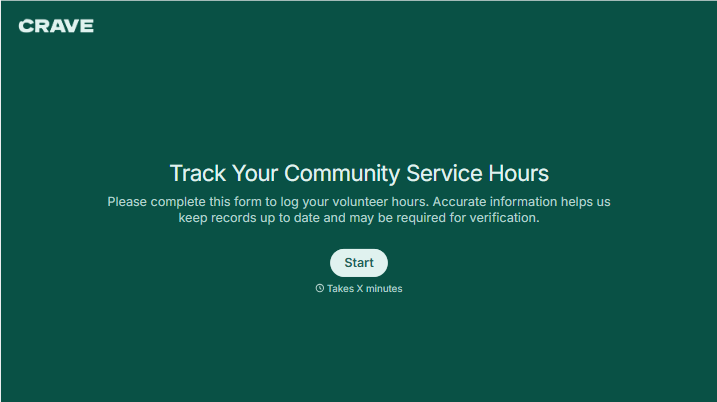

With Typeform, you can customize everything
Change text, colors, and even logos to match the look and feel of your brand. Then embed forms smoothly onto web and email.
Make forms feel effortless to fill out. Pace questions, call people by their name, and adapt the flow based on the data they share.
Stay efficient by connecting forms to your workflow. Typeform integrates with 300+ tools including Slack, Zapier, and HubSpot.


