Client Survey Form Template
Ask your clients the right questions — and use the answers to build a better service.



Client surveys are only valuable if they lead to action. This form gives service providers a structured approach to client feedback — asking questions that surface specific, actionable insights rather than general satisfaction scores.
The template covers overall experience, rating of specific service dimensions, what the client valued most, what they'd change, how likely they are to recommend you, and whether there are additional services they'd want from you.
Regular client feedback loops help you catch dissatisfaction before it turns into attrition, identify service gaps before a competitor does, and understand what clients value most — so you can deliver more of it.
5 to 8 questions for a periodic check-in, 10 to 15 for a comprehensive annual review. Keep it proportionate to the depth of the relationship — a five-question survey from a new client is appropriate; a 15-question survey after a week-long engagement isn't.
For professional service clients with a relationship, 30 to 50% is typical when surveys are relevant and concise. Personalizing the invitation email — not a generic blast — significantly improves response rates.
After each project or deliverable, and annually for ongoing relationships. Avoid surveying too frequently — clients will start ignoring them. Once per engagement or once per year is the right rhythm for most professional service firms.
Thank the client and ask if they'd be willing to share that feedback publicly as a testimonial or case study. Satisfied clients who feel heard often become your best advocates.
For complex projects with multiple stakeholders, consider sending it to all relevant contacts. Different team members have different perspectives on service quality. Combine the responses for a fuller picture.
Get inspired by relevant templates and categories
3200+ Templates, 300+ Integrations

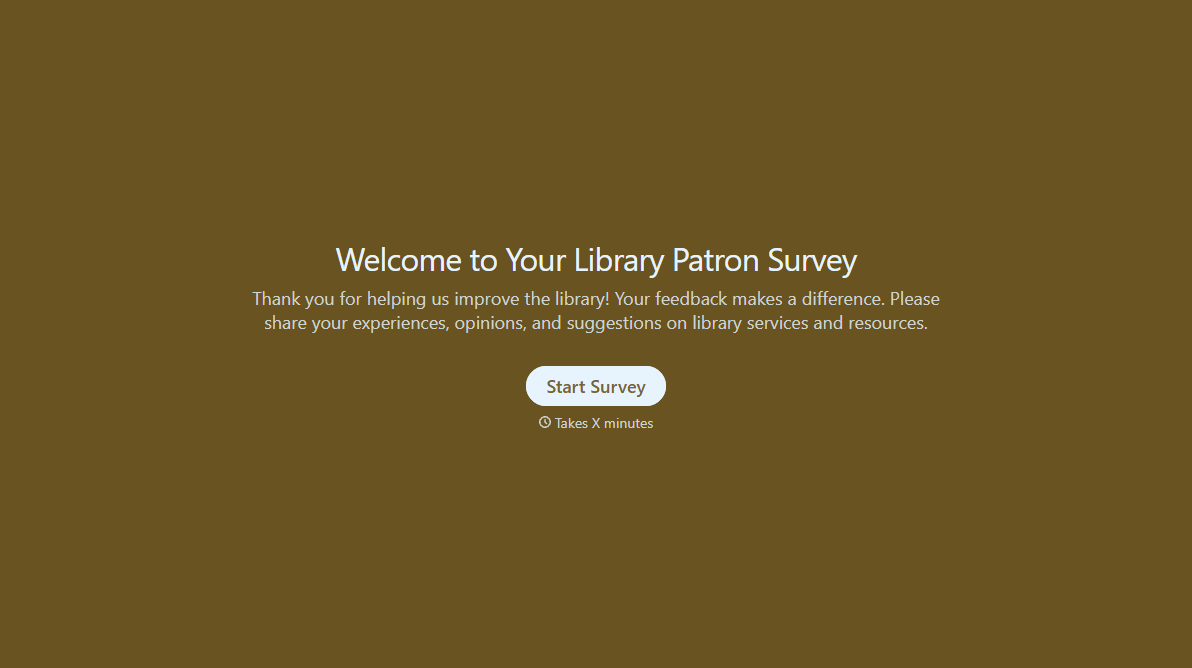
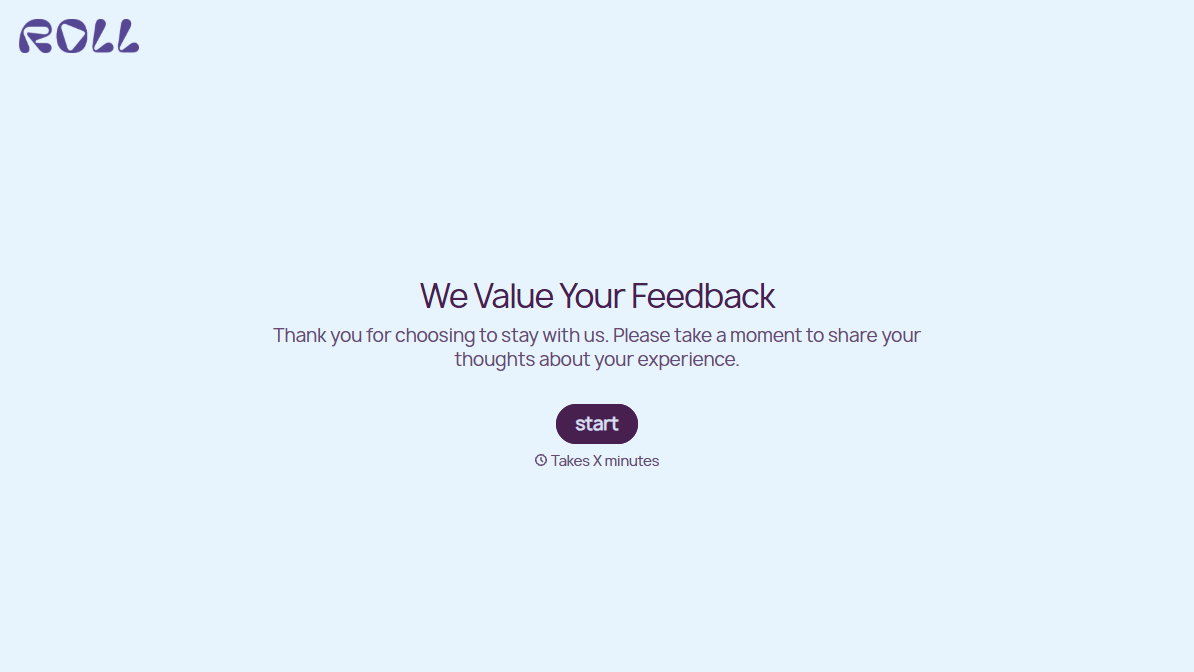
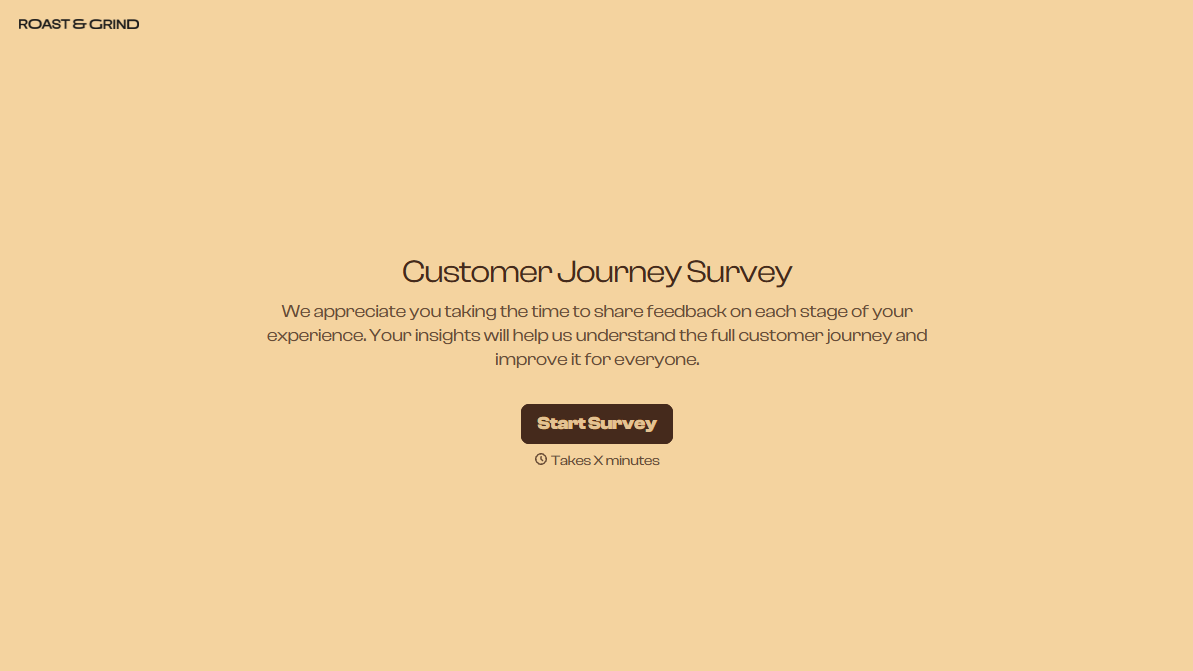
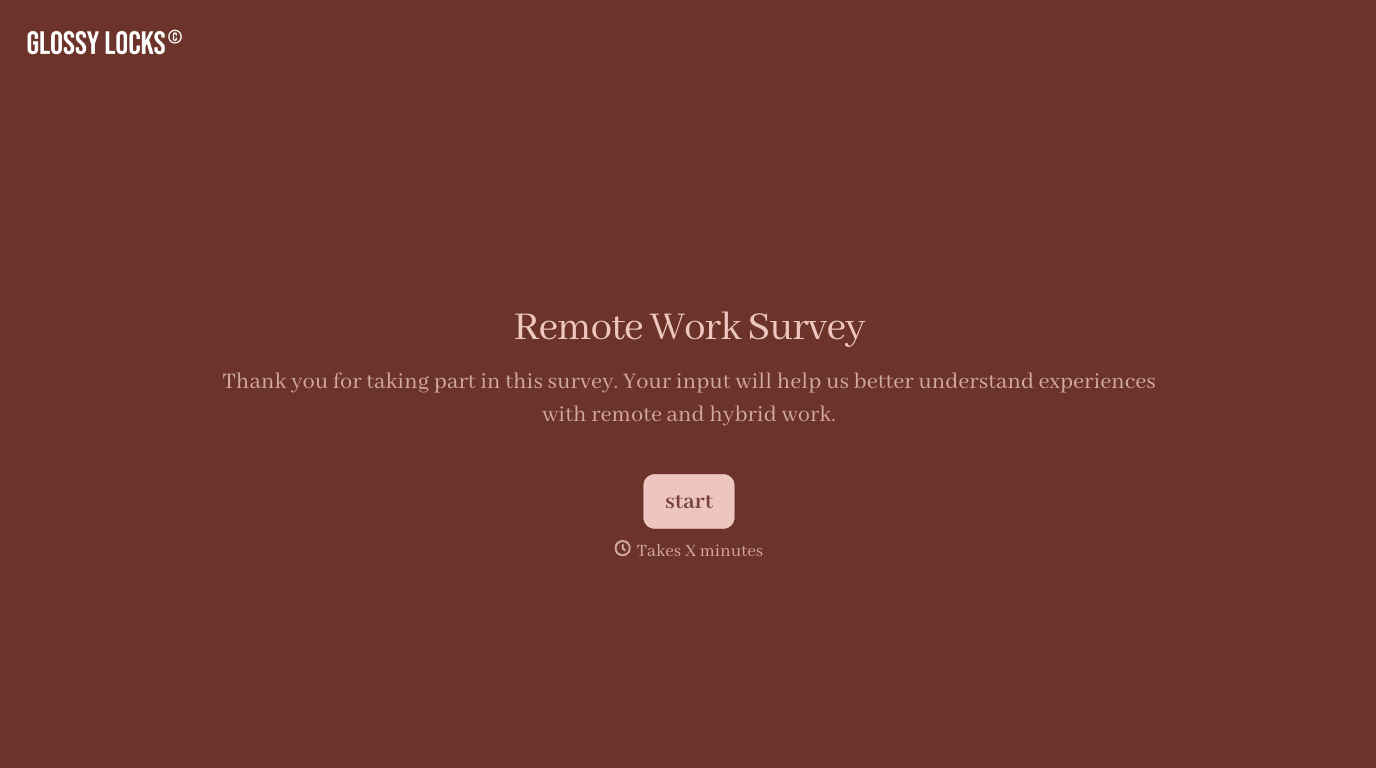
With Typeform, you can customize everything
Change text, colors, and even logos to match the look and feel of your brand. Then embed forms smoothly onto web and email.
Make forms feel effortless to fill out. Pace questions, call people by their name, and adapt the flow based on the data they share.
Stay efficient by connecting forms to your workflow. Typeform integrates with 300+ tools including Slack, Zapier, and HubSpot.


