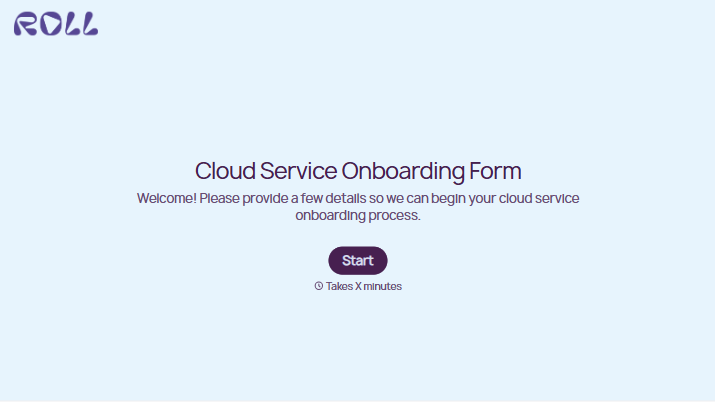
Cloud Service Onboarding Form
Give new customers a clear way to share what they need before setup begins. Collect account details, service requirements, and key contacts so your team can prepare the next steps.



A customer is ready to start, but the person who signed the agreement isn’t the person who manages access. Their preferred launch date is clear, but nobody has confirmed whether existing data needs to move. Typeform’s cloud service onboarding form brings those details together before setup gets underway.
Customers describe how they plan to use the service, identify the people involved, and share their timing and support needs. You can ask about user numbers, existing systems, and any migration requirements. Leave room for questions they need answered before their team can begin.
Your onboarding team gets a starting point for assigning work and spotting dependencies. Customers get a clear way to explain their requirements without piecing them together across several emails. The first kickoff conversation can focus on decisions and next steps.
A cloud service onboarding form collects the information needed to prepare a new customer’s account and coordinate setup. It can cover business details, intended use, user access, existing systems, and training needs. Service providers use it to organize onboarding and identify questions that require follow-up.
Setup can stall when a key contact is missing or a requirement surfaces late. An onboarding form asks for those details at the start, giving your team a clearer view of what needs to happen. It also helps customers distinguish the information they can provide now from decisions that need a technical conversation.
Focus on information your team will use to prepare the account and plan the rollout:
- Organization name and account reference
- Primary onboarding and technical contacts
- Intended use and expected outcomes
- Number of users and access requirements
- Existing systems or integrations
- Data migration needs, if applicable
- Relevant security or data handling requirements
- Target start date and key dependencies
- Training and support needs
Ask customers to describe access requirements without submitting passwords, API keys, or other credentials.
Group related questions and explain unfamiliar terms. Offer an “Unsure” option where a customer may need your team’s guidance, and distinguish required setup details from optional background. Let respondents identify another contact for technical questions so onboarding doesn’t depend on one person knowing every answer.
Yes. Ask what needs to move, where it currently lives, its approximate volume, and any timing constraints. Use those answers to arrange a more detailed review of compatibility, access, and the migration process. The form provides initial context; your team will still need to confirm the plan with the customer before transferring data.
Get inspired by relevant templates and categories
3200+ Templates, 300+ Integrations
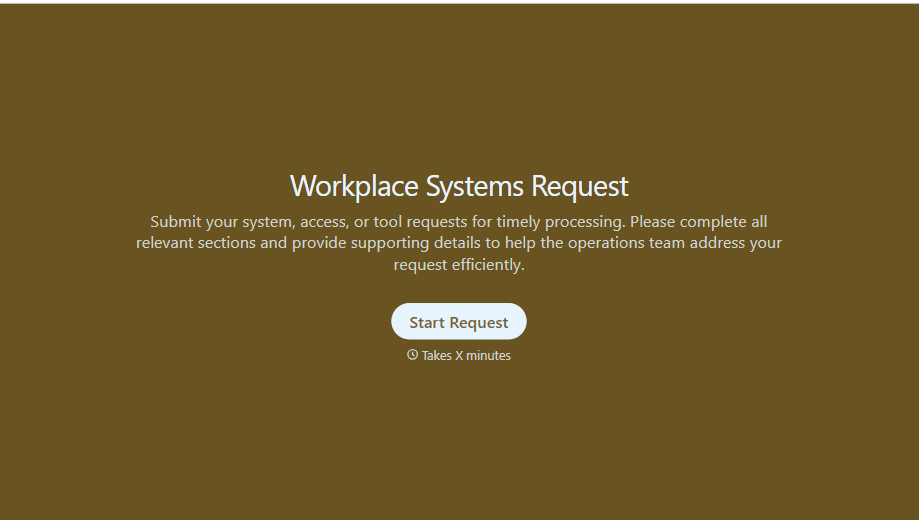
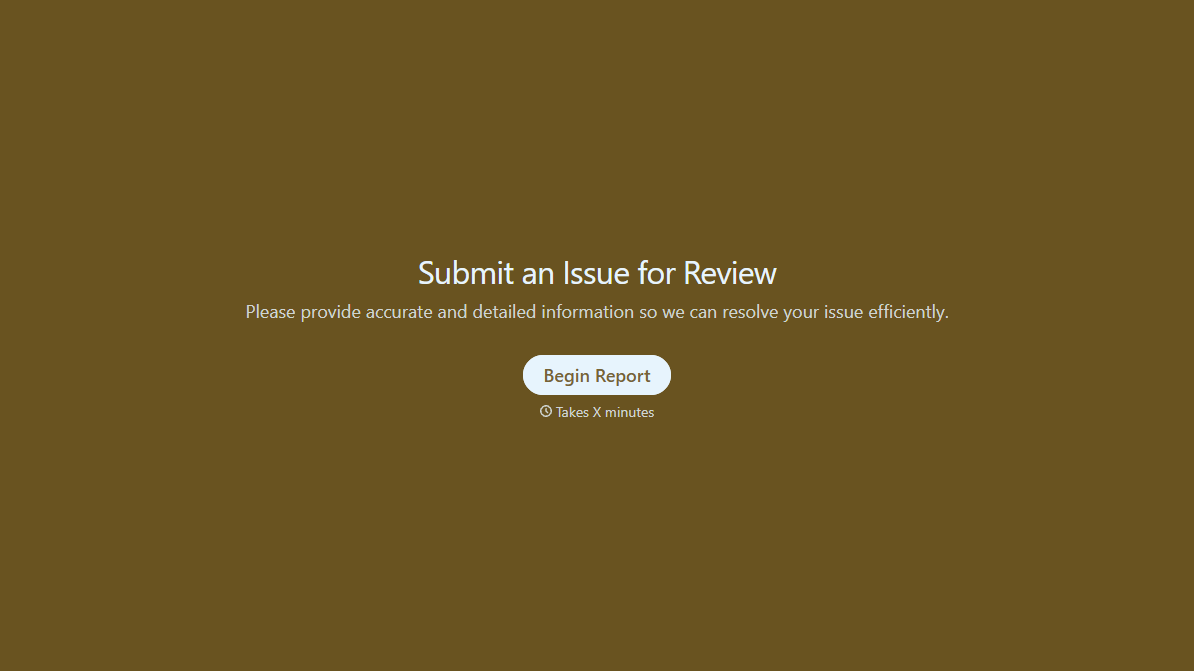
With Typeform, you can customize everything
Change text, colors, and even logos to match the look and feel of your brand. Then embed forms smoothly onto web and email.
Make forms feel effortless to fill out. Pace questions, call people by their name, and adapt the flow based on the data they share.
Stay efficient by connecting forms to your workflow. Typeform integrates with 300+ tools including Slack, Zapier, and HubSpot.


