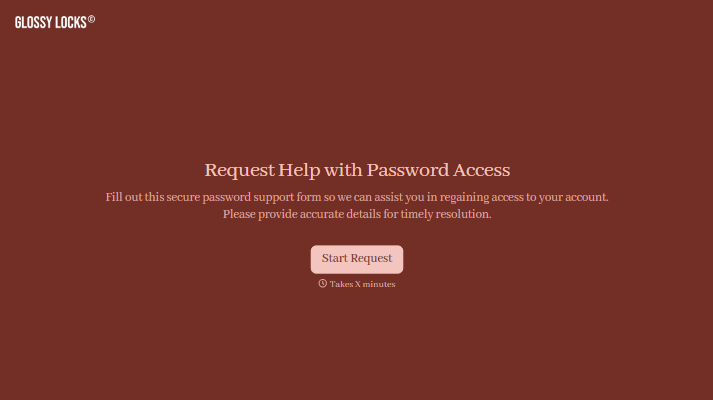
Password Reset Request Form
Give users a clear way to ask for help when they can’t access their account. Collect the account identifier, affected service, and issue details so your support team can route the request and follow up.



A user has tried the reset link twice, but the email hasn’t arrived. Another can’t access the email address attached to their account. Both need help signing in, but they need different next steps. A password reset request form helps your support team understand where the process has stalled.
Users identify the service and account involved, explain what they’ve already tried, and provide a way to receive follow-up instructions. You can ask about error messages and when the issue began. Make clear that users should never submit passwords, verification codes, or recovery codes through the form.
Your team gets enough context to route the request without starting from scratch. Users get a place to explain the problem when the standard reset process hasn’t worked. Account recovery can then continue through your established identity verification process.
A password reset request form collects information from users who need help recovering access to an account. It typically asks for an account identifier, the affected service, and a description of the problem. Support teams use it to organize requests and determine the appropriate next step.
A message saying “I can’t log in” leaves several questions unanswered. A structured form helps clarify whether the user hasn’t received a reset email, encountered an error, or lost access to their registered email address. That context helps your team provide relevant instructions with fewer follow-up questions.
Collect only the details needed to identify and route the issue:
- Account username or registered email address
- Application or service involved
- Description of the sign-in problem
- Reset steps already attempted
- Error message, if any
- Whether the registered email account is still accessible
- Contact information for follow-up, where appropriate
Do not ask for current or previous passwords, verification codes, or recovery codes.
Use recognizable issue options, such as “Reset email hasn’t arrived” or “Reset link doesn’t work,” with space for additional details. Link to your standard password reset process for users who haven’t tried it yet. After submission, explain how support will respond and what users can expect next.
No. A submission starts a support request and does not prove account ownership. Your team should follow its established verification process before changing access or account details. An alternative contact address can support communication, but it should not by itself authorize account recovery.
Get inspired by relevant templates and categories
3200+ Templates, 300+ Integrations
With Typeform, you can customize everything
Change text, colors, and even logos to match the look and feel of your brand. Then embed forms smoothly onto web and email.
Make forms feel effortless to fill out. Pace questions, call people by their name, and adapt the flow based on the data they share.
Stay efficient by connecting forms to your workflow. Typeform integrates with 300+ tools including Slack, Zapier, and HubSpot.


