College Admission Form Template
The application is the first chapter of a student's story at your institution. Make it a process that brings out their best, not their frustration.



College admissions teams review thousands of applications, looking for the students who'll thrive in their programs. But when application forms are poorly designed — confusing navigation, redundant fields, technical glitches — they create barriers that disproportionately affect first-generation students and those without admissions coaching. A better form isn't about lowering standards; it's about removing obstacles that have nothing to do with academic potential.
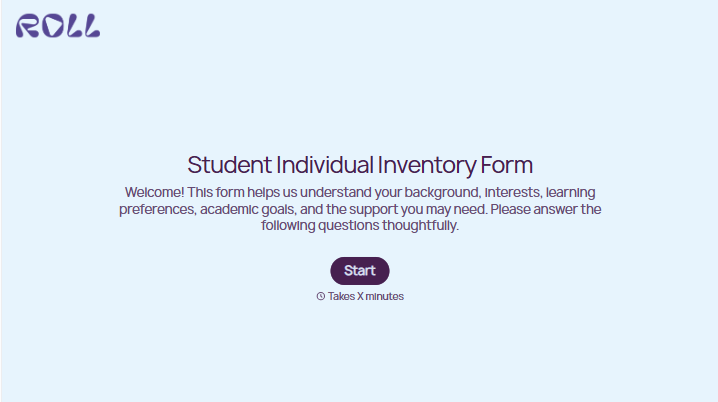
This college admission form template guides applicants through each section with clarity: personal information, academic history, extracurricular activities, essays, recommendations, and supplementary materials. The one-question-at-a-time format reduces overwhelm, and conditional logic adjusts sections based on the applicant's background (e.g., transfer student, international, returning adult learner).
Integrate the form with your student information system or CRM to organize applications for review committees. A well-structured intake means your admissions team spends more time evaluating candidates and less time chasing missing transcripts.
A college admission form is the primary application document prospective students complete to be considered for enrollment at a college or university. It collects personal information, academic records, standardized test scores, extracurricular activities, personal statements, and supporting materials. It provides the admissions committee with a comprehensive profile of each applicant for evaluation.
Because the application experience impacts who applies, not just how they apply. A confusing, glitch-prone form discourages applicants who don't have parents or counselors guiding them through the process. A clear, well-designed form levels the playing field. It also reflects your institution's values: if you claim to be innovative and student-centered, your application should feel that way.
- Legal name, date of birth, citizenship, and contact information
- High school attended, GPA, class rank, and graduation date
- Standardized test scores (if applicable to your admissions policy)
- Extracurricular activities, leadership roles, and community involvement
- Personal statement or essay response(s)
- Intended major or area of academic interest
Use plain language. Avoid jargon like "holistic review" or "demonstrated interest" without explanation. Provide examples for open-ended questions. Offer a "save and return" option so applicants aren't pressured to complete everything in one sitting. Include a FAQ section or help text within the form. Consider eliminating or making optional any element that primarily benefits applicants with access to private counselors — like supplemental essays or portfolio requirements that aren't central to evaluation.
Yes, but be thoughtful about what you request and how you frame it. Make supplemental materials (e.g., art portfolios, research abstracts, performance recordings) optional unless they're central to the program. Specify file formats and size limits clearly to prevent technical issues. And be transparent about how supplementary materials factor into your review. Applicants shouldn't spend hours on a portfolio that reviewers glance at for 30 seconds.
Get inspired by relevant templates and categories
3200+ Templates, 300+ Integrations





With Typeform, you can customize everything
Change text, colors, and even logos to match the look and feel of your brand. Then embed forms smoothly onto web and email.
Make forms feel effortless to fill out. Pace questions, call people by their name, and adapt the flow based on the data they share.
Stay efficient by connecting forms to your workflow. Typeform integrates with 300+ tools including Slack, Zapier, and HubSpot.


