Multiple Choice Test Form Template
Create and distribute tests with multiple choice questions quickly, and collect responses in one organized place.



Building a test in a document or email and then manually tallying responses wastes time you don't have. When you're managing a class, training cohort, or certification program, you need a way to distribute questions, collect answers, and review results without stitching together multiple tools.
A Typeform multiple choice test form lets you present questions one at a time, which reduces the temptation for test-takers to skip ahead or second-guess earlier answers. You can randomize answer options, set required responses so no question gets skipped, and collect all submissions in a single results sheet. For training assessments, you can connect Typeform's quiz mode to show correct answers and scores automatically at the end.
The form is easy to customize with your questions, answer options, and any instructions or time guidance you want to include. Share the link with your group and all responses come in ready to review, without any paper to collect or spreadsheets to build manually.
A multiple choice test form is a digital assessment where respondents select their answer from a set of predefined options. It's used for academic testing, employee training assessments, certification exams, and knowledge checks of any kind.
It removes the manual work of distributing, collecting, and scoring paper tests. Responses arrive in a consistent format, results are immediately available, and you can see exactly who completed the test and when — without any physical paperwork.
Structure it to give test-takers what they need and capture what you need:
- Test title and any instructions (time limit, whether answers can be changed)
- Respondent identification (name, student ID, department)
- Each question with 3 to 5 answer options
- A clear way to flag which questions are mandatory
- A completion confirmation with any next steps
- Date and time of submission (captured automatically)
Yes. Typeform's quiz mode lets you assign correct answers and calculate scores automatically, displaying the result at the end of the form. You can also show explanations for correct answers if the test is meant to be educational rather than purely evaluative.
Typeform allows you to set unique links for each respondent and restrict each link to a single response. For high-stakes assessments, combining this with a monitored testing environment is still the most reliable approach. The form handles the collection and scoring; proctoring remains a separate consideration.
Get inspired by relevant templates and categories
3200+ Templates, 300+ Integrations


Nationality Verification Form
A self-certification buried in a stack of new account paperwork isn't the kind of record a compliance team can rely on for a regulatory filing. Collect nationality, tax residency, and a signed declaration before an account opens, so compliance isn't chasing down a customer's citizenship status after the fact.
View template

Policy Cancellation Form
A cancellation requested over the phone doesn't leave a clear record of exactly what date the policyholder actually asked for, and that date matters more than it sounds like it should. Collect what your agency actually needs, policy details, identity verification, and the requested effective date, before coverage actually ends.
View template
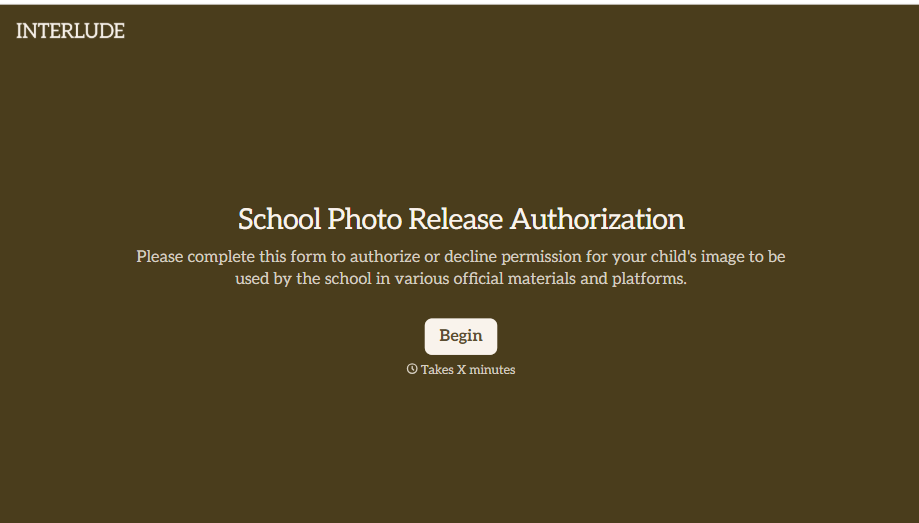
School Photo Release Form
A photo consent checkbox buried on page 12 of an enrollment packet doesn't tell a teacher who's actually opted out before they post a class photo. Collect what your school actually needs, guardian consent, and exactly where a photo can be used, before the camera comes out.
View template

Inheritance Beneficiary Form
Asking a grieving family member for the same banking details across three different phone calls doesn't make settling an estate go any faster. Collect what your firm actually needs, beneficiary information, identification, and distribution details, in one submission instead of three calls.
View template
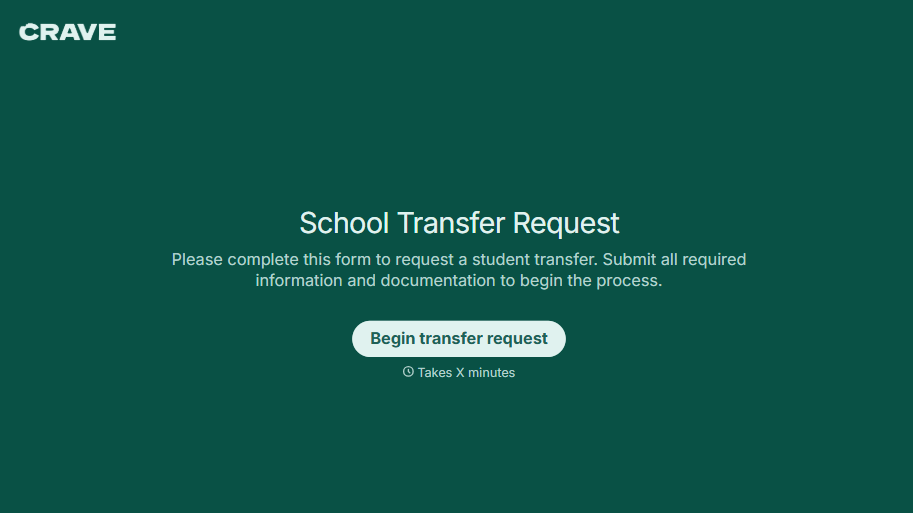
School Transfer Request Form
A transfer request dropped off at the district office isn't the kind of paperwork that gets processed before the semester it's meant for already started. Collect the student's information, reason for transfer, and supporting documentation upfront, so a request doesn't stall while the district follows up for a missing form.
View template
With Typeform, you can customize everything
Change text, colors, and even logos to match the look and feel of your brand. Then embed forms smoothly onto web and email.
Make forms feel effortless to fill out. Pace questions, call people by their name, and adapt the flow based on the data they share.
Stay efficient by connecting forms to your workflow. Typeform integrates with 300+ tools including Slack, Zapier, and HubSpot.


