Company Survey Form Template
Collect feedback from employees, customers, or stakeholders with a survey that's easy to complete and even easier to analyze. Find out what's working and what isn't before it becomes a problem.



Surveys that nobody completes don't help anyone. The difference between a 20% response rate and a 70% one often comes down to length and format — and both are entirely within your control. A well-structured survey respects the respondent's time, asks only what you need to know, and works seamlessly on mobile.
This template covers company or department satisfaction ratings, agreement scales for key statements, open text for suggestions and concerns, and optional demographic questions for segmenting results. Logic jumps route respondents to follow-up questions based on their ratings, so low scores automatically prompt more detail without lengthening the form for everyone.
HR teams, customer success departments, operations leaders, and executive teams use company surveys to measure satisfaction, identify friction, and track progress over time. Share by email, embed in your intranet, or link from Slack. Export results to a dashboard tool to visualize trends across departments, locations, or time periods.
Make all identifying fields optional and avoid collecting information that could identify individual respondents if anonymity is important for honest feedback.
Add a department or location field at the start. Filter responses by that field in the Results panel or your connected spreadsheet.
Quarterly pulse surveys work well for most teams. Annual deep-dives give more space for comprehensive feedback. Avoid surveying so frequently that response rates drop.
Export results from each survey period and track key metrics over time in a spreadsheet or dashboard. Label each export clearly with the date range it covers.
Create a summary presentation with key findings and share it with the team. Showing that responses led to action is the best way to maintain high response rates in future surveys.
Get inspired by relevant templates and categories
3200+ Templates, 300+ Integrations
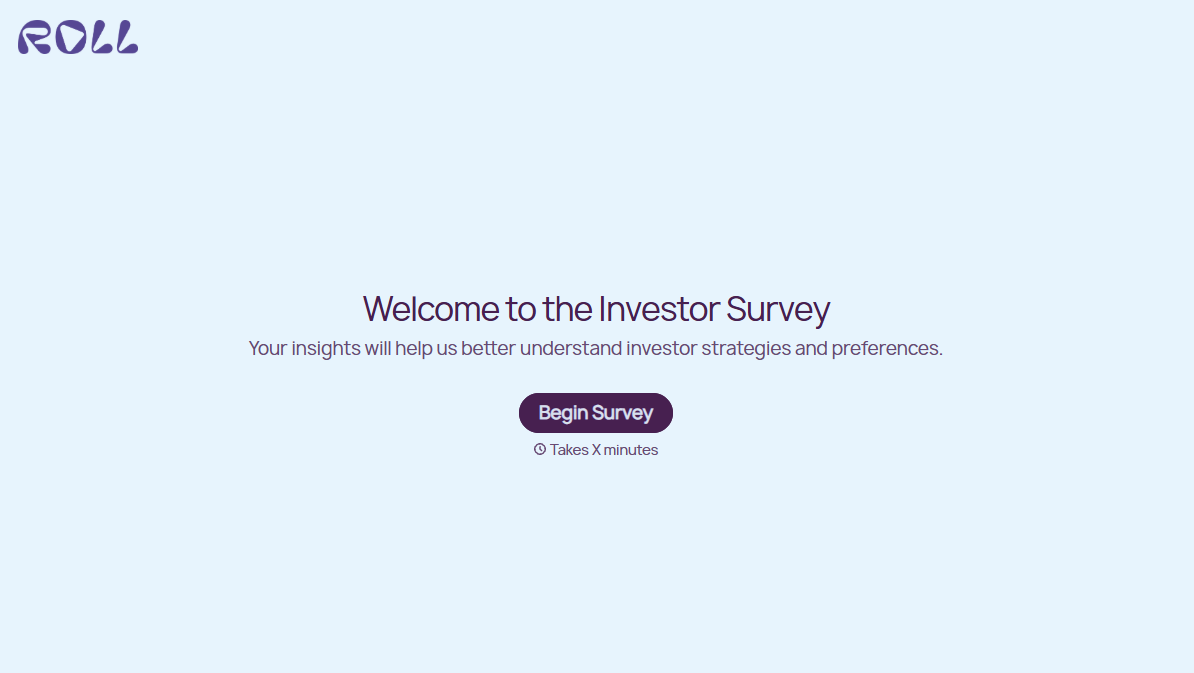
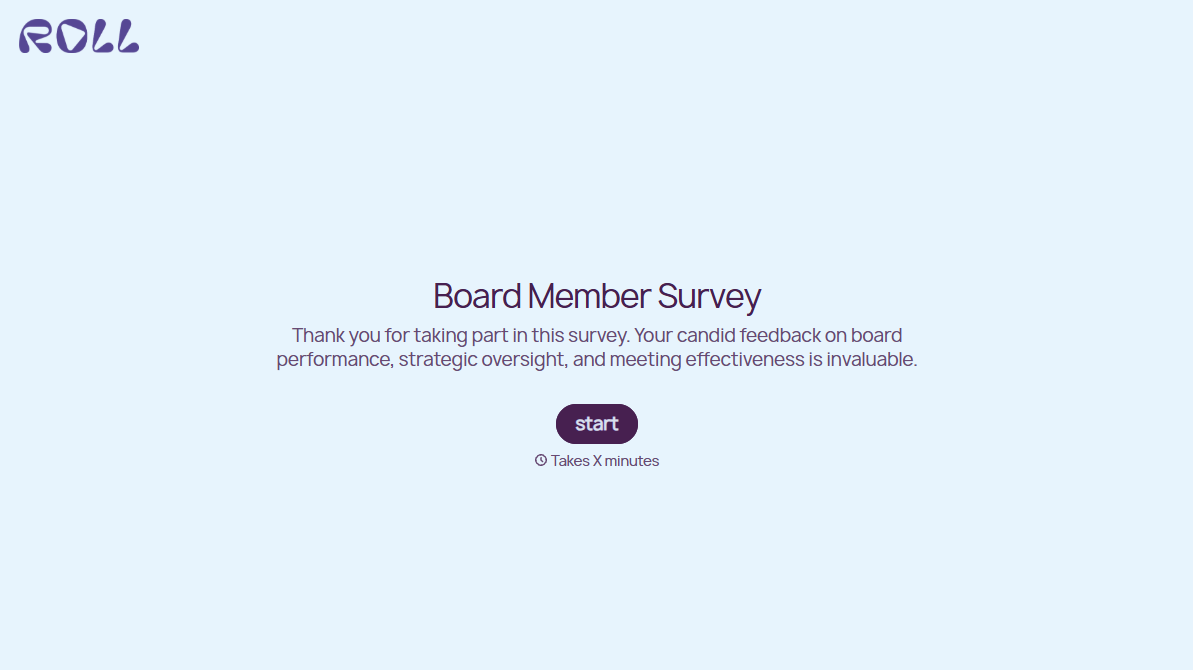
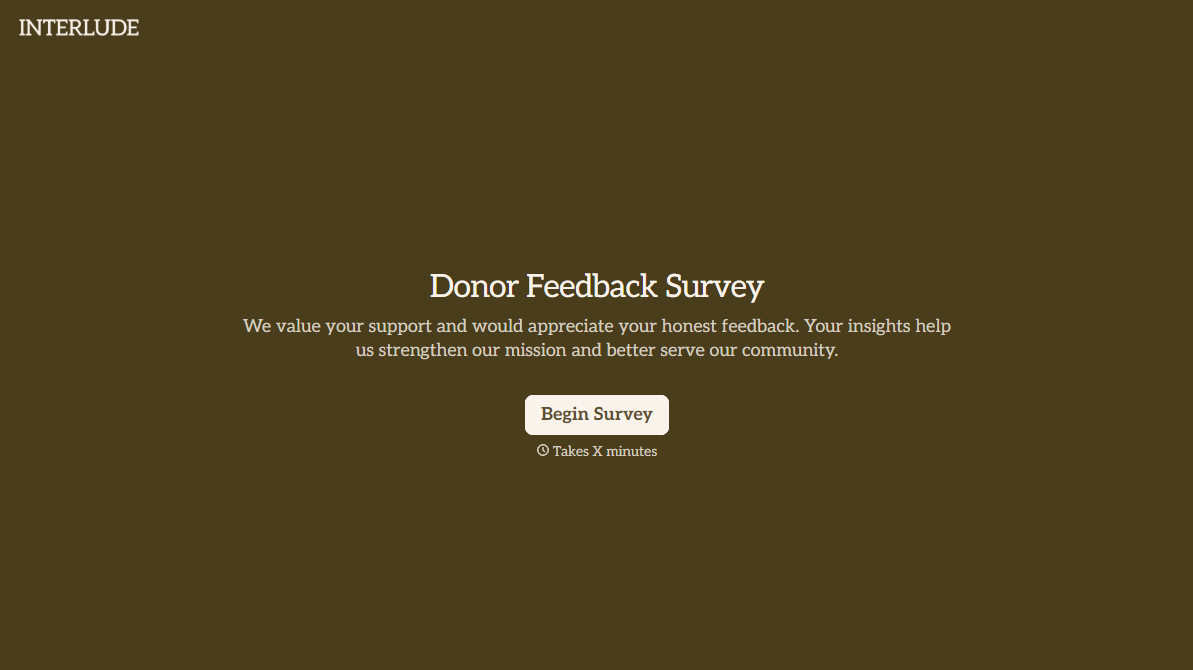
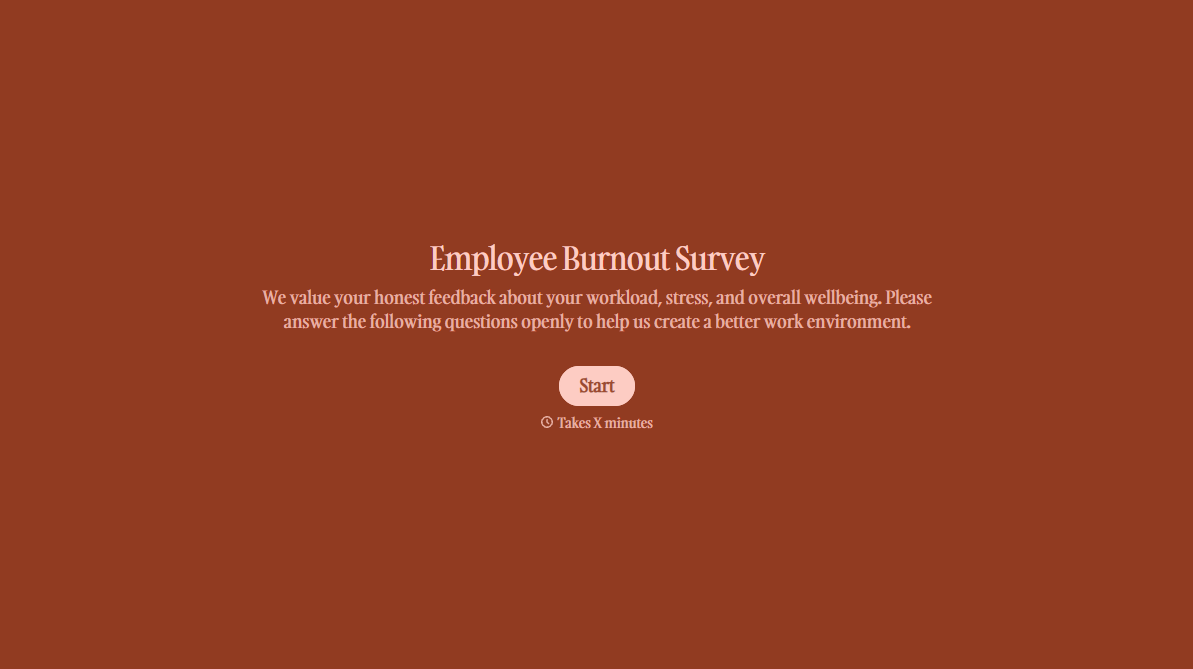
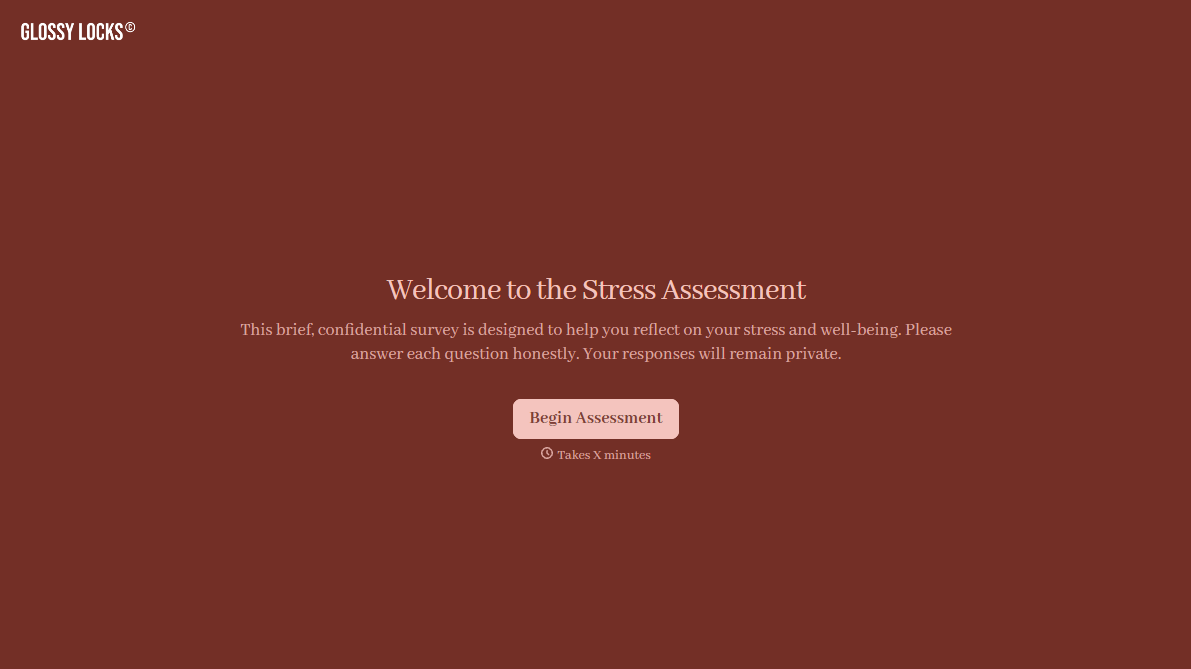
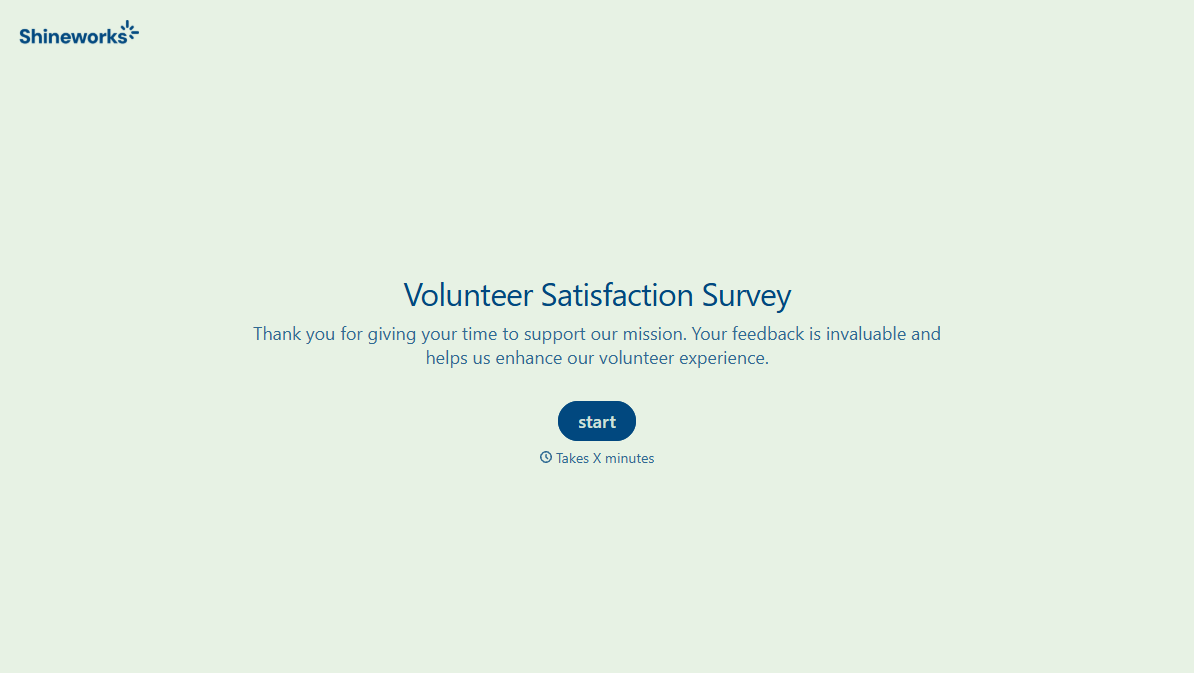
With Typeform, you can customize everything
Change text, colors, and even logos to match the look and feel of your brand. Then embed forms smoothly onto web and email.
Make forms feel effortless to fill out. Pace questions, call people by their name, and adapt the flow based on the data they share.
Stay efficient by connecting forms to your workflow. Typeform integrates with 300+ tools including Slack, Zapier, and HubSpot.


