Course Approval Form
Course approval requests buried in email chains cause delays and missed enrollment windows. Give students and employees a clear, trackable path to course sign-off.



Students and employees who request course approvals by email often wait days, missing enrollment deadlines in the process. Without a structured request, approvers lack the course details, cost, and rationale they need to make a fast decision. Typeform's course approval template gives L&D teams a clear process for collecting and approving every course request.
The form captures requester details, course name, provider, cost, duration, learning objectives, and business justification in a single submission. Each field appears on its own, so requesters complete the form clearly without missing required details. Conditional logic adapts the form based on course type and cost. A course above the approval budget threshold triggers additional sign-off fields, while lower-cost requests follow a shorter path.
Customize the form to match your organization's approval tiers, budget thresholds, and course eligibility criteria. Post it on your intranet, embed it in your LMS, or send it via email when an employee requests training. Submissions log in Google Sheets via Zapier, so your team tracks pending approvals and training spend at a glance. Approve the right courses faster and give every learner a clear timeline from request to sign-off.
A course approval form is a structured digital request form that employees or students use to seek authorization for a specific course or training program. It collects course details, cost, duration, learning objectives, and business justification in a single submission for the approver to review. It functions as the documented record your organization uses to authorize training spend and track professional development decisions.
Approval requests sent by email get buried, forwarded without context, and approved or denied without a clear record of why. A structured form ensures every request arrives with the same information, so approvers make consistent, informed decisions without back-and-forth. It also creates an auditable record of every training request, approval, and denial across your organization. Use it for employee professional development, tuition reimbursement, certification funding, and university enrollment approvals.
A complete course approval form covers:
- Requester name, role, and department
- Direct manager or approver name
- Course name, provider, and format (in-person, online, hybrid)
- Course cost and any additional expenses (travel, materials)
- Course duration and scheduled dates
- Learning objectives and relevance to current role
- Business justification for the request
- Budget code or cost center (if applicable)
Use conditional logic to trigger an additional approval field when a course cost exceeds your organization's standard threshold. Route the completed form to the direct manager first, then to a department head or finance contact for secondary sign-off. Connect the form to your email notification workflow via Zapier so each approver receives an alert when it's their turn to review.
Export submissions to Google Sheets or Airtable and filter by status to view pending, approved, and denied requests by department or time period. Add a cost column to track cumulative training spend against each department's annual L&D budget. Use the data at quarterly reviews to identify which teams are investing in development and which have budgets available before year-end.
Get inspired by relevant templates and categories
3200+ Templates, 300+ Integrations

Library Book Request Form
A book request scrawled on a sticky note at the front desk doesn't make it into any queue, and it definitely doesn't get anyone a call when the book actually arrives. Collect what your library actually needs, the title, patron information, and how they'd like to be notified, before the note gets buried under the next stack of returns.
View template

Tenant Repair Request Form
A text message about a leaky faucet sent at 11pm isn't a work order your maintenance team can act on efficiently, especially without a photo or a unit number attached. Collect the property, the issue, and how urgent it is before the request lands in someone's texts, so a repair doesn't wait on a landlord scrolling back through old messages.
View template

Video Request Form
A Slack message asking for "a quick video for the launch" isn't a creative brief your video team can actually start from. Collect the project purpose, deadline, and deliverable specs before the request lands in a queue, so your team isn't reworking a video built on assumptions the requester never actually stated.
View template
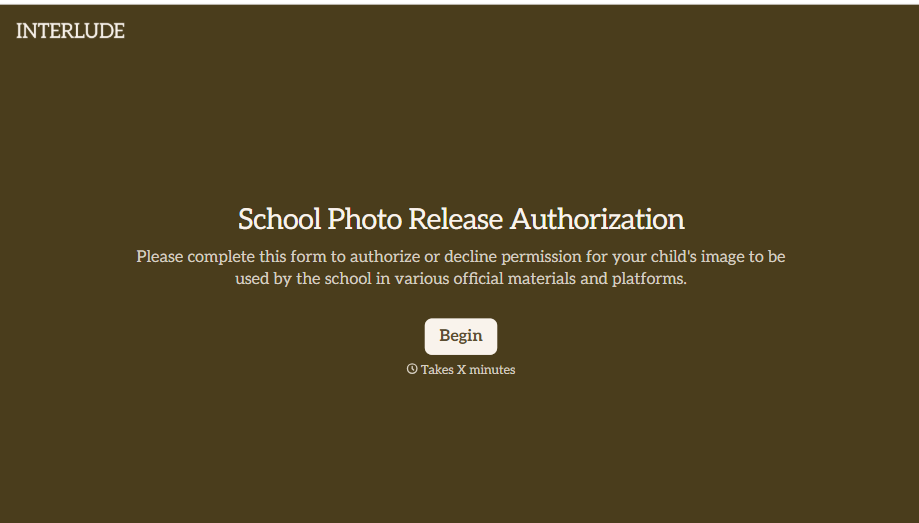
School Photo Release Form
A photo consent checkbox buried on page 12 of an enrollment packet doesn't tell a teacher who's actually opted out before they post a class photo. Collect what your school actually needs, guardian consent, and exactly where a photo can be used, before the camera comes out.
View template
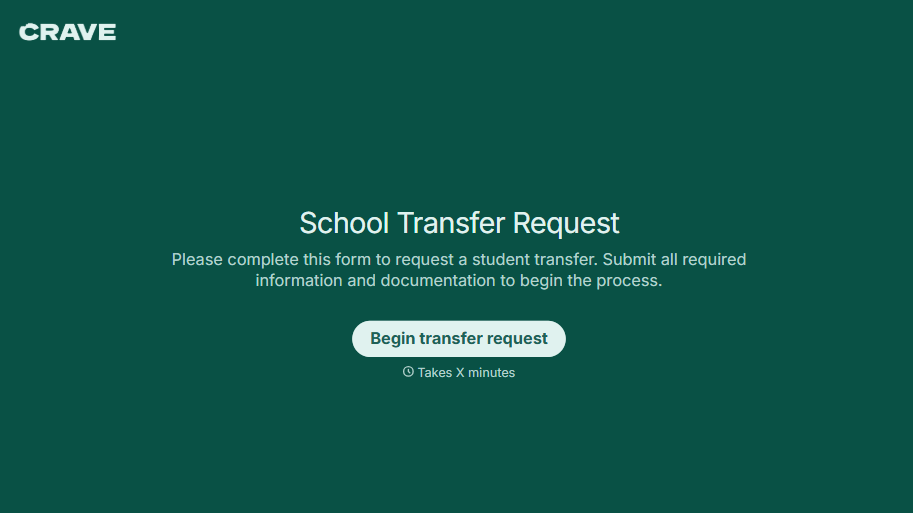
School Transfer Request Form
A transfer request dropped off at the district office isn't the kind of paperwork that gets processed before the semester it's meant for already started. Collect the student's information, reason for transfer, and supporting documentation upfront, so a request doesn't stall while the district follows up for a missing form.
View template
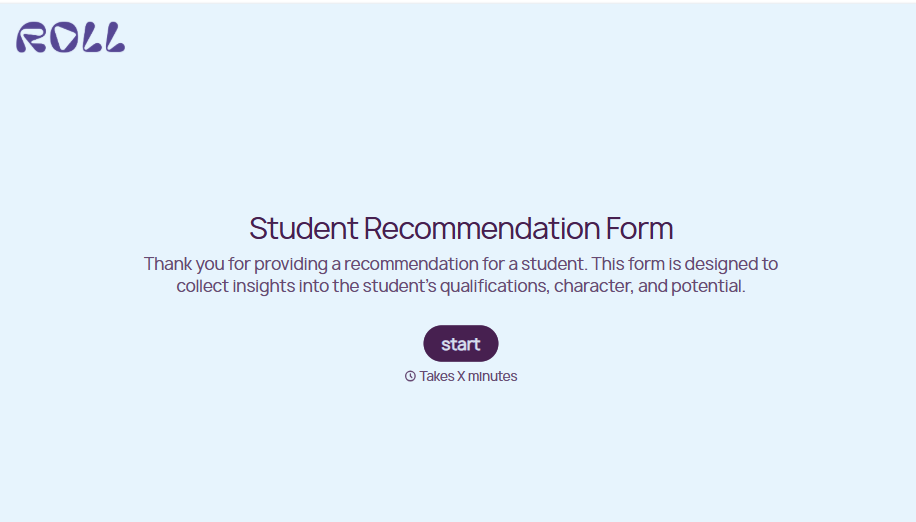
Student Recommendation Form
An email asking "can you write me a letter of recommendation" with no deadline attached isn't enough for a teacher to actually sit down and write one. Collect the program details, deadline, and what the student wants highlighted before the request lands in an inbox, so a letter doesn't get written in a rush the night it's due.
View template
With Typeform, you can customize everything
Change text, colors, and even logos to match the look and feel of your brand. Then embed forms smoothly onto web and email.
Make forms feel effortless to fill out. Pace questions, call people by their name, and adapt the flow based on the data they share.
Stay efficient by connecting forms to your workflow. Typeform integrates with 300+ tools including Slack, Zapier, and HubSpot.


