Course Overview Form
Collect a signed acknowledgment of course objectives, policies, and expectations before the first class.



Educational institutions that distribute course information by email or PDF have no way to confirm students read and understood it. Unacknowledged course policies create disputes over grades, attendance, and academic integrity that take time and resources to resolve. Typeform's course overview form template gives institutions a reliable way to document acknowledgment from every student before the course begins.
The form presents course objectives, grading criteria, attendance policies, and academic integrity expectations, then collects a signed acknowledgment. Each section appears on its own, keeping students focused on one policy area at a time rather than skimming a long document. Conditional logic adapts the form based on whether a student or guardian is completing the acknowledgment. A guardian acknowledging on behalf of a minor sees different confirmation fields than an adult student, keeping every submission accurate.
Send it via enrollment confirmation email, post it on your LMS, or share it as a direct link. Customize the form to reflect your course name, institution branding, and specific policy language. Every signed submission logs in Google Sheets or Airtable via Zapier, giving your institution a documented acknowledgment for every enrollment. Start every course knowing every student understood the rules, not discovering mid-semester that someone missed the attendance policy.
A course overview form is a structured digital acknowledgment form that confirms students or guardians have read, understood, and accepted the details of a specific course before it begins. It presents course objectives, grading criteria, attendance policies, academic integrity expectations, and other key requirements, then collects a signed confirmation in a single submission. It functions as the documented record that every enrolled student entered the course with a clear understanding of its expectations.
Disputes over grades, attendance, and academic integrity are far easier to resolve when there is a documented record that the student acknowledged the relevant policy at enrollment. Distributing course information via email or a shared document leaves institutions with no way to confirm receipt or comprehension. A structured acknowledgment form creates a timestamped, signed record for every student, so your institution can refer back to it if a dispute arises. Use it for university courses, corporate training programs, certification courses, and online learning platforms.
A complete course overview acknowledgment form covers:
- Course name, code, and instructor details
- Course objectives and learning outcomes
- Grading criteria and assessment breakdown
- Attendance and participation requirements
- Academic integrity and plagiarism policy
- Communication and submission expectations
- Student or guardian name, date, and electronic signature
Set up conditional logic to branch the form based on whether the student or a parent or guardian is completing the acknowledgment. A minor's enrollment triggers fields for the guardian's full name, relationship to the student, and a separate signature confirming they reviewed the course details on the student's behalf. This keeps the acknowledgment accurate for every enrollment type without creating a separate form for each situation.
Duplicate the form for each course or cohort and update the course-specific details (name, objectives, policies) in each version. All signed submissions from every course version feed into a shared Google Sheet or Airtable base via Zapier, so your administration team holds a single organized record across all courses and enrollment periods. Use filters to confirm which students have completed the acknowledgment before the first session begins.
Get inspired by relevant templates and categories
3200+ Templates, 300+ Integrations


Nationality Verification Form
A self-certification buried in a stack of new account paperwork isn't the kind of record a compliance team can rely on for a regulatory filing. Collect nationality, tax residency, and a signed declaration before an account opens, so compliance isn't chasing down a customer's citizenship status after the fact.
View template

Policy Cancellation Form
A cancellation requested over the phone doesn't leave a clear record of exactly what date the policyholder actually asked for, and that date matters more than it sounds like it should. Collect what your agency actually needs, policy details, identity verification, and the requested effective date, before coverage actually ends.
View template
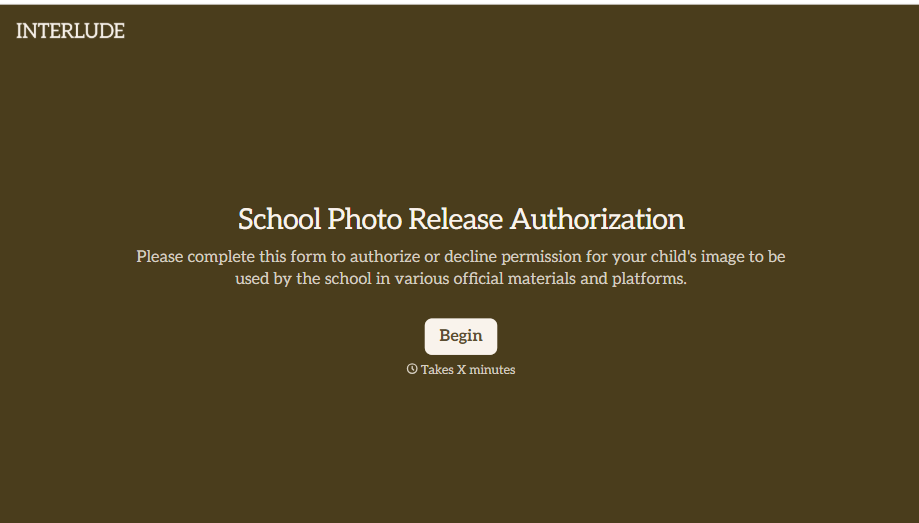
School Photo Release Form
A photo consent checkbox buried on page 12 of an enrollment packet doesn't tell a teacher who's actually opted out before they post a class photo. Collect what your school actually needs, guardian consent, and exactly where a photo can be used, before the camera comes out.
View template

Inheritance Beneficiary Form
Asking a grieving family member for the same banking details across three different phone calls doesn't make settling an estate go any faster. Collect what your firm actually needs, beneficiary information, identification, and distribution details, in one submission instead of three calls.
View template
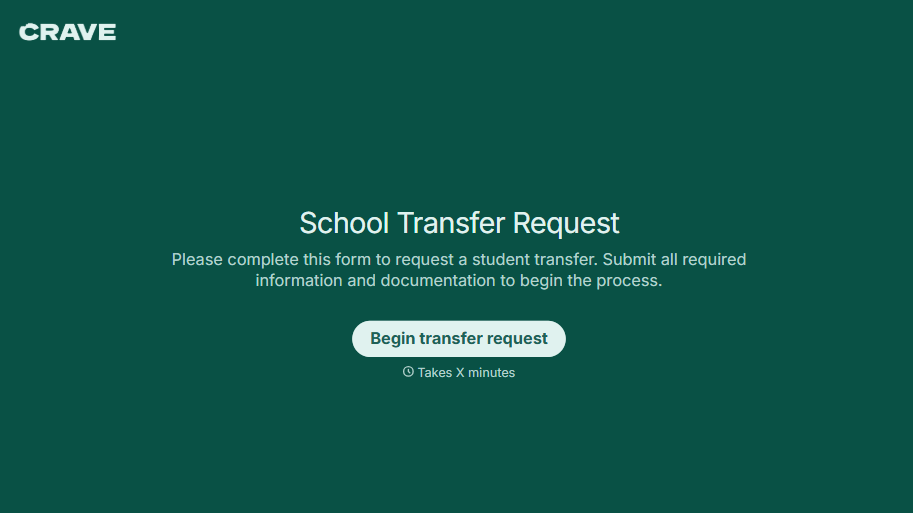
School Transfer Request Form
A transfer request dropped off at the district office isn't the kind of paperwork that gets processed before the semester it's meant for already started. Collect the student's information, reason for transfer, and supporting documentation upfront, so a request doesn't stall while the district follows up for a missing form.
View template
With Typeform, you can customize everything
Change text, colors, and even logos to match the look and feel of your brand. Then embed forms smoothly onto web and email.
Make forms feel effortless to fill out. Pace questions, call people by their name, and adapt the flow based on the data they share.
Stay efficient by connecting forms to your workflow. Typeform integrates with 300+ tools including Slack, Zapier, and HubSpot.


