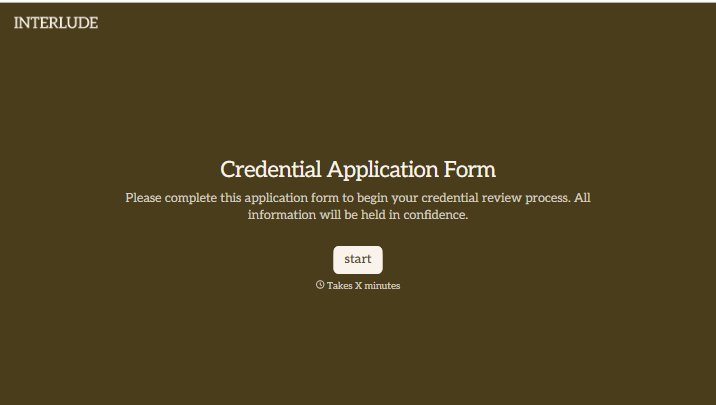
Credential Application Form
Give applicants a clear way to request a credential. Collect their qualifications, relevant experience, and supporting documents so your team can assess whether they meet your requirements.



An applicant sends a résumé, then forwards a certificate a few days later. Their reference details arrive in another email. Before anyone can assess the application, someone has to bring it all together. Typeform’s credential application form gives applicants one place to submit the information your review requires.
Applicants identify the credential they’re seeking, outline their qualifications, and attach supporting records. Tailor the questions to your eligibility criteria, with clear instructions about accepted documents and any relevant dates. If you handle both initial applications and renewals, show applicants the questions that apply to them.
Your team gets a consistent submission to review. Applicants get a clearer understanding of what they need to provide and what happens afterward. Keep receipt of the application separate from confirmation that the credential has been awarded.
A credential application form collects information from someone seeking a qualification, designation, or other recognition issued by an organization. It typically includes applicant details, relevant education or experience, and evidence required for review. The issuing organization uses it to assess applications against its criteria.
Supporting records are harder to review when they arrive across separate messages. A dedicated form keeps the application details and documents together. It also helps applicants understand the requirements and gives reviewers a consistent way to identify missing information.
Build the questions around your organization’s requirements:
- Applicant name and contact details
- Credential being requested
- Application type, such as initial application or renewal
- Relevant education, training, or experience
- Supporting certificates and other required records
- References or verification contacts, where needed
- Applicant declarations and required authorization
Explain which documents are accepted and include a separate section for the review outcome if the form also serves as an internal record.
List eligibility criteria, required documents, and any fees before the form begins. Use specific prompts so applicants know which qualifications or experience to include. For renewals, ask for the existing credential details and relevant updates rather than requiring applicants to repeat information your process doesn’t need.
No. Submission provides information for review; it doesn’t award the credential. Use the confirmation message to explain the assessment process, how requests for further information will arrive, and when applicants can expect a decision. Confirm approval and any conditions separately after the review is complete.
Get inspired by relevant templates and categories
3200+ Templates, 300+ Integrations


With Typeform, you can customize everything
Change text, colors, and even logos to match the look and feel of your brand. Then embed forms smoothly onto web and email.
Make forms feel effortless to fill out. Pace questions, call people by their name, and adapt the flow based on the data they share.
Stay efficient by connecting forms to your workflow. Typeform integrates with 300+ tools including Slack, Zapier, and HubSpot.


