Customer Satisfaction Survey Template
Capture customer ratings, specific feedback, and NPS scores right after an interaction, so your team acts on fresh satisfaction data before the experience fades.



Long post-purchase email surveys tend to arrive long after the experience has faded, and completion rates rarely reflect the full customer base. Generic questions produce vague answers teams can’t act on. Typeform's customer satisfaction survey gives businesses a focused, conversational way to collect specific feedback right after an interaction.
The survey captures satisfaction ratings, NPS score, feedback by touchpoint, and an open field for detailed comments. The one-question-at-a-time format makes providing feedback feel like a brief conversation, rather than a form customers have to power through. Conditional logic adapts the survey based on a customer's satisfaction rating. Low-scoring customers see follow-up questions about what went wrong, while high-scoring customers are prompted to share what they valued most.
Customize the touchpoints, rating scales, and follow-up questions to match your product, service, or customer journey stage. Send it right after a transaction, embed it on your post-purchase page, or trigger it through your CRM. Responses feed into your customer success platform via Zapier, so your team tracks satisfaction trends by touchpoint and time period. Every piece of feedback arrives in context, so your team can catch small issues before they turn into recurring problems.
A customer satisfaction survey collects ratings, feedback, and net promoter scores (NPS) from customers after an interaction with your product or service. It captures satisfaction ratings by touchpoint, what worked and what didn't, and a NPS. Businesses that run satisfaction surveys consistently build a baseline that shows where the customer experience is improving and where it's falling short.
Customers who have a poor experience rarely tell you; they just don't come back. Without structured feedback collected at the right moment, a business loses customers to avoidable issues it never knew existed. A customer satisfaction survey captures the experience while it's still fresh, before that customer decides whether to return.
Focus on specific, measurable aspects of the customer experience:
- Overall satisfaction rating (1–5 or 1–10 scale)
- Net Promoter Score (how likely are you to recommend us?)
- Specific touchpoint ratings (product quality, delivery, customer service, or value)
- What the customer valued most about the experience
- Open field for additional feedback or suggestions
Use Typeform's Opinion Scale field to capture your NPS question on a 0–10 scale. Pair it with conditional logic so respondents who give a low score automatically see a follow-up question about what would have improved the experience. This gives your team both the score and the qualitative detail to act on it, not just a number to report.
Connect it via Zapier so low scores trigger an automatic alert to the relevant account manager or support team. Your team uses contact details in the form to follow up—whether to resolve an issue or acknowledge the experience. Customers who hear back after a negative experience are more likely to give the business a second chance.
Get inspired by relevant templates and categories
3200+ Templates, 300+ Integrations
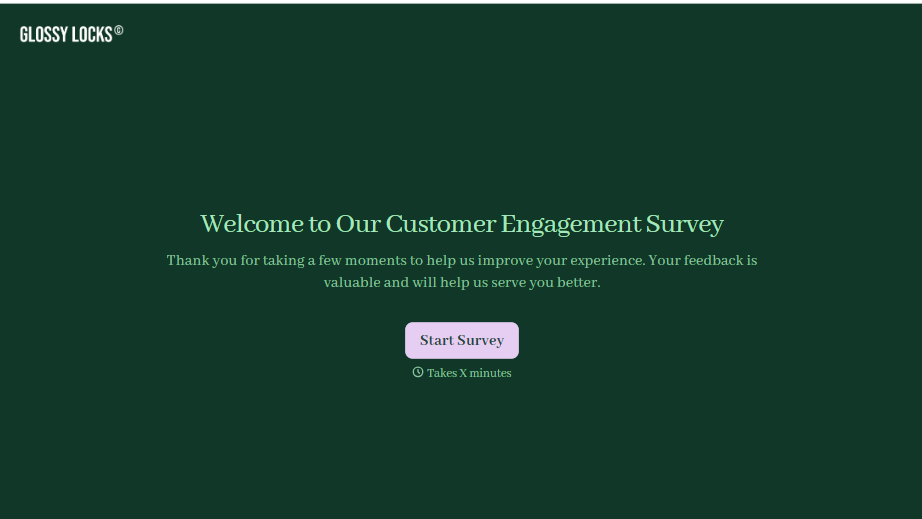
Customer Engagement Survey Form
A quarterly engagement survey blasted to the entire customer list, whether someone logged in yesterday or six months ago, gets back an average score nobody can act on. Ask the right question to the right customer, at the moment their actual behavior gives you something to ask about.
View template
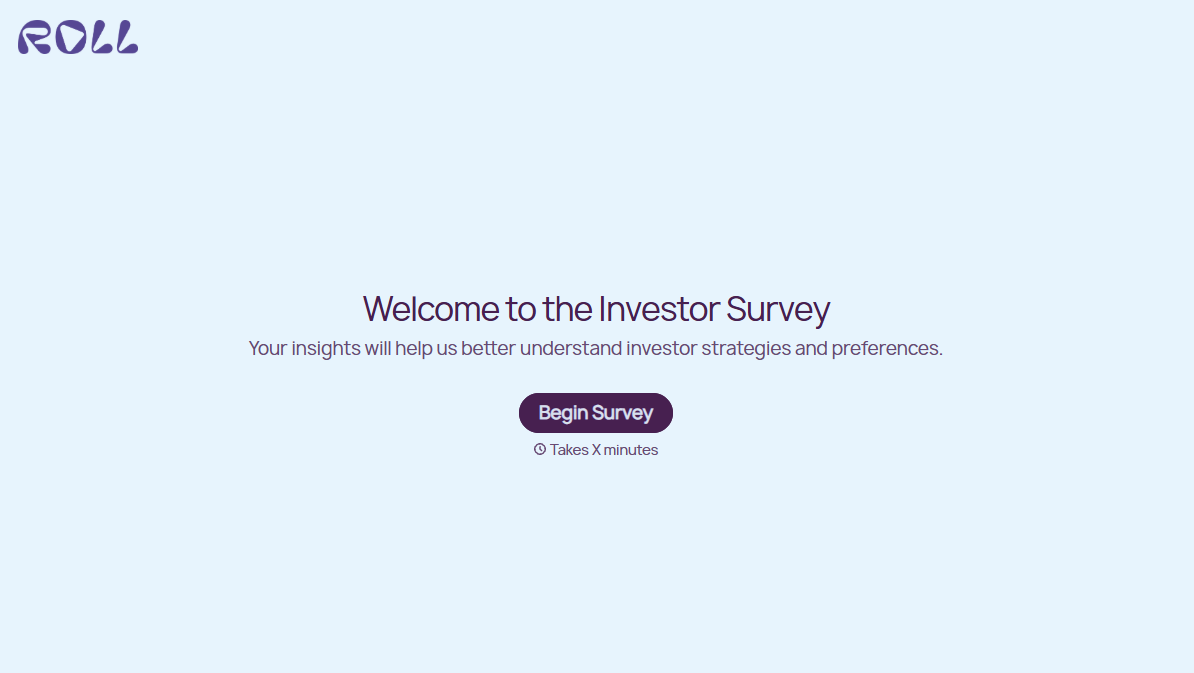

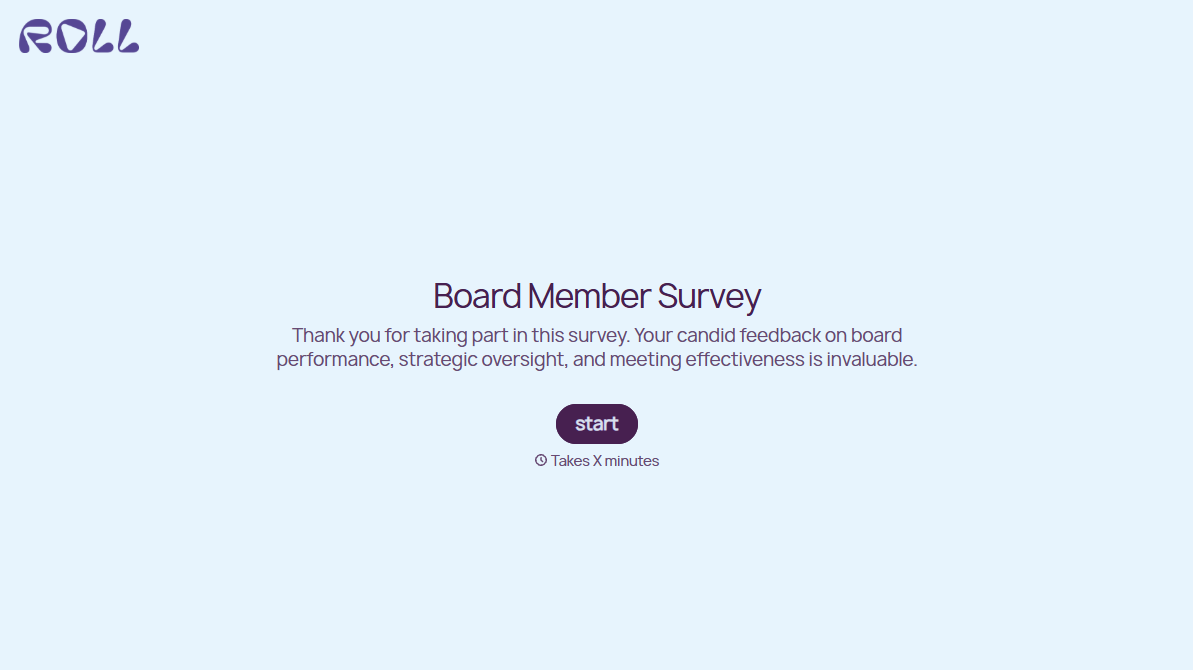
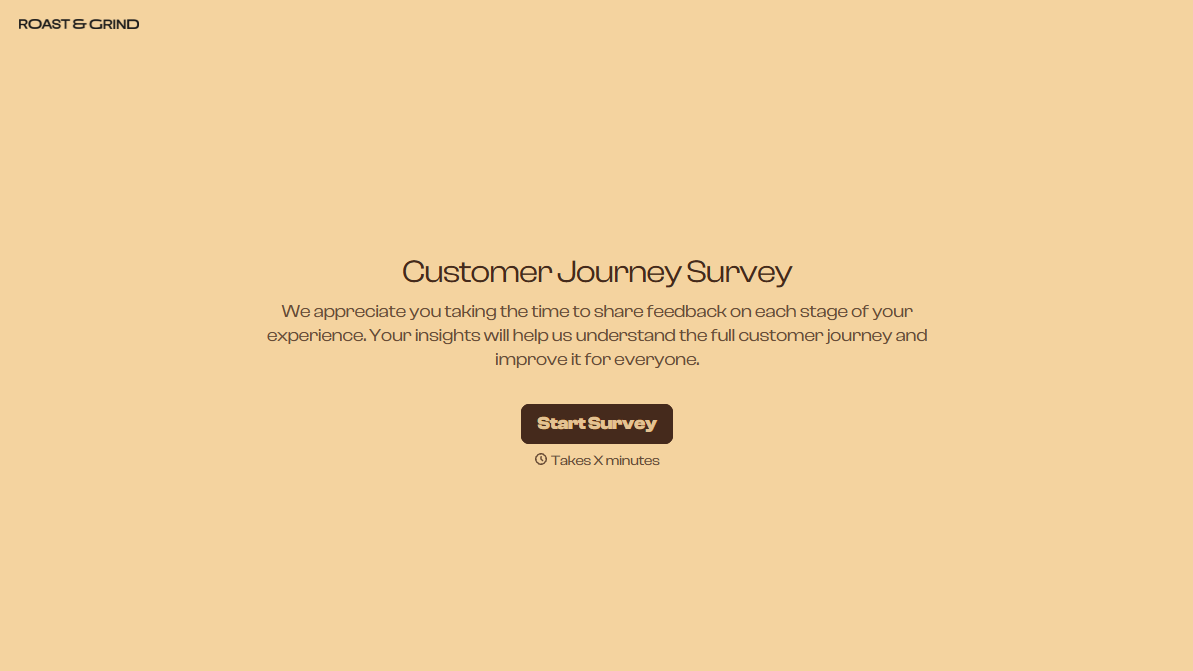
With Typeform, you can customize everything
Change text, colors, and even logos to match the look and feel of your brand. Then embed forms smoothly onto web and email.
Make forms feel effortless to fill out. Pace questions, call people by their name, and adapt the flow based on the data they share.
Stay efficient by connecting forms to your workflow. Typeform integrates with 300+ tools including Slack, Zapier, and HubSpot.


