Yes/No Questions Survey
Ask the questions that need a direct answer in one survey, so your team collects clean, decisive responses from every participant without sifting through open-ended replies.



Surveys with multiple-choice or open-ended questions collect more data than a screening or acknowledgment survey needs, and lower completion rates follow. If the answer to a question is simply, yes or no, a multi-question survey with open-ended questions may be overkill. Typeform's yes/no questions survey gives teams a fast, clean way to collect decisive answers without asking more than the question requires.
Each question uses Typeform's Yes/No format—a clean binary choice that removes text boxes, dropdowns, and ambiguous middle options entirely. Participants click their answer and move on immediately, so completion rates are significantly higher than text-heavy survey formats. Conditional logic adapts the survey based on each answer. A "no" answer triggers a follow-up question, while a "yes" keeps the participant moving through the survey.
Customize the questions, conditional follow-ups, and closing statements to match your screening, compliance, or research goals. Share it via email, post the link in Slack, or embed it in your onboarding or policy documentation. Responses log automatically in Google Sheets via Zapier, so your team tracks yes, no, and non-response at a glance. Every response is a clean data point your team can act on without sorting through open-ended answers.
A yes/no questions survey collects clear, binary responses to direct questions from a defined group of participants. This survey uses Typeform's Yes/No question type to present each question as a single, immediate choice without requiring text input. Teams that use this format for compliance checks, attendance confirmation, or screening get faster responses and cleaner data.
Survey data only moves things forward when it's specific enough to act on. Open-ended responses require interpretation before your team can act, and that interpretation introduces inconsistency. A yes/no survey produces data that's immediately actionable, with no interpretation step between the response and the follow-up.
The types of questions that work well include:
- Policy acknowledgments (Have you read and understood the updated guidelines?)
- Eligibility or screening questions (Are you over 18? Do you have a valid ID?)
- Attendance and participation confirmations
- Health or symptom screening questions
- Consent and opt-in questions
Connect conditional logic to any "no" answer so a short follow-up question appears automatically for the participant. A "no" on a training completion question surfaces a follow-up asking why, while a "yes" keeps the participant moving. This keeps the survey fast for most participants while capturing detail from the ones who need follow-up.
Connect it to Google Sheets via Zapier so every response and submission timestamp logs automatically by participant. Your team sees who responded and how, so follow-up reminders go to non-respondents only, rather than everyone. For compliance or acknowledgment surveys, this gives you a clean, auditable record of every response without manually tracking replies.
Get inspired by relevant templates and categories
3200+ Templates, 300+ Integrations
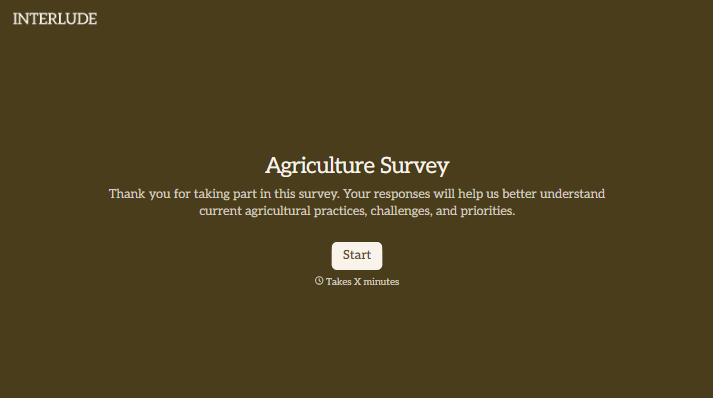
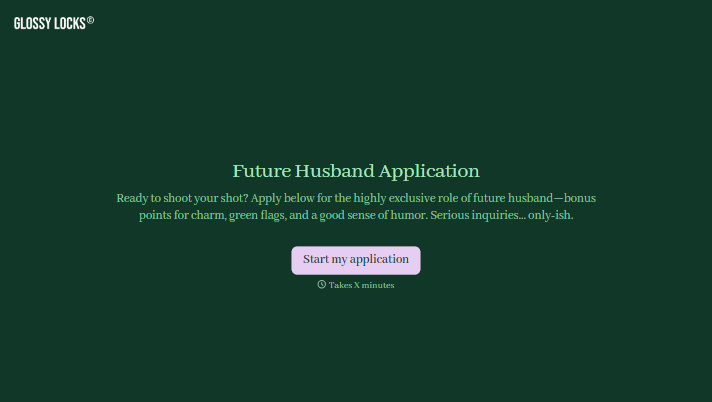
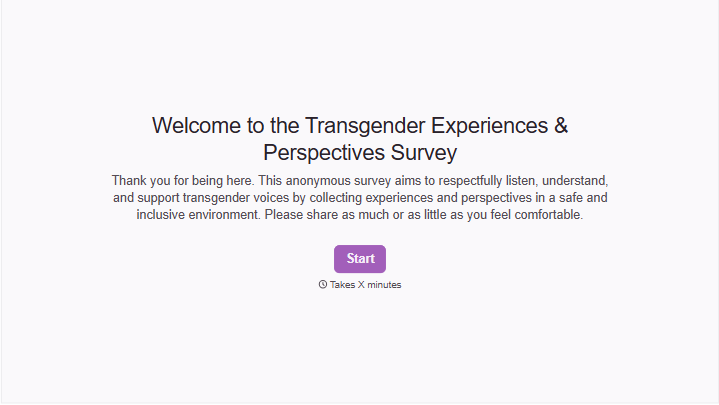
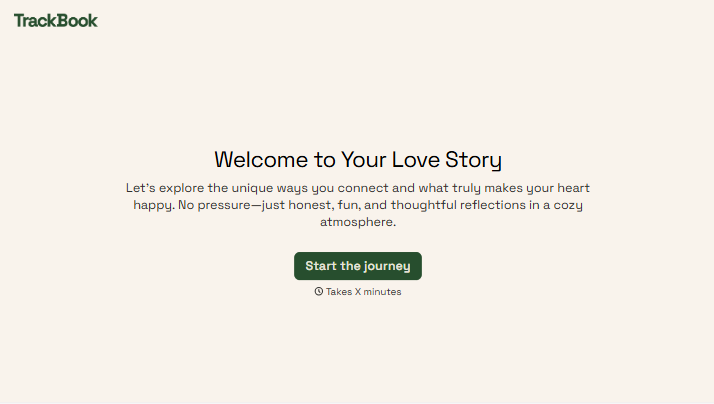
With Typeform, you can customize everything
Change text, colors, and even logos to match the look and feel of your brand. Then embed forms smoothly onto web and email.
Make forms feel effortless to fill out. Pace questions, call people by their name, and adapt the flow based on the data they share.
Stay efficient by connecting forms to your workflow. Typeform integrates with 300+ tools including Slack, Zapier, and HubSpot.


