Customer Service Satisfaction Survey Form Template
Find out how customers actually feel about their service experience so you can improve where it matters most.



Most customer service issues don't get escalated — they get quietly forgotten while the customer decides not to come back. If you're only hearing from the customers who complain loudly, you're missing the majority of the signal about where your service is falling short.
A Typeform customer service satisfaction survey captures feedback right after an interaction, when the experience is fresh. Customers rate their satisfaction, tell you what went well and what didn't, and indicate whether they'd return or recommend you. Conditional logic surfaces follow-up questions based on low ratings — if someone rates their experience poorly, the form asks what specifically went wrong, rather than jumping to a generic open-text box. That detail is what makes the feedback actionable.
Customize it with your service categories, agent or team identifiers, and any channel-specific questions. Trigger it automatically via email or SMS after each interaction.
A customer service satisfaction survey is a short questionnaire sent to customers after a service interaction. It measures how satisfied they were with the experience, identifies specific issues, and helps organizations track service quality over time.
Customer feedback is the most direct signal you have about where your service is meeting expectations and where it isn't. Without it, you're managing service quality based on complaints and assumptions rather than evidence.
Focus on the dimensions that drive actionable insights:
- Overall satisfaction rating (1-5 or 1-10 scale)
- Was your issue resolved today? (yes/no)
- How long did it take to resolve? (rating or multiple choice)
- What could have been improved? (open text)
- How likely are you to use our service again?
- Optional: Would you like to be contacted about your feedback?
3-6 questions is the sweet spot for post-interaction surveys. Longer surveys dramatically reduce completion rates. Focus on the metrics that are most actionable for your team — if you already track resolution rates separately, you don't need to duplicate that in the survey.
Review responses regularly and look for patterns rather than individual complaints. A single low rating might be an outlier; 20 people citing the same issue is a process problem. Share findings with your team in regular reviews, connect specific feedback to coaching opportunities, and track whether satisfaction scores move after changes are made.
Get inspired by relevant templates and categories
3200+ Templates, 300+ Integrations
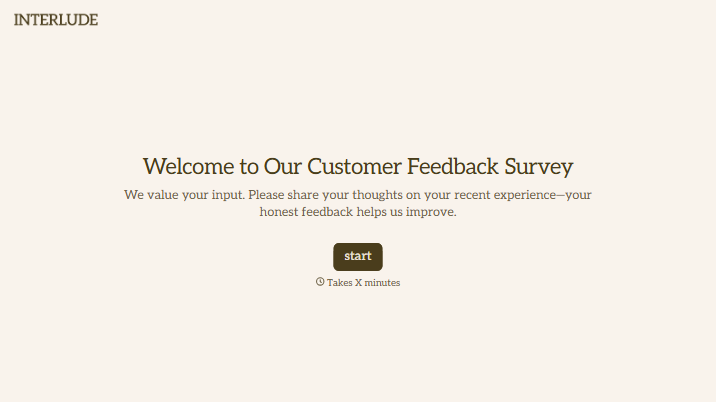
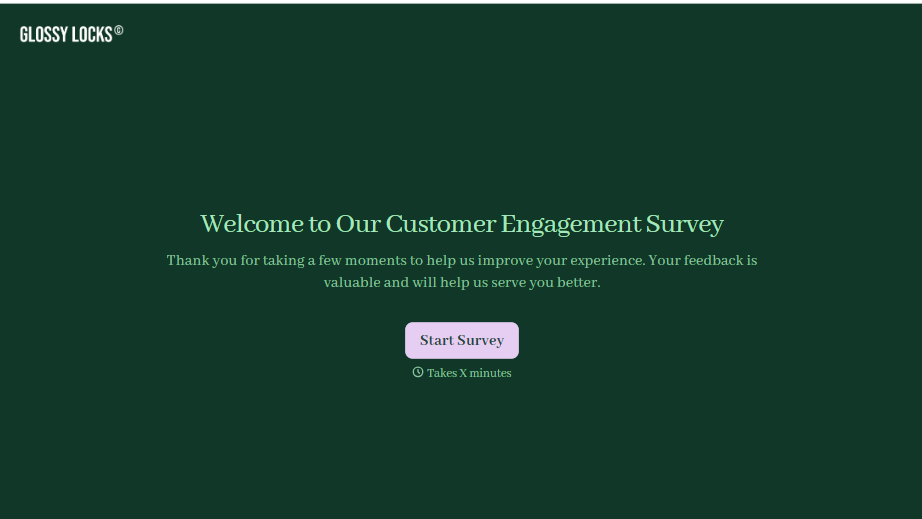
Customer Engagement Survey Form
A quarterly engagement survey blasted to the entire customer list, whether someone logged in yesterday or six months ago, gets back an average score nobody can act on. Ask the right question to the right customer, at the moment their actual behavior gives you something to ask about.
View template
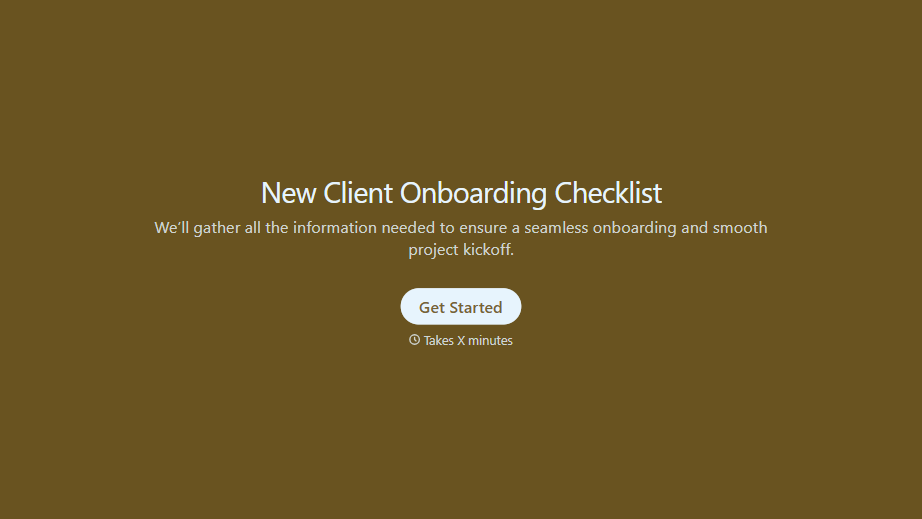
New Client Onboarding Checklist Form
A new client who's signed the engagement letter but never confirmed their billing entity, who's actually authorized to approve work, or where the invoice should go isn't onboarded, they've just signed something. Collect what your firm actually needs, contact and billing details, scope confirmation, a signed agreement, before the first invoice goes out.
View template

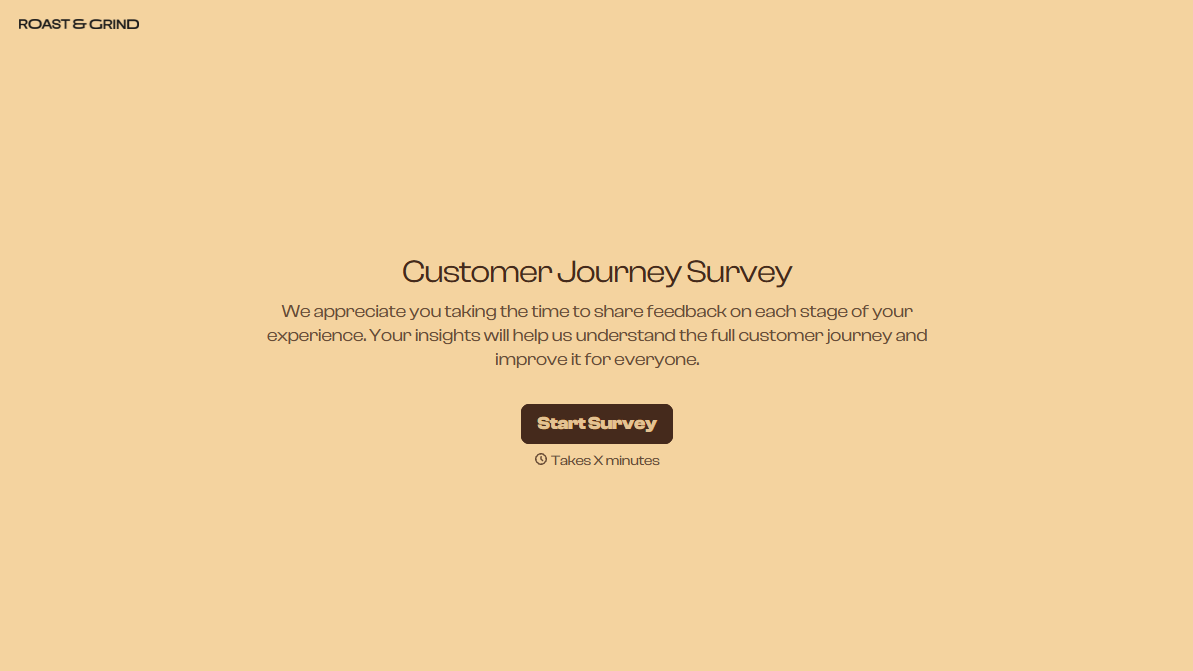
With Typeform, you can customize everything
Change text, colors, and even logos to match the look and feel of your brand. Then embed forms smoothly onto web and email.
Make forms feel effortless to fill out. Pace questions, call people by their name, and adapt the flow based on the data they share.
Stay efficient by connecting forms to your workflow. Typeform integrates with 300+ tools including Slack, Zapier, and HubSpot.


