Daily food log form
Give your clients a dedicated place to log every meal, snack, and drink, so you catch patterns early and adjust their plan before progress stalls.



Nutritionists and dietitians can only work with what clients actually report—and a verbal summary at the end of the week rarely reflects what someone ate on Tuesday. When food logs live on sticky notes or nowhere at all, the data isn't there when it matters. Typeform's daily food log form gives health coaches, nutritionists, and dietitians a structured way to collect accurate, daily food intake from clients in the moment.
This form captures meal type, food and drink consumed, portion size, hunger level before eating, mood and energy level, water intake, and any relevant notes—the full picture of what a client ate and how they felt when they ate it. The form moves through one question at a time, so logging a meal never feels overwhelming and takes less than two minutes. Conditional logic branches questions based on meal type—a snack entry captures different details than a full meal log.
Customize log fields to match your practice's nutritional framework or each client's specific health goals. Submissions connect to Google Sheets or Airtable via Zapier so intake data accumulates in one tracker that your whole team can access. Share the form via email or text so clients can log from any device, right after eating. Real-time logs tell you what actually happened, not what your client thinks they ate.
A daily food log form is a structured document used to record food and drink intake throughout the day. It captures meal type, foods and drinks consumed, portion sizes, hunger levels, mood, water intake, and any notes that add context to eating habits. It gives nutritionists, dietitians, and health coaches the accurate data they need to guide a client's nutrition plan.
Memory is an unreliable nutrition tool. Most people underestimate portion sizes and forget snacks entirely by the time a weekly check-in arrives. A structured daily log captures intake in real time, so the data actually reflects what a client ate rather than what they remember eating. Dietitians use it to identify patterns and deficiencies across the week, and health coaches use it to hold clients accountable between sessions.
Collect what you need and nothing more:
- Date and time of each meal or snack
- Meal type (breakfast, lunch, dinner, or snack)
- Foods and drinks consumed
- Portion size or quantity
- Hunger level before eating
- Mood and energy level
- Water intake for the day
- Notes on context (eating out, stress, skipped meals, etc.)
Send the form link via text or email at the same time each day. A nudge tied to a routine (after breakfast, before bed) is more likely to become a habit than an open-ended reminder. Keep the form short enough to complete in under two minutes, so logging never feels like a task clients need to prepare for. Conditional logic adjusts questions based on the meal type, so a quick snack log takes seconds while a full meal entry takes slightly longer.
Review submitted logs weekly and look for patterns across meal timing, portion sizes, hunger levels, and mood, not just what was eaten. A client who consistently logs low energy after lunch or high hunger before dinner is telling you something about meal composition or spacing that a food list alone wouldn't reveal. Connect submissions to a shared Google Sheet so data accumulates over time and trends become visible across weeks, not just on individual days.
Get inspired by relevant templates and categories
3200+ Templates, 300+ Integrations

Bank Reference Form
A reference request faxed to a bank branch and left sitting in a queue for weeks isn't the kind of turnaround a landlord or business can wait on. Collect the applicant's signed authorization and the specific details you need confirmed before the request even reaches the bank, so a decision isn't stuck behind a letter that hasn't come back yet.
View template

Bar Inventory Form
A bottle count eyeballed at the end of a shift and scrawled on a paper sheet doesn't hold up against a pour cost report that says something doesn't add up. Collect what your bar actually needs, item, count, and variance, on a schedule you can actually compare week to week.
View template


Equipment Inventory Form
Equipment that leaves a storage room in someone's arms, with no note about where it went, doesn't show up again until someone needs it and can't find it. Collect what your team actually needs, item details, condition, and who's got it, every time something moves.
View template

Nationality Verification Form
A self-certification buried in a stack of new account paperwork isn't the kind of record a compliance team can rely on for a regulatory filing. Collect nationality, tax residency, and a signed declaration before an account opens, so compliance isn't chasing down a customer's citizenship status after the fact.
View template
Maintenance Agreement Form
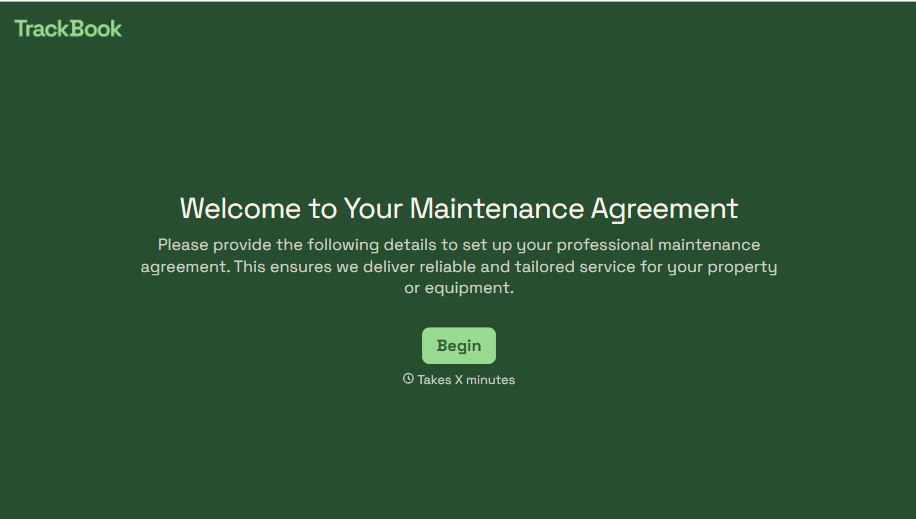
A maintenance plan agreed to over the phone isn't a contract your service team can actually work from, especially when nobody's sure whether the twice-a-year tune-up was part of the deal. Collect the equipment covered, service frequency, and a signed agreement before the first visit, so your team isn't guessing at scope once they're on-site.
View template
With Typeform, you can customize everything
Change text, colors, and even logos to match the look and feel of your brand. Then embed forms smoothly onto web and email.
Make forms feel effortless to fill out. Pace questions, call people by their name, and adapt the flow based on the data they share.
Stay efficient by connecting forms to your workflow. Typeform integrates with 300+ tools including Slack, Zapier, and HubSpot.


