Delivery Details Form
A gate code mentioned once over the phone doesn't make it into the driver's hands three deliveries later. Collect what your delivery team actually needs, address, access instructions, and delivery preferences, before the truck leaves for the day.



Delivery instructions tend to get passed along however a customer happens to mention them, a gate code given over the phone when the order was placed, a note typed into a text field that's easy to skip past, a comment left with whoever answered a customer service call. By the time a driver's actually at the address, none of that context necessarily made it into their hands, and a package gets left at the wrong door or a delivery gets attempted at a time nobody's home to receive it.
Typeform's delivery details form asks for what your delivery team actually needs, delivery address, access instructions, like a gate code or building entry, and delivery preferences, then uses conditional logic to branch from there. An order requiring a scheduled delivery window, furniture, appliances, can ask for available time slots, and a delivery to a business address can ask for a different set of details than a residential one. Every delivery's instructions land in one record instead of a note that may or may not reach the driver.
Connect the form to your logistics or dispatch software through Zapier, and a submitted form can attach itself to the right order automatically, so the driver sees the instructions before they're at the door instead of guessing once they get there. Ask for it at checkout or right after, and your delivery team shows up with what they need to actually get the package where it's supposed to go.
A delivery details form is an online form businesses use to collect a customer's address, access instructions, and delivery preferences before an order goes out. Instead of instructions relayed over the phone or buried in an order note, the driver has what they need before they arrive.
Instructions given over the phone or typed into a note field depend on someone reading and passing them along correctly, and a detail mentioned once tends to get lost by the time it actually reaches a driver. A form captures the same information in a place that travels with the order automatically.
Ask for what your delivery team will actually need to complete the delivery:
- Delivery address
- Access instructions, like a gate code or building entry
- Preferred delivery window
- Special handling notes
- Alternate contact, if the recipient won't be available
Not necessarily. The instructions still depend on the driver actually seeing and following them, and factors like weather or a route change can affect timing regardless of what's on file. Treat this as something that improves the odds of a smooth delivery, not a guarantee of one.
Yes. Add a file upload question and customers can attach a photo of a gate, an entry point, or another helpful reference in the same submission, no separate email required. Pair it with conditional logic so the upload only appears when access instructions actually call for one.
Get inspired by relevant templates and categories
3200+ Templates, 300+ Integrations



Nationality Verification Form
A self-certification buried in a stack of new account paperwork isn't the kind of record a compliance team can rely on for a regulatory filing. Collect nationality, tax residency, and a signed declaration before an account opens, so compliance isn't chasing down a customer's citizenship status after the fact.
View template
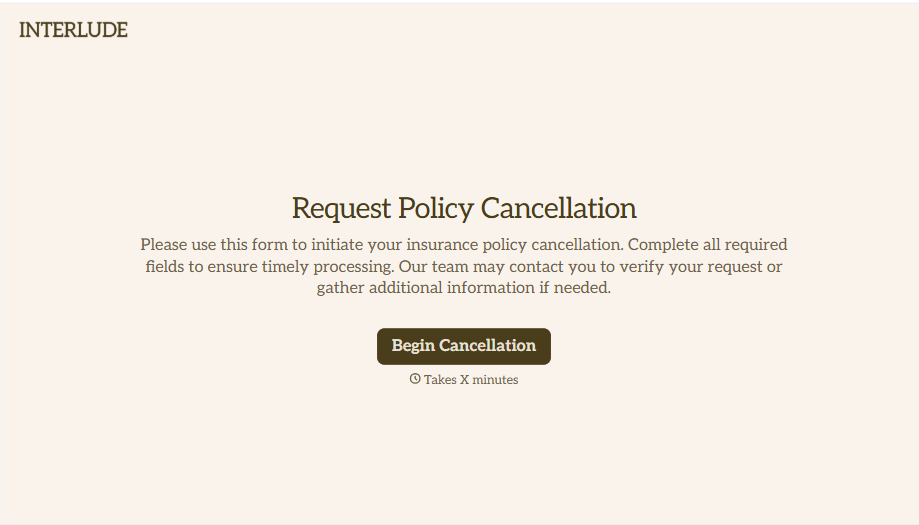
Policy Cancellation Form
A cancellation requested over the phone doesn't leave a clear record of exactly what date the policyholder actually asked for, and that date matters more than it sounds like it should. Collect what your agency actually needs, policy details, identity verification, and the requested effective date, before coverage actually ends.
View template
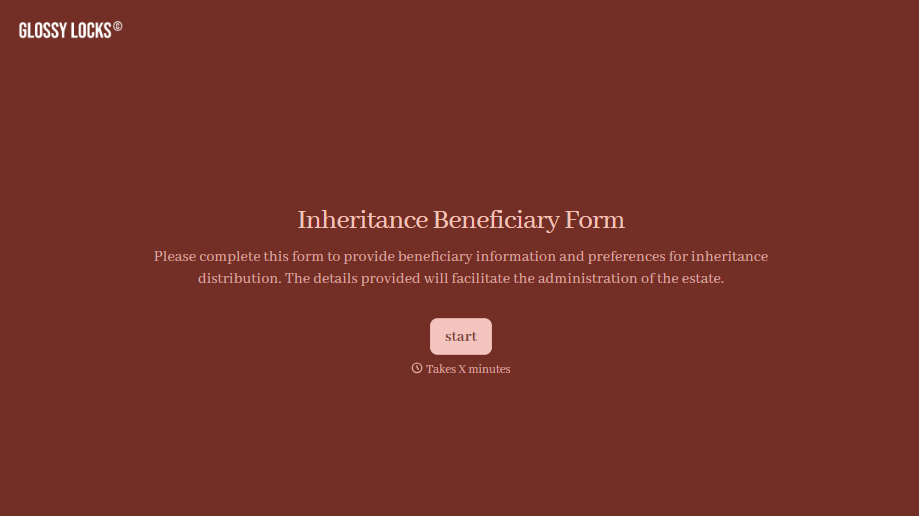
Inheritance Beneficiary Form
Asking a grieving family member for the same banking details across three different phone calls doesn't make settling an estate go any faster. Collect what your firm actually needs, beneficiary information, identification, and distribution details, in one submission instead of three calls.
View template
With Typeform, you can customize everything
Change text, colors, and even logos to match the look and feel of your brand. Then embed forms smoothly onto web and email.
Make forms feel effortless to fill out. Pace questions, call people by their name, and adapt the flow based on the data they share.
Stay efficient by connecting forms to your workflow. Typeform integrates with 300+ tools including Slack, Zapier, and HubSpot.


