New Client Onboarding Checklist Form
A new client who's signed the engagement letter but never confirmed their billing entity, who's actually authorized to approve work, or where the invoice should go isn't onboarded, they've just signed something. Collect what your firm actually needs, contact and billing details, scope confirmation, a signed agreement, before the first invoice goes out.



Right now, new client information lives across an intake call nobody wrote down, a signed PDF sitting in an inbox, and a message asking "wait, who's our point of contact again?" Work starts before anyone's confirmed the basics, and three weeks in, the first invoice bounces back because it went to the wrong billing contact.
Typeform's new client onboarding checklist collects contact and billing information, scope or engagement confirmation, and a signed agreement in one submission. The native signature question lets a client type, draw, or upload their signature and get a signed PDF back automatically, no separate e-signature tool required for a standard engagement letter. Conditional logic can route a business client to a different set of billing fields than an individual, and a file upload question collects a W-9, ID, or signed side agreement without a separate email thread.
Every onboarding lands in one record instead of scattered across email and paper. Connect the form to a CRM or invoicing tool through Zapier, and a completed checklist can create the client record, kick off a welcome sequence, or flag a missing signature before the account gets set up. Send it before the kickoff call, and the call starts on scope instead of spelling out a billing address.
A new client onboarding checklist form is an online form that collects everything a business needs to start work with a new client, contact and billing details, scope confirmation, required documents, and a signed agreement, in one submission instead of across an intake call, an emailed PDF, and a few follow-up messages.
An intake call gets notes typed into whatever app is open, and an emailed PDF sits in an inbox until someone remembers to file it. A form puts contact details, scope confirmation, and a signature in one record from the start, so nothing depends on someone writing it down correctly the first time.
Ask for what your team will actually need before work starts:
- Contact and billing information, including who's authorized to approve work
- Scope or engagement confirmation, so both sides agree on what's being delivered
- A signed agreement or engagement letter
- Required documents, like a W-9 or ID, collected through a file upload
- Preferred point of contact and communication channel
For many everyday business documents, like a standard engagement letter or service agreement, yes, Typeform's signature question captures a legally valid e-signature. It's not built for documents that require notarization, witnessing, or a specific statutory signing process, like real estate transfers, wills, or court filings. Whether a given agreement is enforceable depends on the document and jurisdiction, worth confirming with an attorney for anything higher-stakes than a standard engagement letter.
Yes. Add a file upload question and clients can attach a W-9, ID, or signed side agreement in the same submission, no separate email required. Pair it with conditional logic so the upload only appears for the client types that actually need it.
Get inspired by relevant templates and categories
3200+ Templates, 300+ Integrations
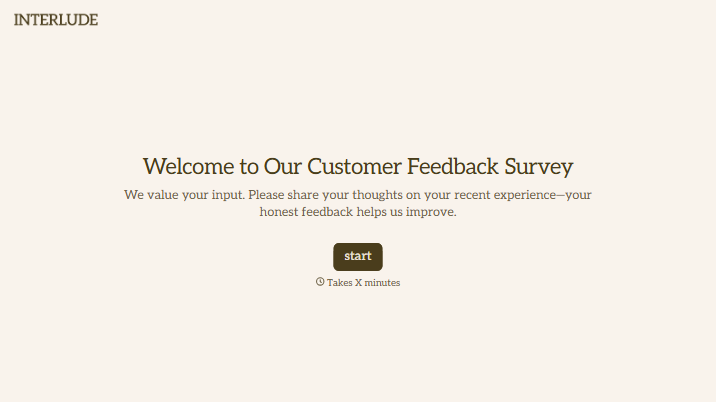
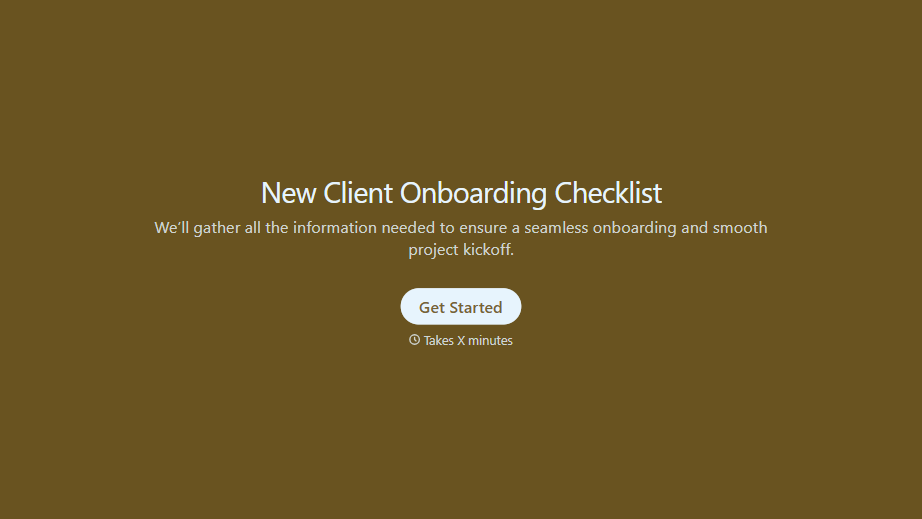
New Client Onboarding Checklist Form
A new client who's signed the engagement letter but never confirmed their billing entity, who's actually authorized to approve work, or where the invoice should go isn't onboarded, they've just signed something. Collect what your firm actually needs, contact and billing details, scope confirmation, a signed agreement, before the first invoice goes out.
View template
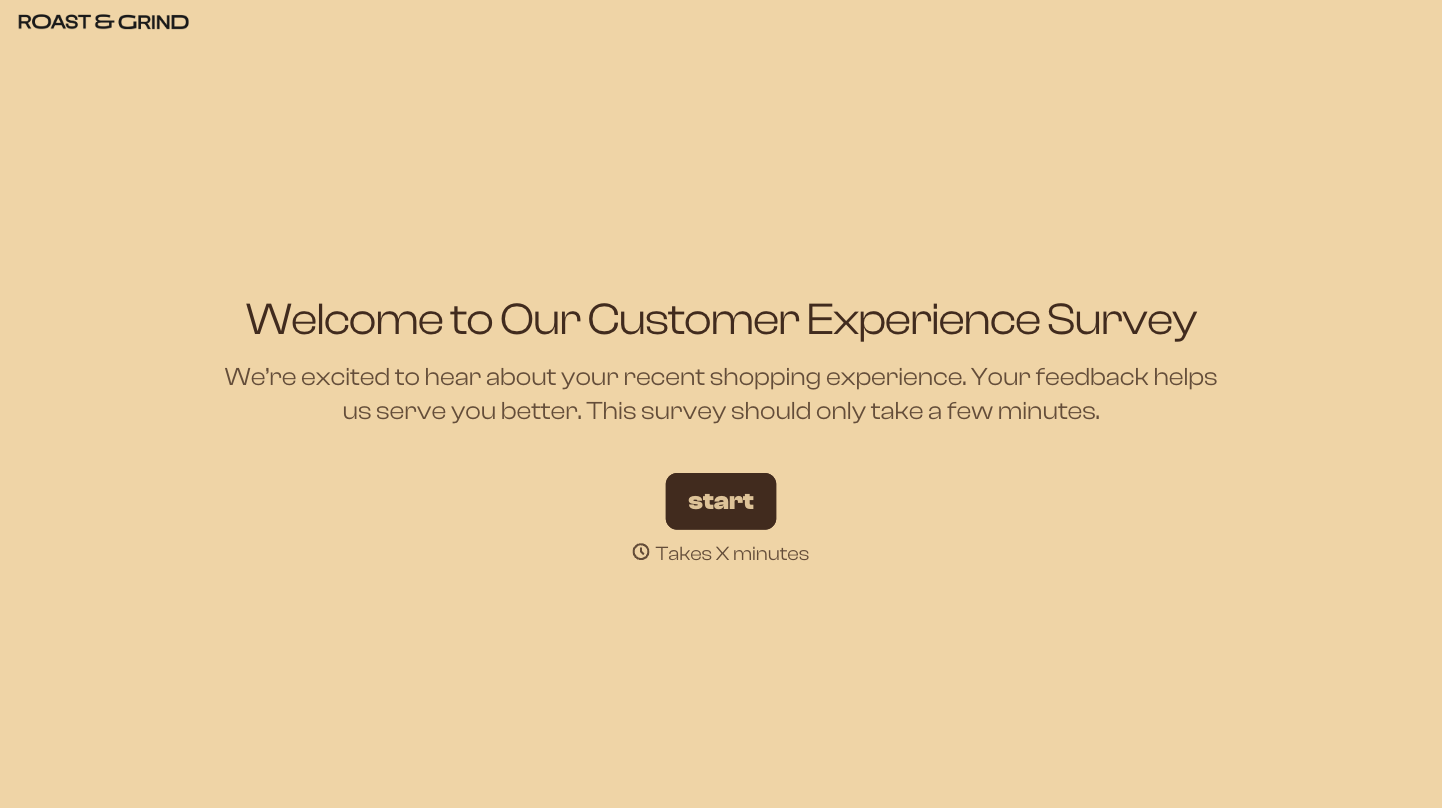
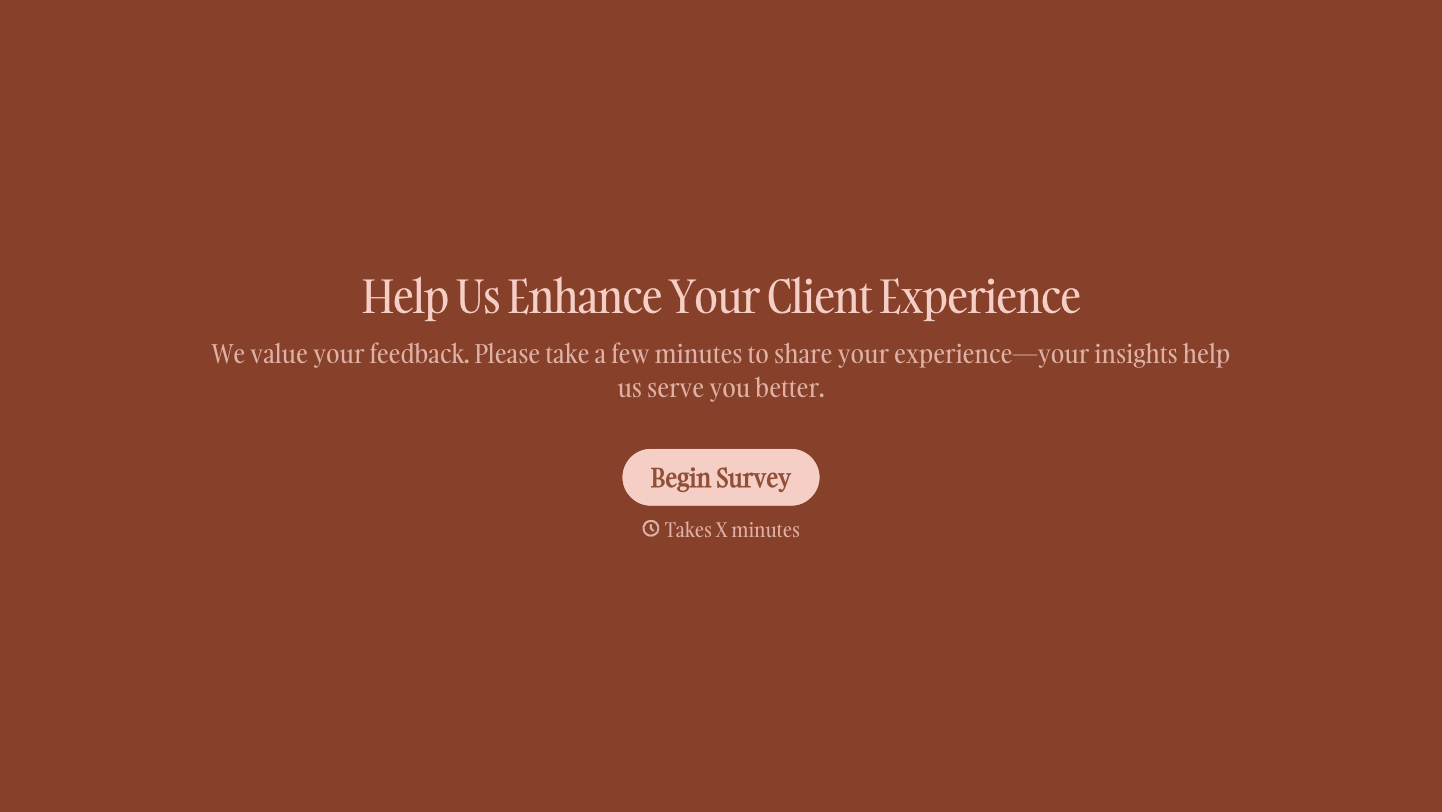

With Typeform, you can customize everything
Change text, colors, and even logos to match the look and feel of your brand. Then embed forms smoothly onto web and email.
Make forms feel effortless to fill out. Pace questions, call people by their name, and adapt the flow based on the data they share.
Stay efficient by connecting forms to your workflow. Typeform integrates with 300+ tools including Slack, Zapier, and HubSpot.


