Data Request Form Template
Give people a structured way to request data — and give yourself the information to respond quickly.



Data requests that arrive by email are easy to lose, hard to prioritize, and inconsistent to fulfill. A dedicated form gives requesters a clear path to submit what they need — and gives your data team the context to respond without back-and-forth.
The template captures the requester's name and role, the type of data being requested, the intended use, the desired format and timeframe, and any data segmentation or filtering requirements. You can add an approval field for managers to co-sign requests if your governance process requires it.
With all requests coming through one channel, your team can queue, prioritize, and track them efficiently. Connect the form to a project management tool or ticketing system to keep the workflow moving.
Internal teams like marketing, sales, finance, and product commonly request data sets. External data requests — like GDPR subject access requests — can also use a dedicated form, though you'd want a separate version with appropriate privacy language.
For consumer rights requests, create a separate form that captures the requester's identity, the type of request (access, deletion, portability), and their contact information. These require a specific response workflow governed by your legal team.
Yes. You can protect the form with a password or restrict access to specific email domains — useful if the form is for internal use only.
That depends on your team's capacity and the complexity of the request. For consumer rights requests under GDPR, there are legal deadlines (typically 30 days). Include an estimated turnaround note in your form's confirmation message.
Connect the form to a spreadsheet or project management tool where your team can mark requests as pending, in progress, or complete. This gives you a live view of the queue without manual status updates.
Get inspired by relevant templates and categories
3200+ Templates, 300+ Integrations



With Typeform, you can customize everything
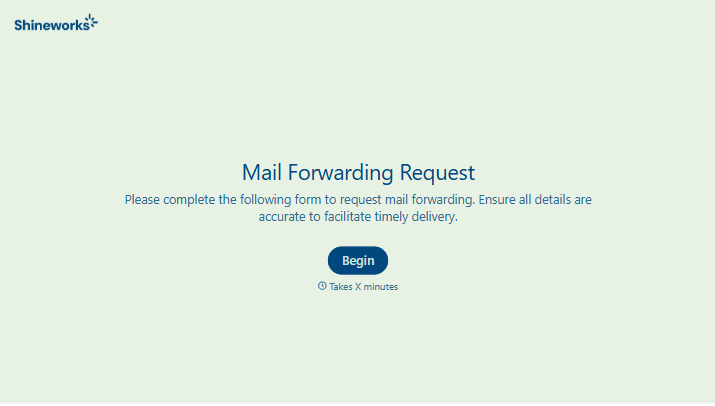
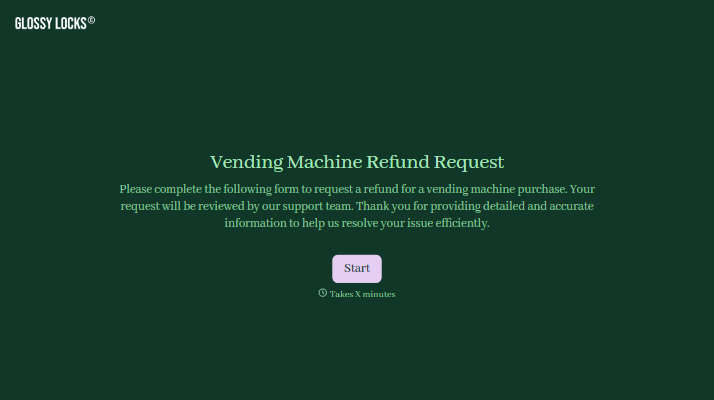
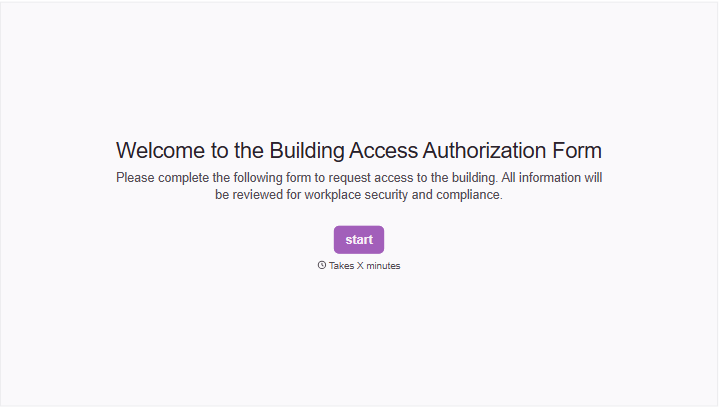
Change text, colors, and even logos to match the look and feel of your brand. Then embed forms smoothly onto web and email.
Make forms feel effortless to fill out. Pace questions, call people by their name, and adapt the flow based on the data they share.
Stay efficient by connecting forms to your workflow. Typeform integrates with 300+ tools including Slack, Zapier, and HubSpot.


