Daycare Cleaning Checklist Form
Make sure every room, surface, and task gets checked—and give your staff a cleaning record they can complete from any device.



Paper cleaning checklists get left on counters, filled in from memory, or skipped entirely when things get busy. When a licensing inspection happens and documentation is missing, that gap is hard to explain. Inconsistent records put your daycare facility's compliance—and your reputation—at risk.
Typeform's daycare cleaning checklist form gives staff a room-by-room checklist to complete in real time: diaper changing stations, high chairs, toys, restrooms, food prep areas, and shared surfaces—each with a required sign-off before the submission goes through. Conditional logic follows up when staff mark a task incomplete, prompting them to note the reason and expected resolution, so nothing gets buried. Customize cleaning frequency and room categories to match your facility's layout.
Connect submissions to Google Sheets so every completed checklist is timestamped and logged automatically. Share the form via QR code posted in each room so staff complete it on the spot, not from memory at the end of a shift. Every completed checklist is logged and ready the moment an inspector walks in.
A daycare cleaning checklist form is a structured digital record used to document cleaning tasks across a childcare facility. It captures which surfaces and areas were cleaned, who completed each task, when it was done, and any issues identified. It's documented proof that your facility meets health and safety standards every day, not just on inspection day.
Paper checklists can be filled in retroactively, go missing, or become illegible—none of which holds up under scrutiny. A digital form creates a timestamped, submitted record the moment each clean is completed. Staff can't submit without completing every required field, so gaps in the record reflect actual gaps in the cleaning, not a lost sheet of paper.
Cover every area and surface that affects the health and safety of children in your care:
- Classroom surfaces, toys, and learning materials
- Bathroom sanitization (toilets, sinks, floors, handles)
- Kitchen and food prep areas (counters, appliances, disposal)
- Nap and rest areas (cots, linens, floors)
- Outdoor play equipment and entry points
- High-touch surfaces throughout the facility (door handles, light switches, cubbies)
Use conditional logic to branch the form when a task is marked incomplete—staff are prompted to enter the reason, the expected completion time, and who is responsible for following up. That creates a paper trail for every gap without requiring a separate incident report. Supervisors can filter incomplete submissions in the connected spreadsheet and follow up directly.
Yes. Create separate forms for daily, weekly, and deep-clean tasks, and customize the room categories and task lists for each. Label them clearly so staff know which to complete and when. Connect all three forms to the same Google Sheet with a frequency tag on each submission, so your full cleaning history is in one place, regardless of which form was completed.
Get inspired by relevant templates and categories
3200+ Templates, 300+ Integrations
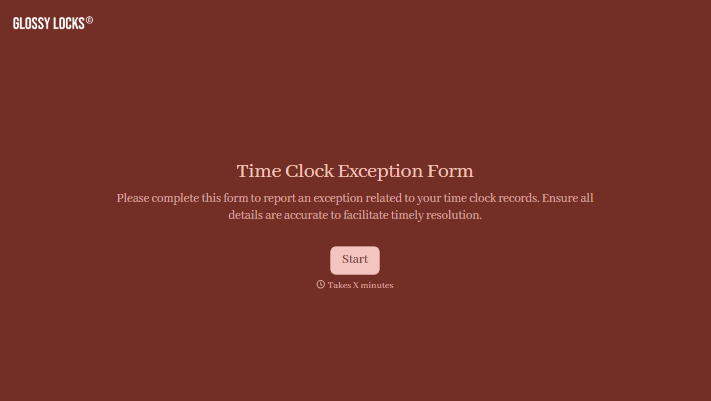

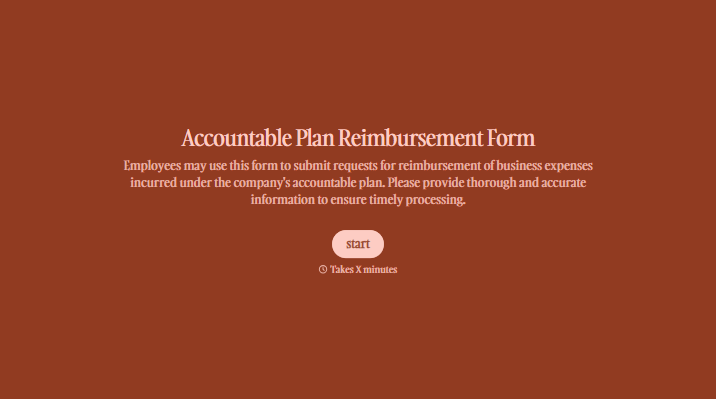
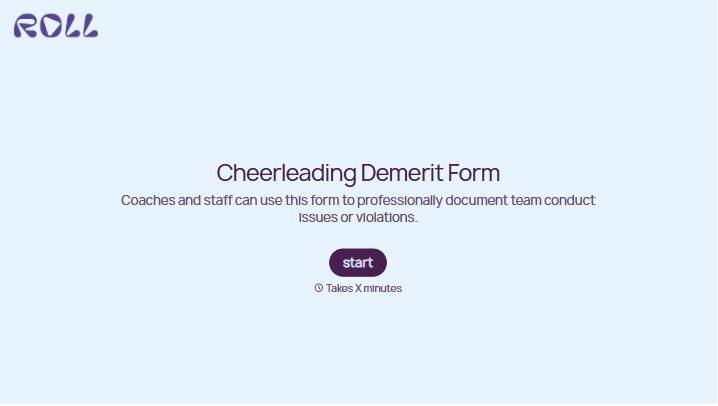
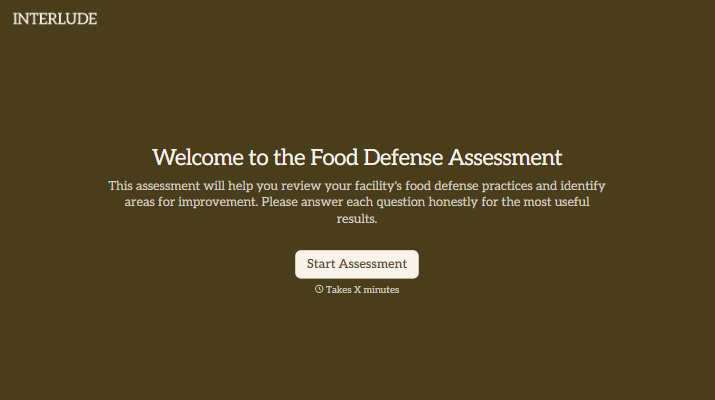

With Typeform, you can customize everything
Change text, colors, and even logos to match the look and feel of your brand. Then embed forms smoothly onto web and email.
Make forms feel effortless to fill out. Pace questions, call people by their name, and adapt the flow based on the data they share.
Stay efficient by connecting forms to your workflow. Typeform integrates with 300+ tools including Slack, Zapier, and HubSpot.


