Daycare Emergency Contact Form Template
Have the right contacts on file — so you can reach a family fast when it matters.



In an emergency, you don't have time to search for information. This form gives childcare centers a structured way to collect parent and guardian contact details, authorized pickups, and medical information for every child — before their first day.
The template covers the child's full name, date of birth, and any medical needs or allergies, the primary guardian's name and multiple contact methods, secondary contacts in order of priority, authorized pickup persons with relationship details, hospital preference, and the child's primary care physician.
Keeping this information current and accessible means your staff can act quickly and confidently when something unexpected happens — rather than waiting for a parent to call back.
At least annually. People change phone numbers, relationships evolve, and medical conditions develop. Send a reminder to update emergency contacts at the start of each year, semester, or program cycle. Use email integrations to automate these reminders so the task doesn't fall through the cracks.
Anyone the parent or guardian has explicitly authorized — grandparents, older siblings, family friends, other parents. The key is specificity: full name and relationship. A photo ID check at pickup protects children.
Allergies (especially severe ones and their treatment), current medications and administration instructions, any chronic conditions, and the child's pediatrician. For children with complex medical needs, require an attached care plan.
Include a field for custody notes and require parents to upload relevant court orders. Mark the child's file clearly to alert staff, and establish a protocol for handling disputed pickups.
Digital is better — it's legible, easy to update, and accessible in an emergency. A paper backup in the child's file is worth having for power outage scenarios, but the digital record should be the authoritative source.
Get inspired by relevant templates and categories
3200+ Templates, 300+ Integrations
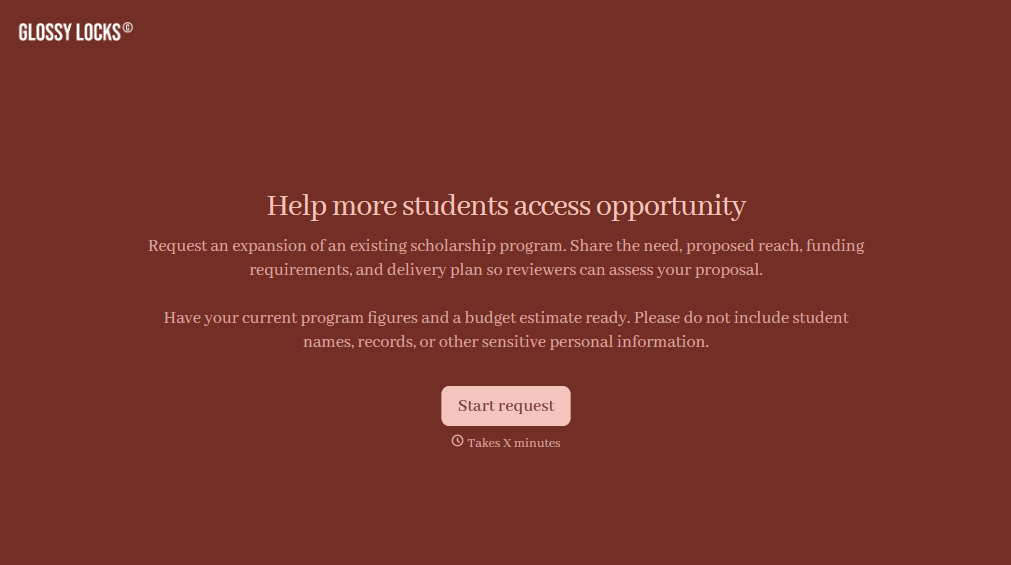
Scholarship Program Expansion Request Form
Give educational institutions and nonprofit organizations a straightforward way to request scholarship program expansions with a form that collects funding needs, proposed changes, and supporting information. Keep requests organized so program administrators can evaluate expansion opportunities, review budgets, and make informed decisions about increasing financial assistance for students.
View template

Golden Rule Award Form
Give organizations a simple way to recognize individuals who demonstrate kindness, respect, and compassion with a form that collects nominations, achievements, and examples of positive behavior. Keep submissions organized so your team can evaluate nominees and celebrate those who make a difference.
View template
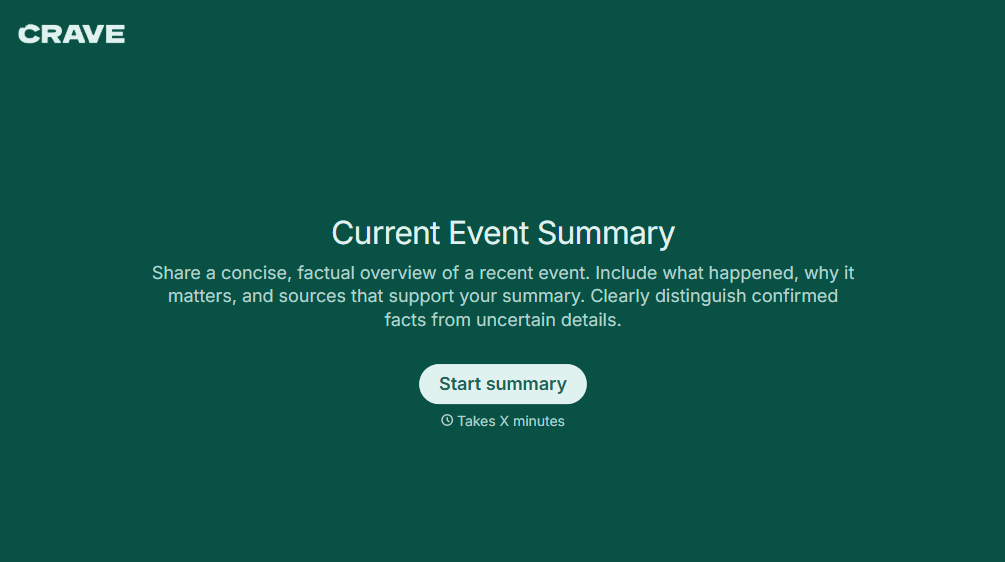
Current Event Summary Form
Give teachers, students, and educational organizations a straightforward way to document and analyze current events with a form that collects article details, key facts, and personal reflections. Keep summaries organized so educators can review student understanding, encourage critical thinking, and support meaningful discussions about local, national, and global news.
View template
With Typeform, you can customize everything
Change text, colors, and even logos to match the look and feel of your brand. Then embed forms smoothly onto web and email.
Make forms feel effortless to fill out. Pace questions, call people by their name, and adapt the flow based on the data they share.
Stay efficient by connecting forms to your workflow. Typeform integrates with 300+ tools including Slack, Zapier, and HubSpot.


