Dental Referral Form Template
Send patients to specialists with all the clinical details they need — no phone tag required.



A well-documented referral saves time for everyone. When a specialist receives a referral with complete patient history, current medications, and a clear reason for the visit, they can prepare properly and the patient doesn't have to repeat themselves. This form gives your front desk a consistent way to capture everything before the referral goes out.
The template collects patient demographics, insurance information, the referring dentist's details, the reason for referral, relevant clinical notes, X-ray attachments, and any urgency indicators. Fields are organized to match the intake process at most specialist offices.
Unlike a printed form or faxed PDF, this version is filled out digitally and can be sent directly to the receiving office or printed as a PDF on demand. That means fewer missing fields, faster turnaround, and a cleaner record for the patient file.
Patient name, date of birth, contact information, insurance details, the reason for referral, relevant clinical history, any diagnostic images, and the referring provider's name and contact.
Typically the referring office completes the clinical sections. However, you can design a version where patients fill in their demographic and insurance information, while clinical fields are completed by the dentist or staff.
Use the file upload field to allow your team to attach X-ray images or reports directly to the form submission. The receiving specialist gets the attachment alongside the referral details.
The form uses SSL encryption for data in transit. However, HIPAA compliance depends on your overall data handling practices — storage, access controls, business associate agreements, and your organization's security policies. Consult with your compliance officer to ensure your complete workflow meets HIPAA requirements.
Yes, using Typeform's hidden fields you can pass patient data from your practice management system via URL parameters, reducing double entry and the risk of transcription errors.
Get inspired by relevant templates and categories
3200+ Templates, 300+ Integrations
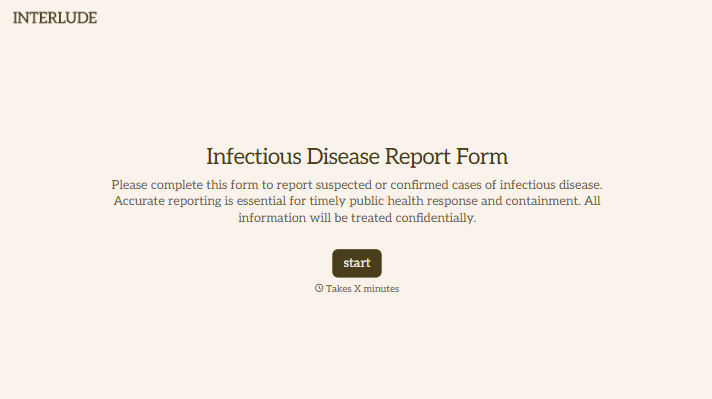

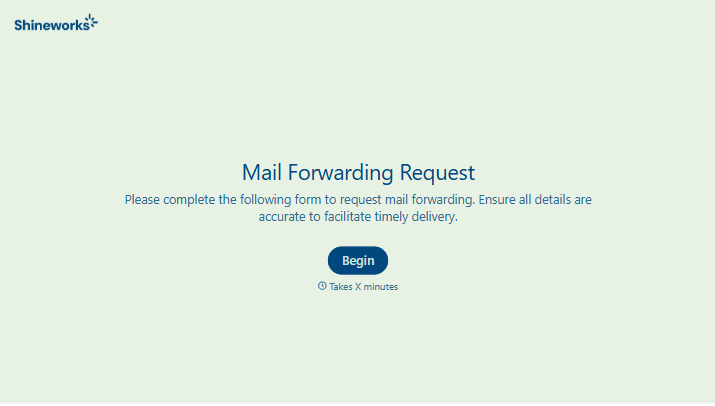
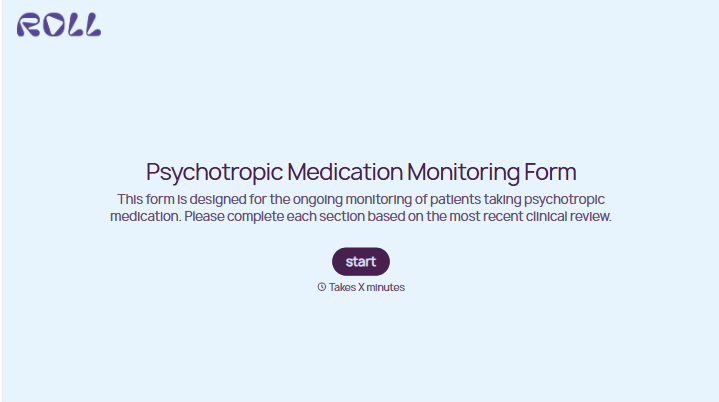
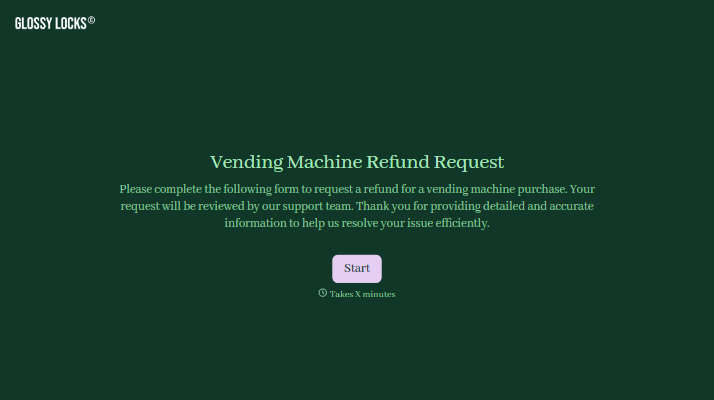
With Typeform, you can customize everything
Change text, colors, and even logos to match the look and feel of your brand. Then embed forms smoothly onto web and email.
Make forms feel effortless to fill out. Pace questions, call people by their name, and adapt the flow based on the data they share.
Stay efficient by connecting forms to your workflow. Typeform integrates with 300+ tools including Slack, Zapier, and HubSpot.


