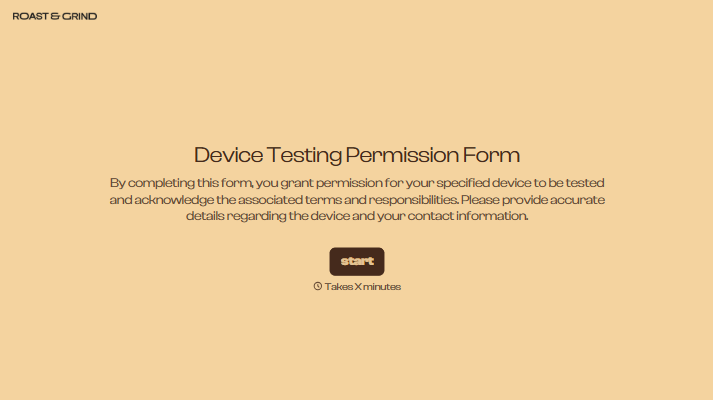
Device Testing Permission Form
Explain the proposed device tests and collect permission before work begins. Record the device, agreed testing scope, and any restrictions so your team knows what the owner has authorized.



A customer hands over a laptop to investigate a charging problem. They expect a battery check, but your team may also need to run software or access settings. Permission to look at a device can mean different things to each person. Typeform’s device testing permission form gives you a place to make the proposed work clear.
Identify the device, describe the tests, and explain any expected changes or relevant risks. Owners can record restrictions and provide contact details for questions during testing. If additional work may be needed, explain how you’ll request further approval.
Your team gets a record of the agreed scope. Owners get a clearer understanding of what will happen to their device. When a test points to work outside that agreement, you have a clear reason to pause and discuss the next step.
A device testing permission form records an owner’s or authorized person’s agreement to specified tests on a device. It identifies the equipment, describes the proposed testing, and documents any restrictions. Repair teams, technical support providers, and testing services use it to clarify permission before starting work.
A request to “find out what’s wrong” can leave the scope unclear. A permission form helps you explain which checks you plan to perform and whether they involve access to settings or stored information. It also gives the owner a place to raise concerns before testing begins.
Include the details needed to connect the permission to the device and proposed work:
- Owner or authorized representative’s name and contact details
- Device type, make, model, and identifying reference
- Reported issue or purpose of testing
- Tests proposed and expected duration
- Any access to settings or data required
- Relevant risks, including possible changes or data loss
- Owner restrictions and excluded activities
- Process for approving additional work
- Permission statement and date
Describe only the tests you actually intend to perform, with enough detail for the owner to understand them.
Use familiar language and explain what each test involves. “Check whether the battery holds a charge” is clearer than an unexplained diagnostic term. Put important details about data access or changes before the agreement field, and provide a way to ask questions. Avoid asking owners to submit passwords through the form.
Only if those activities are explicitly included in the agreement. Keep testing permission distinct from approval for repairs, purchases, or actions that erase information. If your findings require work outside the original scope, explain the proposed action and collect additional permission before proceeding.
Get inspired by relevant templates and categories
3200+ Templates, 300+ Integrations
With Typeform, you can customize everything
Change text, colors, and even logos to match the look and feel of your brand. Then embed forms smoothly onto web and email.
Make forms feel effortless to fill out. Pace questions, call people by their name, and adapt the flow based on the data they share.
Stay efficient by connecting forms to your workflow. Typeform integrates with 300+ tools including Slack, Zapier, and HubSpot.


