Doctor Referral Form Template
Send patients to specialists with the clinical context they need — before the appointment.



A specialist receives dozens of referrals a week. The ones that include complete patient history, the reason for referral, and relevant test results get prioritized and prepared for properly. This form gives referring physicians a structured way to send that information.
The template covers patient demographics and insurance, the referring physician's details, the specific reason for referral, relevant medical history, current medications, recent diagnostic results, any urgency indicators, and an attachment field for reports or imaging.
When the receiving specialist gets the full picture, they can prepare appropriately, the patient doesn't repeat their history from scratch, and the consultation is more productive for everyone.
The reason for referral, relevant diagnosis and history, current medications and allergies, recent lab or imaging results, and any prior specialist consultations related to the current concern.
For urgent referrals, same day. For routine referrals, within 1 to 2 business days of the patient's visit. Delays between the decision to refer and the actual referral documentation affect care continuity.
The clinical sections should be completed by the referring provider. However, patient demographic and insurance information can be pre-populated from intake, reducing the documentation burden at the time of referral.
Notify the patient at the time the referral is made and confirm the specialist's contact information. Many patients benefit from being given the referral information directly so they can schedule without waiting for a call.
Yes. Referral communications that include patient health information are subject to HIPAA. Use secure transmission methods and ensure your technology platform has appropriate security controls for protected health information.
Get inspired by relevant templates and categories
3200+ Templates, 300+ Integrations
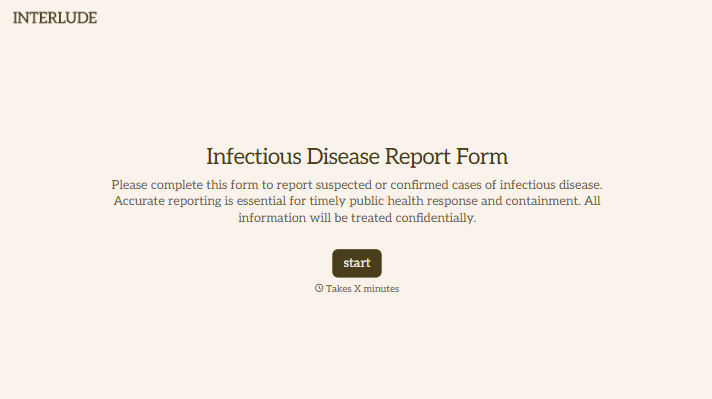

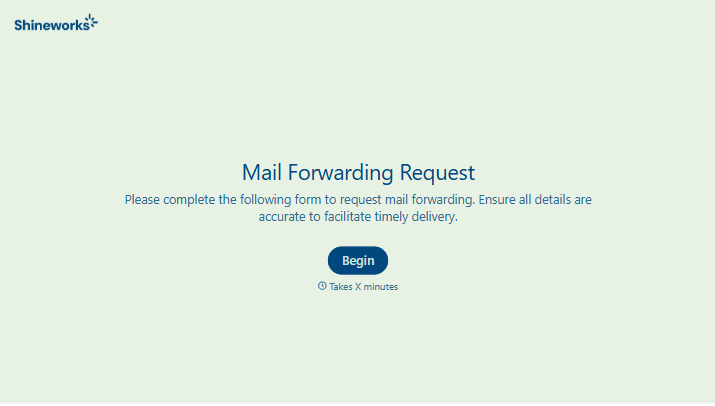
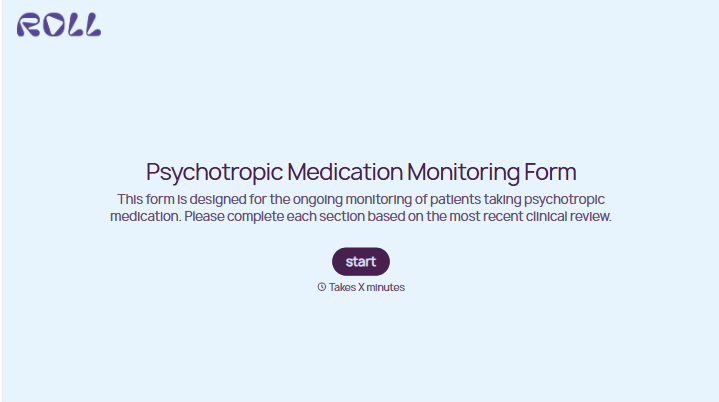
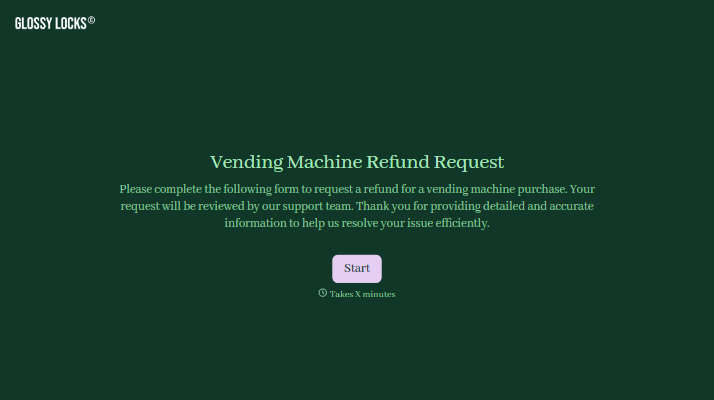
With Typeform, you can customize everything
Change text, colors, and even logos to match the look and feel of your brand. Then embed forms smoothly onto web and email.
Make forms feel effortless to fill out. Pace questions, call people by their name, and adapt the flow based on the data they share.
Stay efficient by connecting forms to your workflow. Typeform integrates with 300+ tools including Slack, Zapier, and HubSpot.


